It is incredibly annoying when you plug in your tablet, and nothing happens. You might see a not charging warning or just a dead black screen that refuses to wake up. Most people panic and think the device is a total loss, but we often find the fix is much simpler than a full replacement. iPad charging issues usually fall into a grey area between software glitches and actual physical wear and tear. At CellTech, we take a step-by-step look at the hardware to figure out why the power isn’t flowing before we suggest any major repairs.
The Not Charging Warning: What Your iPad Is Telling You
That Not Charging alert in the top corner is actually a safety feature. It usually means your ipad pro, air, or mini is detecting electricity,y but not enough of it to safely fill the battery. Your power management unit (PMU) is basically rejecting the power source to protect the sensitive logic board from a surge. We often see this when people use low-wattage phone blocks or old usb ports on a laptop. If the ipados alerts are triggered, it is the system’s way of saying the current is too weak for a tablet-sized battery.
Software Glitches vs. Hardware Failure Causing iPad Charging Issues
Not every charging problem involves a broken part. Sometimes the software that handles the battery just hangs, which makes it look like the hardware died. This is why we almost always start with a soft-reset or a hard reset to kickstart the sensors. By cycling the power button and volume keys until the apple logo pops up, you can sometimes clear the system freeze that stops charging. However, if a system reset does not solve the issue, the problem is likely a physical one with the tristar chip or the battery itself.
Inspecting the Charging Port for Physical Obstructions
In our repair centers, the most common fix is surprisingly low-tech. Lint and dust get packed into the charging port every time you put the iPad in a bag or a case. Eventually, this debris forms a barrier that stops the usb-c or lightning pins from touching the cable properly. You might think you need a charging port replacement, but a professional cleaning is often all it takes. Whatever you do, do not poke it with a needle or a paperclip; you will likely cause a short circuit. We use compressed air and non-conductive tools to safely clear the port.
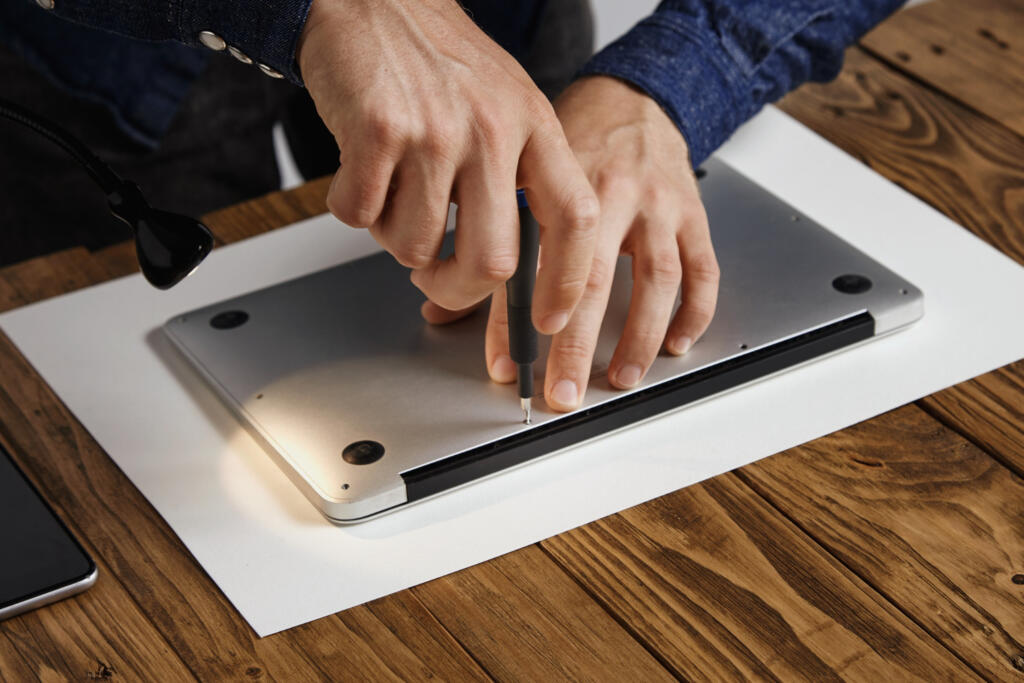
Advanced Hardware Issues
If cleaning doesn’t work, we have to look at microsoldering and component health. A failing U2 IC or charging ic can mean the ipad has no idea a cable is even plugged in. Also, if your battery cycle count is very high, the cell might be too chemically aged to accept a new charge. Our team at CellTech uses specialized professional tools to test the power delivery (PD) and check for internal shorts. Dealing with these parts requires a steady hand to avoid esd (electrostatic discharge) damage to the rest of the board.
Why Professional Repair is Safer for Your iPad’s Longevity
Ipads are held together with very strong adhesive, which makes diy repairs a nightmare. One wrong move with a pry tool and you can snap a screen cable or puncture the lithium-ion battery. Bringing it to us means you get a CellTech guarantee and a real warranty on the fix. We use high-quality replacement parts and perform full diagnostic testing to make sure the repair actually lasts. It is more cost-effective to have a professional fix it correctly the first time than to try a risky home repair that ends up breaking the screen too. Fix your iPad charging issues with a professional diagnostic today.
Frequently Asked Questions
Why does my iPad only charge if I wiggle the cable?
This usually means the solder joints inside the charging port are starting to break. It could also be that the internal pins are bent. It is best to fix this early before it snaps off and stops charging entirely.
Can a cheap charging cable actually break my iPad?
Yes, it can. Non-certified cables lack the chips that regulate voltage. A sudden spike from a cheap cable can fry the tristar chip on your logic board, leading to an expensive repair.
My iPad is hot and won’t charge. What happened?
The iPad has thermal sensors that stop the battery from charging if the ambient temperature is too high. This prevents the battery from swelling. Take it out of the case and let it cool down.
What if my iPad shows it is charging, but the percentage stays at 1%?
This is a classic sign of a starving battery or a failing charging ic. The tablet sees the power but can’t actually push it into the battery cells. A professional diagnosis is needed here.
Is a charging port repair expensive?
It is much more affordable than buying a new iPad. Most port repairs are straightforward for our technicians and can save you from having to replace an otherwise perfectly good tablet.