

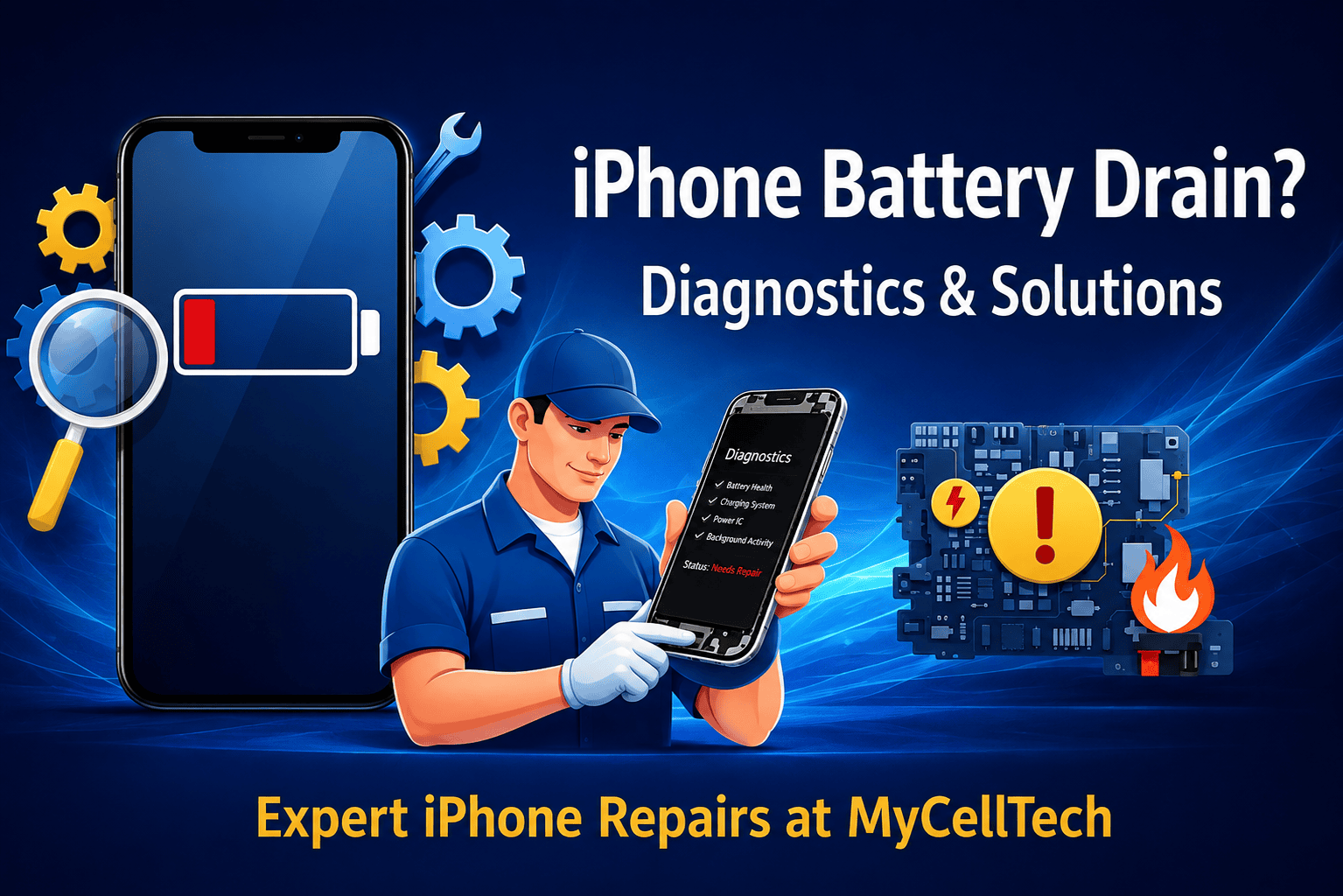
Nothing is more frustrating than watching your phone’s percentage drop while it’s just sitting in your pocket. Most users assume the hardware is failing the moment their device stops lasting a full day, but the reality is usually more complex. iphone battery drain often comes down to an invisible tug-of-war between your software settings and the actual chemical health of the battery cell. At CellTech, we see this every day in our repair centers. We believe in taking a diagnostic-first approach, so you aren’t just guessing what the problem is.
The Science of iPhone Battery Degradation
The lithium-ion technology inside your phone isn’t permanent. It relies on a chemical reaction that naturally degrades every time you plug it in. Most apple batteries are rated for about 500 full charge cycles before you really start to notice a drop in performance. As that chemical aging sets in, the battery struggles to provide consistent voltage, especially when the phone tries to do something power-intensive like opening the camera app. This is often why a phone might suddenly shut down even if it shows 20% remaining. When your maximum capacity dips below 80%, ios starts managing performance to prevent these crashes.
Software Culprits Causing iPhone Battery Drain.
Our team has noticed that software is frequently the hidden cause behind rapid power loss. Constant background app refresh and aggressive push notifications force your cpu to wake up hundreds of times throughout the day. This creates a steady iphone battery drain that feels like a hardware defect but is actually just a settings issue. You can check this yourself by looking at your battery usage by app; if something you barely use is eating 20% of your power, that’s your culprit. Adjusting these small background tasks can often add hours back to your daily runtime without ever opening the device.
When Hardware Issues Require Expert Repair
Sometimes, a software reset simply is not enough to resolve the issue. We often find that using cheap, non-certified charging cables can actually damage a specific chip on the logic board known as the tristar or u2 ic. This tiny component regulates the power flow, and if it’s faulty, it will pull a massive amount of current even when the phone is idle. Physical problems like liquid damage or thermal expansion can also cause a direct short circuit. If your device feels hot to the touch while you are not even using it, that is a major red flag that the hardware needs a professional look.
Professional iPhone Battery Replacement at CellTech
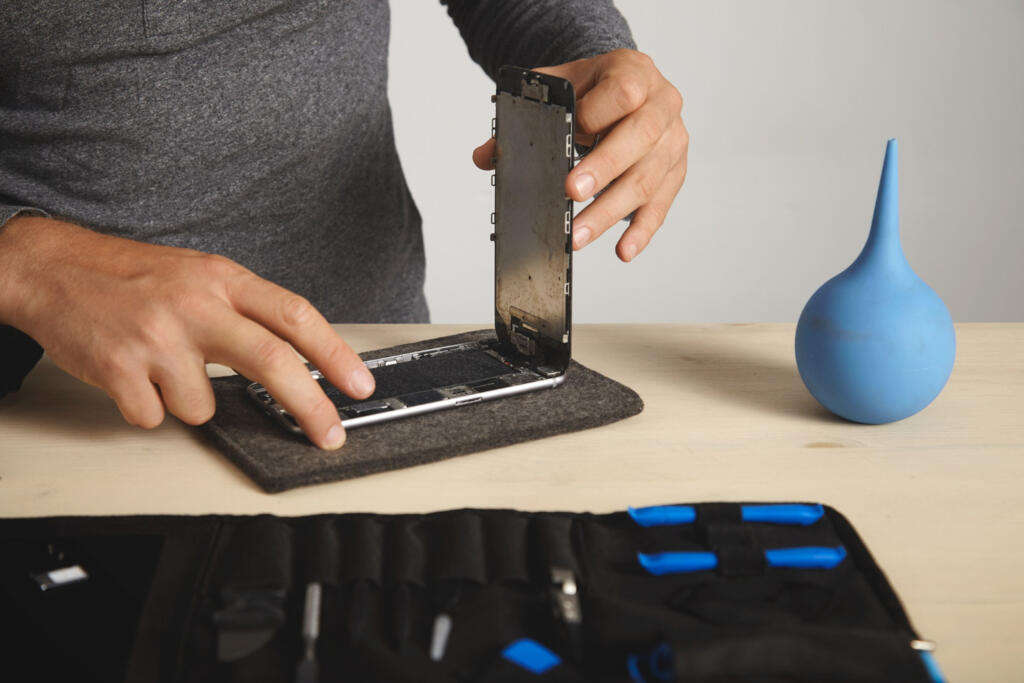
When the diagnostics show that the cell has simply reached its limit, a professional replacement is the only way to get that new phone feeling back. We handle these repairs using high-quality replacement parts, so you don’t have to worry about compatibility issues or generic warnings in your settings. Our technicians are trained to manage the delicate adhesive seals and the battery calibration needed for ios to track battery health accurately. Choosing CellTech means your repair is backed by a 90-day warranty and experienced technicians.
Trust CellTech to diagnose and resolve your iPhone battery drain and restore your device’s health today.
Frequently Asked Questions
How can I tell if my battery needs a professional replacement?
Check your settings under Battery Health. If the maximum capacity is under 80% or you see a service warning, the cell is likely chemically aged and needs replacing to restore full power.
Does a screen repair affect my battery life?
Generally, it shouldn’t. However, if a screen was damaged by a swollen battery pushing against it, both might need attention. A quick check at CellTech can confirm if your battery is physically safe.
Can a specific iOS update cause my battery to empty faster?
It’s common for a phone to run warmer and use more power for 48 hours after an update while it re-indexes files. If the iPhone battery drain lasts longer than that, it might be a software bug.
Why does my phone get hot while it is charging?
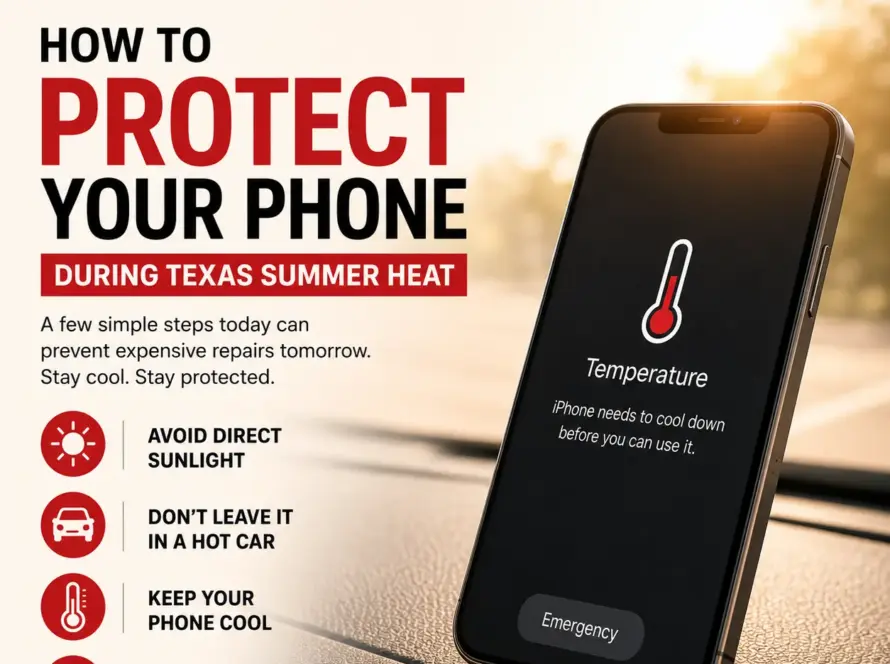
Fast charging naturally creates some heat, but if it’s too hot to hold, there might be a fault in the charging port. Excessive heat is the fastest way to kill a battery, so get it checked out.
Is it safe to use third-party charging cables?
We always suggest MFi-certified cables. Cheap chargers often lack the proper voltage regulators and can permanently damage the internal power chips, making a simple battery swap ineffective.