

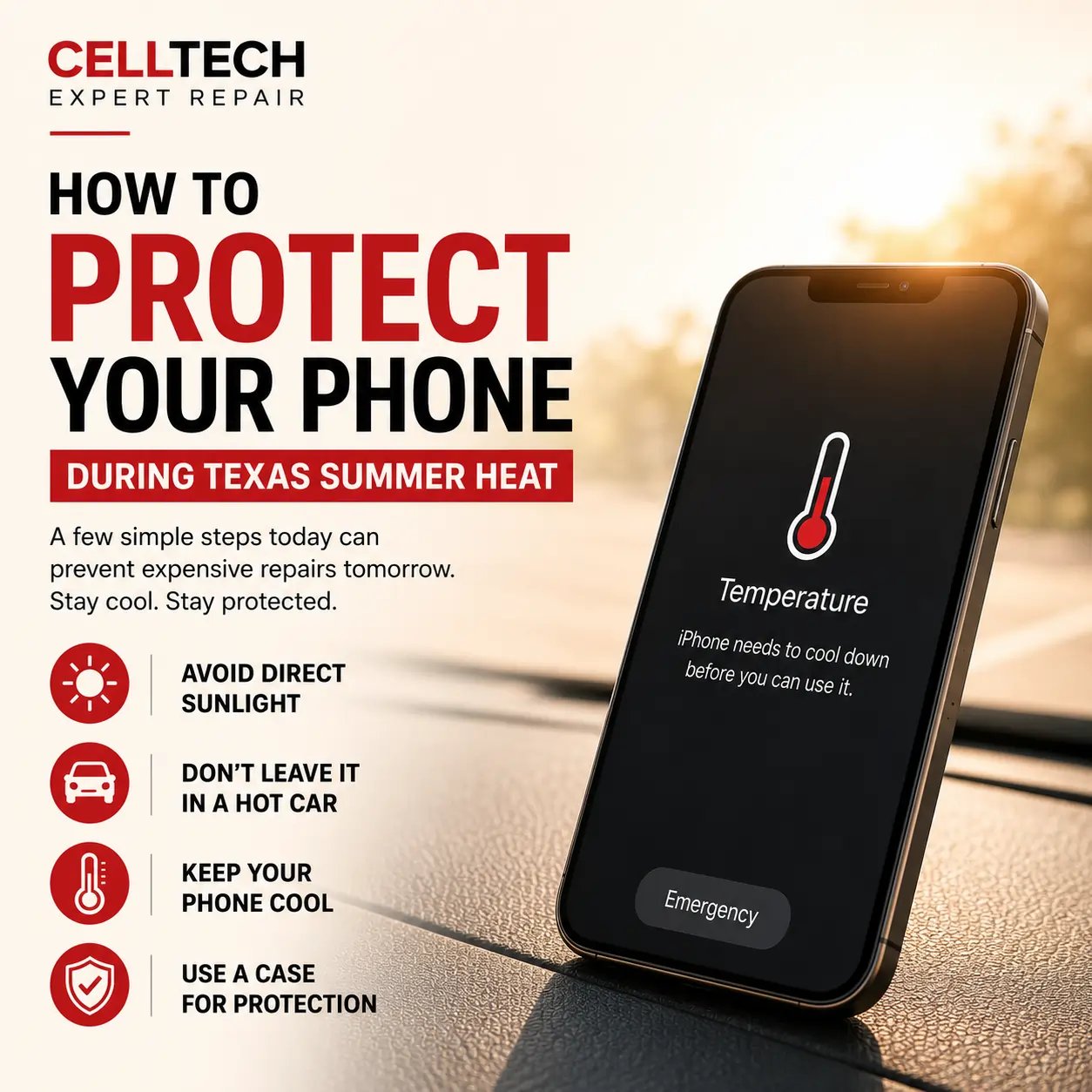
Taking a few simple steps to protect your phone can save you from expensive repairs and unexpected damage. Most issues don’t happen suddenly—they build up over time due to everyday habits like drops, overheating, or poor charging practices.
Leaving your phone in a hot car or using it under direct sunlight can cause serious damage, especially during Texas summers. High temperatures can affect battery life, slow down performance, and even lead to long-term internal issues.
The good part is that a little awareness goes a long way. Knowing how to protect your phone in hot conditions can help extend its lifespan and keep it running smoothly.
How Texas Heat Affects Your Phone
Extreme heat is one of the biggest threats to your device.
When your phone gets too hot, it automatically tries to protect itself by slowing down performance, dimming the screen, or shutting down completely. While this is a safety feature, repeated exposure to heat can cause permanent damage.
Some of the most common heat-related problems include:
- Battery draining faster than usual
- Device overheating during normal use
- Screen discoloration or reduced brightness
- Slower performance or app crashes
In places like Texas, where temperatures can rise quickly, these issues are much more common if you’re not careful.
Simple Ways to Protect Your Phone from Heat
If you want to properly protect your phone, small habits can make a big difference.
Here are some practical steps:
- Avoid leaving your phone in a parked car
- Keep it out of direct sunlight whenever possible
- Remove thick cases if your phone starts heating up
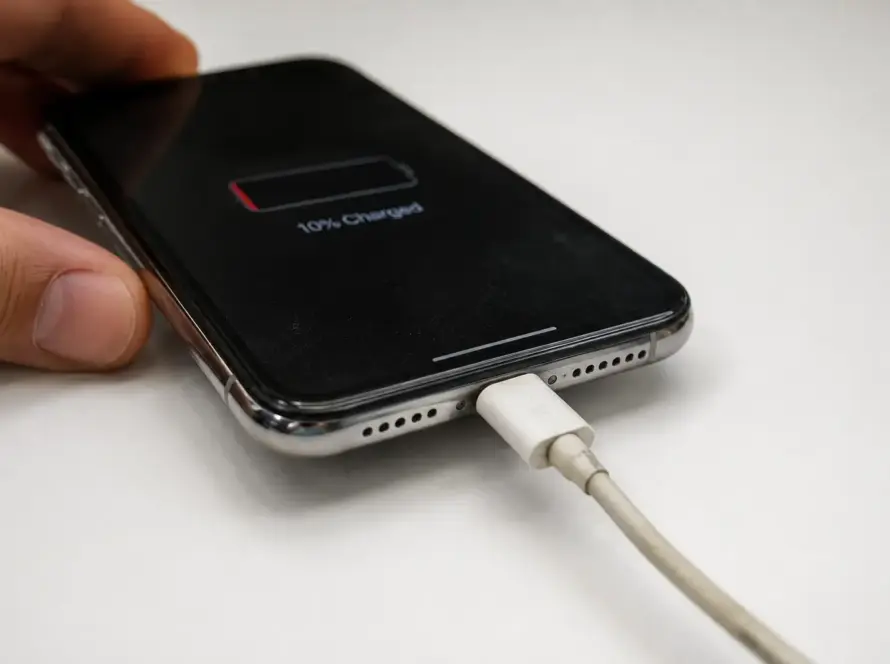
- Avoid using heavy apps while charging
- Use original or high-quality charging accessories
These simple changes help reduce heat buildup and prevent long-term damage.
Warning Signs Your Phone Is Overheating
Your phone usually gives early signs before serious damage happens.
Watch out for:
- Screen dimming automatically
- Phone becoming unusually hot to touch
- Apps slowing down or freezing
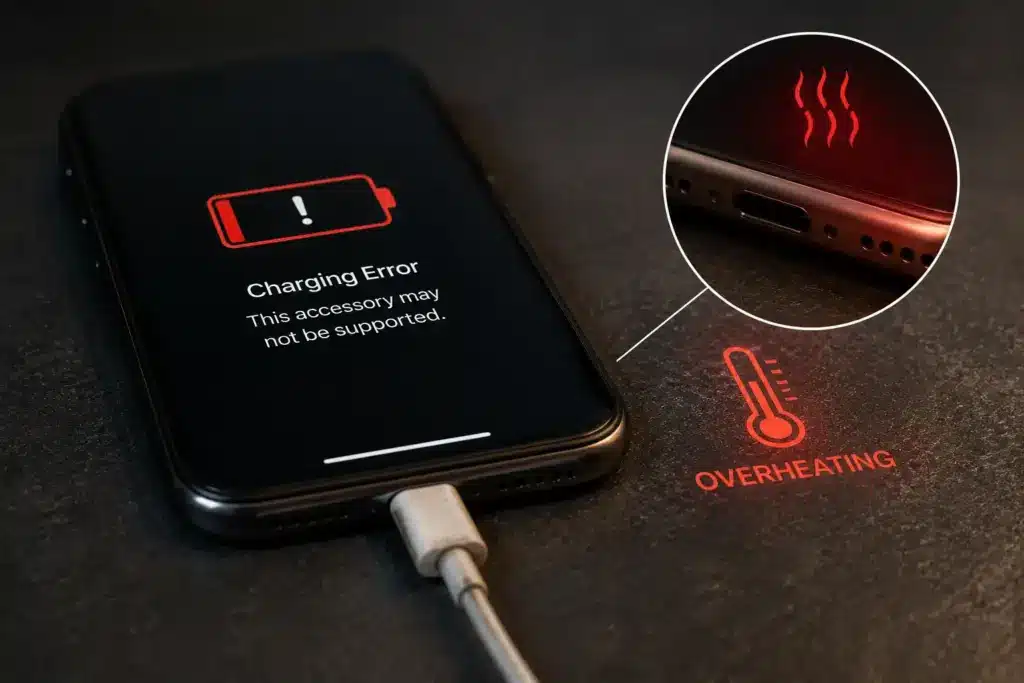
- Charging stopping midway
- Temperature warning messages
If you notice these signs, it’s important to act quickly to protect your phone from further stress.
What Heat Does to Your Phone Internally
Heat doesn’t just affect performance—it can damage internal components over time.
Your battery is especially sensitive. High temperatures can cause it to degrade faster, reducing its ability to hold a charge. In some cases, the battery may even swell, which can affect the screen and internal structure.
Heat can also weaken internal adhesives that hold your phone together. This may lead to screen lifting, gaps in the frame, or exposure to dust and moisture.
If ignored, these issues can lead to more expensive repairs later.
Protected vs Unprotected Phone: What’s the Difference?
| Condition | Unprotected Phone | Protected Phone |
| Performance | Slows down in heat | Remains stable |
| Battery Health | Wears out quickly | Lasts longer |
| Heat Exposure | High risk of overheating | Controlled temperature |
| Device Lifespan | Shortened | Extended |
How These Habits Save You Money
Learning how to protect your phone isn’t just about performance—it also helps you avoid unnecessary costs.
Preventing heat damage means:
- Fewer battery replacements
- Lower risk of screen damage
- Better long-term performance
- Reduced need for major repairs
At CELLTECH, many repair cases are caused by avoidable issues like overheating. Taking simple precautions can save you both time and money.
When to Get Your Phone Checked
Even with good habits, problems can still happen.
If your phone continues to overheat, shuts down frequently, or shows signs of internal damage, it’s best to get it checked early.
At CELLTECH, technicians can quickly inspect your device and identify whether the issue is heat-related or something else. Early diagnosis helps prevent bigger and more expensive problems later.
Final Thoughts on How to Protect Your Phone
Texas heat can be tough on your device, but taking the right precautions makes a big difference. When you actively protect your phone, you extend its lifespan, improve performance, and avoid unnecessary repairs.
If your phone is already showing signs of heat damage, don’t wait. Visit CELLTECH for a quick inspection and reliable repair service to keep your device running smoothly.
Frequently Asked Questions
How does heat damage your phone?
High temperatures can affect your battery, slow down performance, and damage internal components over time. Prolonged exposure to heat can lead to permanent issues if not addressed early.
Why does my phone shut down in hot weather?
Phones are designed to shut down automatically when they overheat to protect internal components. This prevents serious hardware damage but also indicates that your device is under stress.
Can heat permanently damage my battery?
Yes, excessive heat can reduce battery capacity and cause it to degrade faster. Over time, this leads to shorter battery life and unreliable performance.
What should I do if my phone overheats?
Move it to a cooler area, stop using heavy apps, remove the case if needed, and allow it to cool down before using it again. Avoid charging while the device is still hot.
Is it necessary to get my phone checked after overheating?
If overheating happens frequently, it’s a good idea to get your device inspected. At CELLTECH, technicians can identify hidden damage and prevent future issues.