

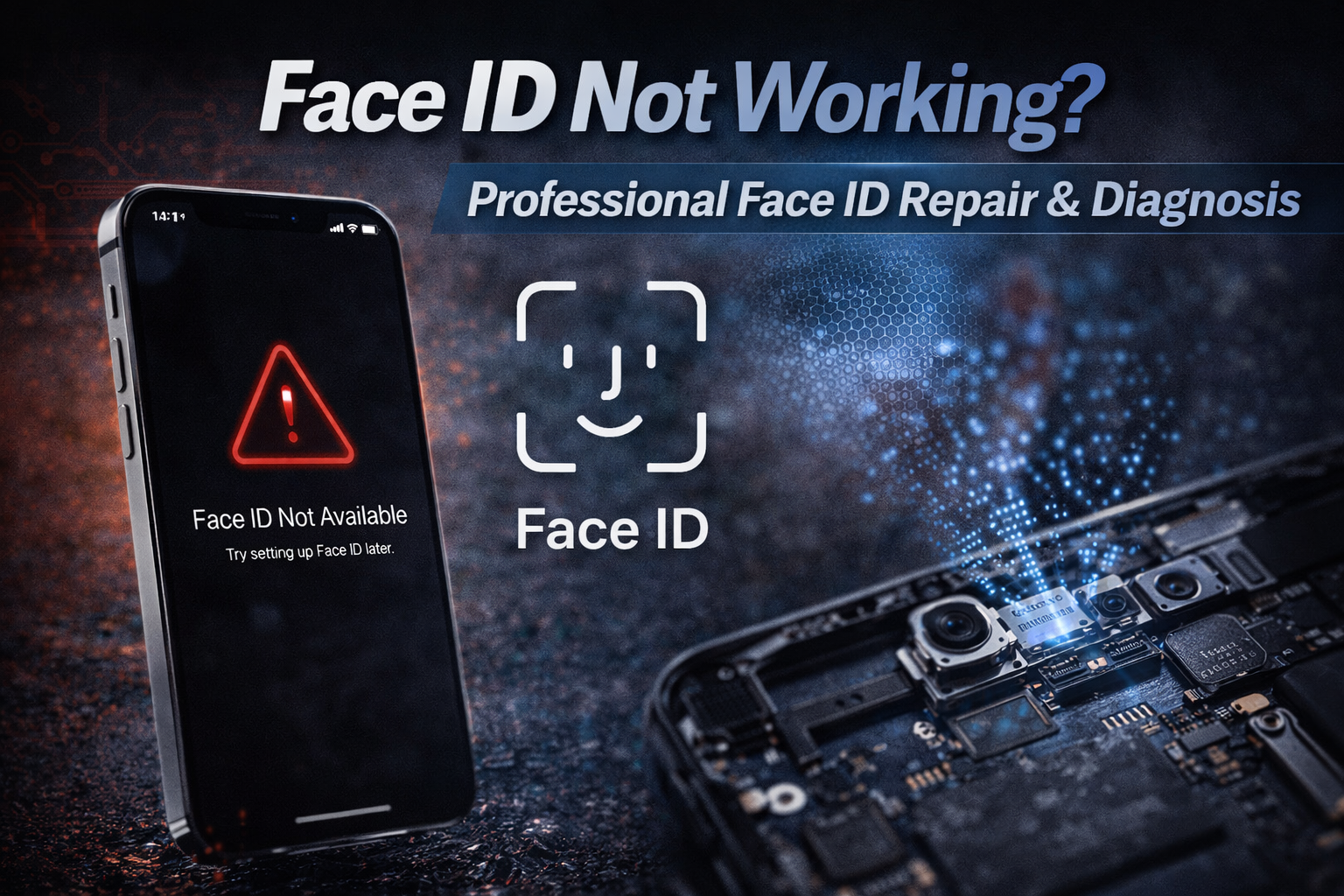
It is a major disruption when your iPhone stops recognizing you. You go to unlock your phone or pay for groceries, and suddenly, you are stuck manually entering your passcode. Most people think a drop or a splash of water is the only way this happens. That is not the case. The system behind your biometrics is incredibly sensitive. A tiny bit of dust or a microscopic software glitch can bring the whole thing to a halt. At MYCELLTECH, we specialize in face id repair because we know how much this feature matters for your daily flow.
Is It a Software Glitch or Hardware Damage?
Before assuming the worst, we always look at the software. Apple’s security protocols are extremely tight. Sometimes an ios update doesn’t install correctly, and the connection between the software and the hardware breaks. We often notice that a simple forced restart or a settings reset fixes the face id not available error message. However, if you see a specific alert saying there is a problem with the truedepth camera, you are likely looking at a hardware failure. This usually happens when the internal sensors lose their alignment or suffer from logic board issues.
The Science of Face ID Repair: Understanding the TrueDepth Camera
This is not just a standard camera. It is a complex array of three main parts: the flood illuminator, the dot projector, and the infrared light camera. They work together to build a mathematical map of your face. If even one of these components is blocked by a thick screen protector or a dirty lens, the system fails as a safety measure. We see many devices where a small amount of moisture has reached the sensors, causing a short. For more on how we handle complex hardware issues, you can explore our other repair guides
Why DIY Attempts Often Lead to Permanent Biometric Failure
Opening an iphone to fix face id yourself can easily lead to further damage. Each sensor is attached to your specific motherboard using cryptographic pairing. If you break the original truedepth sensor or try to swap it with a part from another phone, Face ID will disable itself permanently. The laser systems inside are also dangerous if handled without proper eye protection. We use specialized tools and micro-soldering techniques to repair the original components whenever possible. This is the only way to keep your biometric security active and safe.

Professional Inspection: How We Restore Secure Authentication
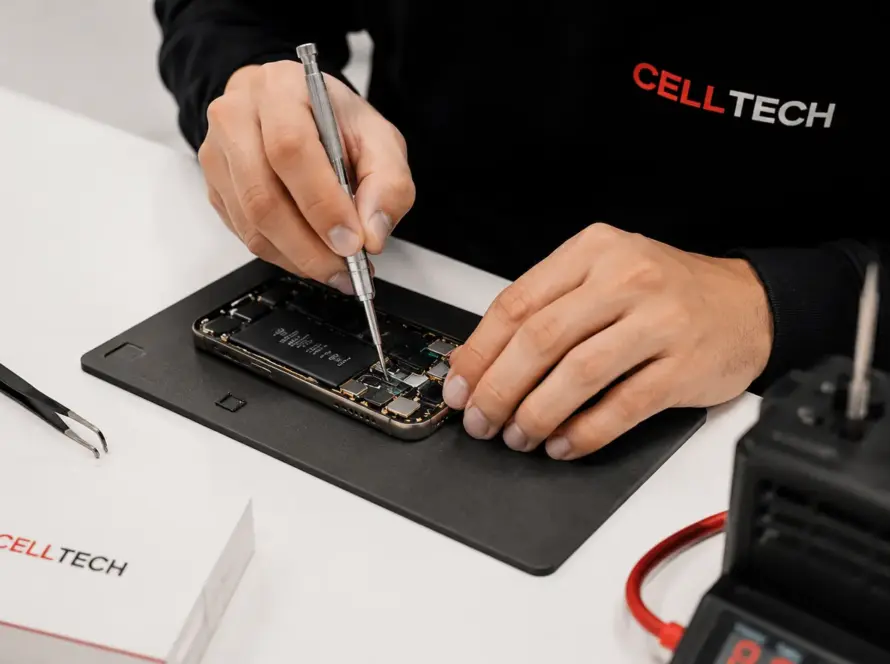
When you bring your device to MYCELLTECH, we start with deep diagnostic testing. We check the dot projector and the flood illuminator to see exactly where the signal is breaking. Our goal is to help you avoid the high out-of-warranty costs typically charged by large retail stores. We focus on precision calibration to make sure your facial map is accurate and secure. We stand by our work with a professional warranty to give you peace of mind.
Schedule Your Repair at MYCELLTECH
Final Thoughts on Your Biometric Security
You do not have to live with a broken sensor. Getting a professional face id repair is about more than just convenience; it is about keeping your biometric security intact. Our team is here to give you an honest assessment of whether a fix is possible. We want to help you get back to using your phone the way it was designed.
Frequently Asked Questions
Can a cracked screen stop face id from working?
Yes. If the crack runs right over the sensor area, it can scatter the infrared light. This prevents the camera from seeing your face clearly.
Is my face data saved during the repair?
We do not need your facial map to fix the hardware. Your biometric data stays encrypted on your device’s secure enclave throughout the entire process.
Why did my face id stop working after a battery change?
If a technician is not careful, they can snag the delicate cables near the top of the screen. This is why professional installation is so important.
Can you fix face id on the iPhone 15?
We can repair face id on most models from the iphone x up to the latest Series. We carry the specialized parts for the newer truedepth camera systems.
What does it mean if my phone says face id is not available?
This is usually a sign that the hardware has detected a failure in the laser or sensor array. It shuts down the system to prevent any safety risks.