

A shattered screen or unresponsive touchscreen brings instant panic. You realize your photos, contacts, and memories sit trapped inside the device. Acting quickly gives you the best chance of saving your photos, contacts, and other important files. This guide details how you can start your broken phone data recovery journey safely. You must act fast before hardware damage gets worse. Every day, we help customers recover important photos, messages, and documents from damaged phones.
The Ultimate Danger of Delaying Your Broken Phone Data Recovery
Delaying repairs can make data recovery more difficult, especially if the damage gets worse. Even a small crack can let moisture or dust get inside your phone. Moisture can begin damaging internal components surprisingly quickly. As the damage spreads, your phone may stop working altogether. It makes broken phone data recovery nearly impossible.
Many users ignore small cracks until the system fails. Damage around the charging port or motherboard can make data recovery much more difficult. If the damage reaches critical internal components, recovering your files can become much more challenging. You need professional help to rescue your digital life.
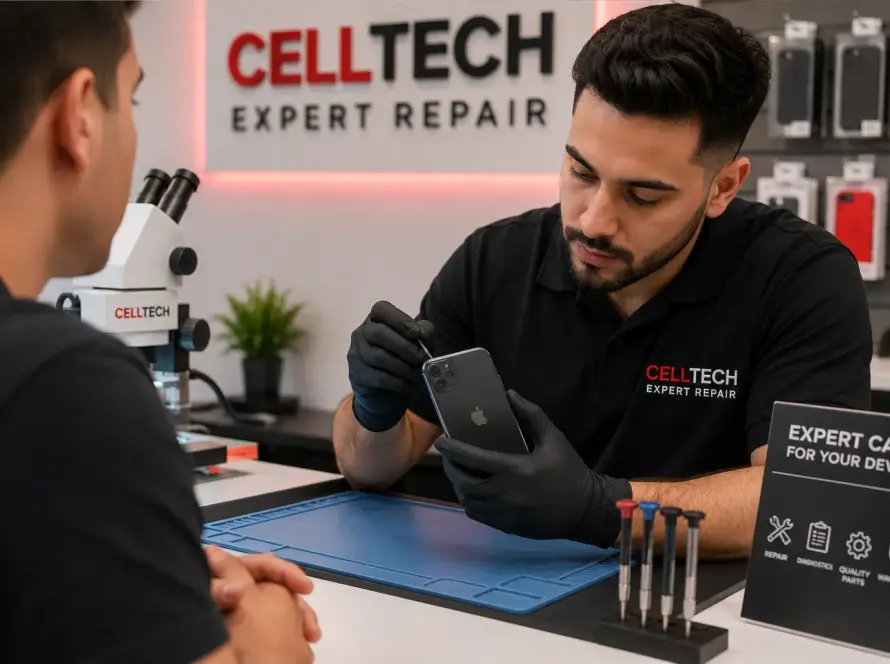
Our team at CELLTECH handles these delicate situations daily. If your phone still turns on, back up your files as soon as possible. You should seek expert phone repair services immediately. Our technicians inspect the internal damage to find the safest path for retrieving data from broken phone systems. We focus on fast diagnostics to prevent further degradation of your device storage.
First Steps to Save Your Files from a Damaged Device
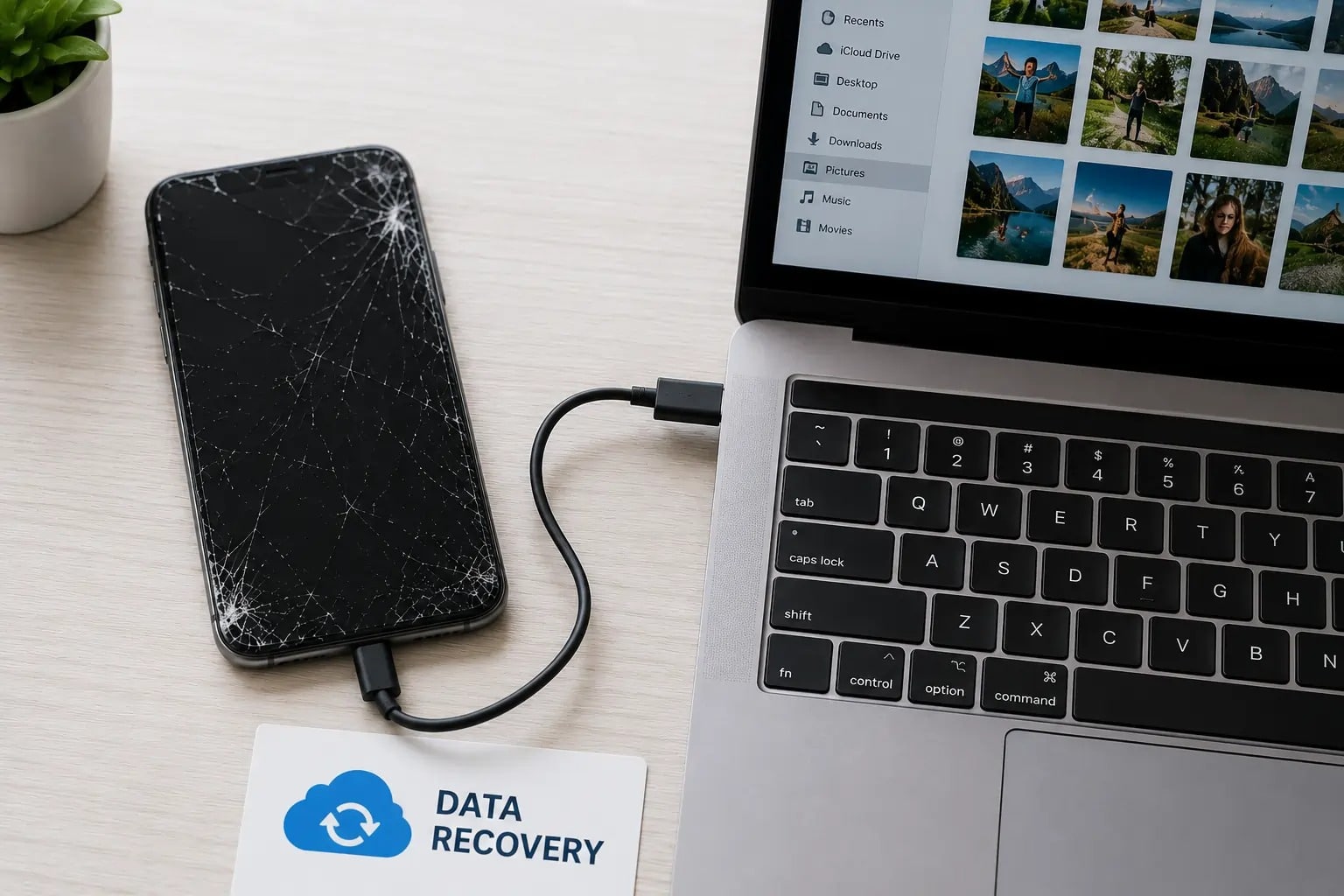
First, stop using the damaged device. Do not force charge a bent or hot phone. This can cause short circuits. Connect your phone to a trusted computer immediately if the screen still works. Use a compatible USB cable for the transfer.
For Apple devices, log in to your iCloud account from a web browser. Check your recent backups. Google Drive offers similar backup checks for Android users. Your cloud settings might already have the files you need.
Sometimes, the display fails, but the phone still turns on. If your touchscreen isn’t responding, an OTG adapter may let you control the phone with a mouse. This allows you to navigate the menus without touch input. If these simple steps fail, you need a different approach. We specialize in recovering data from damaged phones when backups aren’t available. You might require specialized tools to recover files from a dead phone without losing your memory storage.
When DIY Isn’t Enough: How Professionals Recover Your Data
When basic troubleshooting doesn’t work, it’s time to let experienced technicians take a closer look. Severe drops break internal connections. Our technicians carefully open the device using safe professional tools to inspect the internal components. They often perform a temporary cracked screen repair to access the software. This allows technicians to access the phone if it can still be unlocked normally.
Our team follows a careful internal repair process to recover data while helping protect your device from further damage. Our specialists use professional diagnostic tools to safely recover data whenever possible. They repair tiny damaged connections inside the phone using specialized tools. Every phone is different, so the recovery process depends on the device and the type of damage. iOS uses tight security chips that complicate the process. Android devices use different encryption standards.
You can read about encryption standards on the official Google Support Page. It also explains why recovering data from damaged phones can be more complex than a standard repair. Experienced technicians have the tools and knowledge to handle these situations safely. We recover critical data without risking permanent device locks or software wipes.
How Do You Back Up a Device with a Blank Screen?
A blank display makes device interaction nearly impossible. You cannot enter passwords or accept computer connections. Smart TV casting offers a potential workaround for some devices. You can use a multi-port USB-C hub to connect your phone to an external monitor.
Connect a keyboard to the hub as well. This setup displays your phone screen on the TV. You can enter your PIN using the external display to unlock the device. Once unlocked, copy files directly to a flash drive.
Hardware issues often prevent this method from working. In these cases, you need a local phone repair shop with specialized micro-soldering tools. Technicians can temporarily boot the motherboard using external power supplies. This allows them to bypass the dead screen entirely.
These advanced recovery methods can help retrieve important files even when the phone has serious hardware damage. It helps recover your important files before you replace or recycle the device.
Most data recovery cases are successful when handled early, especially if the phone still powers on.
Need Help Recovering Your Data?
Stop risking your valuable data. Walk into your nearest CELLTECH store today. Our team diagnoses physical phone damage and extracts your precious photos, videos, and documents. We handle complex broken phone data recovery safely without losing your personal files. Let our technicians secure your digital life before hardware degradation sets in permanently. Get your phone evaluated immediately.
Frequently Asked Questions
Can you perform broken phone data recovery on a completely dead motherboard?
Yes. Technicians can desolder the storage chip from the broken board. They read the files directly using specialized reader tools. This chip-off process bypasses the dead motherboard entirely.
Will cracked screen repair automatically restore my lost files?
No. Replacing the screen only restores the display and touch function. It does not touch your internal storage. Your files remain safe unless the drops physically damage the motherboard memory chips.
How long does retrieving data from broken phone systems take?
The process usually takes twenty-four to forty-eight hours. Simple screen swaps take less time. Severe motherboard water damage requires detailed microscopic repair work before extraction can begin safely.
Is it possible to recover files from a dead phone without professional help?
You can retrieve cloud-synced files yourself. Physical damage requires specialized diagnostic hardware. Do not attempt DIY motherboard repairs. Doing so can erase your internal memory chips permanently. Only experts perform broken phone data recovery safely when hardware components fail.