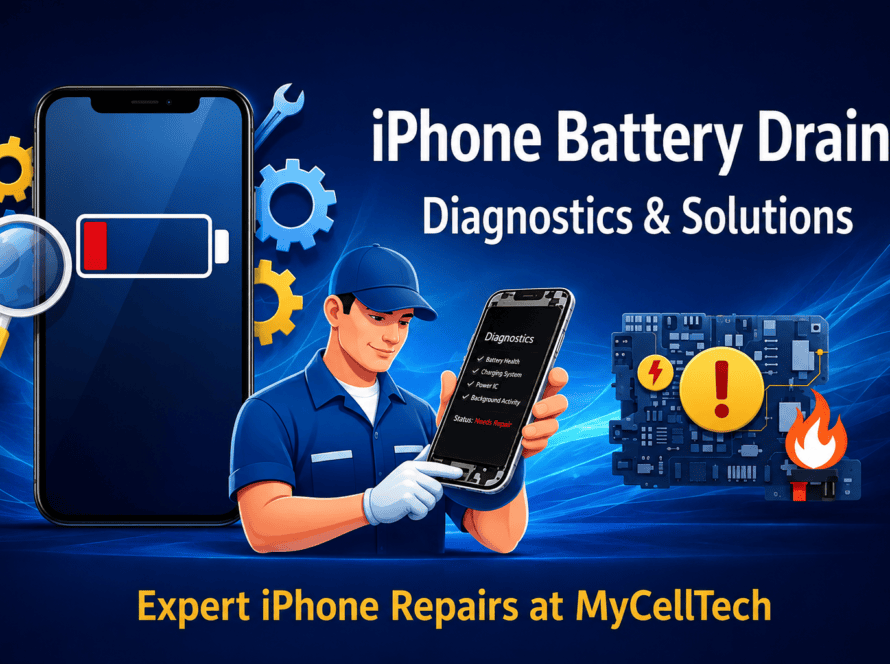


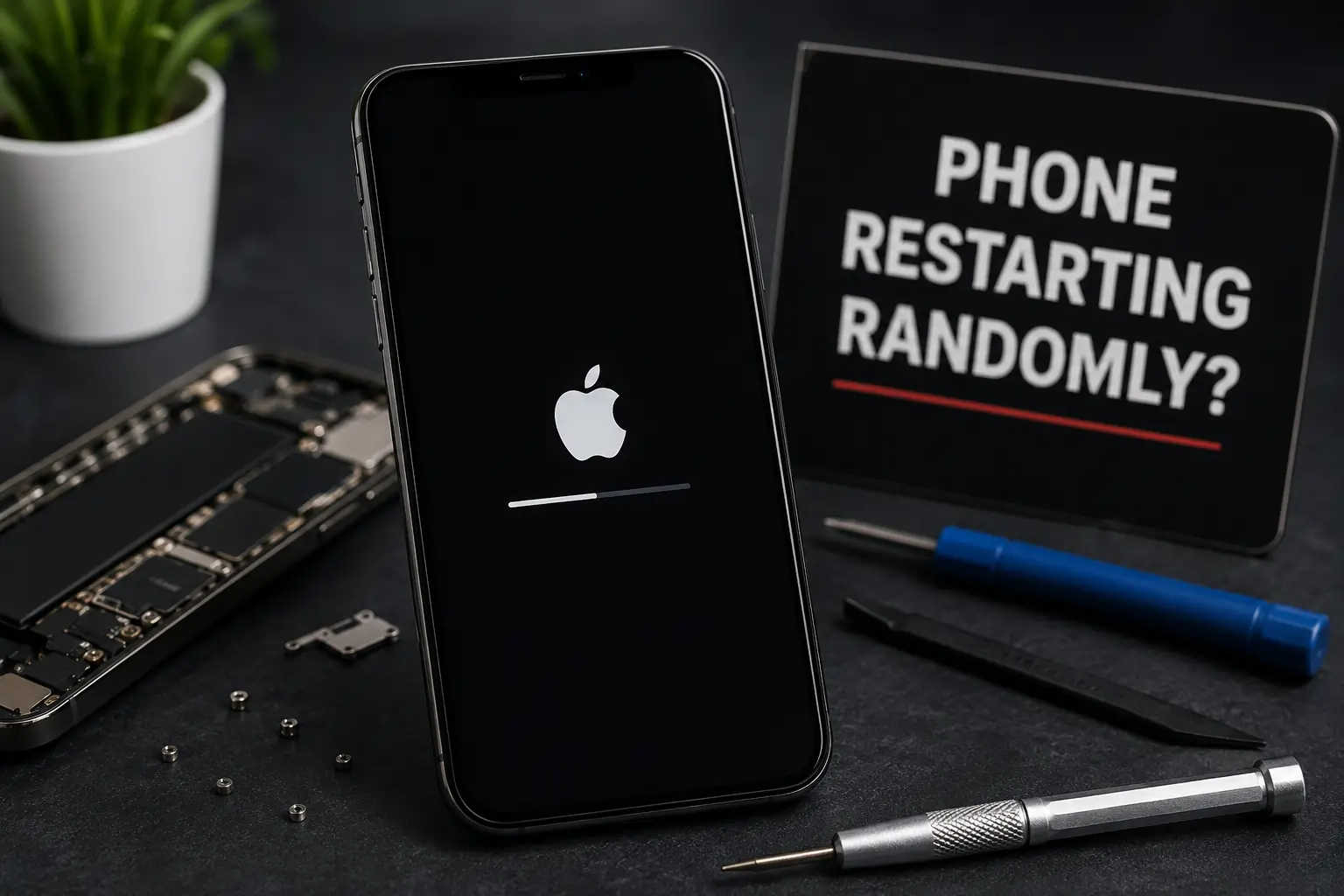
A phone that suddenly shuts down during a call causes instant frustration. You stare at the brand logo while the system reboots itself. This loop often repeats multiple times an hour. Understanding why your phone keeps restarting helps you protect your data from sudden failure. Taking action early can prevent small hardware issues from turning into costly repairs. Our team at CELLTECH diagnoses these reboot issues daily to restore stable performance. This can happen at the worst times during calls, while using navigation, or when you’re relying on important apps. That’s why it’s important to fix the issue early before it gets worse.
Understanding Why Your Phone Keeps Restarting
Internal software conflicts or failing hardware parts usually trigger random reboots. In some cases, your phone may restart automatically to protect itself from overheating or other hardware issues. This can happen when the phone detects a problem with power delivery or internal hardware.
When your phone keeps restarting, you must identify the root cause quickly. Ignoring repeated restarts can lead to more serious hardware problems over time. Our team at CELLTECH uses advanced diagnostic tools to check your battery, software, and overall device health. You can book an appointment through our standard phone repair services to get a precise hardware evaluation. We locate the exact component causing the loop.
Three Common Software Glitches Causing Boot Loops
Software issues can interrupt your phone’s normal startup process and cause repeated restarts. As a result, your phone may keep restarting instead of loading properly.
- A corrupted system cache may contain temporary files that interfere with newer software updates. This can cause your phone to freeze or restart unexpectedly.
- An operating system update that didn’t install properly can also trigger restart issues. This leaves key system files broken.
- Some third-party apps may have bugs that cause your phone to become unstable and restart. The system reboots to clear the memory.
Safe Mode helps isolate these third-party application issues. If the reboots stop in Safe Mode, you must uninstall recent apps. Clearing the system cache can also remove temporary files that may be causing the problem without affecting your personal data.
Hardware Failures That Trigger Sudden Power Cycles
Hardware problems can sometimes look like software issues because they cause similar symptoms.
- Degraded Battery: An aging battery may no longer provide consistent power to your phone. This can cause unexpected shutdowns or random restarts, especially when running demanding apps.
- Stuck Power Button: Dirt or damage can cause the power button to stay pressed or respond incorrectly. As a result, your phone may restart repeatedly.
- Water Damage: Moisture can damage important internal components, leading to power issues and unexpected restarts.
You might need a professional cell phone battery replacement to restore normal operation. Battery cells degrade naturally after five hundred charge cycles. You can read about lithium-ion battery lifespans on the official Apple Support Page. This resource explains how chemical aging affects overall device stability.
When to Seek Expert Diagnostic Care
If your phone still keeps restarting after a factory reset, there may be an underlying hardware problem. You cannot solve these issues with basic software tools. A professional phone diagnostic service can identify the exact hardware issue causing the problem. Technicians run advanced diagnostics to identify the hardware issue causing the repeated restarts.
Trying to open a modern smartphone without the right tools can easily cause additional damage. It’s safer to let experienced technicians handle the repair. A dedicated hardware repair shop possesses the specialized tools required for safe device opening.
Our technicians inspect the phone for damaged power management components and other hardware faults. Repairing these damaged components can restore stable performance and stop random restarts. This precision work saves you from buying an entirely new device.
Get It Fixed Today
Do not let constant boot loops ruin your day. Walk into your nearest CELLTECH store today. Our technicians inspect your device, find the root cause, and stop the reboot loop permanently. We perform safe battery swaps and complex motherboard repairs to keep your device running smoothly. Stop by our location to get your phone fixed today.
Frequently Asked Questions
Why does my phone keep restarting when I open specific apps?
Heavy apps demand more power from the battery. A weak battery cannot supply this sudden power spike. The system shuts down instantly to protect the internal components from voltage drops.
Can a corrupted system cache cause a permanent boot loop?
Yes. If critical boot files reside in the corrupted cache partition, the system crashes before loading the home screen. A recovery menu cache wipe usually solves this problem.
How do technicians perform a professional phone diagnostic service for reboots?
Technicians run advanced diagnostic tests to determine what’s causing the restart issue. These tests help identify whether the problem is related to the battery, software, or internal hardware.
When should I consider a cell phone battery replacement for reboot issues?
If your phone restarts at thirty percent battery, the cell is failing. Sudden percentage drops also indicate bad battery health. Replacing the cell restores steady power delivery.