Repair or Replace
Is It Worth Repairing a 5 Year Old Phone?
Often, yes. A 5 year old phone with a single fault such as a tired battery, a cracked screen or a loose charging port is usually worth fixing, because the repair costs a fraction of a new phone and the rest of the device still has life in it. It stops making sense when the phone has several faults at once, needs board level work, or has already lost software support. This guide shows you how to judge your own phone honestly.

Your phone is around five years old. It still does everything you need, but the battery barely lasts until lunch, or the screen has finally cracked, or the charger has to be wedged in at just the right angle. A new phone would solve all of that, but it would also cost a lot more than you were planning to spend. So you are asking the sensible question: is it actually worth repairing?
In most cases the answer is yes, as long as one thing is wrong and the phone is otherwise in decent shape. Phones from five years ago were built well, and the parts that wear out first (battery, screen, charging port) are exactly the parts that are cheapest and quickest to replace. Where the maths changes is when the fault is deep inside the phone, when several things have failed together, or when the phone has already dropped off the software update list. The sections below walk through how to weigh it up.
How to Judge Whether the Repair Is Worth It
Repair cost against what the phone is worth to you
Start with the number that matters: what would the repair cost, and what would it cost to replace the phone with something you would actually be happy using? Resale value is a poor guide, because a five year old phone sells for very little even when it works perfectly; replacement cost is the better comparison. If a battery or screen repair is a small fraction of the price of a phone you would genuinely buy, the repair is easy to justify. If the quote is close to half the price of a suitable replacement, think harder.
Software update support
A phone that still receives operating system and security updates is a much better candidate for repair than one that has been cut off. iPhones tend to receive updates for six years or more, so a five year old iPhone is often still supported. Android support varies widely; some flagships from five years ago are still updated, while many budget models stopped after two or three years. If your phone has not had an update in over a year, that limits how long it will stay safe and compatible with your apps, whatever repair you make.
Battery age
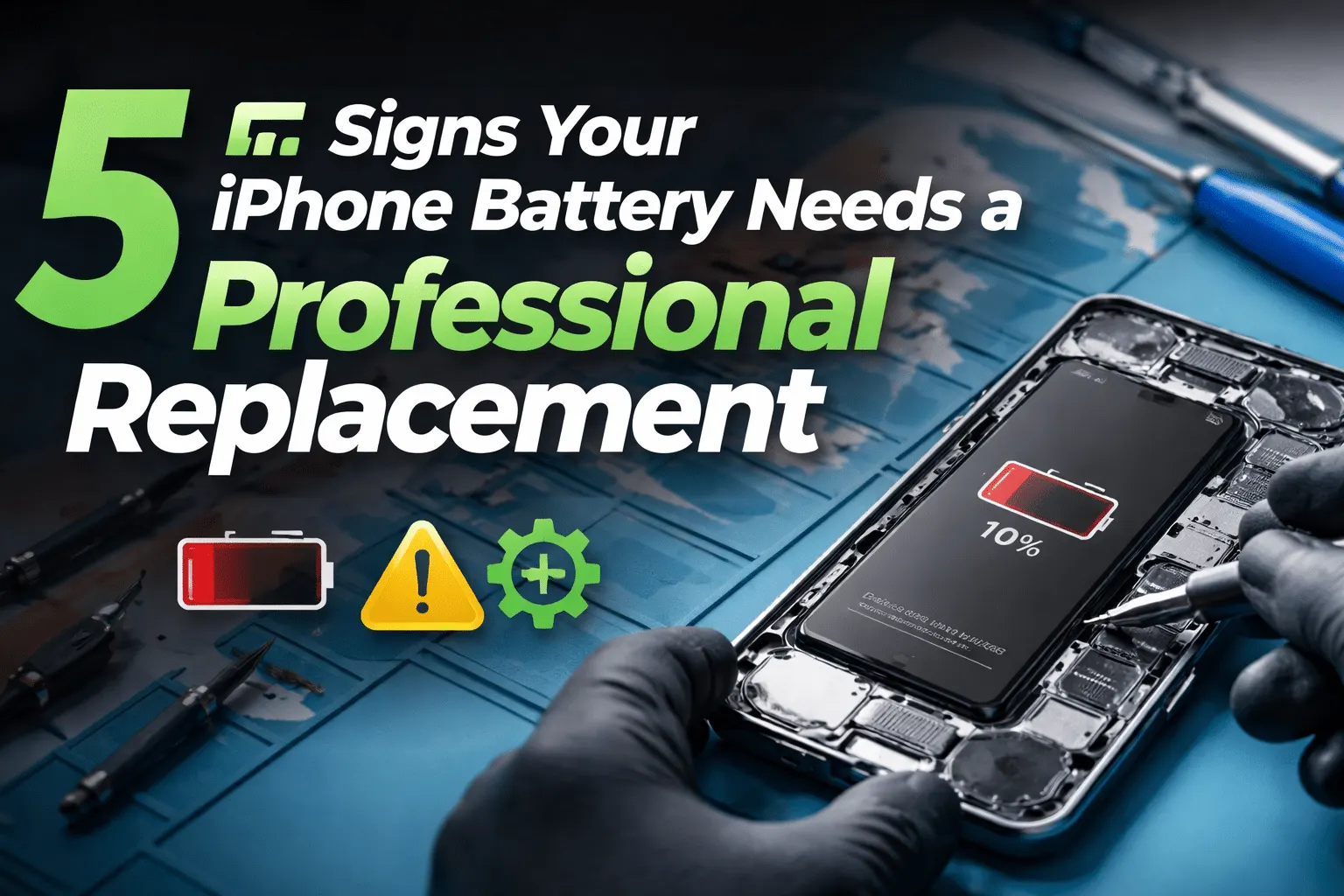
Almost every five year old phone still on its original battery is running at reduced capacity. Lithium ion cells lose capacity with every charge cycle, and after five years most are well below 80 percent of their original rating, which shows up as random shutdowns, slow performance and a phone that dies in the cold. If your phone's battery is original, budget for a replacement as part of any repair, or at least ask for a battery health reading during the diagnostic.
What is actually broken
This is the deciding factor. A single, well understood fault with a replaceable part is a good repair. A fault that involves the logic board, or a collection of faults, is much less predictable: a cracked screen on a phone that also has a failing port and a swollen battery is three repairs, not one.
Repairs That Usually Make Sense on an Older Phone
A battery replacement is the single most worthwhile repair on an ageing phone. It restores all day battery life, stops unexpected shutdowns and often makes the phone feel faster, because many phones throttle performance when the battery cannot deliver enough power. For a five year old phone that is otherwise fine, a new battery can add another year or two of comfortable use.
A cracked or unresponsive display is the next most common reason people bring in an older phone, and screen repair is still worth it on most models from this age. The exception is when a cracked screen sits on top of other damage from the same drop, such as a bent frame or a damaged back glass, in which case the quote needs to cover everything before you decide.
Charging problems are usually a worn or debris packed port rather than anything deeper, and charging port repair is a routine job on most phones. Speaker, microphone and rear camera replacements also tend to be sensible on an older phone when they are the only fault.
Repairs that rarely pay off
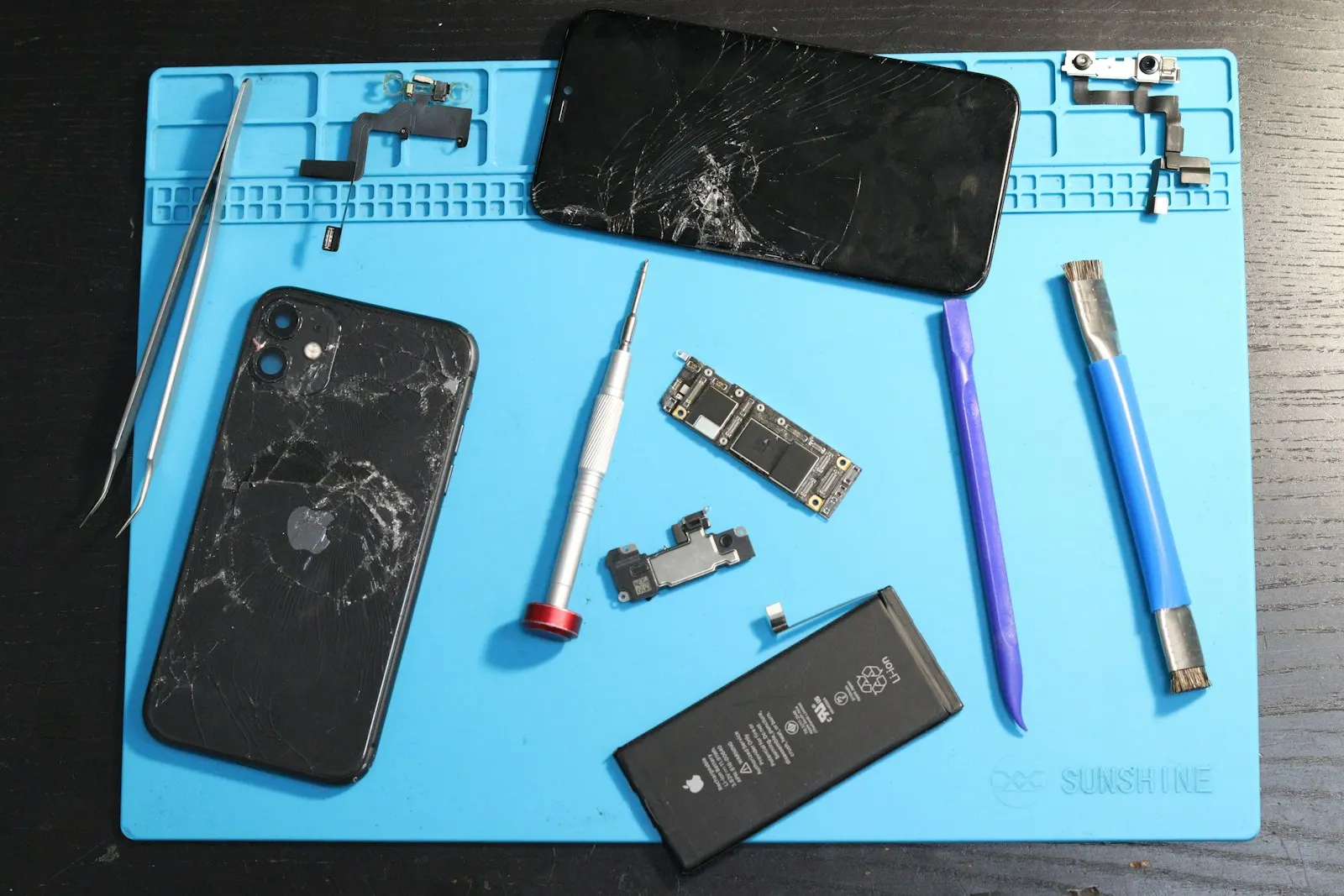
Some repairs are technically possible but hard to justify on a phone with limited life left. Board level work is the clearest example. Repairing a logic board fault such as a failed charging chip, a dead power circuit or a short after liquid damage takes specialist time, and the result is less certain than a part swap. On a newer phone that can still be worth it. On a five year old phone the cost of the work often approaches the price of a replacement, and the rest of the phone is still five years old when it is done.
Multiple faults are the other case. When a phone needs a screen, a battery and a port, each repair is reasonable on its own, but the total can climb past the point where a replacement makes more sense. Severe liquid damage falls into the same category, because corrosion keeps spreading and a phone that works after cleaning may fail again in a few months.
Signs the Problem Is Hardware, Not Just Age
Before you decide anything, it helps to separate wear that a repair fixes from software slowness that a repair will not fix. These signs point to a physical part:
- The phone shuts down with charge still showing, especially in cold weather or when the camera opens
- Battery health in settings reads well below 80 percent, or shows a service message
- The screen has lines, dead patches, ghost touches or does not respond in one area
- The charger only works at an angle, or the phone charges very slowly with several known good cables
- The back or screen has started to lift away from the frame, which can indicate a swelling battery
General slowness with a healthy battery, or storage that is nearly full, is usually a software problem that a repair will not help.
What You Can Safely Check Before Deciding
None of these steps involve opening the phone. They simply give you better information to take to the counter.
Check battery health
On an iPhone, open Settings, then Battery, then Battery Health. On many Android phones, battery information is under Settings, Battery, or in the device care menu. A reading under 80 percent, or a message recommending service, means the battery is due regardless of anything else.
Check the last software update
Look at the software update screen in settings and note the date of the most recent update. If the phone is still receiving updates, repair is a safer bet.
Back up the phone
Whatever you decide, make a current backup to iCloud, Google or a computer now. It protects your photos and contacts if the phone fails completely before you get it looked at.
Get a written quote
Bring the phone in for a free diagnostic and ask for the price of every repair on your list before any work begins. Then compare the total with a replacement you would actually buy.
What Not to Do With an Ageing Phone
A few common shortcuts turn a cheap repair into an expensive one, or into no repair at all.
- Do not open the phone yourself to swap the battery. Older adhesive is stubborn, batteries puncture easily, and a punctured lithium ion cell can catch fire.
- Do not keep using a phone whose screen or back has started to lift. That is a swelling battery until proven otherwise, and it is a safety issue.
- Do not buy the cheapest replacement screen or battery online and fit it yourself. Poor quality parts fail early and can take the phone with them.
A Quick Decision Table
| Situation | Usually worth repairing? | Why |
|---|---|---|
| Battery below 80 percent, everything else fine | Yes | Cheapest repair with the biggest impact on daily use |
| Cracked screen, phone otherwise healthy | Yes | Routine part replacement on most models |
| Charging only at an angle or not at all | Yes, after inspection | Often debris or a worn port, which is a simple fix |
| Three or more faults | Sometimes | Compare the full quote against a replacement first |
| Board level fault or heavy liquid damage | Rarely | Uncertain outcome and high cost on an old phone |
| Phone no longer receives updates | Only for cheap repairs | Limited safe life left whatever you fix |
When Professional Repair Is the Right Call
Take the phone to a technician when you have a single clear fault, when the battery is original, when the phone is still supported and you like using it, or when it holds data you have not backed up. It is equally right to walk away when the quote covers several major parts, the fault is on the board, or the phone stopped receiving updates some time ago. A good repair shop will say so.
So, Is a 5 Year Old Phone Repairable?
Almost always, in the technical sense. Parts remain available for popular phones long after they stop being sold. The real question is whether the repair is worth it, and that usually comes down to one fault or many, and supported or not. One fault on a supported phone: repair it. Several faults, or a board fault, on an unsupported phone: it is probably time to replace, and a repair shop can often still recover your data first.
If you are weighing up a phone that was damaged rather than simply worn, our guide on whether to repair or replace a damaged phone goes deeper into drop and liquid damage specifically.
How CELLTECH Helps You Decide
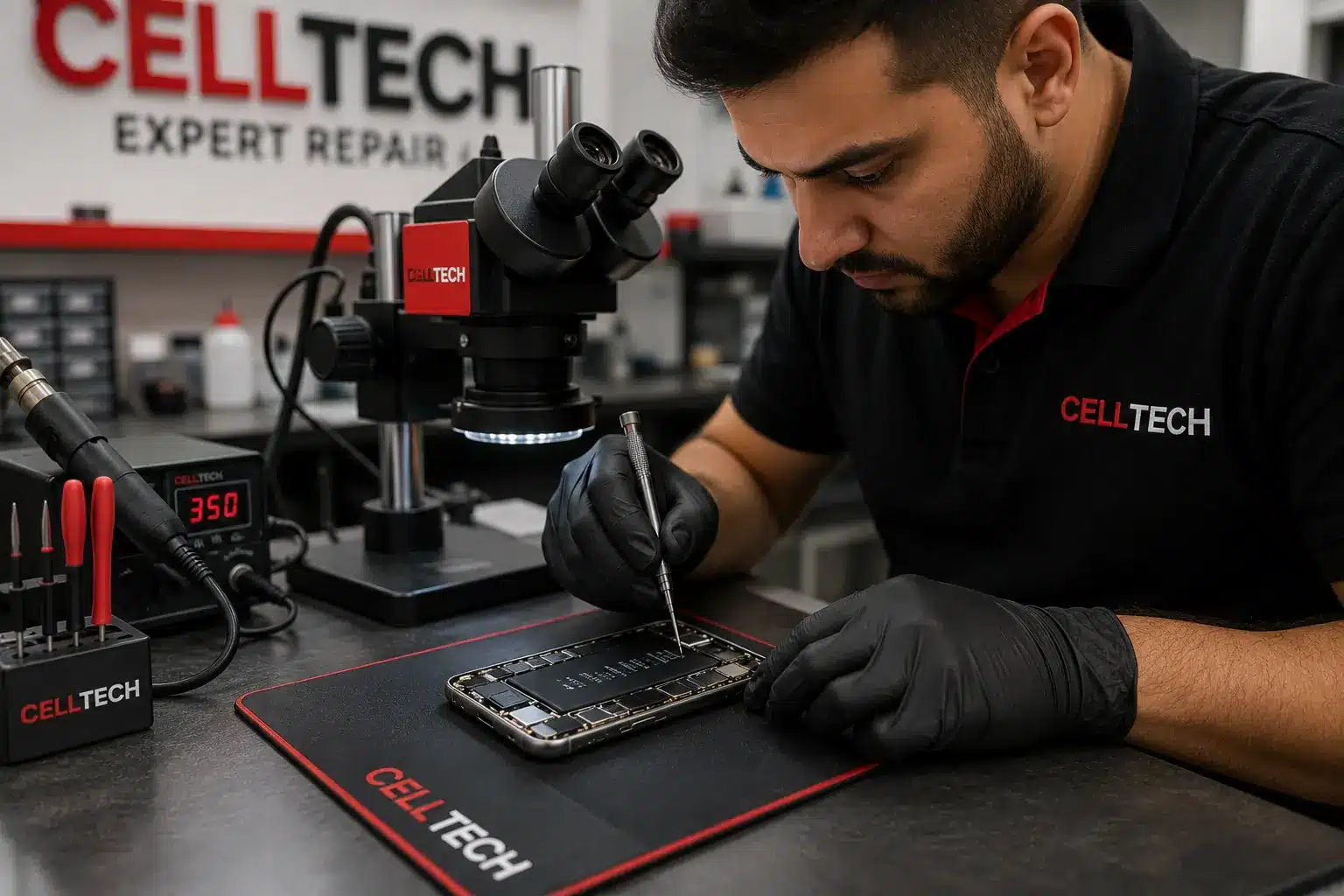
The hardest part of this decision is not knowing what is actually wrong or what it would cost. CELLTECH removes that guesswork. Bring the phone to any of our stores and a technician will run a free diagnostic, check battery health, test the screen, port and cameras, and tell you plainly what needs doing and what does not.
You get a price for every repair before any work begins, so you can compare the total against a replacement with real numbers. Most battery, screen and port repairs are completed the same day when the part is in stock, and qualifying repairs are covered by a 90 day malfunction warranty. If you decide not to repair, there is no charge for the diagnostic.
Where to Get an Older Phone Assessed in Texas
CELLTECH has seven walk in stores across Texas, including Galleria Dallas, The Parks Mall at Arlington and Stonebriar Centre in Frisco, with a store in Cielo Vista Mall for El Paso. No appointment is needed for a diagnostic. Use the store finder to see the nearest location and its opening hours.
Frequently Asked Questions About Repairing a 5 Year Old Phone
Usually yes. A battery replacement is the lowest cost repair with the biggest effect on daily use, and on a phone that is otherwise healthy it can add a year or two of comfortable service. The main exception is a phone that has already stopped receiving software updates, where you should weigh the limited remaining life before spending anything.
Open the software update screen in your phone's settings and look at the date of the most recent update. If it has not received one in more than a year, it has probably reached the end of support. iPhones are typically supported for six years or more; Android support varies by brand and model, so check the manufacturer's published list if you are unsure.
Yes. Screens remain available for popular iPhone models for many years after release, and the repair itself is routine. It is a sensible repair as long as the phone is otherwise in good condition and the battery is either healthy or replaced at the same time.
Ask for a quote that covers every fault, then compare the total with the price of a replacement you would actually buy. Two routine repairs on a supported phone are often still worth it. Three or more, or any board level work, tends to push the total past the point where replacement makes more sense.
Often, yes. Many phones reduce performance when a worn battery cannot deliver enough power, and a fresh battery removes that limit. A screen or port repair will not affect speed.
No. The diagnostic is free, and you receive a price for any recommended repair before work starts. If you decide the phone is not worth repairing, you owe nothing for the inspection.
Get a Free Quote Before You Decide
You do not need to make this decision blind. Bring your phone to CELLTECH, let a technician confirm exactly what is wrong, and take the quote home if you want to think it over. There is no pressure and no charge for the diagnostic.
Book an appointment at the store that suits you, or walk in to your nearest CELLTECH whenever it is convenient.
Related guides: five signs your iPhone battery needs replacing, OEM and aftermarket parts compared and why your phone battery drains faster than it used to.