
My Phone Fell and Now the Camera Won't Focus. Is It Repairable?
Camera Repair10 min read
No appointment needed
iPhone camera repair
From an iPhone SE with a chipped lens to an iPhone 18 Pro Max whose telephoto has stopped focusing, CELLTECH repairs rear cameras on iPhone 7 through iPhone 18 Pro Max, including iPhone SE, iPhone 16e, iPhone Air and iPhone Duo. A cracked lens cover, blurry or hazy photos, a black screen in the Camera app, or an image that shakes and buzzes after a drop can all be checked at any CELLTECH store in Texas.
The technician first works out whether the damage is in the outer lens cover or the camera module underneath. That matters, because the two repairs are very different in time and cost.
Walk in without an appointment, get a clear quote before any work begins, and every repair is backed by CELLTECH's 90 day malfunction warranty.
Customers who trust CELLTECH

A customer smiling at the outlet kiosk after her repair.
Phone repair, in store

A customer holding up her repaired phone at the outlet counter.
Phone repair, in store

A customer with her repaired phone on the upper level of the mall.
Phone repair, in store

A customer holding up her repaired phone in the store.
Phone repair, in store
A customer holding up her phone in its new case at the counter.
Phone repair, in store

A customer talking about her repair at the CELLTECH counter.
Phone repair, in store

A customer smiling at the CELLTECH counter after his repair.
Phone repair, in store

A customer holding up his repaired phone on the mall concourse.
Phone repair, in store
A customer holding up his repaired phone in the store.
Phone repair, in store
A customer with his repaired phone at the counter.
Phone repair, in store

A customer outside the store after an iPhone 15 repair.
iPhone 15 repair
A customer collecting his phone at the case wall.
Phone repair, in store

A customer on the shop floor after a same day repair.
Same day repair

A customer checking a repaired phone before leaving the store.
Charging port repair, in store
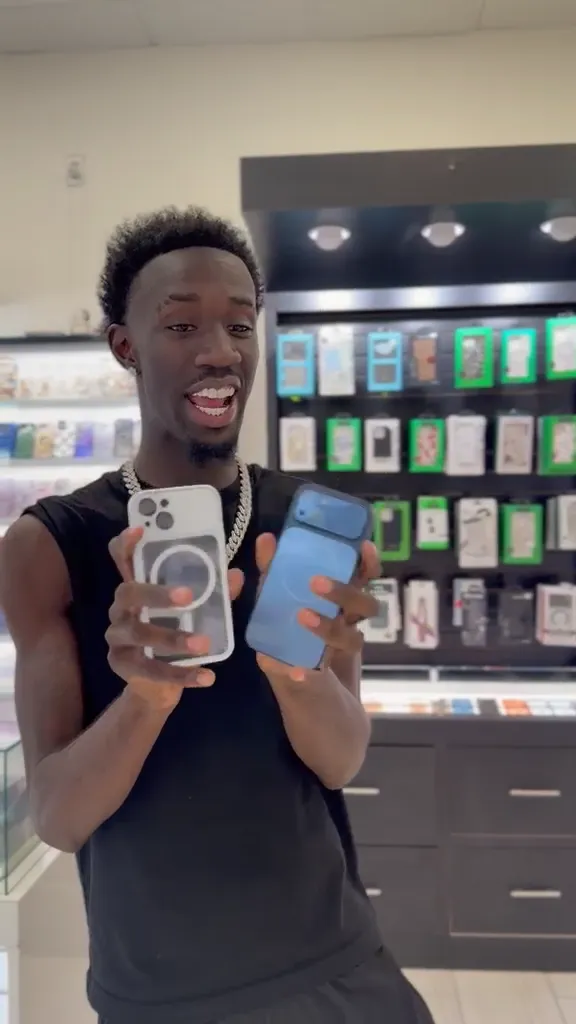
A customer holding up a repaired iPhone at the CELLTECH counter.
Screen repair, in store
I dropped it in the car park on a Tuesday morning and had written the phone off in my head by lunchtime. They took it in, quoted me on the spot and handed it back the same afternoon with the old panel in a bag so I could see what had actually broken.
Alicia R.
iPhone 14 Pro screen repair
It was down to twenty percent before lunch every single day and I assumed I was being sold a new battery whatever I said. They tested it in front of me first, showed me the health reading, then swapped it and had me out inside the hour.
Tomas G.
Galaxy S23 battery replacement
I put a full cup of coffee across the keyboard and had four years of work on there with no backup. They opened it the same day, cleaned the board properly rather than just drying it out, and every key on it still works months later.
Priya N.
MacBook Air liquid damage
The last place I used quoted one number on the phone and a different one at the counter. These people looked at the port, told me what it would cost before they touched anything, and that was exactly what I paid when I collected it.
Kevin M.
iPad 10th generation charging port
The back was shattered end to end and pieces of it were coming away in my hand. I left it with them on my lunch break, came back after work, and there is no seam and no gap anywhere on it. You would not know it had happened.
Samuel O.
Pixel 8 back glass repair
What actually decided it for me was the 90 day malfunction warranty, because I had been burned by a cheap repair before that failed inside a fortnight. Nothing has gone wrong with this one, but I would have had somewhere to go if it had.
Renata C.
iPhone 12 camera repair
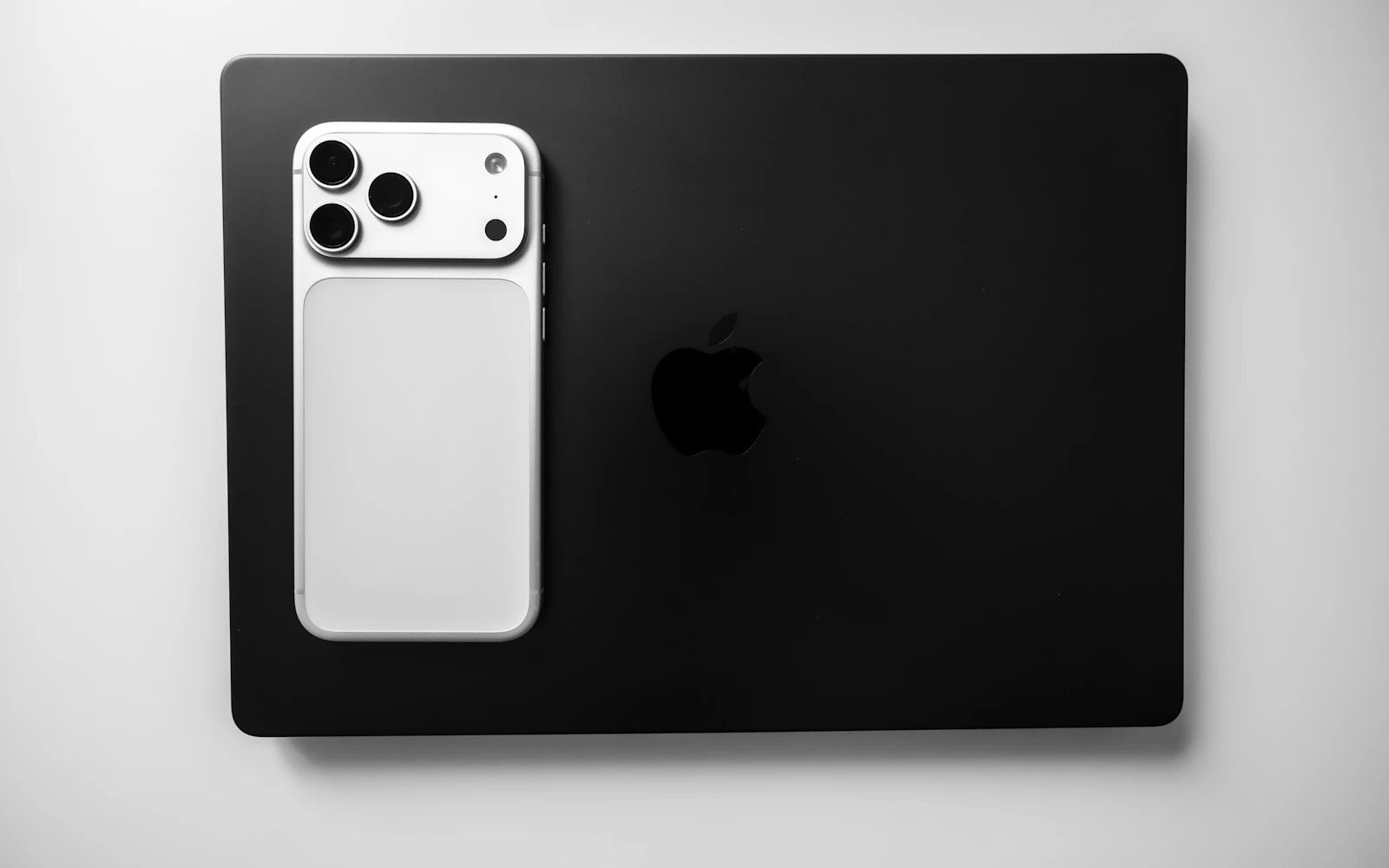
The essentials
The short version of what CELLTECH does with an iPhone camera, before the detail further down the page.
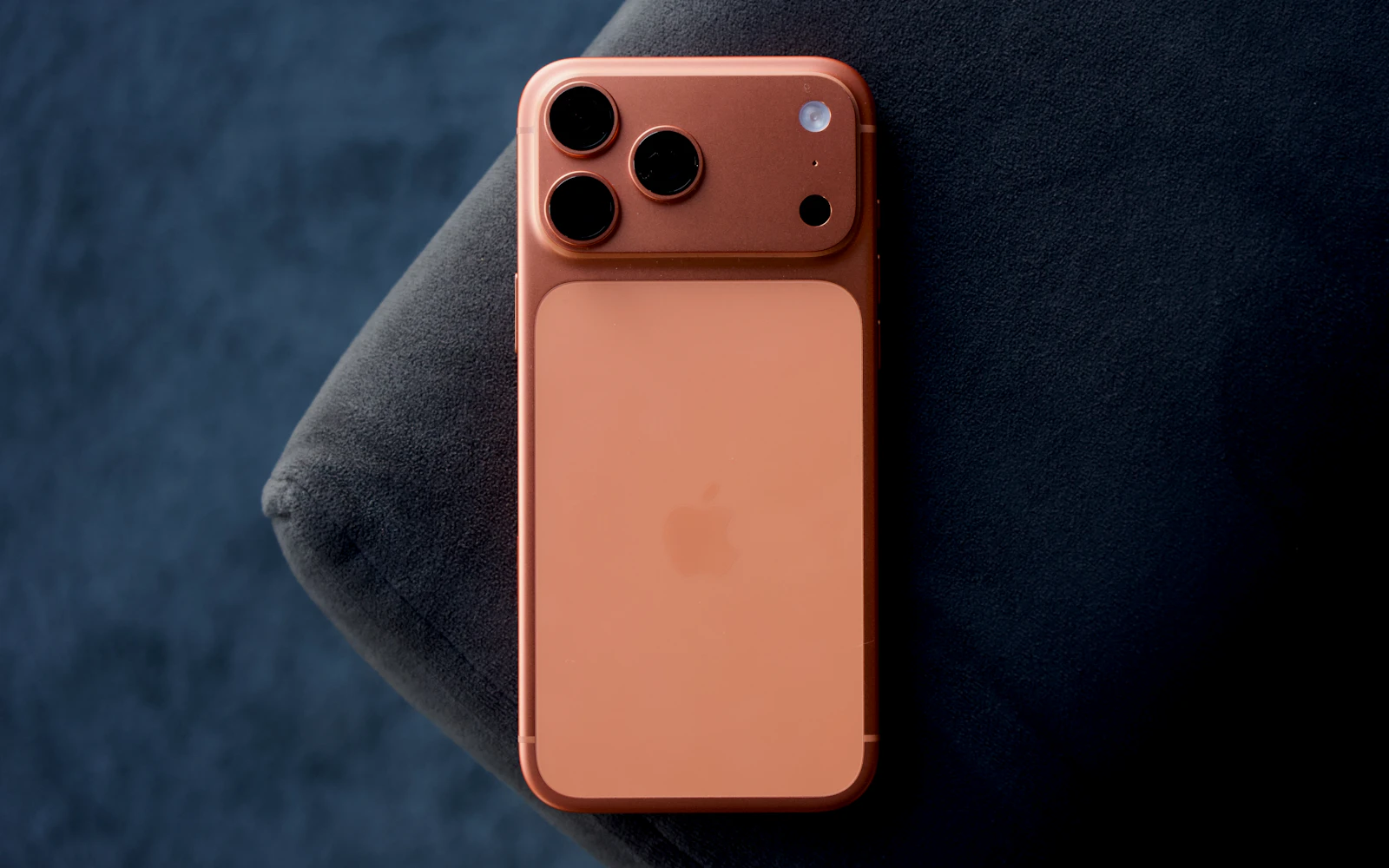
Find the part
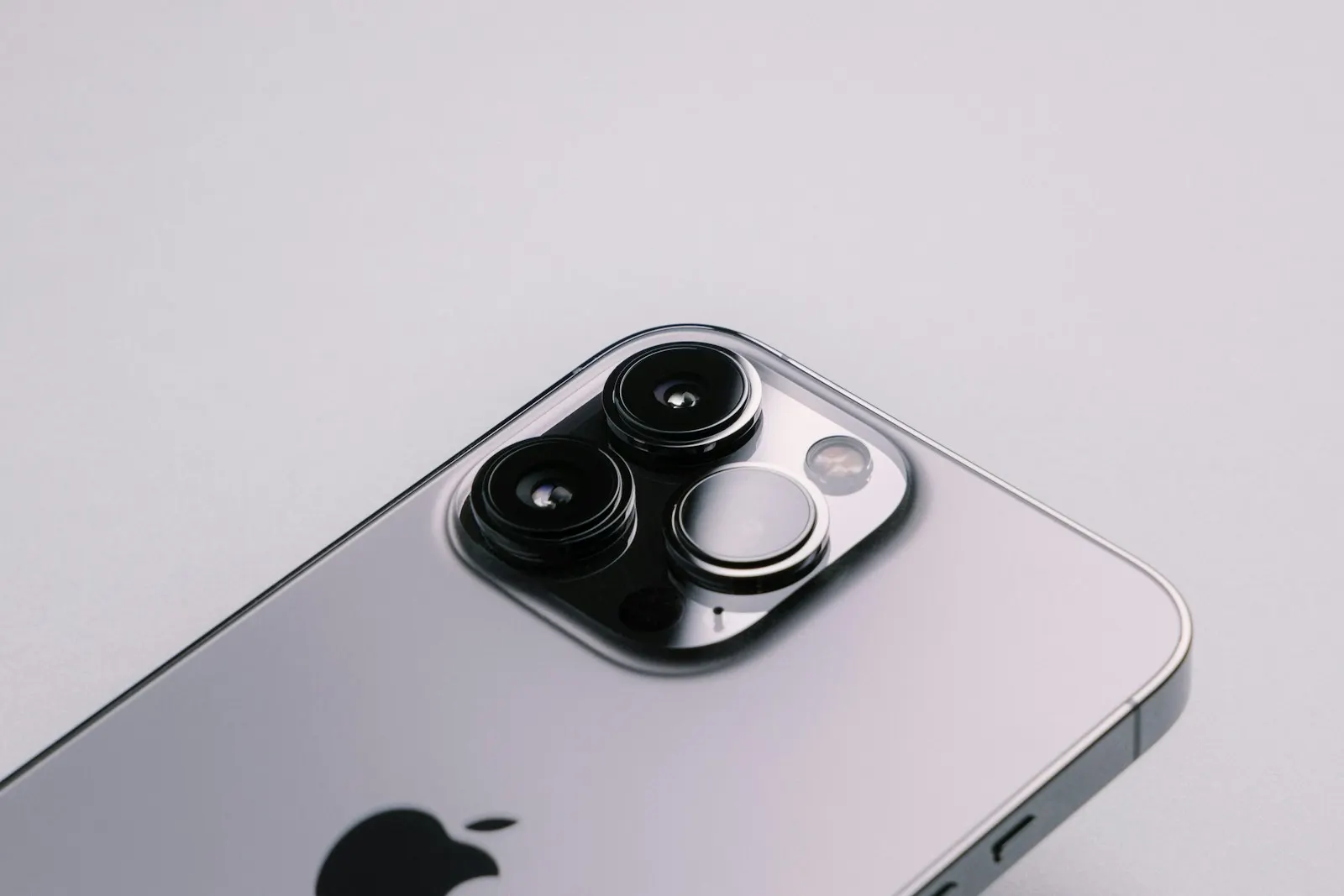
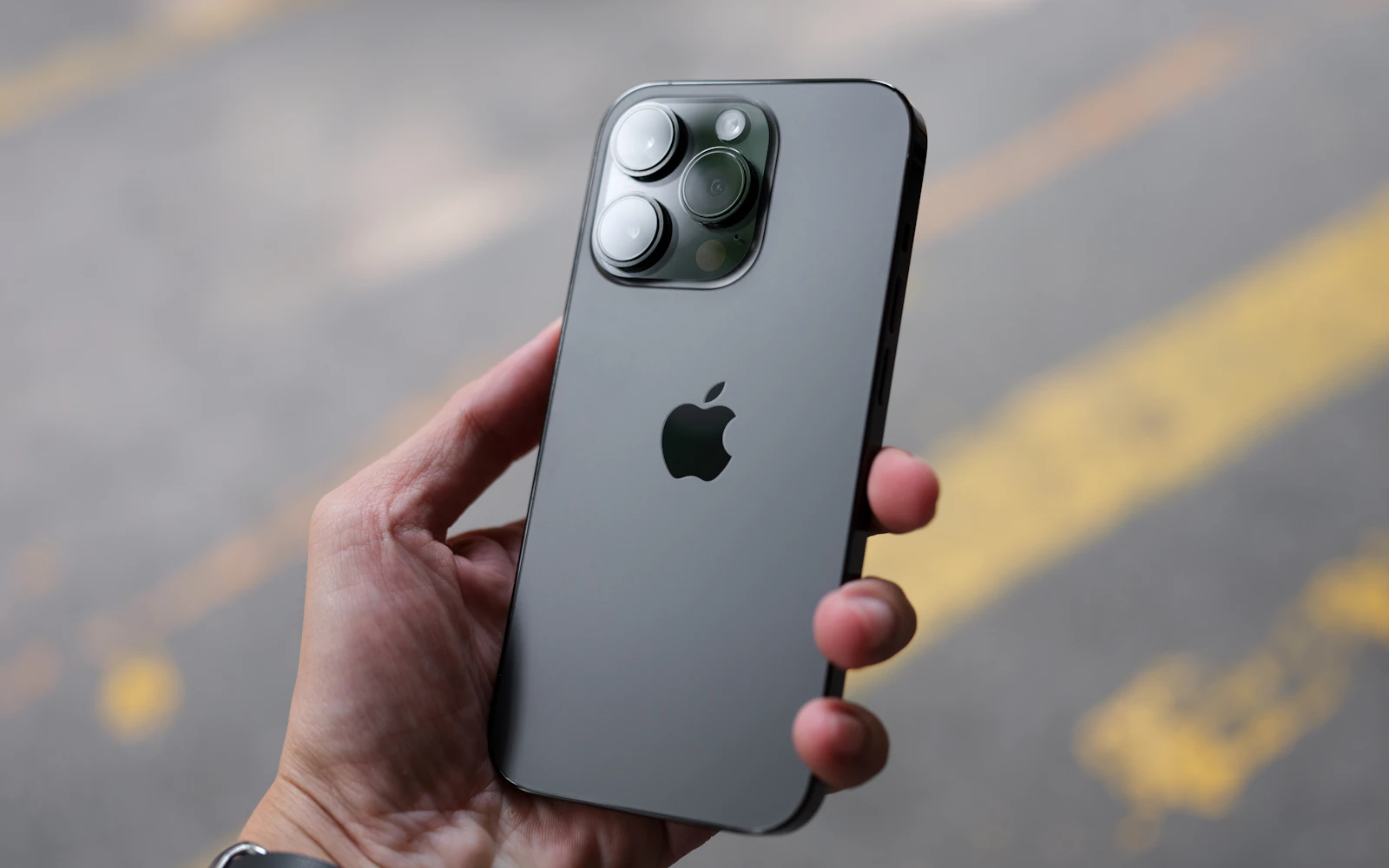
Every iPhone rear camera has two main parts. The lens cover is the small piece of glass that sits over each camera on the back of the iPhone. The camera module is the actual camera inside, with its sensor, autofocus and image stabilization. A drop can break either one, or both.
A cracked lens cover shouldn't be ignored just because photos look fine today. Broken glass lets dust and moisture reach the camera module, and the module is usually the more expensive part to replace.
Most likely part: Lens cover.
Why: The glass is damaged, but the camera behind it still works.
Most likely part: Usually the lens cover.
Why: Cracked or scratched cover glass scatters light.
Most likely part: Camera module.
Why: The autofocus system inside the module is damaged.
Most likely part: Camera module.
Why: The image stabilization system is damaged.
Most likely part: That camera module.
Why: The camera has failed or lost its connection.
Most likely part: Software or a wider fault.
Why: One module rarely takes out every camera. This needs checking.
Most likely part: Lens cover seal or module.
Why: Debris or moisture got past the cover.
Most likely part: That camera's lens cover or module.
Why: Each rear camera has its own module and cover glass, so damage to one doesn't affect the others.
Most likely part: Lens cover, with the module checked too.
Why: The module underneath is left open to dust and moisture until the cover is replaced.
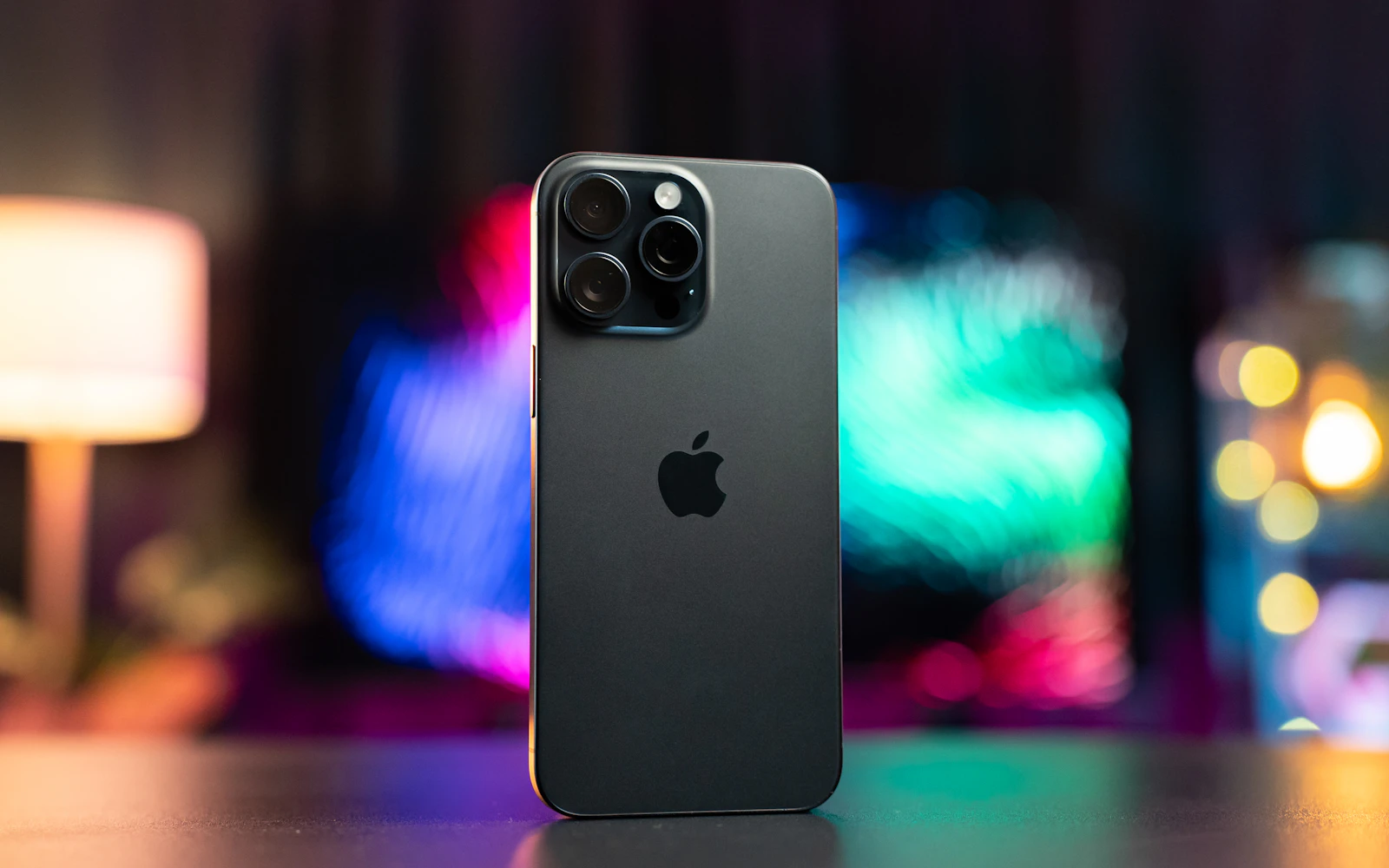
Test it yourself
Most iPhones have more than one rear camera, and a drop often damages only one. This quick test tells you, and the technician, where to look.
Open the Camera app and point it at something with fine detail, such as printed text.
Tap 1x to test the main camera.
Tap 0.5x to test the ultra wide camera, if your iPhone has one.
On Pro models, tap the telephoto option (2x, 3x or 5x, depending on the model).
Switch to the front camera.
Try a Portrait photo, which uses depth information from more than one camera or sensor on many models.
Not a fault
Some things that look like faults are how the iPhone camera is designed to work. Knowing them can save you a trip.
On models with macro photography, the iPhone switches to the ultra wide camera for close-ups, and the image can shift as it changes. You can control this in the Camera settings.
In low light, the iPhone may use the main camera and crop the image instead of the telephoto lens, so the photo can look softer.
Lens flare and reflections from bright light sources are normal with small camera lenses. A crack is different: it creates consistent haze or streaks across many photos.
On models with image stabilization, a slight rattle can be normal when the camera isn't powered. A buzzing, shaking image with the Camera app open is not normal.
The Camera app controls the flash at that point. Close the app and the flashlight works again.
On models that have it, Night mode switches on automatically in low light, and the iPhone may ask you to hold still for a second or more while it captures the shot.
The front camera preview shows a mirror image, while the saved photo may not be mirrored. On many models a Mirror Front Camera option in the Camera settings changes this.
Real faults
Before your visit
A few checks at home can rule out the simple causes before you make the trip.
Vibration
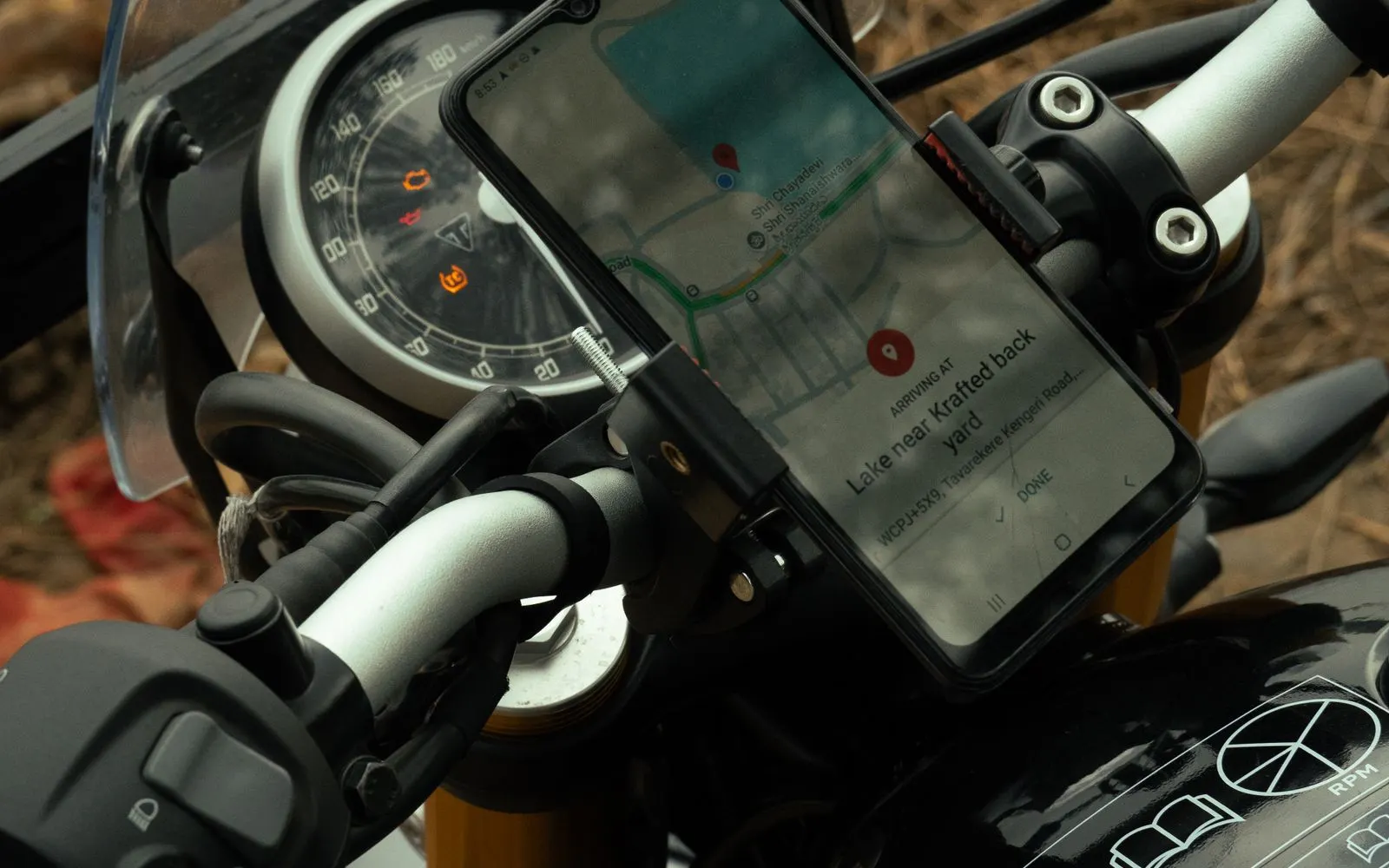
iPhone cameras use tiny moving parts for autofocus and image stabilization. Apple warns that high amplitude vibration, such as from a motorcycle engine transmitted through a handlebar mount, can damage these systems. Some vehicle mounts can transmit strong vibration too.
If you mount your iPhone on a motorcycle, Apple recommends a vibration dampening mount and limiting prolonged use. If the camera image has started shaking or won't focus after riding, the stabilization or autofocus has likely been damaged and the camera module should be checked.
Parts and Service History
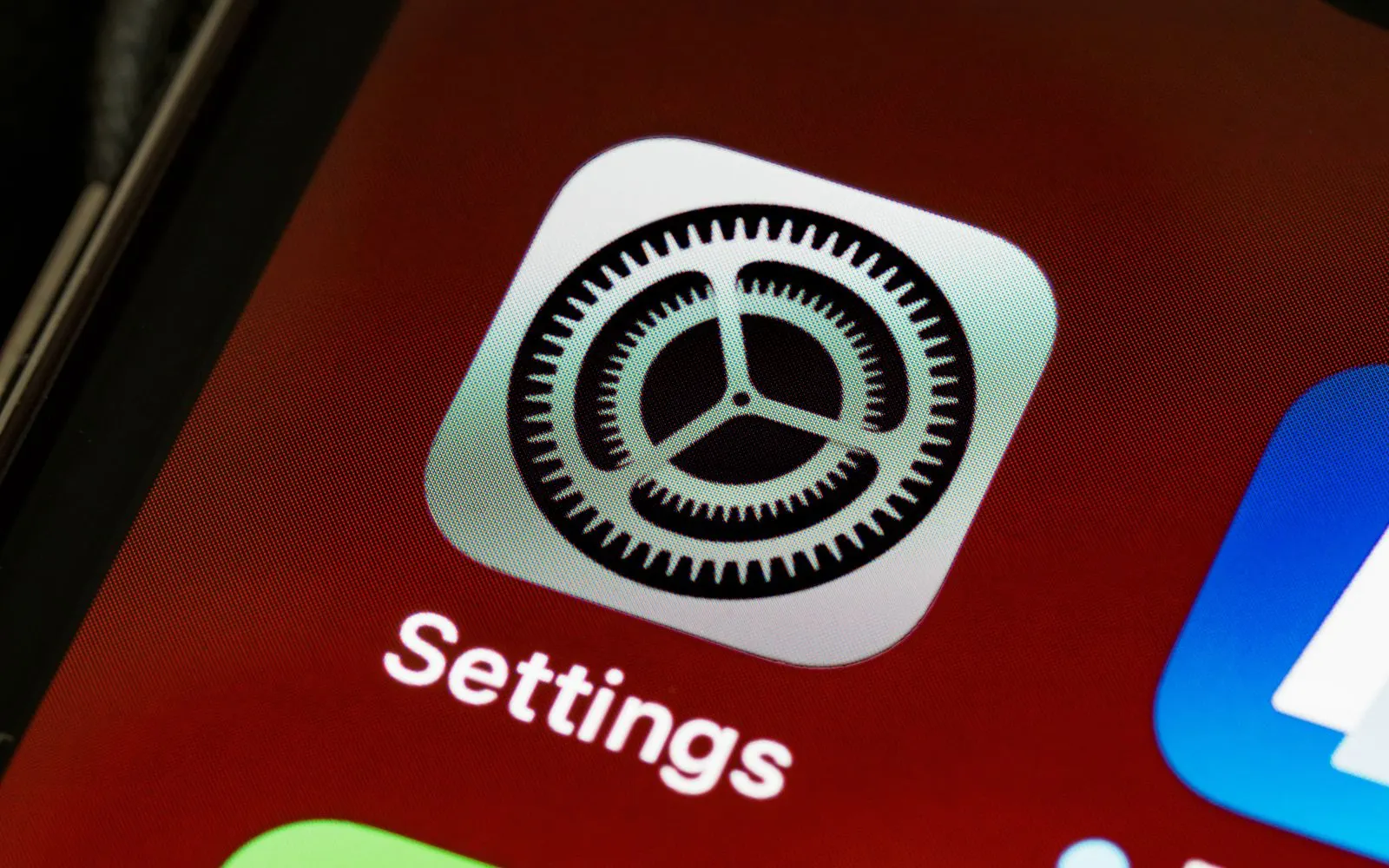
Recent iPhones keep a record of repaired parts under Settings, General, About, in Parts and Service History. After a camera replacement outside Apple's repair channel, the camera may be listed as an "Unknown Part", and some models may show a notice that the camera couldn't be verified as genuine.
The iPhone keeps working, and the message is informational. CELLTECH's guide to the iPhone "Unknown Part" message explains more.
Replacing only a cracked lens cover doesn't involve the camera module itself. Ask the technician which repair you need and what, if anything, you'll see in Settings afterward.
Front camera
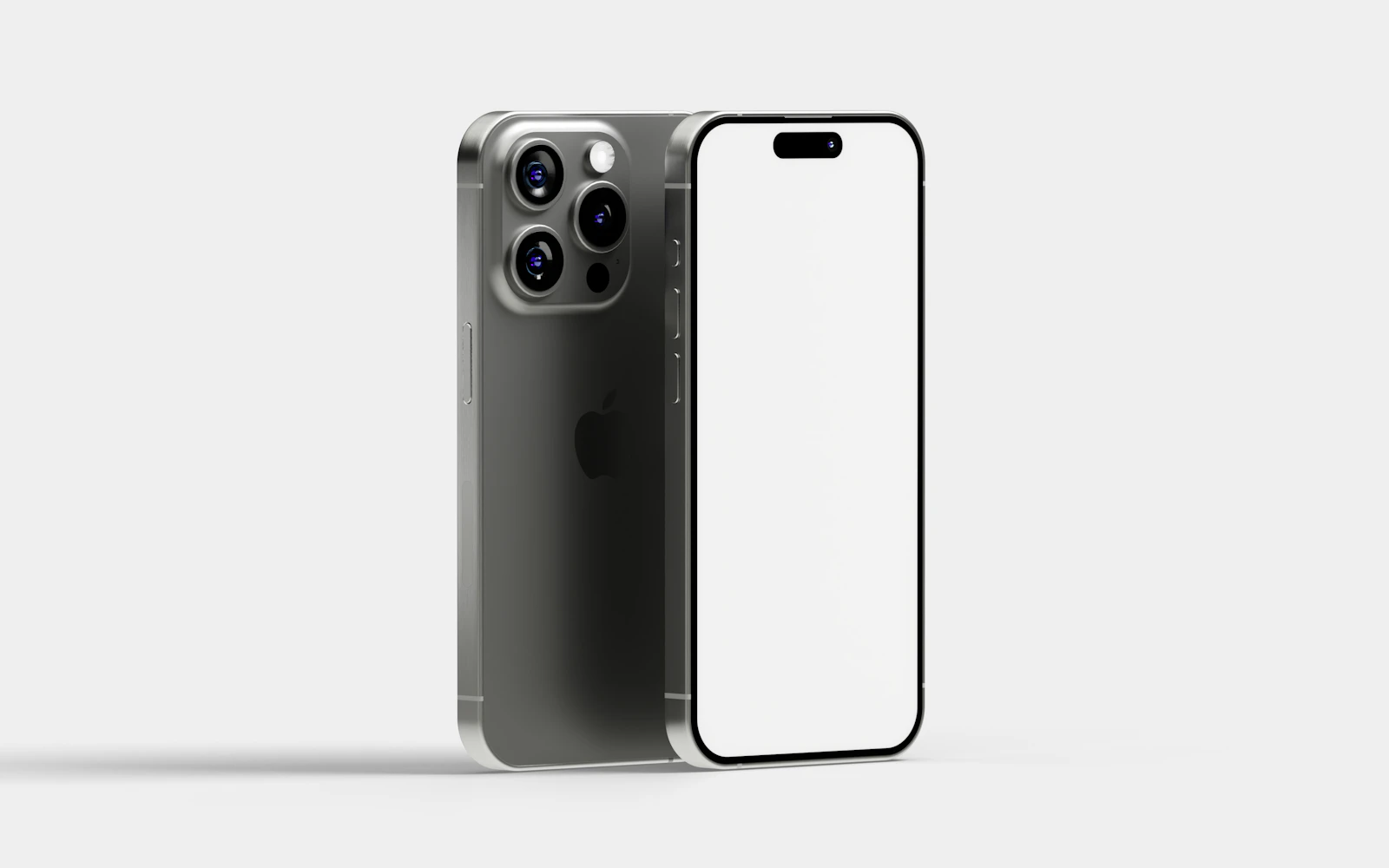
On iPhones with Face ID, the front camera sits at the top of the display alongside the Face ID components. Because Face ID parts are paired to each iPhone, work in that area needs care.
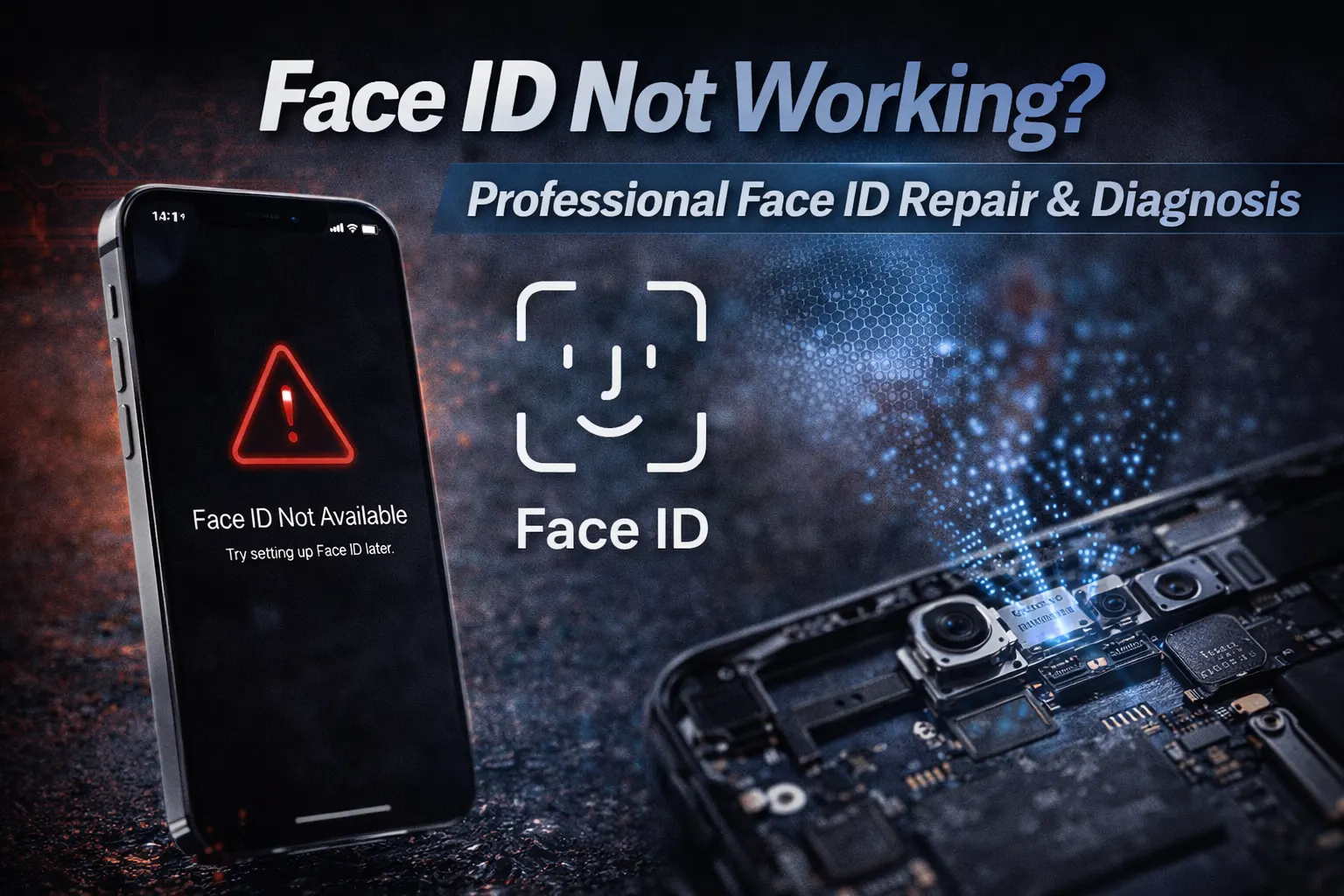
If your front camera is black or blurry, or Face ID has stopped working as well, mention both to the store. Front camera repair availability depends on the model, so call your nearest CELLTECH store to confirm. Read Face ID not working: professional diagnosis.

How it works
Tell the store what's happening and which zoom levels are affected. Mention any drop, spill or vibration.
The camera is checked. The technician works out whether the problem is the lens cover, a camera module or something else.
You get a clear quote. A lens cover replacement and a module replacement are priced differently. Nothing starts until you agree.
The repair is carried out. That means replacing the damaged lens cover, or the affected camera module, for your model.
It's tested before you leave. Every lens, focus and a short video are checked, and you're encouraged to test them yourself.
After the repair
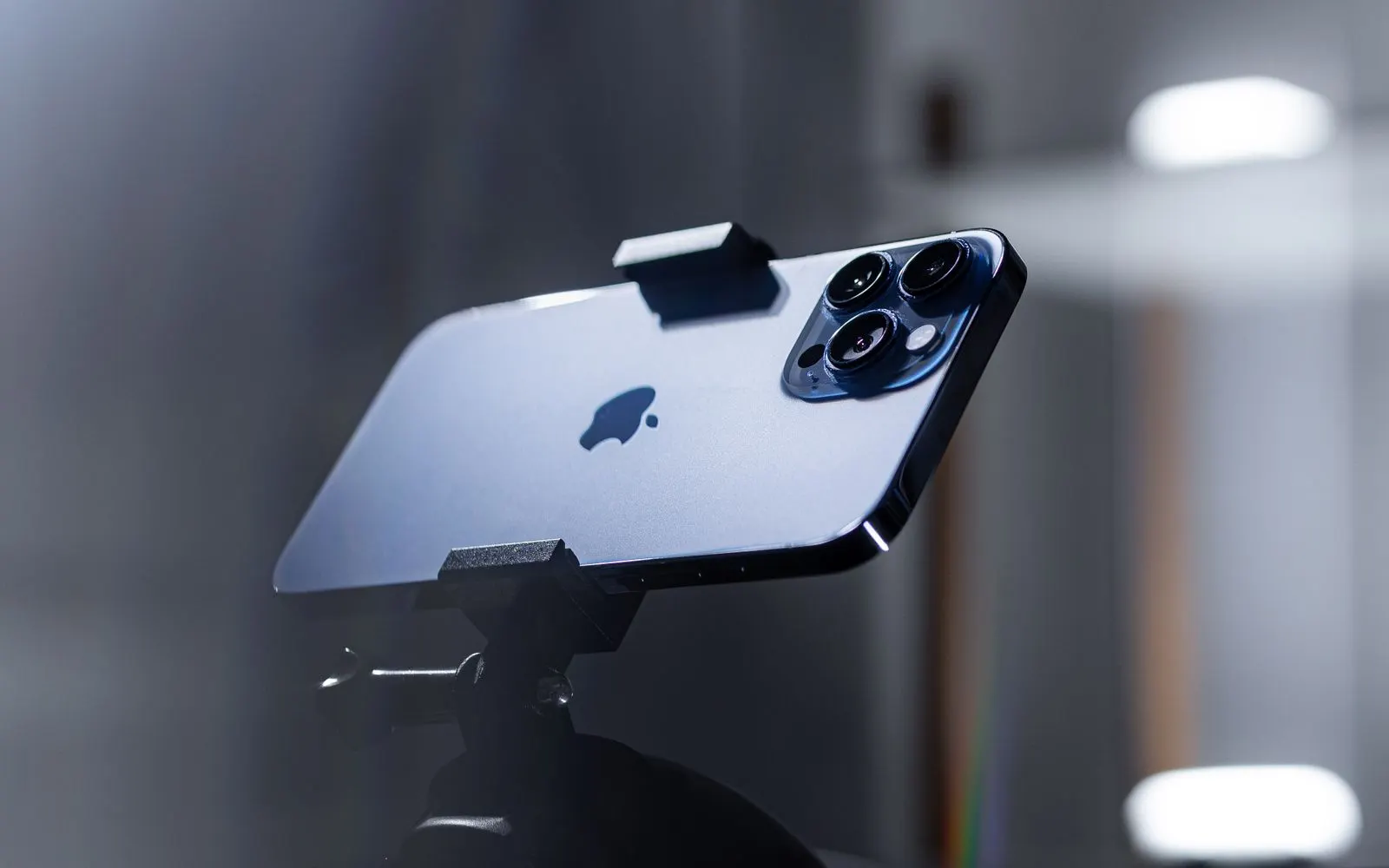
Before you leave the counter, run through these checks on the repaired camera, so anything that looks wrong is caught while the iPhone is still in the store.
Turnaround
A lens cover replacement is usually the quicker job. A camera module replacement takes longer because more of the iPhone has to be opened. Many iPhone camera repairs can be completed the same day when the part for your model is in stock.
Timing depends on the model, which camera is affected, and whether the same drop damages anything else, such as the back glass. Call your nearest store with your model for an estimate.
If a part has to be ordered for your model, you're told the expected wait before you leave the iPhone, and nothing is opened until you agree.
Calling ahead with your model lets the store confirm the part is in stock, which is what decides whether the repair can be finished the same day.
Pricing
The cost depends on four things:
Lens cover or camera module: Replacing the cover glass generally costs much less than replacing a camera module.
Your iPhone model: Pro and Pro Max models have more cameras and more complex modules.
Which camera is affected: Main, ultra wide and telephoto modules are different parts.
Extra damage: A cracked back or bent frame from the same drop adds work.
CELLTECH checks the camera first and quotes for the actual fault. Call your nearest store with your model, or use Get a Repair Quote.
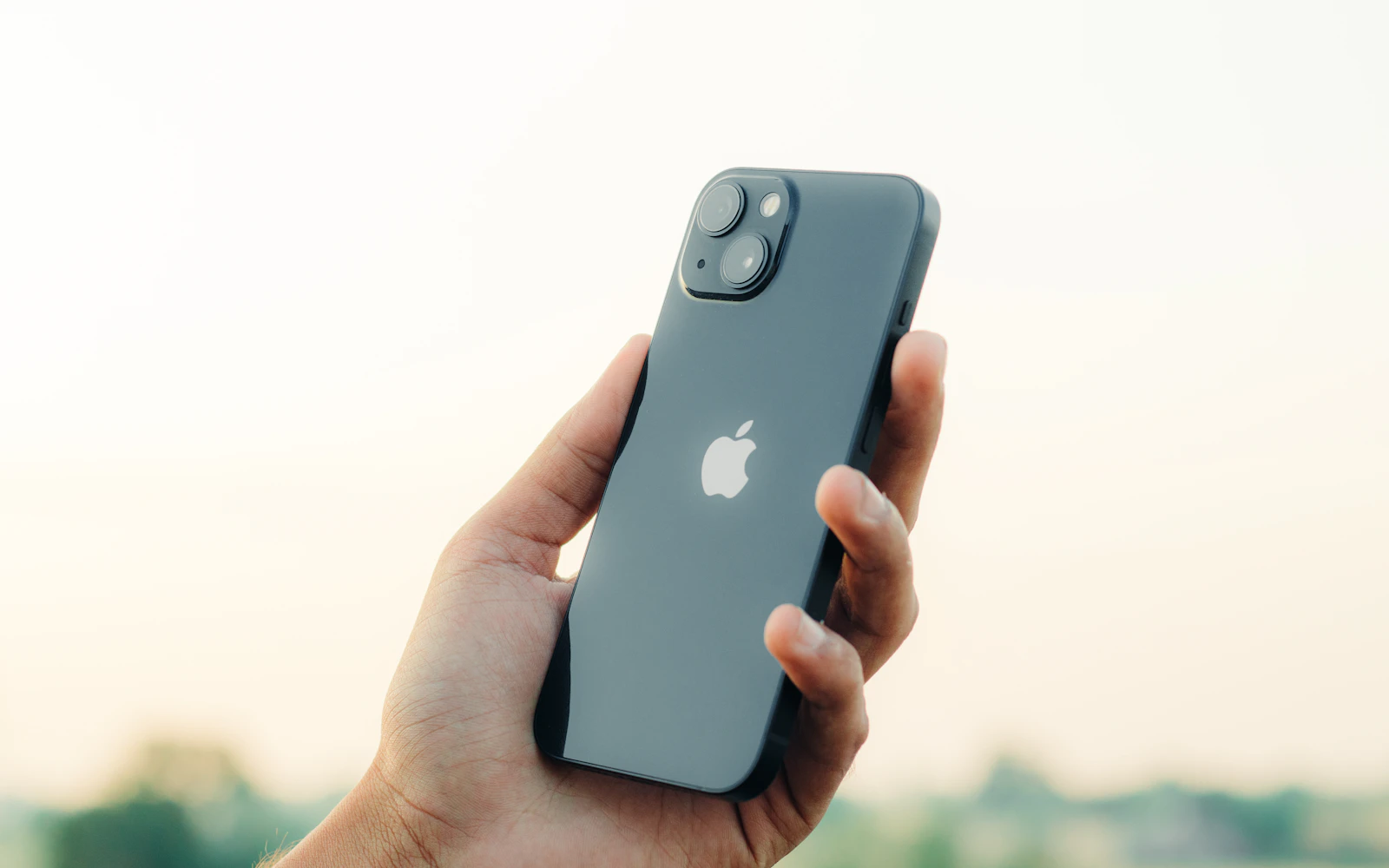
Back glass
The drop that cracks a camera cover often cracks the back glass too. If both are damaged, ask about repairing them together.
On many models the camera covers sit in the back glass area, and doing both at once can save a second visit. Read does a cracked iPhone back affect performance, and see back glass repair.
Protection
A repaired camera is only as safe as the next drop or pocket. These habits help keep the new lens cover and module in good shape.
Use a case with a raised lip around the camera bump, so the lenses don't touch the table or the ground.
Choose lens protectors carefully. Low quality ones can cause haze, flare or reflections in photos. If your photos changed after fitting one, remove it and test again.
Keep the camera out of pockets with keys and coins, which scratch lens covers.
Use a vibration dampening mount if you ride a motorcycle.
Wipe the lenses regularly with a microfiber cloth.

Apple coverage
CELLTECH is an independent repair provider and isn't affiliated with or authorized by Apple. If your iPhone is covered by Apple's limited warranty or AppleCare+, check that coverage first at checkcoverage.apple.com.
For out-of-warranty iPhones and accidental damage, CELLTECH offers walk-in camera diagnosis and repair with the quote up front.
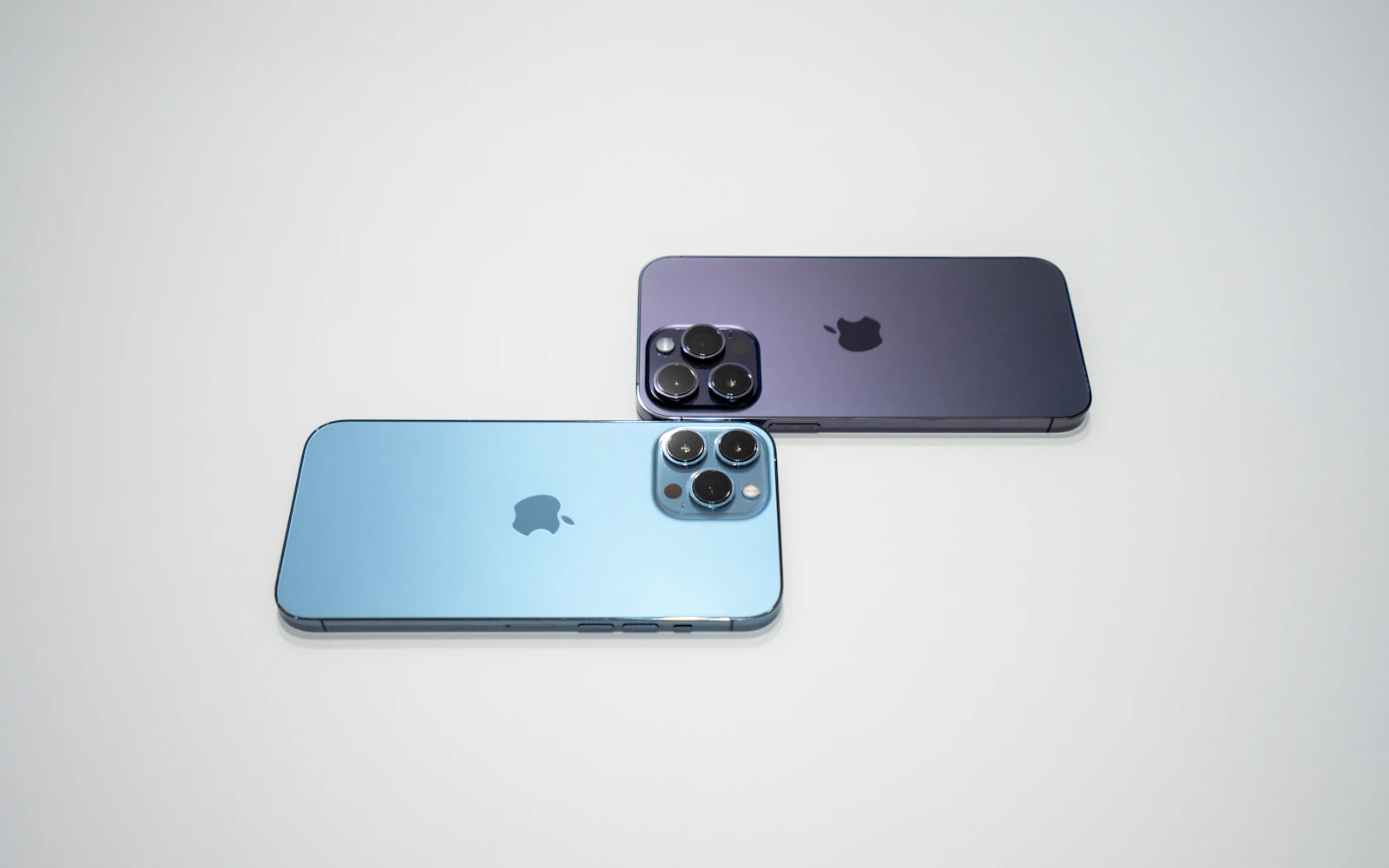
Warranty
90
iPhone camera repairs at CELLTECH are backed by a 90 day malfunction warranty covering repair related faults under CELLTECH's warranty terms.
New drops, new liquid exposure and vibration damage after the repair are handled separately. Keep your receipt.
Before any work starts, the technician tells you:
Related repairs
The same CELLTECH counter repairs the rest of your iPhone, and cameras on other brands have a page of their own.
Our locations
CELLTECH repairs iPhone cameras at stores across Dallas–Fort Worth and El Paso. Walk in, or call first with your model to check parts. Find hours and directions on the store locator.

13350 Dallas Pkwy, Kiosk 6505, Dallas, TX 75240
Find CELLTECH located on Level 2 by Bath and Body Works.

3811 S Cooper St, Suite 2402, Arlington, TX 76015
Find CELLTECH located on Level 2 next to GameStop.
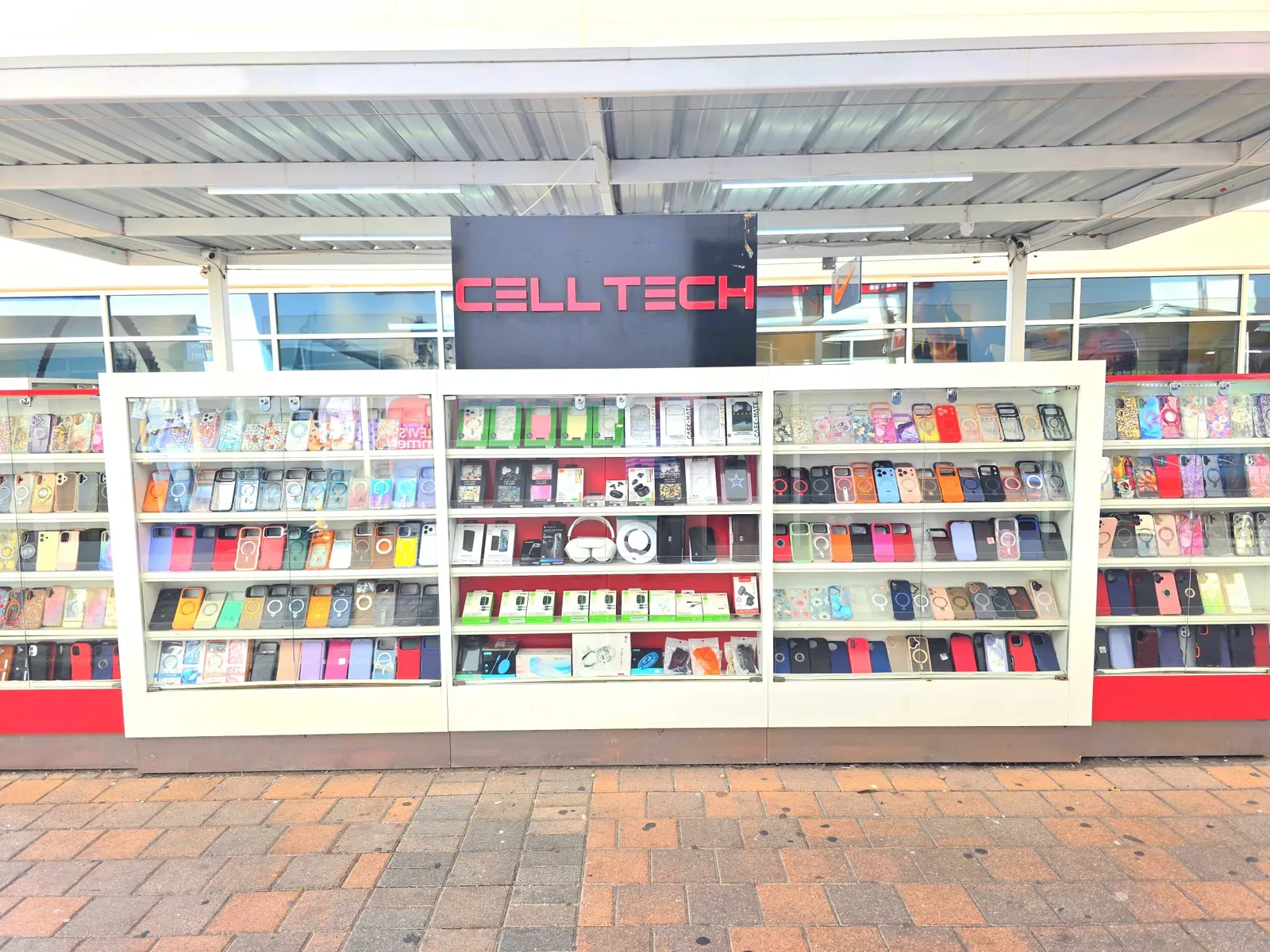
2950 W Interstate 20, Grand Prairie, TX 75052
Visit CELLTECH at Grand Prairie Premium Outlets.
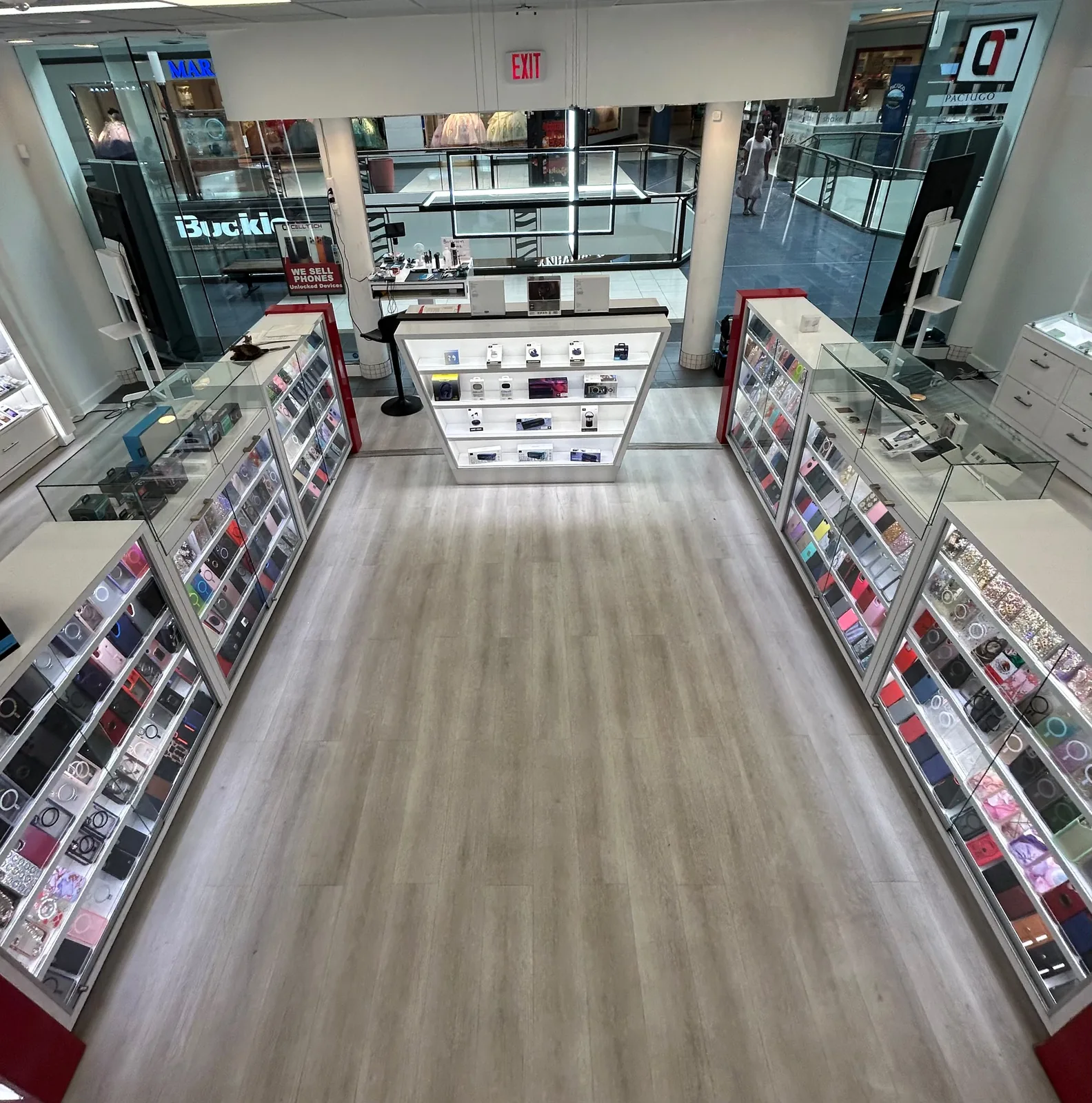
2063 Town East Mall, Kiosk 2208, Mesquite, TX 75150
Find CELLTECH located on Level 2 inside Town East Mall.
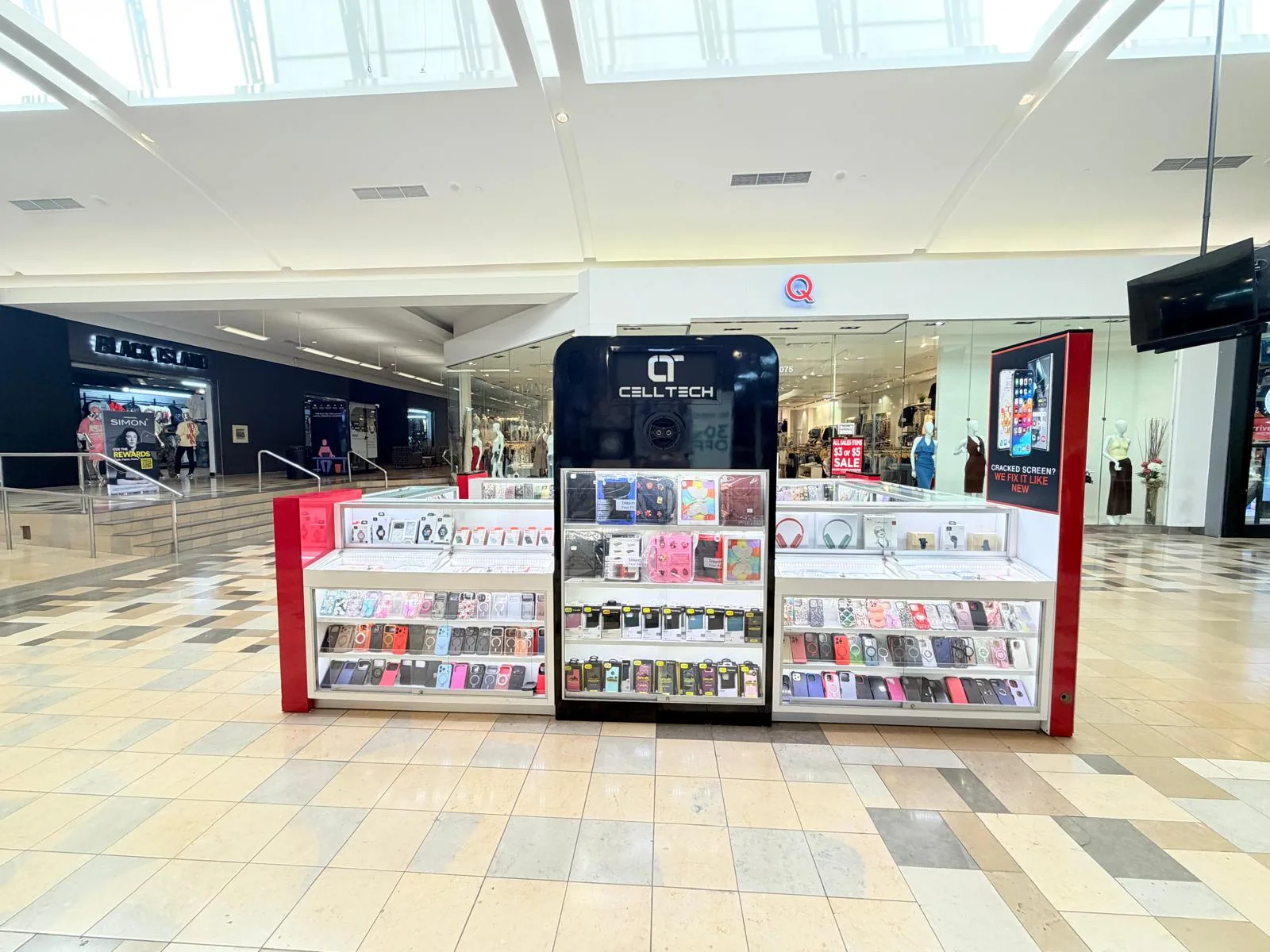
1101 Melbourne Rd, Kiosk 92, Hurst, TX 76053
Find CELLTECH in front of James Avery inside North East Mall.
8401 Gateway Blvd W, Kiosk K113, El Paso, TX 79925
Find CELLTECH located on Level 2 inside Cielo Vista Mall, in front of Hollister & Zumiez.
2601 Preston Rd, Suite 2210, Frisco, TX 75034
Visit CELLTECH at Stonebriar Centre in Frisco.
Use the store finder to choose your nearest location and view current contact information, directions, and store hours.
Seven Texas stores · Open 7 days a week
Still unsure about your iPhone camera? Call your nearest CELLTECH store, the team is happy to help.
CELLTECH repairs rear cameras on iPhone 7 through iPhone 18 Pro Max, including iPhone SE, iPhone 16e, iPhone Air and iPhone Duo, depending on part availability for the exact model. Front camera repair depends on the model, so call your nearest store to confirm.
The most common causes are a dirty or cracked lens cover, or a damaged autofocus system in the camera module. Clean the lens first. If only one zoom level is blurry, or the camera won't focus at all, have it checked.
Often, yes. If only the outer lens cover is cracked and the camera module works normally, the cover can usually be replaced without replacing the camera.
The image stabilization system in the camera module is likely damaged, often by a drop or strong vibration, such as from a motorcycle mount. The module usually needs replacing.
If only one lens is black, that camera module has likely failed. If every camera is black, including the front, restart and update iOS first, then have it checked.
It may, after a camera module replacement outside Apple's repair channel. The camera still works. A lens cover replacement doesn't involve the camera module.
Yes, in some situations. iPhones with macro photography switch to the ultra wide camera for close-ups, and in low light the iPhone may use the main camera instead of the telephoto.
A lens cover replacement is usually quicker than a camera module replacement. Many camera repairs can be completed the same day when the part is in stock.
No. Walk in at any CELLTECH store, or book a time if you prefer.
From the workshop
Camera Repair10 min read
Blog12 min read
Blogs3 min read
Blog7 min read
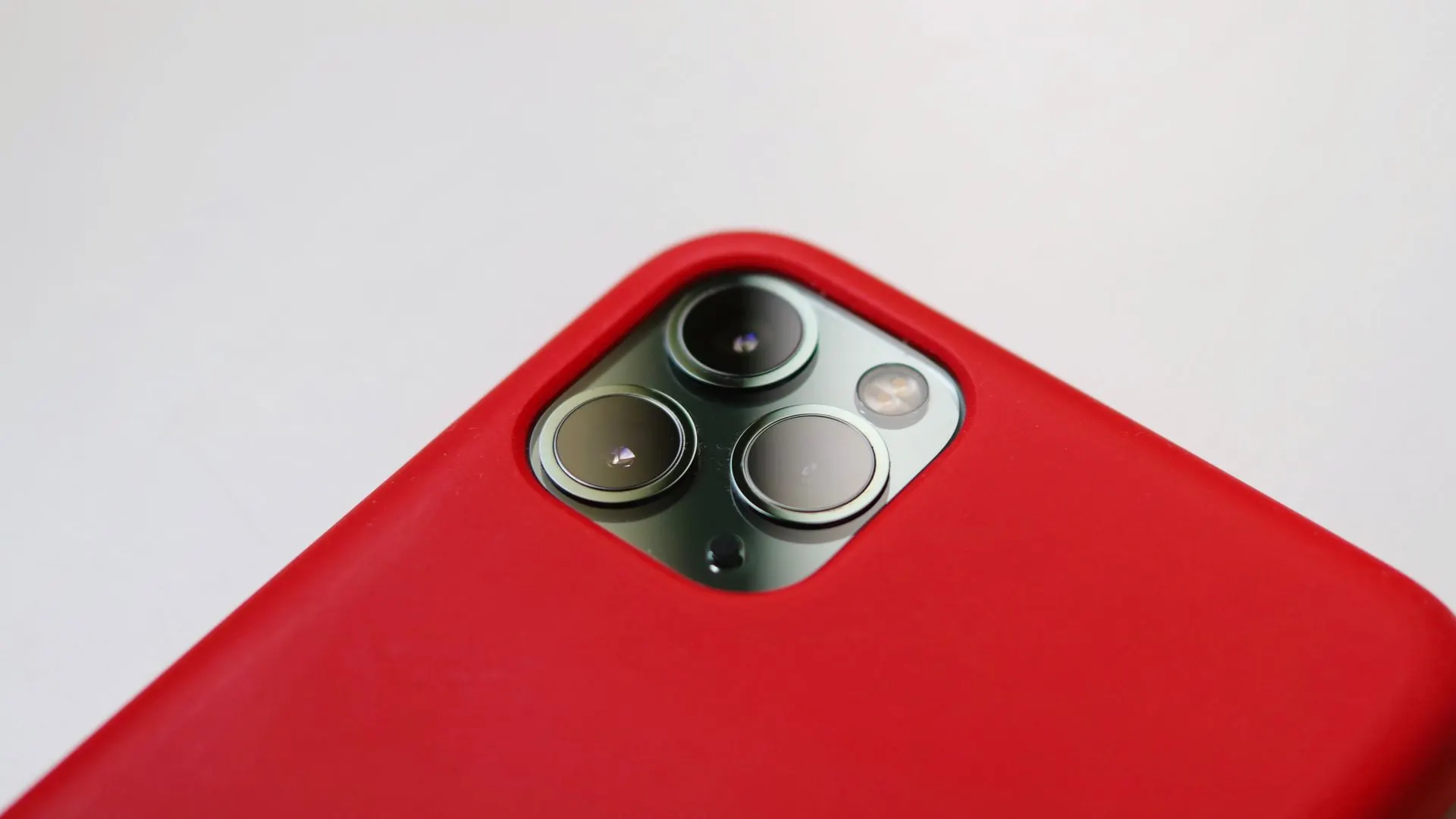
A cracked lens or a camera that won't focus is easier to judge in person. Bring your iPhone to your nearest CELLTECH store, find out whether it's the lens cover, the camera module or something simpler, and see the quote before any work begins.