

Why Does My Phone Turn Off With Battery Left? Causes, Fixes and Repair
Phone Battery15 min read
No appointment needed
Apple battery replacement
When an iPhone that used to last all day needs a charger by mid-afternoon, the battery is usually the part that has worn out, not the phone. CELLTECH replaces batteries on iPhone 7 through iPhone 18 Pro Max, including iPhone SE, iPhone 16e, iPhone Air and iPhone Duo, at stores across Texas, and Apple Watch and iPad batteries can be checked too.
If Battery Health has dropped below 80%, or the iPhone shuts down with charge still showing, bring it in. The device is inspected first, and you get a clear quote before any work begins. No appointment is needed.
Many iPhone battery replacements take as little as 20 minutes when the battery for your model is in stock. Every repair is backed by CELLTECH's 90 day malfunction warranty.
Customers who trust CELLTECH

A customer smiling at the outlet kiosk after her repair.
Phone repair, in store

A customer holding up her repaired phone at the outlet counter.
Phone repair, in store

A customer with her repaired phone on the upper level of the mall.
Phone repair, in store

A customer holding up her repaired phone in the store.
Phone repair, in store

A customer holding up her phone in its new case at the counter.
Phone repair, in store

A customer talking about her repair at the CELLTECH counter.
Phone repair, in store

A customer smiling at the CELLTECH counter after his repair.
Phone repair, in store

A customer holding up his repaired phone on the mall concourse.
Phone repair, in store
A customer holding up his repaired phone in the store.
Phone repair, in store

A customer with his repaired phone at the counter.
Phone repair, in store

A customer outside the store after an iPhone 15 repair.
iPhone 15 repair
A customer collecting his phone at the case wall.
Phone repair, in store

A customer on the shop floor after a same day repair.
Same day repair

A customer checking a repaired phone before leaving the store.
Charging port repair, in store
A customer holding up a repaired iPhone at the CELLTECH counter.
Screen repair, in store
I dropped it in the car park on a Tuesday morning and had written the phone off in my head by lunchtime. They took it in, quoted me on the spot and handed it back the same afternoon with the old panel in a bag so I could see what had actually broken.
Alicia R.
iPhone 14 Pro screen repair
It was down to twenty percent before lunch every single day and I assumed I was being sold a new battery whatever I said. They tested it in front of me first, showed me the health reading, then swapped it and had me out inside the hour.
Tomas G.
Galaxy S23 battery replacement
I put a full cup of coffee across the keyboard and had four years of work on there with no backup. They opened it the same day, cleaned the board properly rather than just drying it out, and every key on it still works months later.
Priya N.
MacBook Air liquid damage
The last place I used quoted one number on the phone and a different one at the counter. These people looked at the port, told me what it would cost before they touched anything, and that was exactly what I paid when I collected it.
Kevin M.
iPad 10th generation charging port
The back was shattered end to end and pieces of it were coming away in my hand. I left it with them on my lunch break, came back after work, and there is no seam and no gap anywhere on it. You would not know it had happened.
Samuel O.
Pixel 8 back glass repair
What actually decided it for me was the 90 day malfunction warranty, because I had been burned by a cheap repair before that failed inside a fortnight. Nothing has gone wrong with this one, but I would have had somewhere to go if it had.
Renata C.
iPhone 12 camera repair

The essentials
Which Apple devices CELLTECH covers, and what happens before any battery work starts.
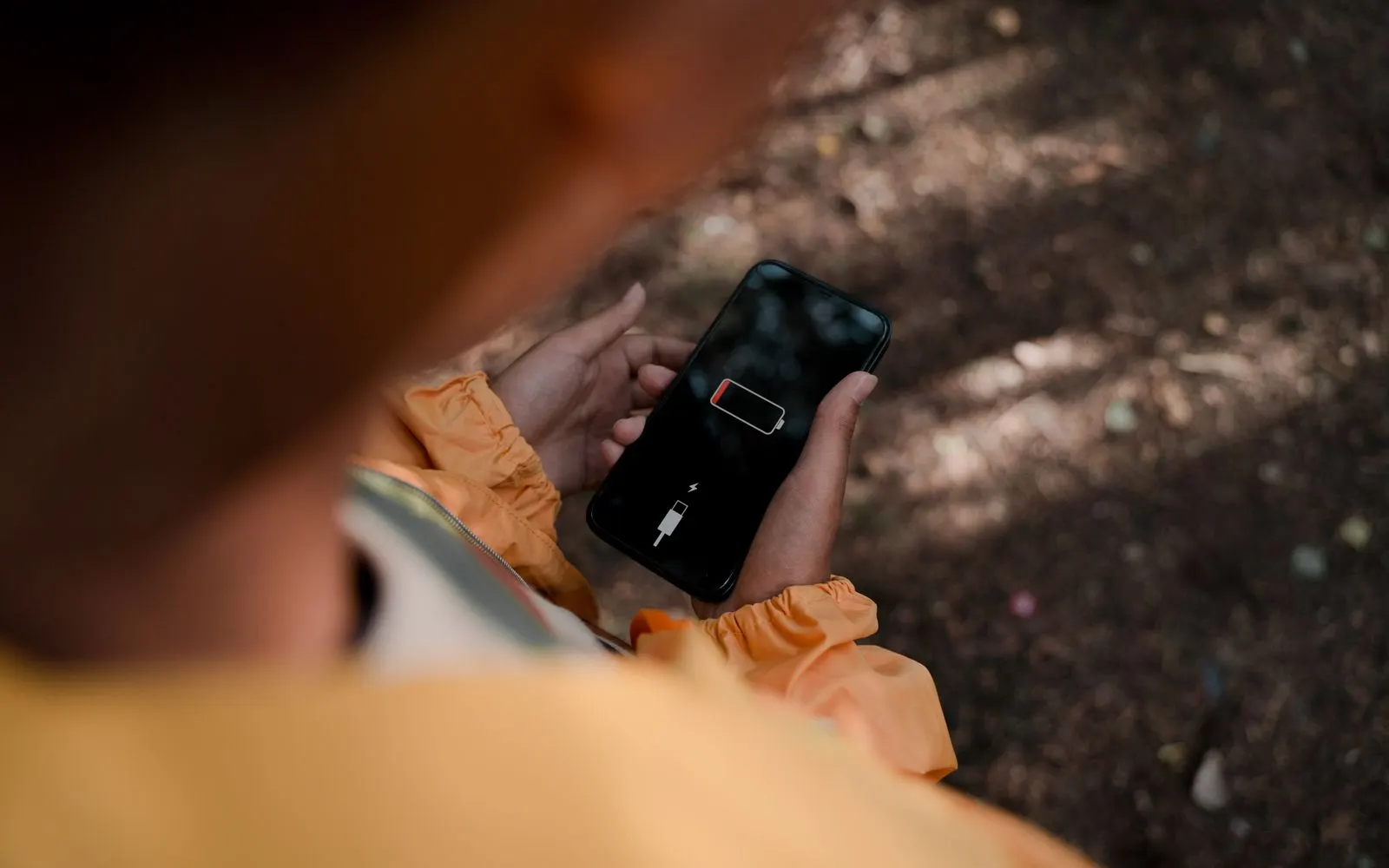
Signs of a worn battery
Lithium-ion batteries wear with every charge cycle. Apple designs its batteries to keep most of their original capacity for a set number of cycles, and after that, it's normal for battery life to drop. It's usually time for a new battery when:
Check it yourself
Every Apple device keeps its own battery reading, and it only takes a moment to find. The number tells you whether a replacement is likely to make a real difference before you visit a store.
If the numbers look fine but battery life still seems poor, an app may be draining it. Read iPhone battery drain: diagnostics and solutions before assuming the battery is worn.
Open Settings, then Battery, then Battery Health (on some iOS versions, Battery Health & Charging). Check Maximum Capacity and whether a service message appears.
Go to Settings, General, About to see the battery's cycle count, manufacture date and first use.
Open Settings on the watch, then Battery, then Battery Health.
Some recent iPad models show battery information in Settings. On others, a store check can assess the battery.
Where to get it done
There are three main ways to get a new battery in an Apple device. Each suits a different situation, and the right one depends mostly on whether the device is still covered by Apple.
CELLTECH is an independent repair provider and isn't affiliated with or authorized by Apple. If your device has AppleCare+, start with Apple (see below).
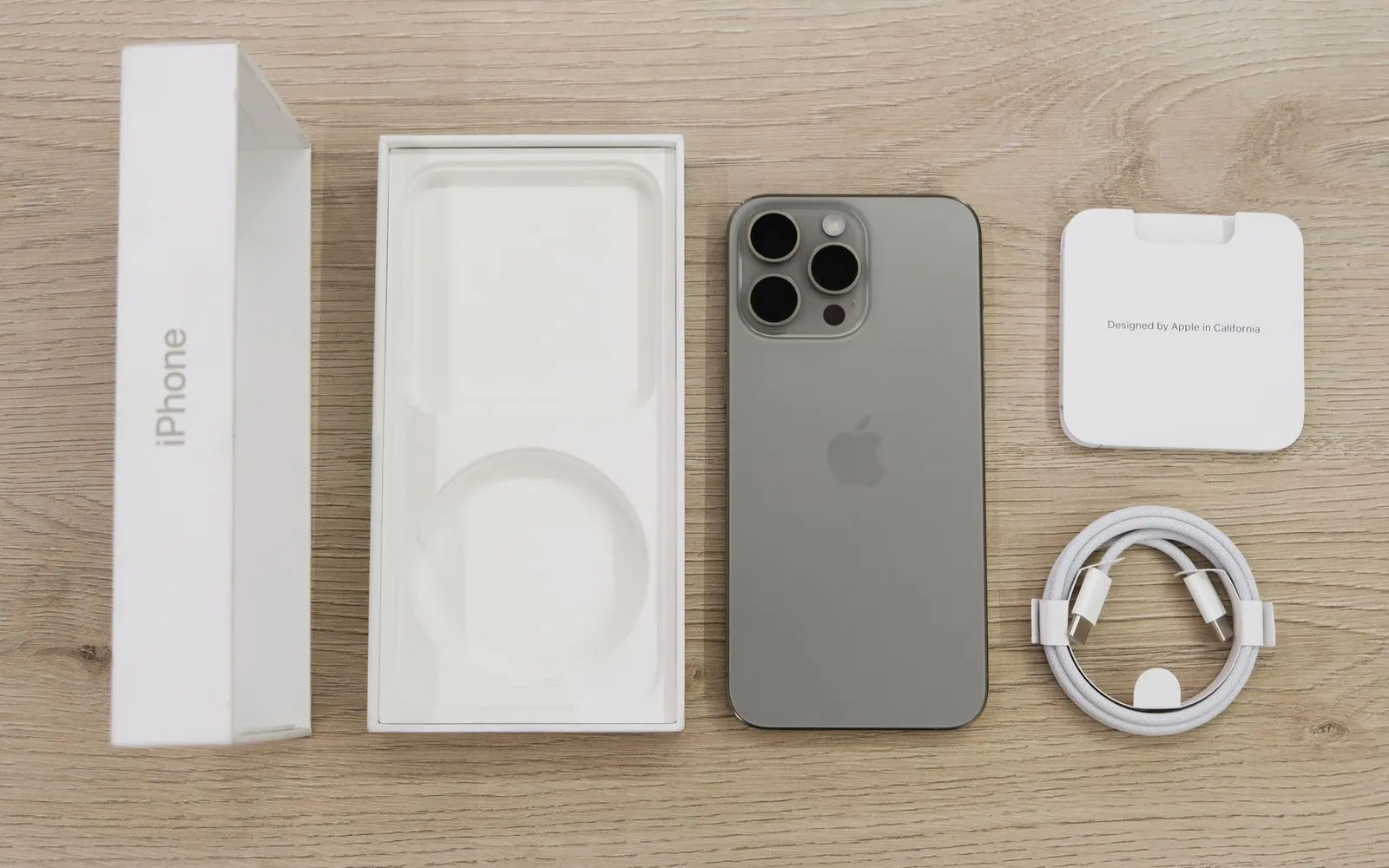
Apple's own repair route, at an Apple Store or through its mail-in service. The first place to look if the device is still under warranty or AppleCare+.
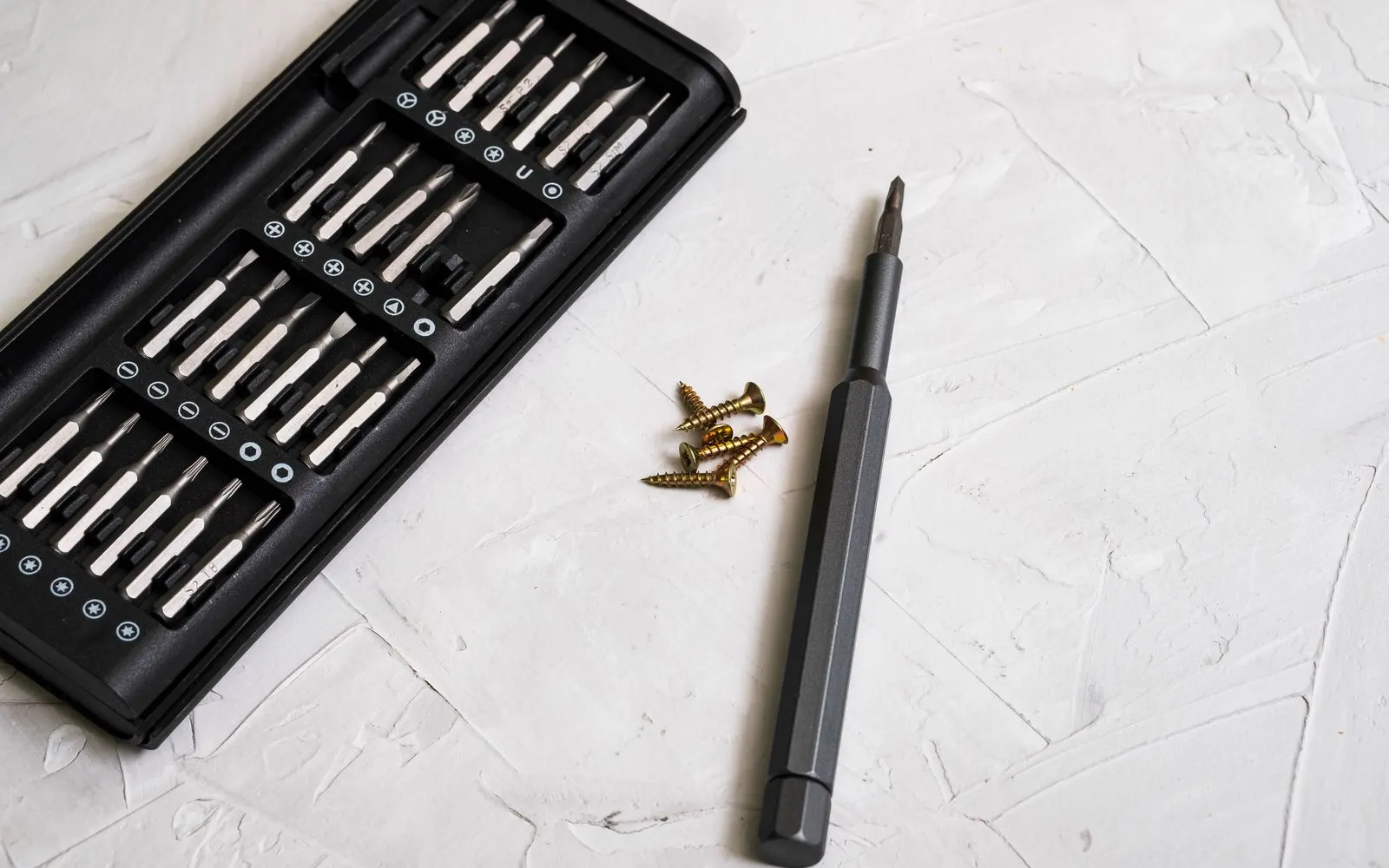
A battery and a set of tools sold together, fitted at home. It can cost less up front, but the whole job is yours.

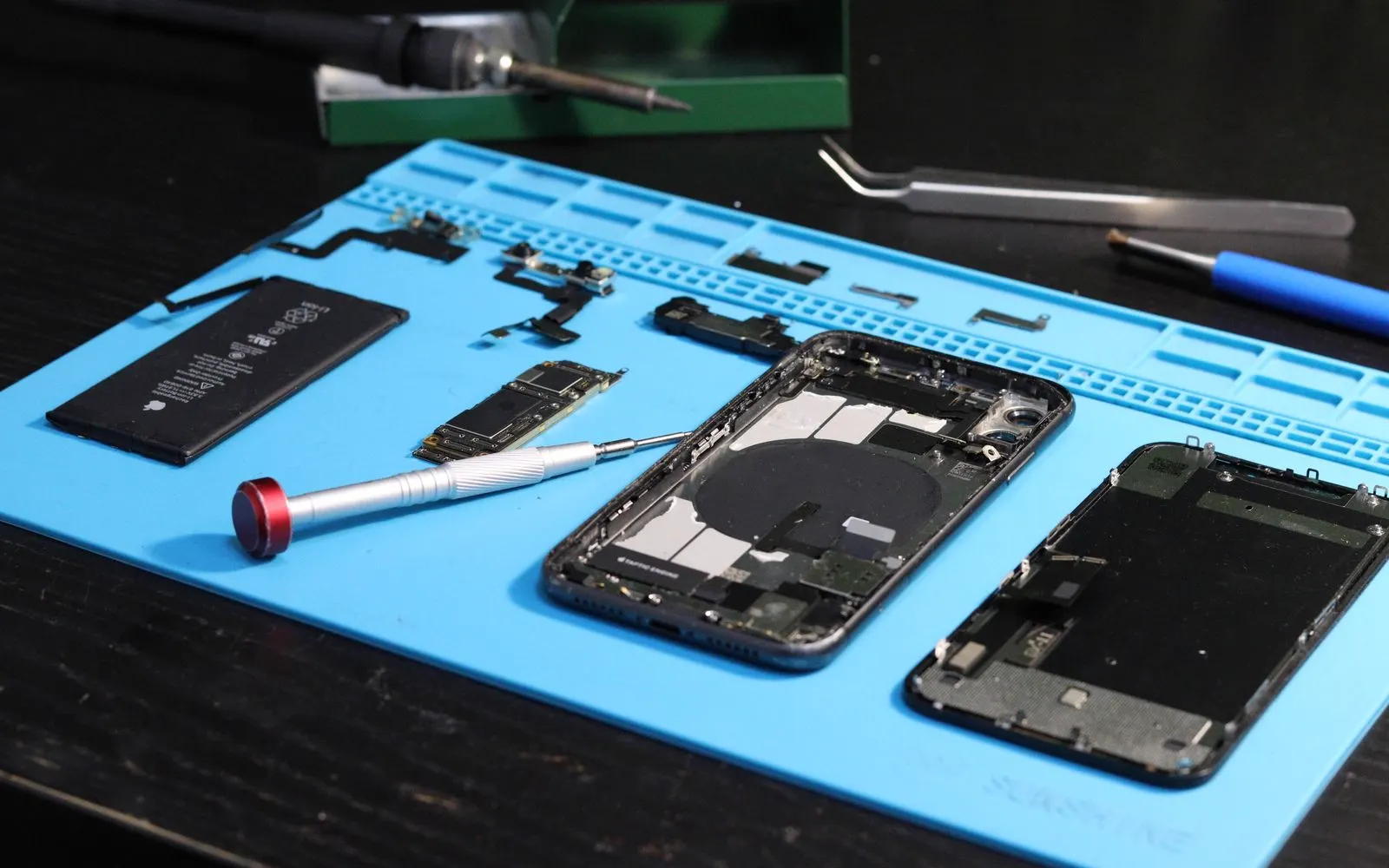
An independent repair store in Texas malls, with the battery fitted at the counter.
iPhone
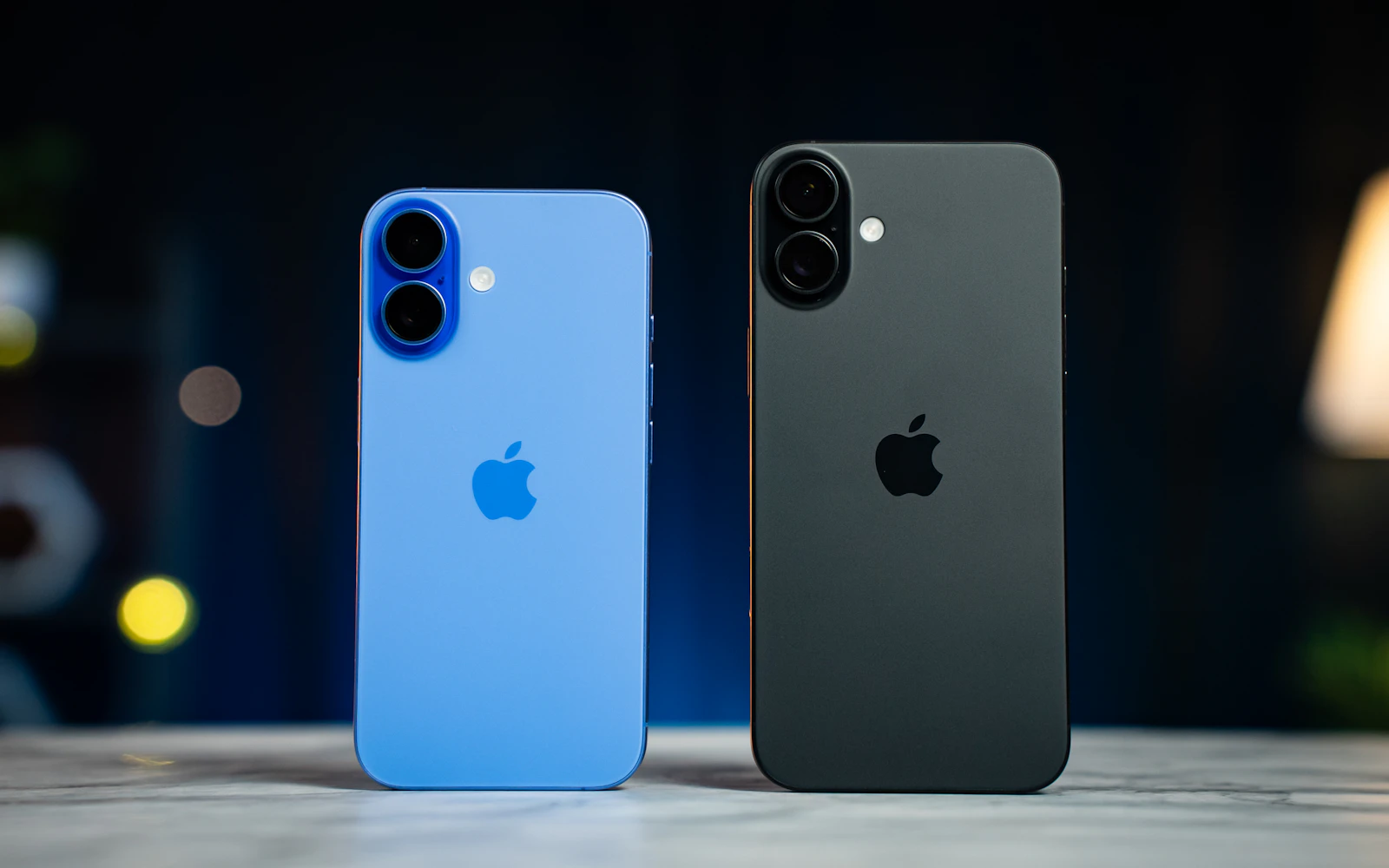
iPhone batteries are the most common Apple battery CELLTECH replaces. The iPhone is opened, the old battery is carefully removed, a new battery for your model is fitted, and the iPhone is tested for charging and normal startup before it goes back to you.
Apple has made iPhone batteries easier to reach in recent generations. Starting with iPhone 14, a redesigned internal layout lets the battery be reached from the back on some models, rather than always through the screen. On iPhone 16 models, Apple introduced a new battery adhesive that can be released with a small electrical current, which is gentler than prying the battery out. On older models, battery adhesive has to be released more carefully. That's one reason timing and price vary by model.
After a battery replacement outside Apple's repair channel, recent iPhones may show a message that the battery can't be verified as genuine, or list it as an "Unknown Part" in Parts and Service History under Settings, General, About. On some models, Battery Health may display differently. The iPhone keeps working normally, and the message is informational. Read CELLTECH's guide to the iPhone "Unknown Part" battery message, and ask the technician what to expect for your model.
Keep Optimized Battery Charging on. On iPhone 15 and later, you can also turn on the 80% charging limit.
Avoid heat. Don't leave your iPhone on a car dashboard, and avoid charging under pillows or blankets. Read how to protect your cell phone in Texas heat.
Remove thick cases if the iPhone gets hot while charging.
Keep iOS updated, because updates often include battery management improvements.
iPad
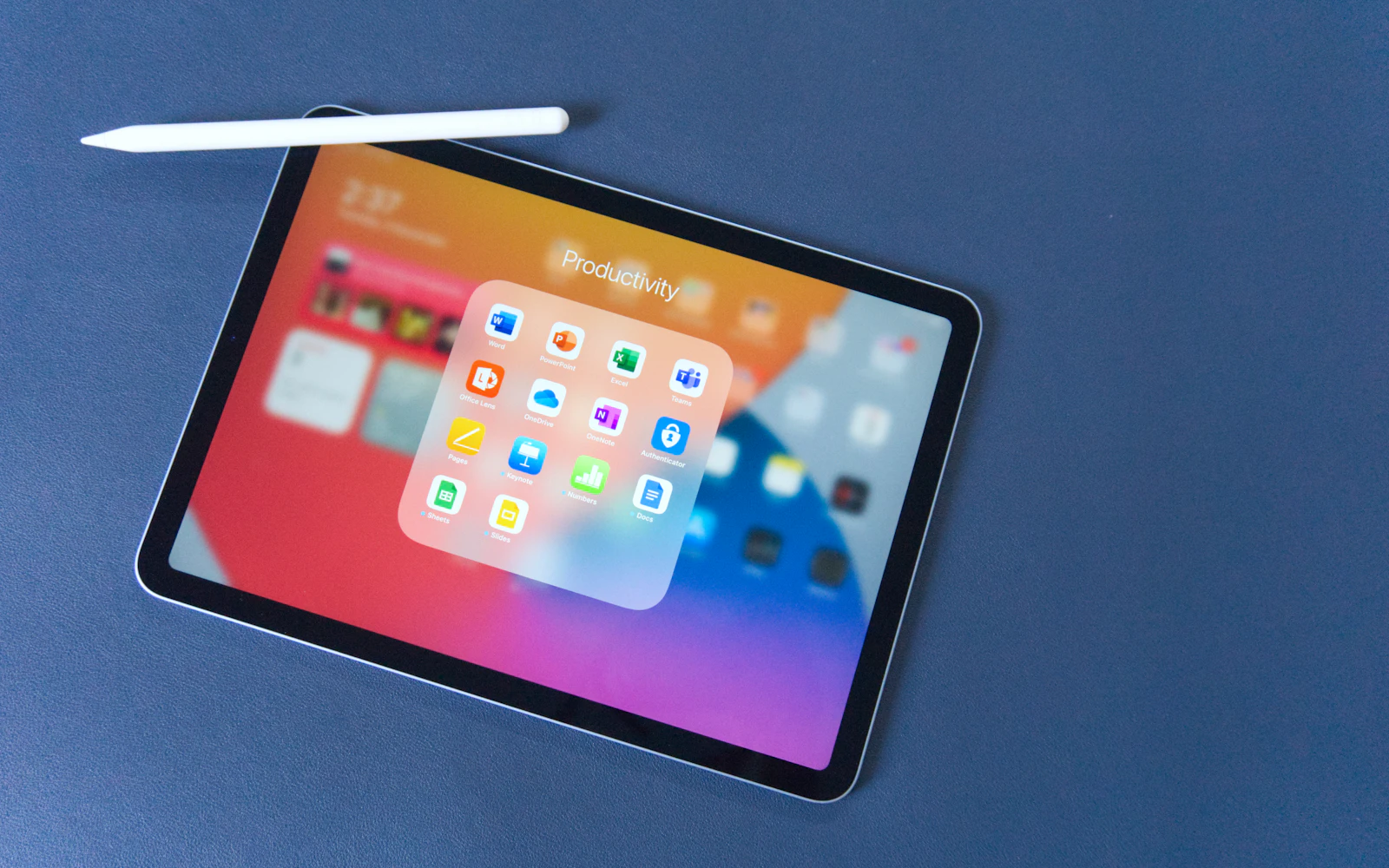
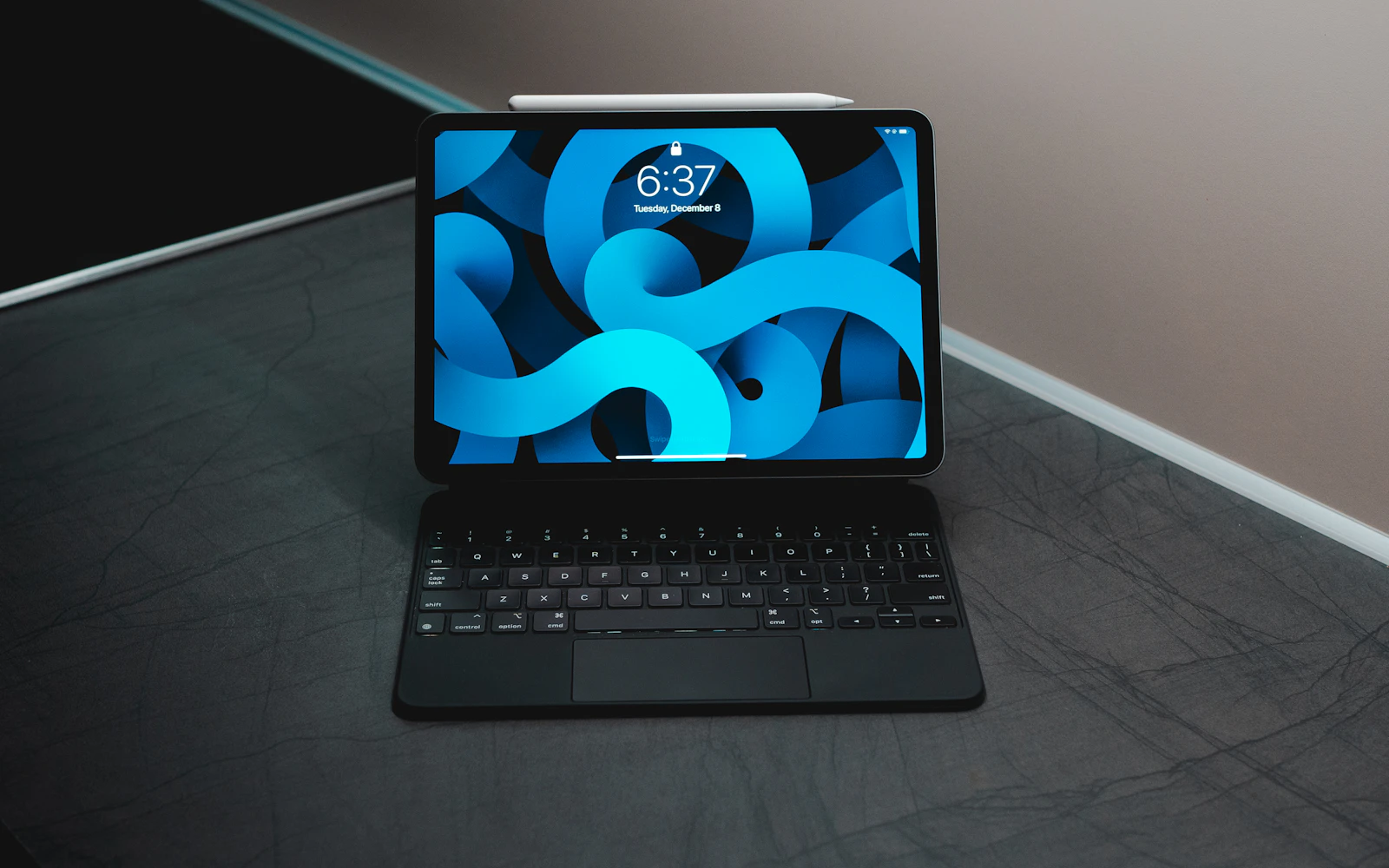
iPad batteries are larger and sit underneath the display, so reaching them means carefully removing the screen, which is sealed to the case. That makes iPad battery work more involved than on an iPhone, and availability depends on the exact model. Call your nearest CELLTECH store with your iPad model before visiting. To find it, open Settings, General, About. For other iPad repairs, see iPad repair.
If the iPad simply runs down faster than it used to, read why an iPad battery drains fast first.
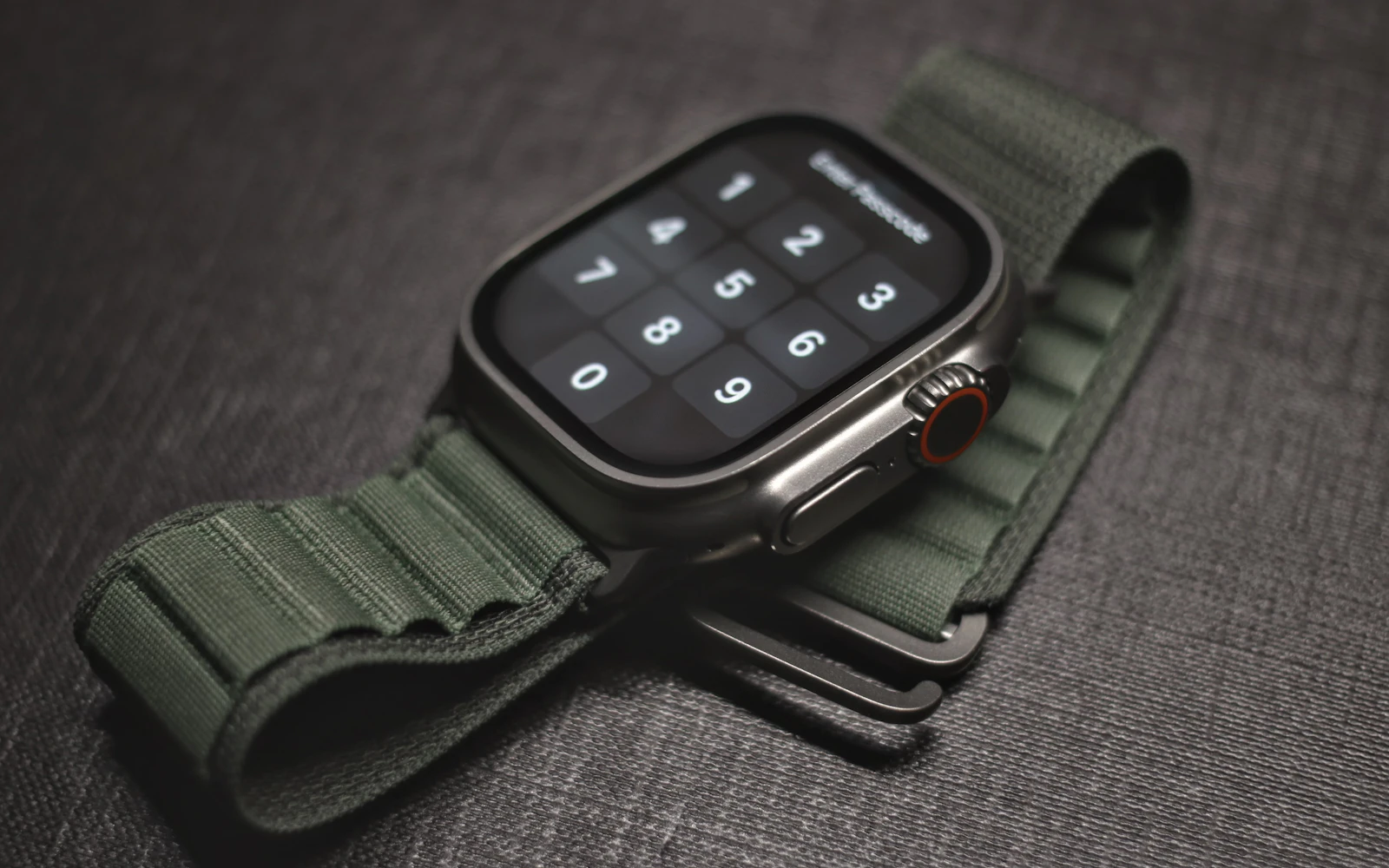
Apple Watch
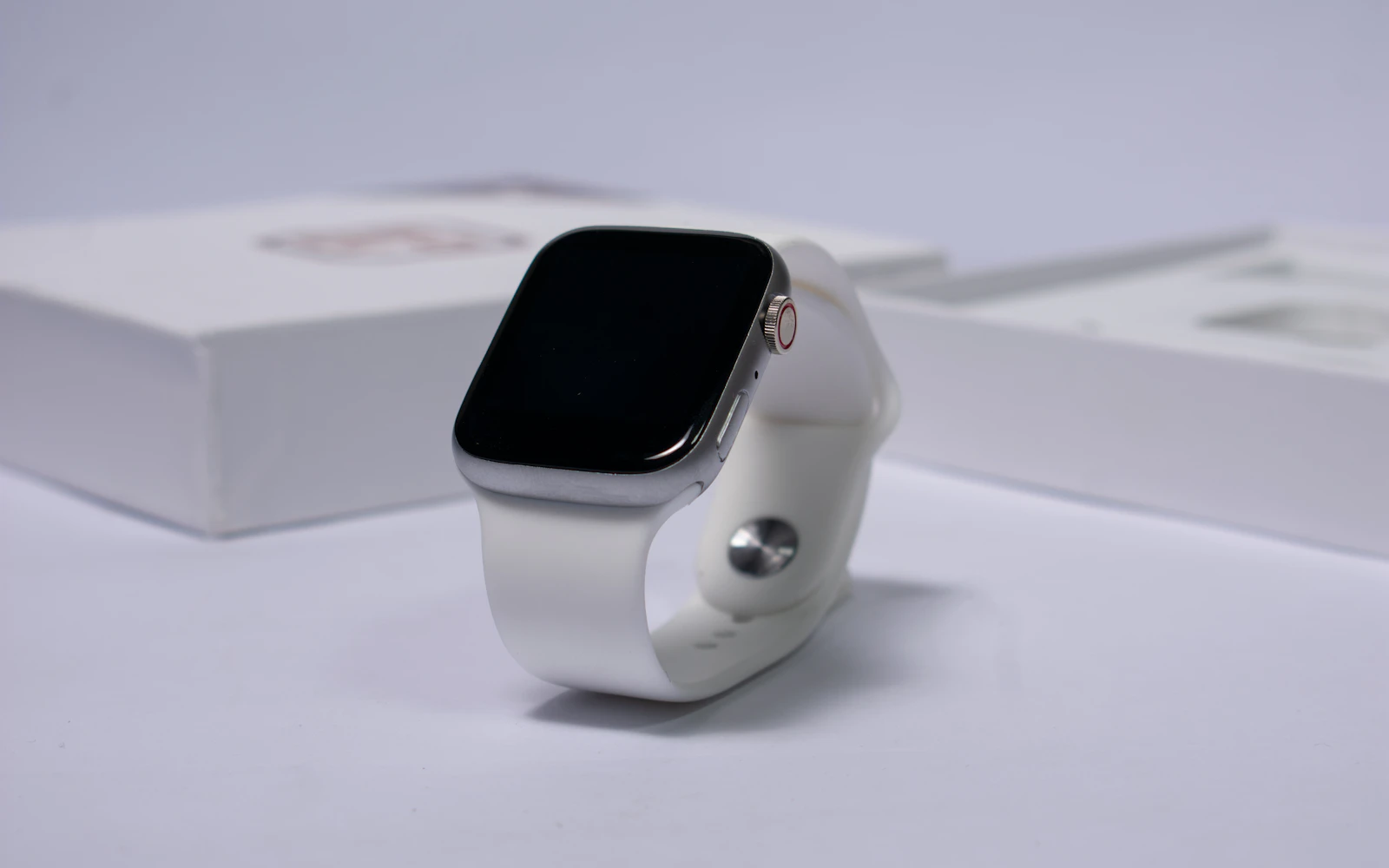
On an Apple Watch, the display sits on top of the battery and is sealed to the case, so the screen has to come off to reach the battery. That's why CELLTECH checks the screen and battery together. Bring the band so the fit can be tested afterward.
One important point: once an Apple Watch is opened, its factory water seal is broken. The watch is resealed, but no repair can promise the original water resistance, so avoid swimming and showering with it afterward. Read can an Apple Watch screen be replaced.
Safety
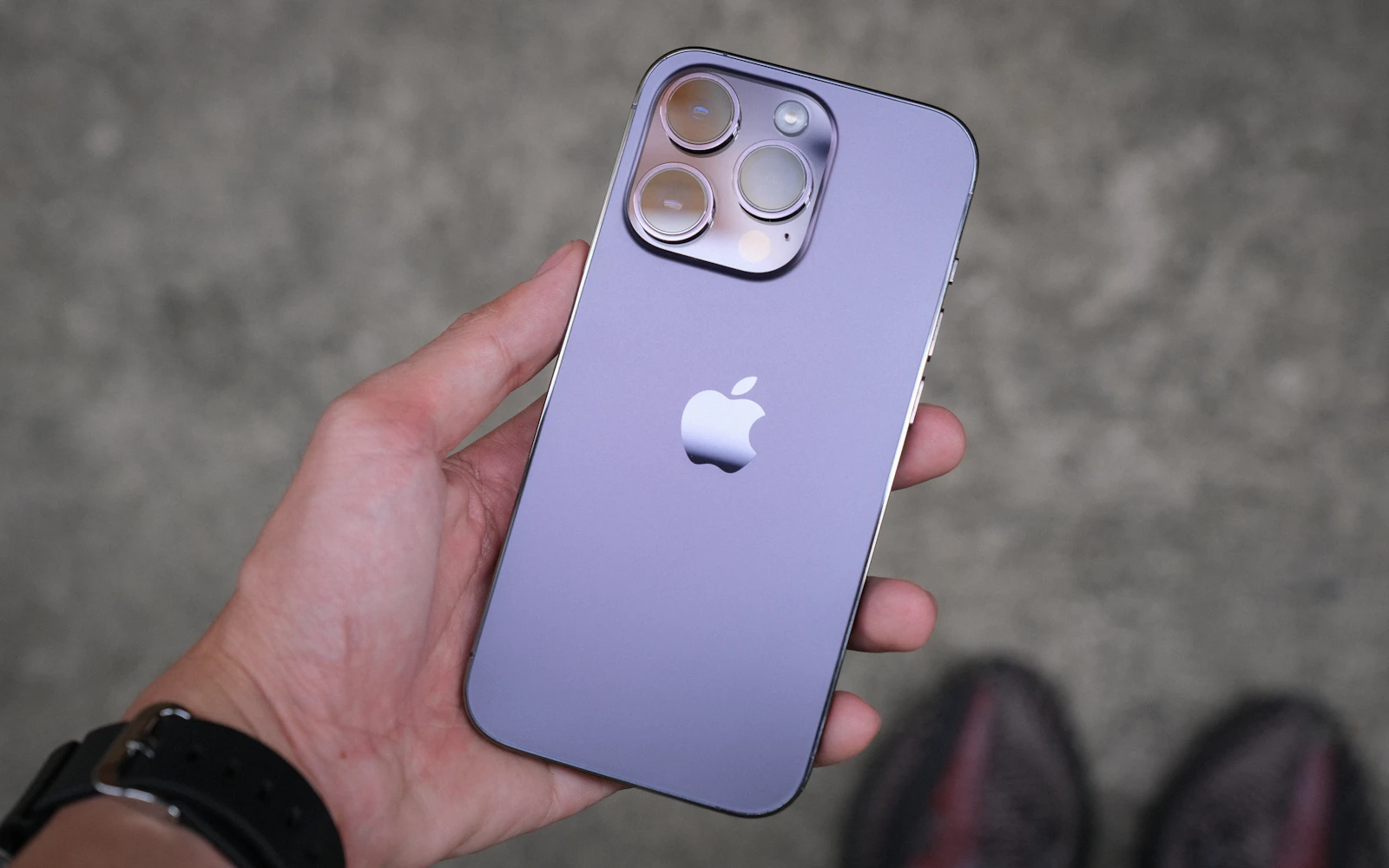
An old lithium-ion battery can swell. On any Apple device, stop charging and bring it in if you see any of the signs listed here.
Don't press the screen back down or keep using the device. Read is it safe to use a cell phone with a swollen battery.
A gap along one side of the screen, or one corner sitting higher than the rest, can mean the battery underneath is pushing the display out of the frame.
The watch display sits directly on top of the battery, so a swelling cell can push the screen up and away from the case.
iPad batteries sit underneath the display, so swelling can show as a raised area in the glass or the screen parting from the case along one edge.
If the iPhone or iPad rocks when you press one corner, or the back no longer sits flush, the battery may have swollen even where the screen still looks normal.
Stop charging the device, keep it away from heat, and avoid pressing on the screen or case. Bring it to a CELLTECH store so the battery can be checked.
Power it off if you can, and carry it loose in a bag rather than in a tight case or a pocket, so nothing presses on the swollen battery on the way.
In most cases, yes. The swollen battery is removed and a new battery for your model is fitted, and the screen and case it pushed against are checked as part of the quote.
Lithium-ion batteries can swell as they age, and heat or physical damage can speed that up. It is one reason to replace a worn battery rather than keep charging it.
A battery that gets noticeably warm on the charger, or during light use, is worth having checked. Heat and swelling can go together in an aging battery.
How it works
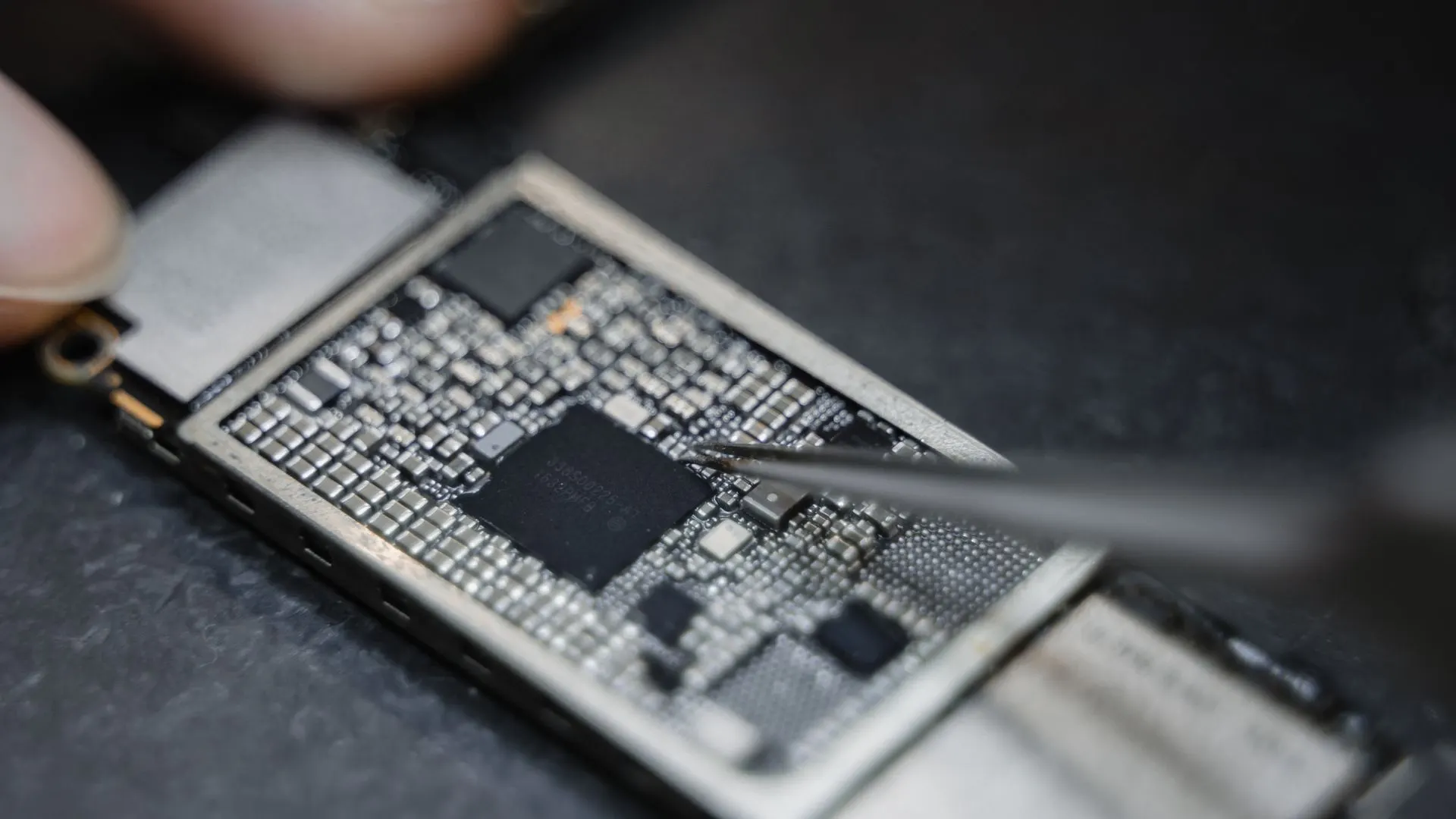
The technician confirms the battery is the real cause. Charging faults and app drain can look like a worn battery.
You're told the price and roughly how long it will take for your model. Nothing starts until you agree.
The old battery is removed and a new battery for your model is fitted.
Charging, startup and normal operation are checked before the device goes back to you.
Before your visit
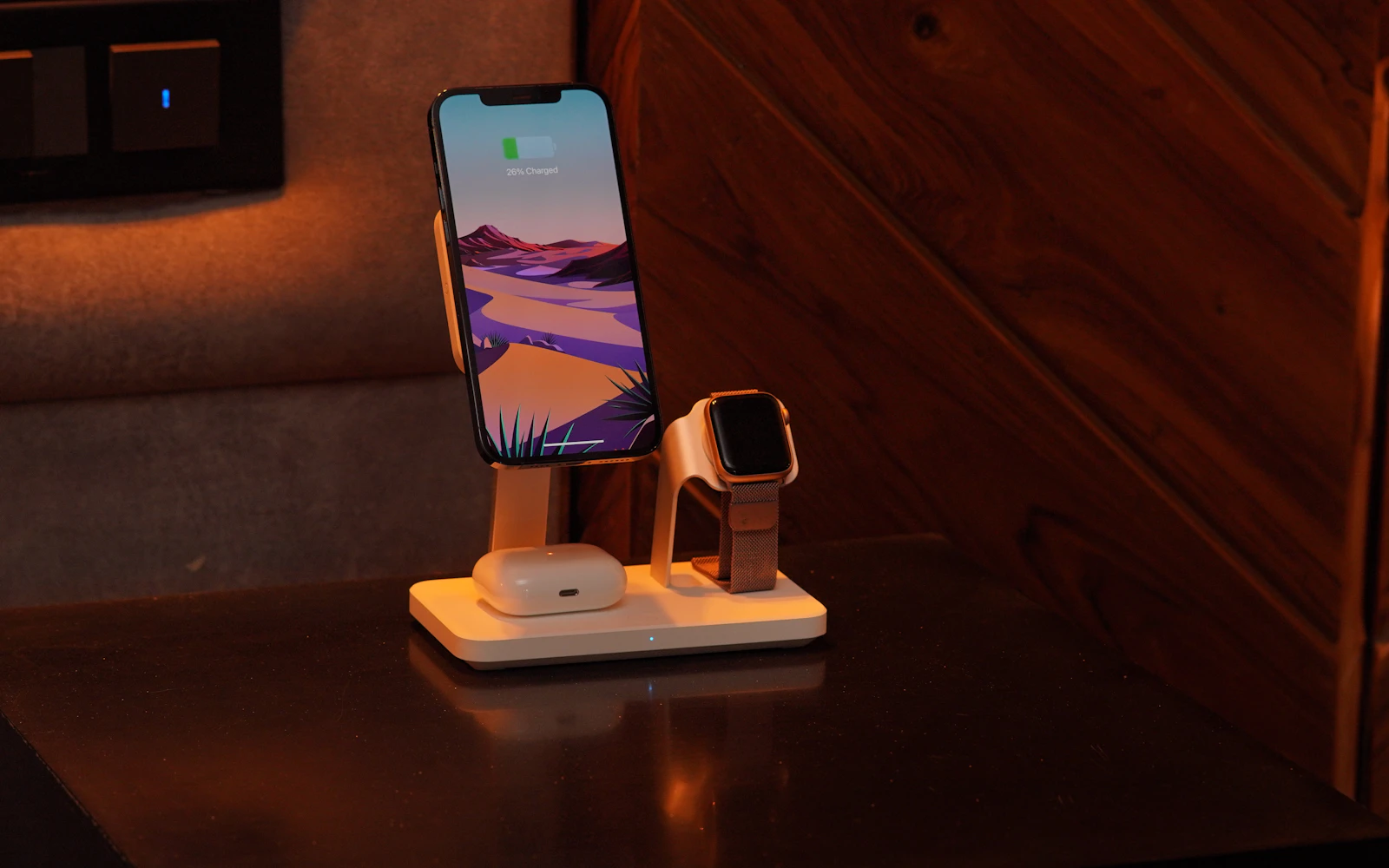
A few minutes of preparation means the device can be tested properly once the new battery is in, and nothing holds up the repair at the counter.
Turnaround
Many iPhone battery replacements at CELLTECH take as little as 20 minutes when the battery for your model is in stock.
Apple Watch and iPad battery work takes longer, because the display has to be removed and the device resealed. Call your nearest store with your model for an estimate.
If the battery for your model has to be ordered, you're told the expected wait before anything is opened.
Pricing
The price depends on the device, the model and the battery type. Apple publishes its own out-of-warranty battery service fees on its support website, and they vary by model. CELLTECH inspects your device and gives you a clear quote before any work starts, so you can compare your options.
Call your nearest store with your model, or use Get a Repair Quote.
Apple coverage
If your iPhone has AppleCare+, Apple may replace the battery at no extra charge once its capacity has dropped below 80%. Apple's standard one year warranty also covers a defective battery. Check your coverage at checkcoverage.apple.com before paying for a replacement anywhere. CELLTECH would rather point you to coverage you already have than charge you for a battery you didn't need to pay for.
If the device is out of warranty, or the coverage has run out, a CELLTECH quote lets you compare the price and the wait with what Apple offers for your model.
Warranty
90
Apple battery replacements at CELLTECH are backed by a 90 day malfunction warranty covering repair related faults under CELLTECH's warranty terms.
If a repair related fault comes back within those 90 days, bring the device and your receipt back to CELLTECH and the team will check it. New physical damage and liquid exposure are handled separately.
Before any battery work starts, the technician tells you:
Related repairs
Not an Apple battery, or more than the battery? These pages cover the rest.
Further reading
Our locations
Walk in, or call first with your model to check parts. Find hours and directions on the store locator.

13350 Dallas Pkwy, Kiosk 6505, Dallas, TX 75240
Find CELLTECH located on Level 2 by Bath and Body Works.

3811 S Cooper St, Suite 2402, Arlington, TX 76015
Find CELLTECH located on Level 2 next to GameStop.
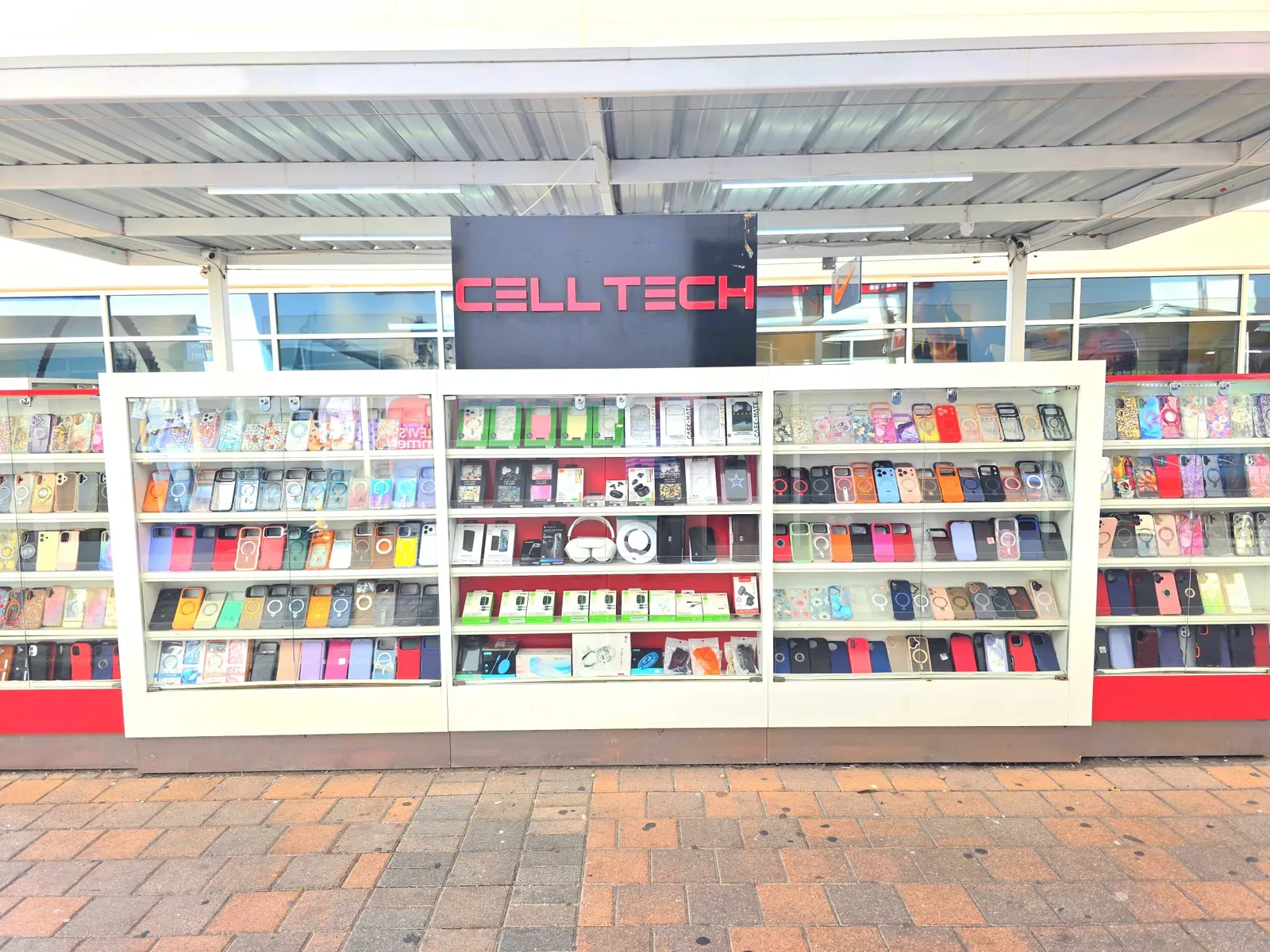
2950 W Interstate 20, Grand Prairie, TX 75052
Visit CELLTECH at Grand Prairie Premium Outlets.

2063 Town East Mall, Kiosk 2208, Mesquite, TX 75150
Find CELLTECH located on Level 2 inside Town East Mall.

1101 Melbourne Rd, Kiosk 92, Hurst, TX 76053
Find CELLTECH in front of James Avery inside North East Mall.
8401 Gateway Blvd W, Kiosk K113, El Paso, TX 79925
Find CELLTECH located on Level 2 inside Cielo Vista Mall, in front of Hollister & Zumiez.
2601 Preston Rd, Suite 2210, Frisco, TX 75034
Visit CELLTECH at Stonebriar Centre in Frisco.
Use the store finder to choose your nearest location and view current contact information, directions, and store hours.
Seven Texas stores · Open 7 days a week
Quick answers to what people ask before replacing an Apple battery at CELLTECH.
Consider a replacement when Battery Health shows around 80% maximum capacity or lower, when iOS recommends service, or when the iPhone shuts down unexpectedly.
CELLTECH replaces batteries on iPhone 7 through iPhone 18 Pro Max, including iPhone SE, iPhone 16e, iPhone Air and iPhone Duo, depending on the battery for your exact model.
Many iPhone battery replacements at CELLTECH take as little as 20 minutes when the battery for your model is in stock.
No. A battery replacement doesn't normally affect your stored data. Backing up first is still recommended.
It may, after a replacement outside Apple's repair channel. The iPhone works normally, and the message is informational.
Apple may replace an AppleCare+ iPhone's battery at no extra charge when capacity has dropped below 80%. Check your coverage with Apple first.
Yes. The screen is removed to reach the battery, so the screen and battery are checked together. Water resistance can't be guaranteed afterward.
If iOS was managing performance because of a worn battery, a new battery can restore normal performance. Battery Health tells you whether this was happening.
No. Walk in at any CELLTECH store, or book a time if you prefer.
From the workshop
Phone Battery15 min read
Uncategorized3 min read

Blogs3 min read
Blog12 min read
A worn battery is one of the most affordable ways to make an iPhone, iPad or Apple Watch feel dependable again. Check your battery health, bring the device to your nearest CELLTECH store, and see the quote before any work begins.