
How Much Does iPhone Screen Repair Cost in Dallas, TX?
iPhone Screen Repair11 min read
No appointment needed
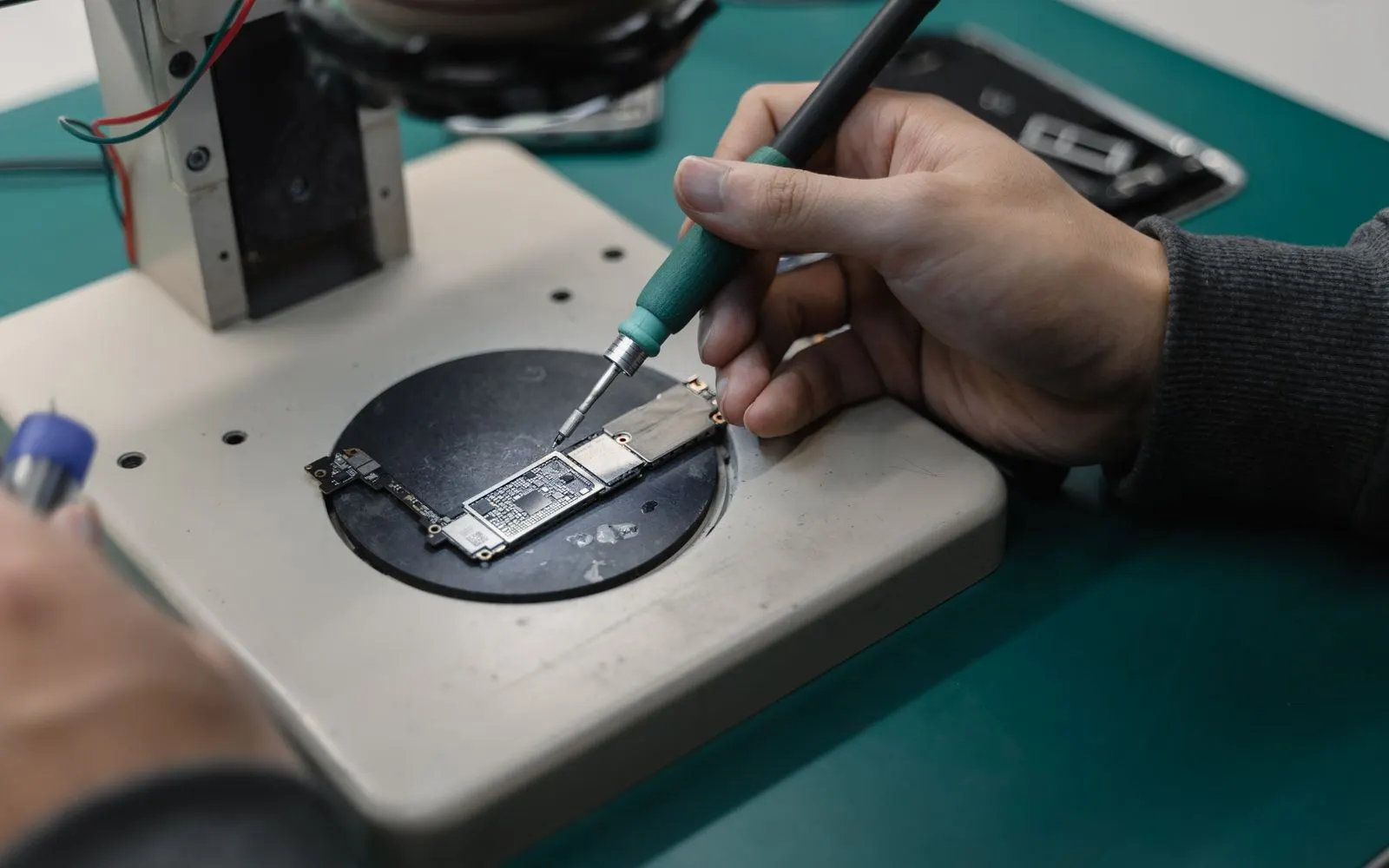
iPhone repair · Town East Mall
From an iPhone 7 that has outlasted two contracts to an iPhone 18 Pro Max bought last month, CELLTECH Mesquite repairs every model in between, including iPhone SE, iPhone 16e, iPhone Air and iPhone Duo. Each one is tested at the counter first, so you know whether the screen, the battery, the charging port or the camera is at fault before you agree to anything.
Drop it off on your way into Town East Mall, no appointment needed, and many screen and battery repairs are ready before you've finished your errands.
Customers who trust CELLTECH

A customer smiling at the outlet kiosk after her repair.
Phone repair, in store

A customer holding up her repaired phone at the outlet counter.
Phone repair, in store

A customer with her repaired phone on the upper level of the mall.
Phone repair, in store

A customer holding up her repaired phone in the store.
Phone repair, in store
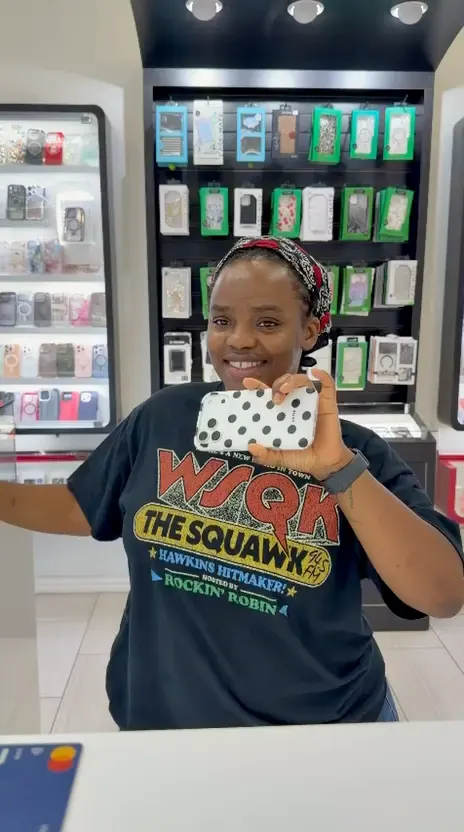
A customer holding up her phone in its new case at the counter.
Phone repair, in store
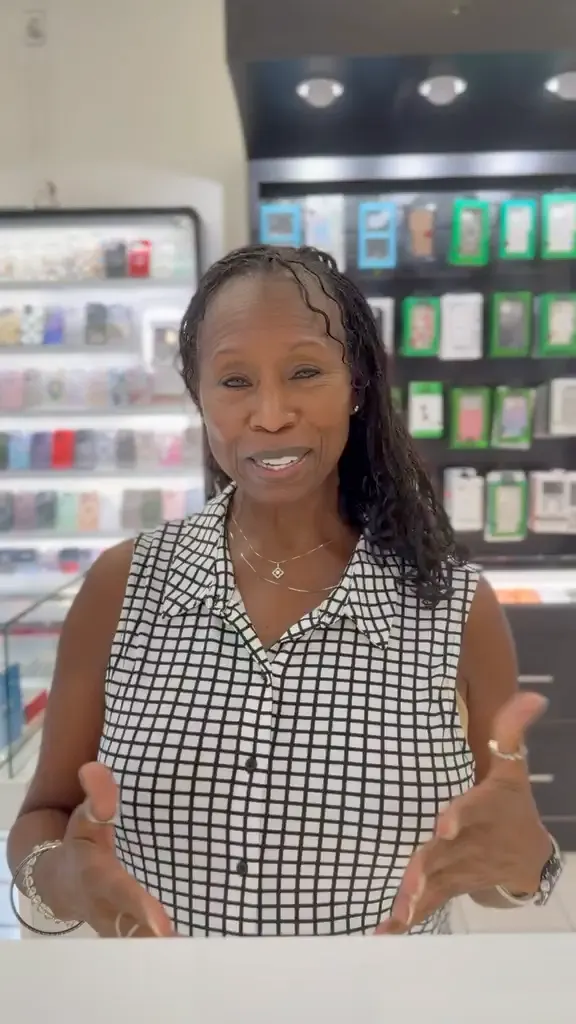
A customer talking about her repair at the CELLTECH counter.
Phone repair, in store

A customer smiling at the CELLTECH counter after his repair.
Phone repair, in store

A customer holding up his repaired phone on the mall concourse.
Phone repair, in store
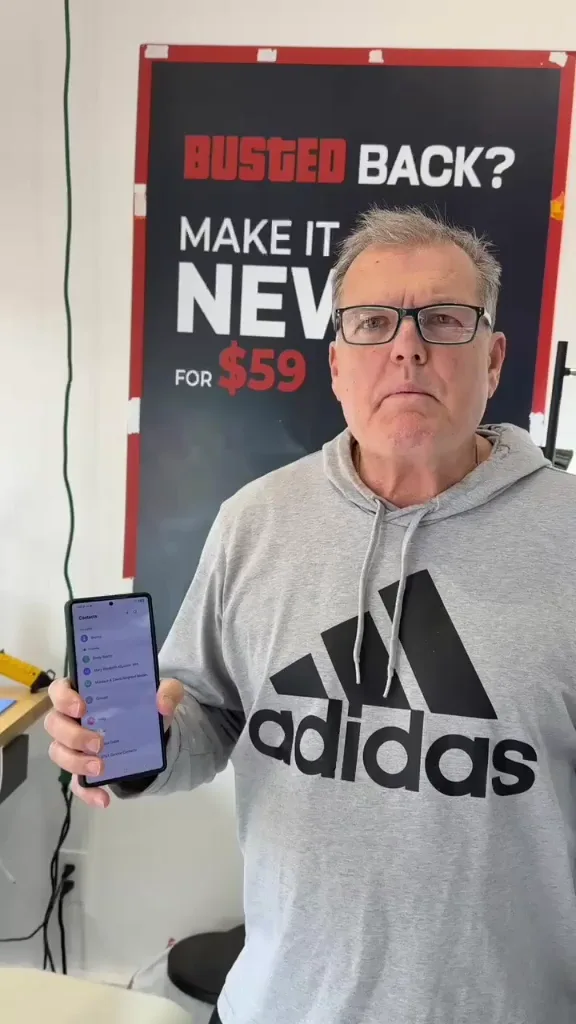
A customer holding up his repaired phone in the store.
Phone repair, in store
A customer with his repaired phone at the counter.
Phone repair, in store
A customer outside the store after an iPhone 15 repair.
iPhone 15 repair
A customer collecting his phone at the case wall.
Phone repair, in store

A customer on the shop floor after a same day repair.
Same day repair

A customer checking a repaired phone before leaving the store.
Charging port repair, in store
A customer holding up a repaired iPhone at the CELLTECH counter.
Screen repair, in store
I dropped it in the car park on a Tuesday morning and had written the phone off in my head by lunchtime. They took it in, quoted me on the spot and handed it back the same afternoon with the old panel in a bag so I could see what had actually broken.
Alicia R.
iPhone 14 Pro screen repair
It was down to twenty percent before lunch every single day and I assumed I was being sold a new battery whatever I said. They tested it in front of me first, showed me the health reading, then swapped it and had me out inside the hour.
Tomas G.
Galaxy S23 battery replacement
I put a full cup of coffee across the keyboard and had four years of work on there with no backup. They opened it the same day, cleaned the board properly rather than just drying it out, and every key on it still works months later.
Priya N.
MacBook Air liquid damage
The last place I used quoted one number on the phone and a different one at the counter. These people looked at the port, told me what it would cost before they touched anything, and that was exactly what I paid when I collected it.
Kevin M.
iPad 10th generation charging port
The back was shattered end to end and pieces of it were coming away in my hand. I left it with them on my lunch break, came back after work, and there is no seam and no gap anywhere on it. You would not know it had happened.
Samuel O.
Pixel 8 back glass repair
What actually decided it for me was the 90 day malfunction warranty, because I had been burned by a cheap repair before that failed inside a fortnight. Nothing has gone wrong with this one, but I would have had somewhere to go if it had.
Renata C.
iPhone 12 camera repair
Models we repair
CELLTECH Town East Mall repairs every iPhone model below: screen replacement, battery replacement, charging port repair and camera repair.
Repairs
The Mesquite store handles the four iPhone repairs people ask for most, and the diagnosis comes first: a dead looking screen might be a display fault, and an iPhone that won't charge might have a battery problem rather than a port problem.
Cracked back glass or liquid damage? Call CELLTECH Mesquite before visiting so the team can confirm what's possible for your model. You can also read about back glass repair and water damage repair at CELLTECH.

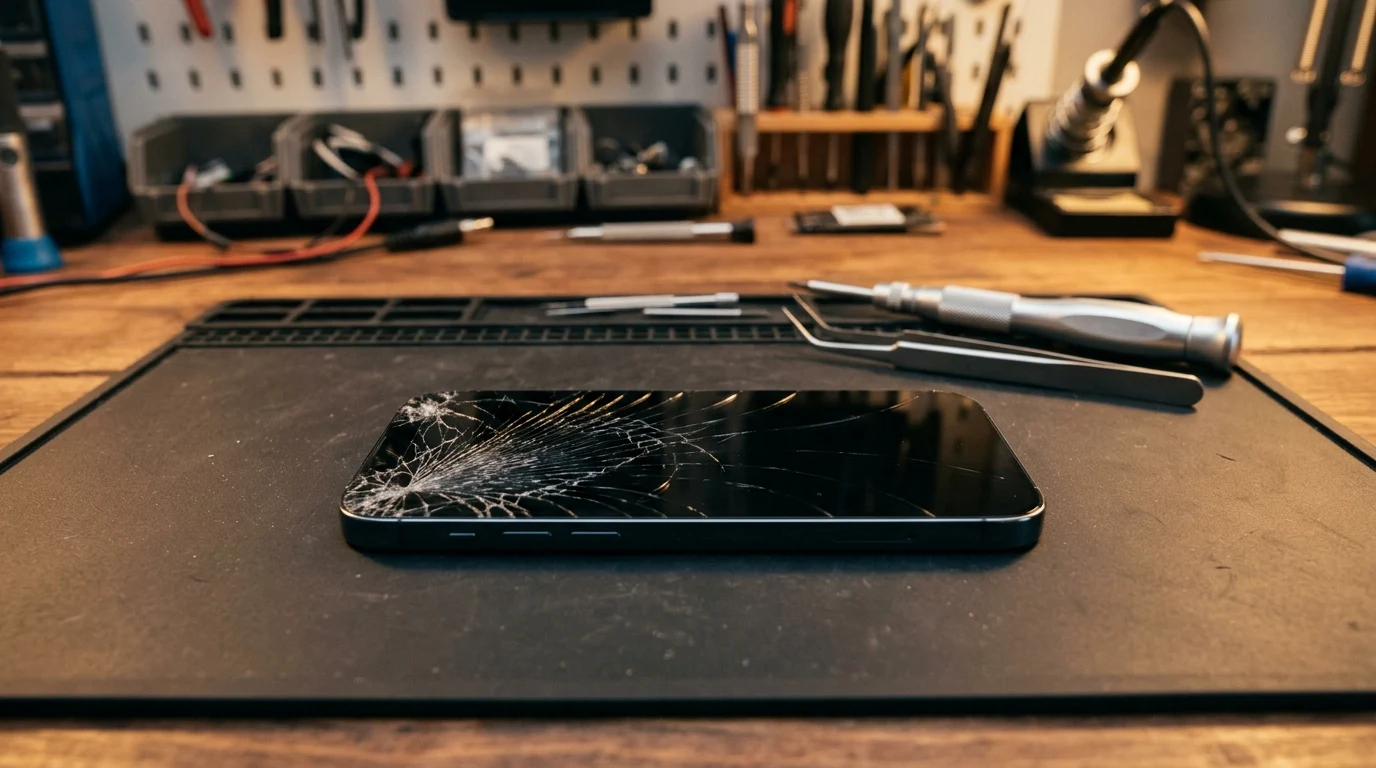
Shattered glass, lines across the display, green or black patches, touch that has stopped working in one corner, or a black screen while the iPhone still rings are all fixed by replacing the display. The new screen is checked for touch and brightness before the iPhone goes back to you.
Replacement iPhone screens come in different types. Ask which type your quote includes, and whether True Tone can be restored afterward. Read how to restore iPhone True Tone without the original screen, and see cell phone screen repair.
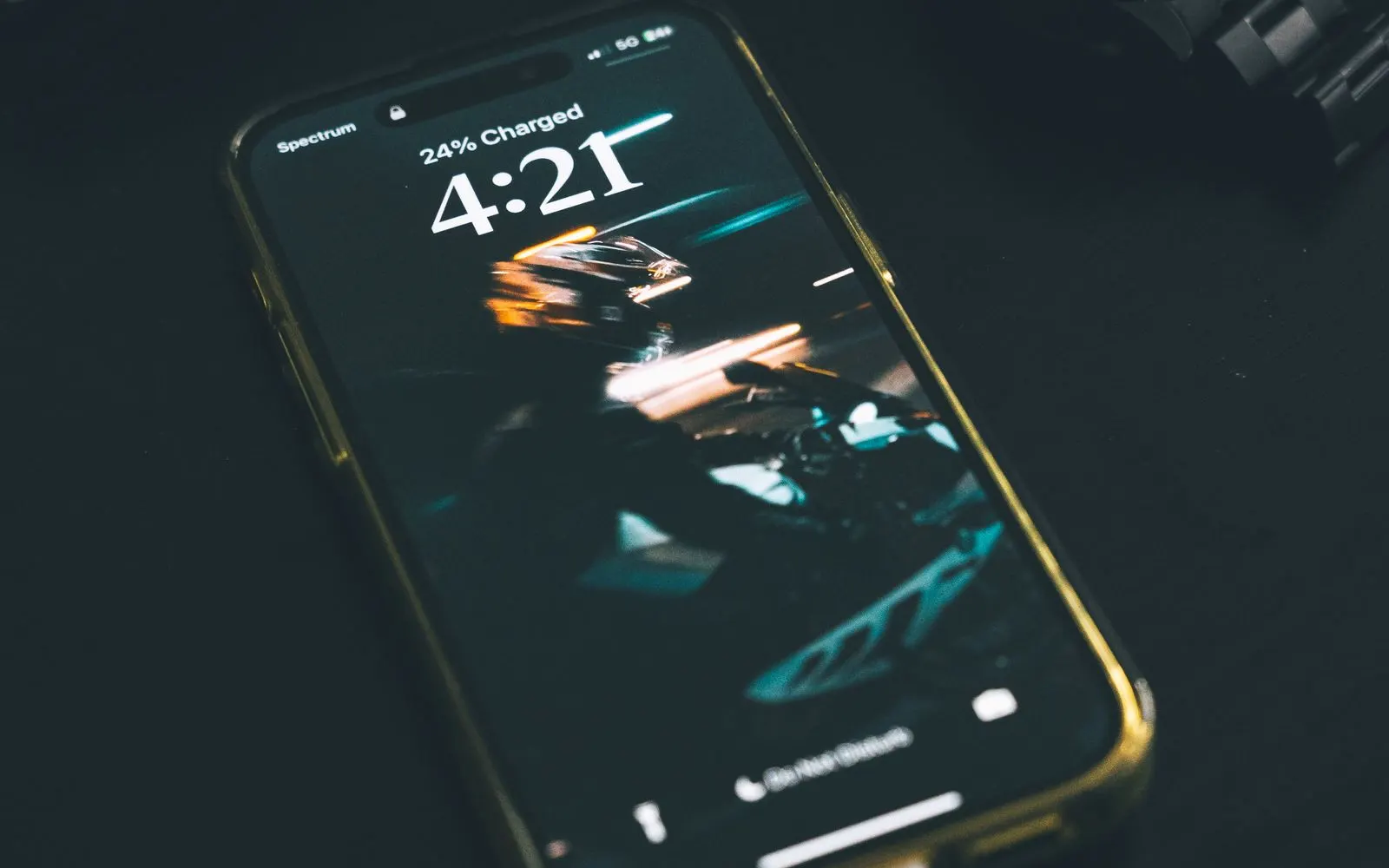
Check Settings, then Battery, then Battery Health. A maximum capacity around 80% or lower, or shutdowns with charge still showing, point to a worn battery.
Before you assume the battery is failing, rule out the two charging settings explained under iPhone Alerts That Look Like Faults. For more, read iPhone battery drain: diagnostics and solutions, and see battery replacement.
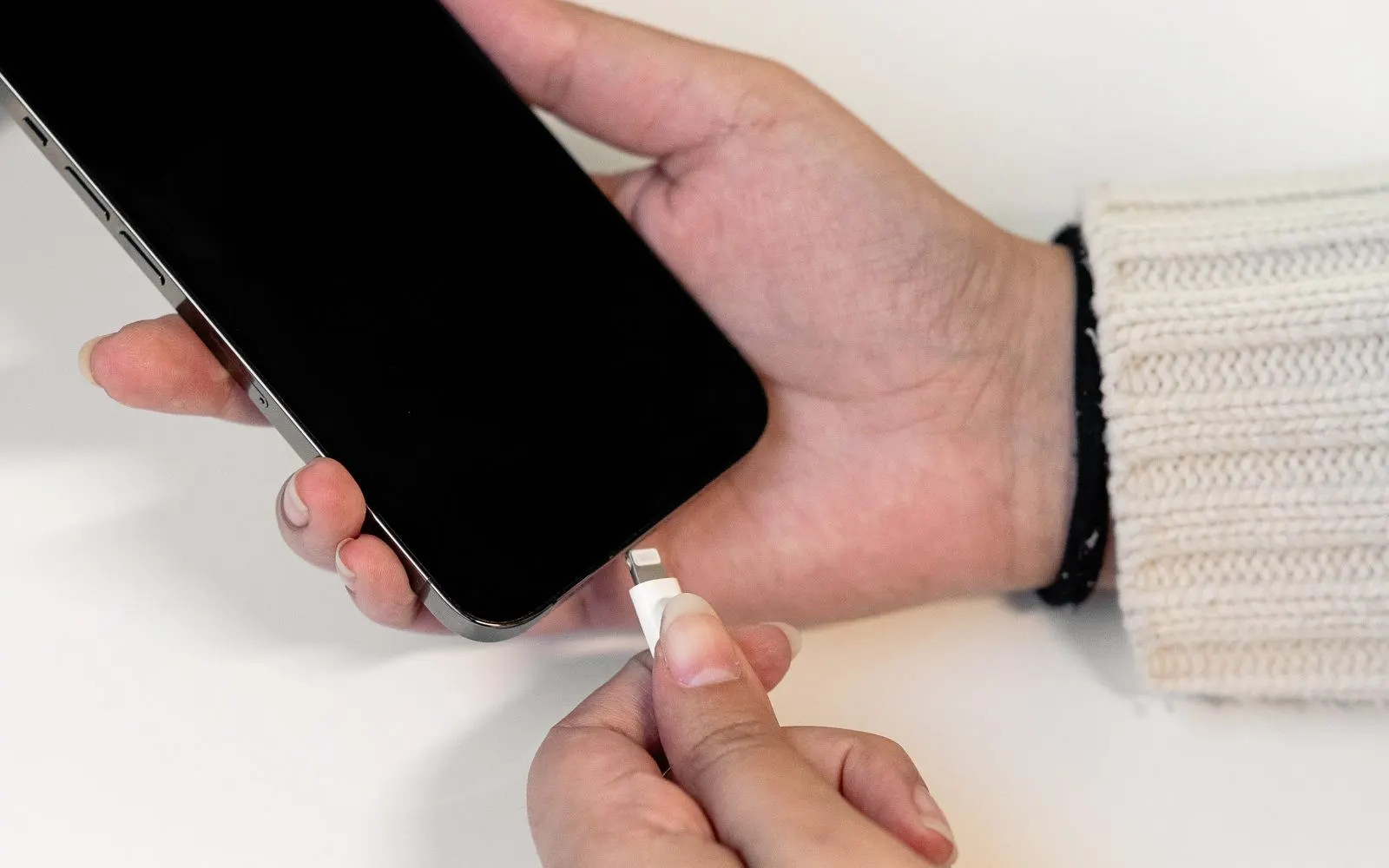
iPhone 15 and later models use USB-C, while iPhone 14 and earlier use Lightning. Both ports collect lint that stops the cable from seating properly, which leads to charging only at an angle, a cable that falls out, or intermittent charging.
CELLTECH checks for debris, cable faults and battery issues before quoting a port replacement, because a cleaning is much less work. See charging port repair and why a cell phone only charges at a certain angle.
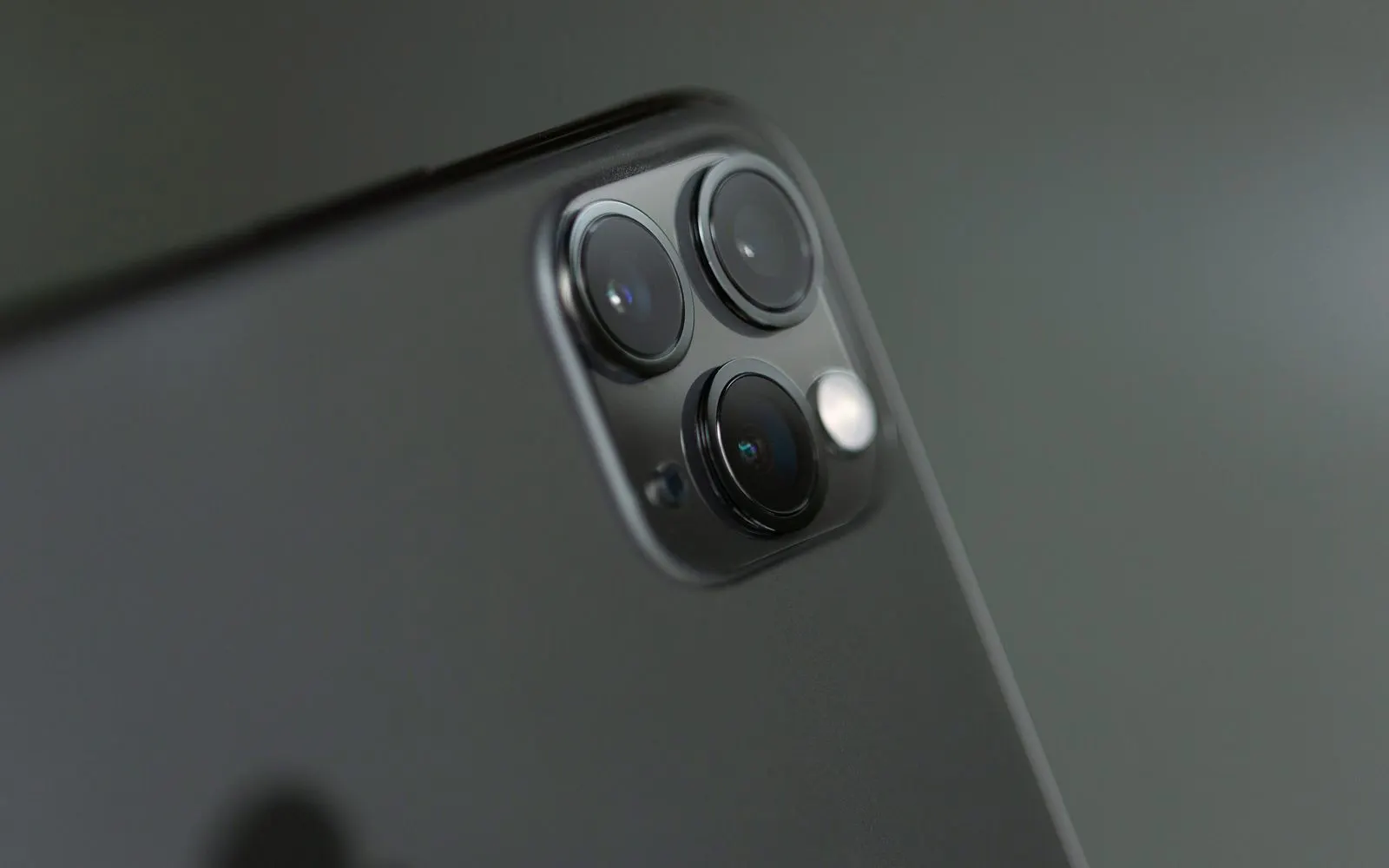
If your iPhone's camera image shakes, buzzes or won't settle, the image stabilization inside the camera may be damaged. Drops can cause this, and Apple itself warns that strong vibration, such as from mounting an iPhone on a motorcycle, can affect the camera system. A cracked lens cover is a separate and usually simpler fix. The store checks which part is affected before quoting. See camera repair.
iOS messages
iOS shows several messages that can make it seem something is broken. Here's what they usually mean and when a repair is actually needed.
What it usually means: The port is wet, so cable charging is blocked to protect the iPhone.
When to get it checked: Unplug it and let the port dry first. If the alert returns after the port has fully dried, have it checked.
What it usually means: Optimized Battery Charging is pausing to protect the battery.
When to get it checked: If charging never resumes or finishes.
What it usually means: An 80% charging limit is turned on (iPhone 15 and later).
When to get it checked: Only if it stops below 80% or the setting is off.
What it usually means: The battery has worn below normal capacity.
When to get it checked: Now. A battery replacement is usually the fix.
What it usually means: The cable or accessory isn't compatible, or the port is dirty or damaged.
When to get it checked: If it appears with several known good cables.
What it usually means: A part was replaced outside Apple's repair channel.
When to get it checked: No repair needed. It's an informational notice.
For more on this message, read CELLTECH's guide to the iPhone "Unknown Part" battery message.
What it usually means: The screen was replaced with a part iOS cannot verify, often after an earlier repair elsewhere.
When to get it checked: Only if touch, brightness or True Tone stop working properly. The message alone is informational.
Older models
Many iPhones brought to Town East Mall are a few generations old, such as an iPhone 11, XR or SE, and they're often still perfectly good devices. Repair usually makes sense when:
Older models like iPhone 11 and XR use LCD screens, which generally cost less to replace than the OLED screens on newer models. Replacing both a worn battery and a cracked screen can give an older iPhone a much longer useful life. Read is it worth repairing a five-year-old cell phone.
Your account and data
A repair shouldn't put your Apple Account or your data at risk. A few precautions make sure it doesn't.

The quote
At CELLTECH Mesquite, the technician tests the iPhone, explains the problem in plain terms, and gives you a quote before any work begins.
Nothing starts until you agree, and the figure quoted in store is the figure you pay. If you'd like to think it over, you can take the quote with you. If the battery or port turns out not to be the problem, you'll be told that instead of being sold a part you don't need.
Turnaround
Many iPhone screen and battery repairs at CELLTECH Mesquite take as little as 20 minutes when the part for your model is in stock. Charging port and camera repairs can take longer. The two things that decide your timing are what's actually wrong and whether the part is on hand. Call ahead with your model to check.
Pricing
iPhone repair prices depend on the model, the part and the type of replacement part. Pro and Pro Max screens generally cost more than screens for standard or older models, and OLED screens cost more than LCD. CELLTECH doesn't publish one flat figure for that reason. Call the store with your model for a quote, or use Get a Repair Quote.
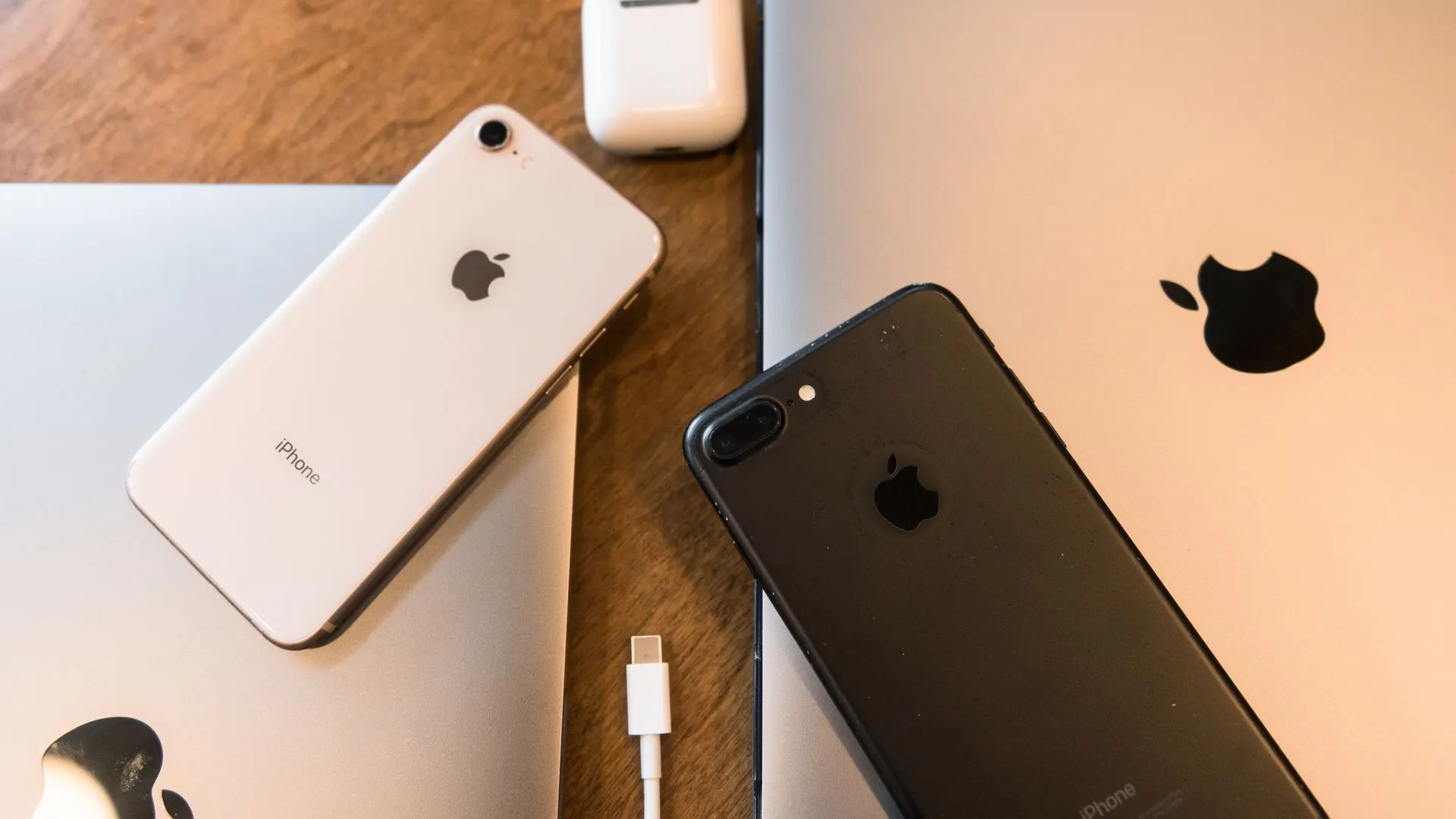
Apple or CELLTECH
CELLTECH is an independent repair provider and isn't an Apple Authorized Service Provider.
If your iPhone is covered by Apple's limited warranty or AppleCare+ (check at checkcoverage.apple.com), start with Apple. CELLTECH would rather point you there than take on work you could have had covered.
For out-of-warranty iPhones and accidental damage, CELLTECH offers a walk-in repair at Town East Mall.

Directions
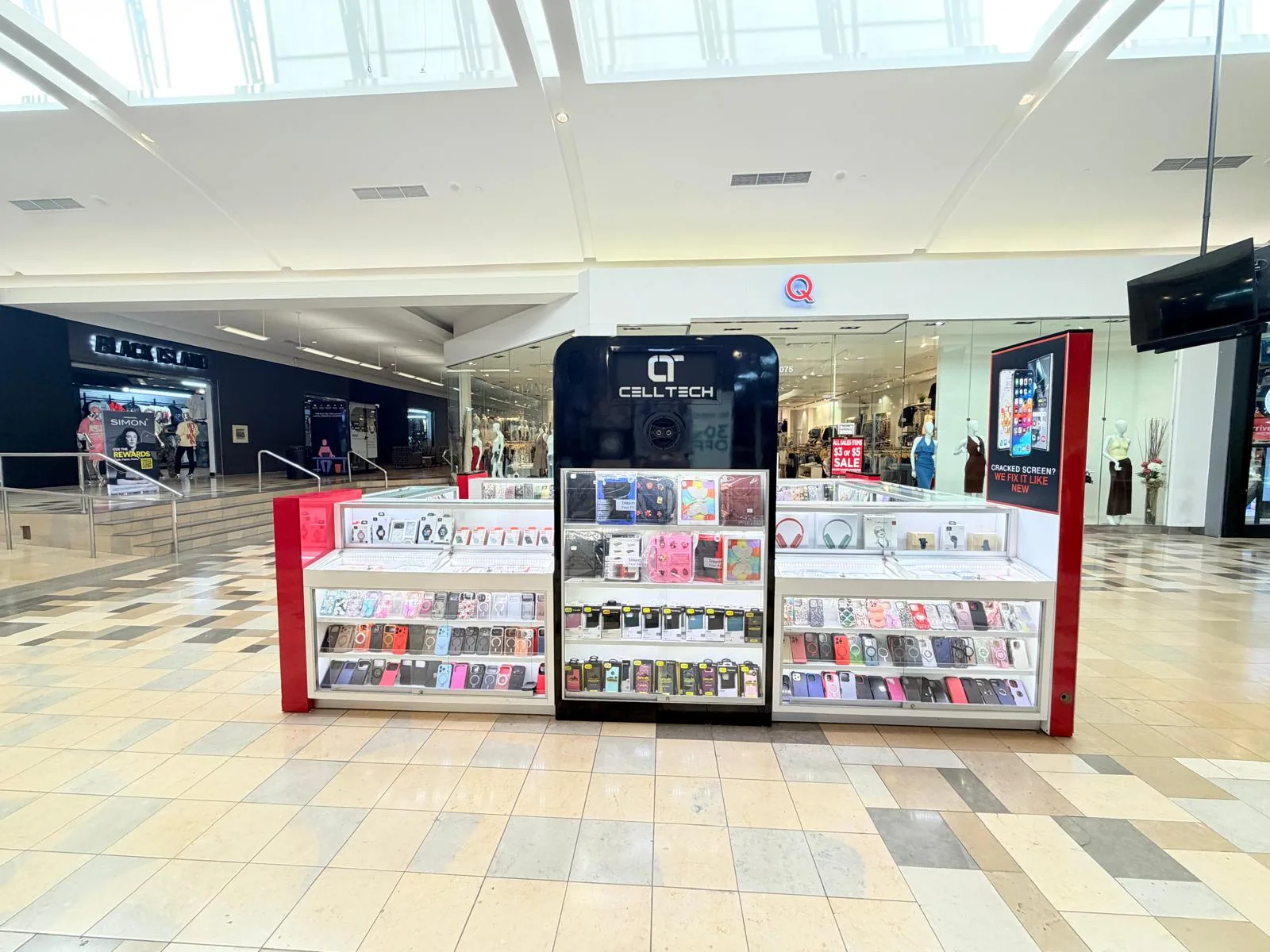
Take the escalator to Level 2 and look along the main upper walkway. Store 2208 is an open counter rather than a shop with a door.
Town East Mall is on Town East Boulevard, just off Interstate 635 between Interstate 30 and US Route 80, so it's an easy drive from Mesquite, Garland, Balch Springs, Sunnyvale and East Dallas. If you'd rather not search the mall's three floors, call the store when you arrive and the team will tell you where to walk.
Hours can change with the mall's schedule and holidays. Check the CELLTECH Mesquite store page or call before you visit.
Everything you need before you set off: CELLTECH's open iPhone repair counter is Store 2208 on Level 2 of Town East Mall. Tap for directions, or call ahead with your iPhone model to check the part is in stock.
Other repairs
The same counter repairs Samsung Galaxy and other Android cell phones. See all Apple repairs on the iPhone repair page.
Warranty
90
Every iPhone repair at CELLTECH Mesquite is backed by a 90 day malfunction warranty covering repair related faults under CELLTECH's warranty terms.
If a repair related fault shows up within those 90 days, bring the iPhone back to Store 2208 with your receipt and the team will inspect it. New drops, new liquid exposure and unrelated problems are handled separately.
Before any work starts at Town East Mall, you're told:
Our locations
Shopping somewhere else? CELLTECH also repairs iPhones at Galleria Dallas, The Parks Mall in Arlington and Grand Prairie, or use the store locator to find the nearest one.
Use the store finder to choose your nearest location and view current contact information, directions, and store hours.
Seven Texas stores · Open 7 days a week
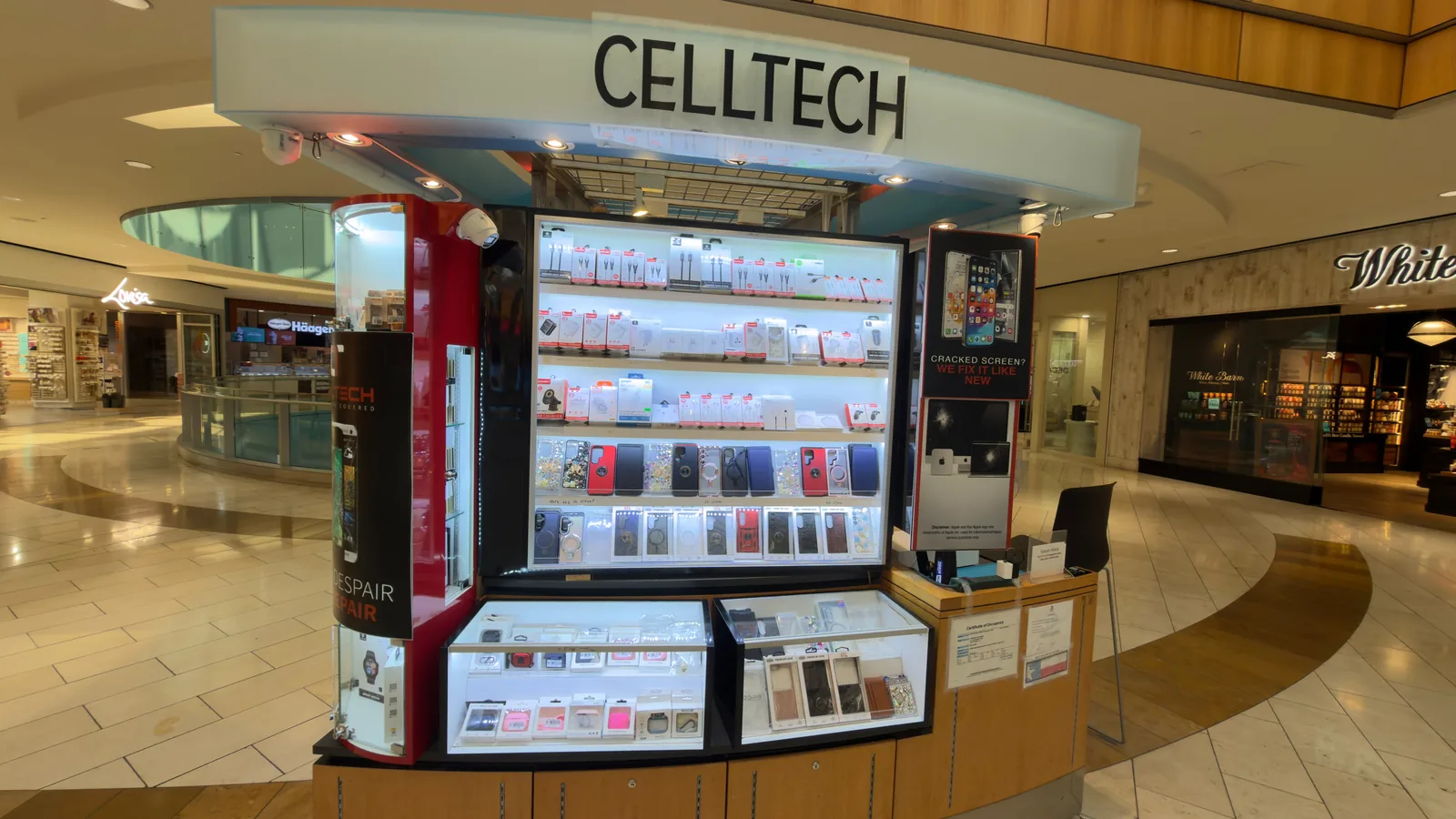
13350 Dallas Pkwy, Kiosk 6505, Dallas, TX 75240
Find CELLTECH located on Level 2 by Bath and Body Works.

3811 S Cooper St, Suite 2402, Arlington, TX 76015
Find CELLTECH located on Level 2 next to GameStop.
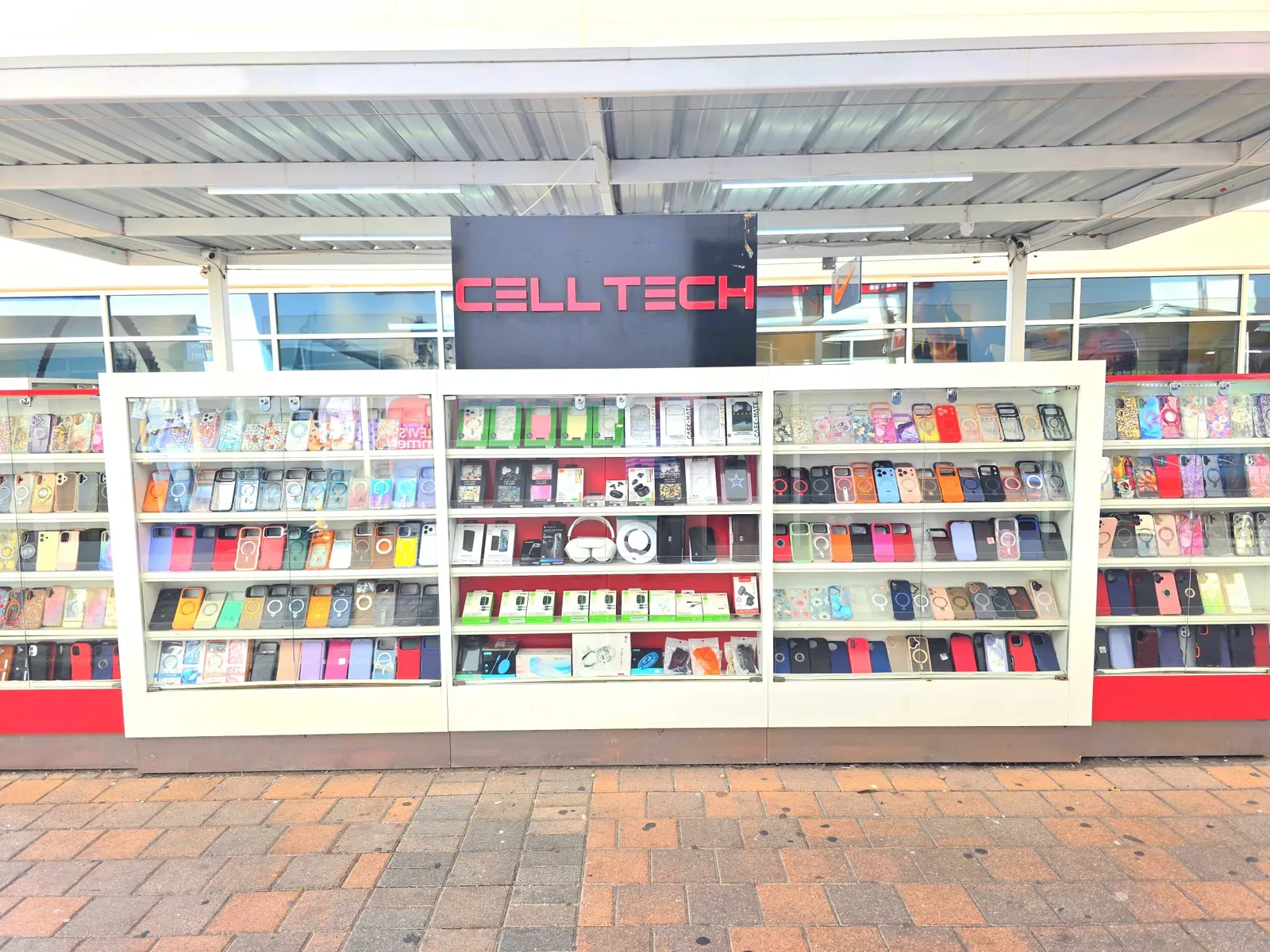
2950 W Interstate 20, Grand Prairie, TX 75052
Visit CELLTECH at Grand Prairie Premium Outlets.
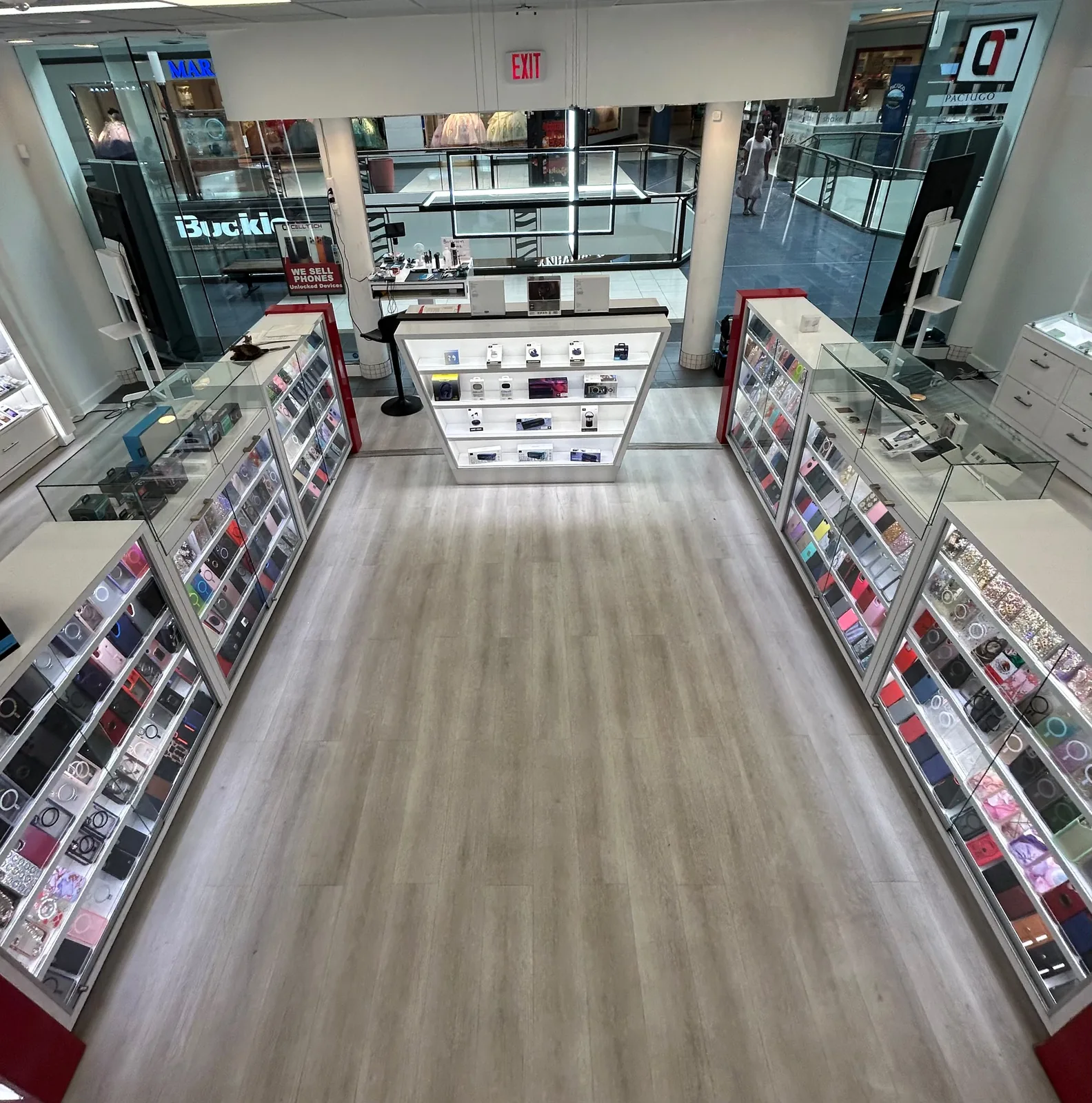
2063 Town East Mall, Kiosk 2208, Mesquite, TX 75150
Find CELLTECH located on Level 2 inside Town East Mall.
1101 Melbourne Rd, Kiosk 92, Hurst, TX 76053
Find CELLTECH in front of James Avery inside North East Mall.
8401 Gateway Blvd W, Kiosk K113, El Paso, TX 79925
Find CELLTECH located on Level 2 inside Cielo Vista Mall, in front of Hollister & Zumiez.
2601 Preston Rd, Suite 2210, Frisco, TX 75034
Visit CELLTECH at Stonebriar Centre in Frisco.
Still unsure about your iPhone? Call the Town East Mall store, the team is happy to help.
Yes. CELLTECH has an iPhone repair counter, Store 2208, on the upper level of the mall.
It's usually a battery protection setting rather than a fault. You'll find the Charging options in the Battery section of Settings.
Don't charge it by cable until the port is completely dry. An alert that keeps coming back on a dry port is the time to have it inspected.
Most often a drop or heavy vibration has damaged the stabilization built into the camera. A cracked lens cover on its own is a smaller job.
Often, yes, as long as it still gets the iOS updates you rely on and the fault is limited to one part.
No. Once you approve the quote, that figure is final.
No. CELLTECH works independently, so if Apple's warranty or AppleCare+ still covers your iPhone, use that first.
No. Walk in during opening hours, or book a time if you prefer.
From the workshop
iPhone Screen Repair11 min read
iPhone Troubleshooting10 min read
iPhone Repair & Diagnostics11 min read

iPhone Maintenance & Tips8 min read

A cracked screen or a failing battery doesn't have to become a separate trip across town. Bring your iPhone to Store 2208, see the quote, and carry on with your day while it's repaired.