Phone Charging
Why Does My Phone Only Charge at a Certain Angle?
A phone that only charges when the cable is tilted, pushed up or propped against something is telling you the connector is no longer making full contact. Nine times out of ten the cause is lint packed into the bottom of the port or a worn plug, both of which are fixable. Less often it is bent pins, a damaged cable or corrosion, and those need a technician. This guide explains how to tell which one you have.
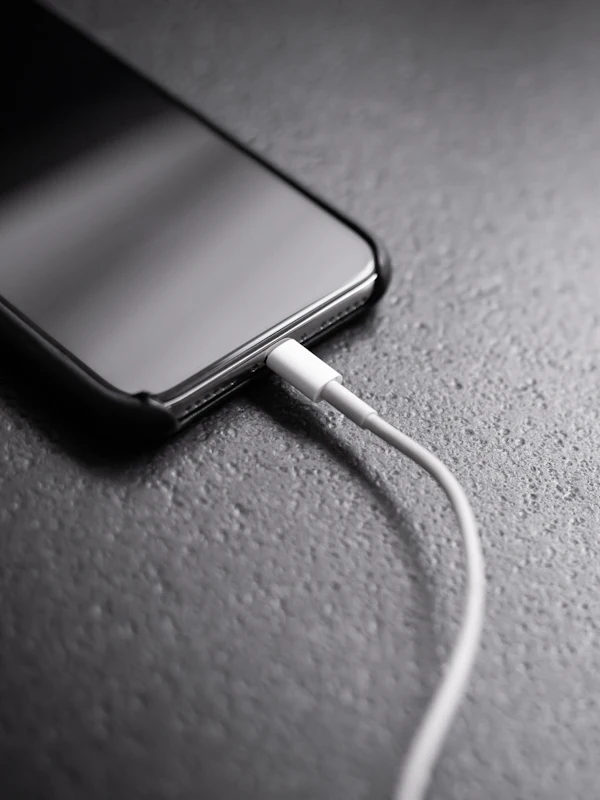
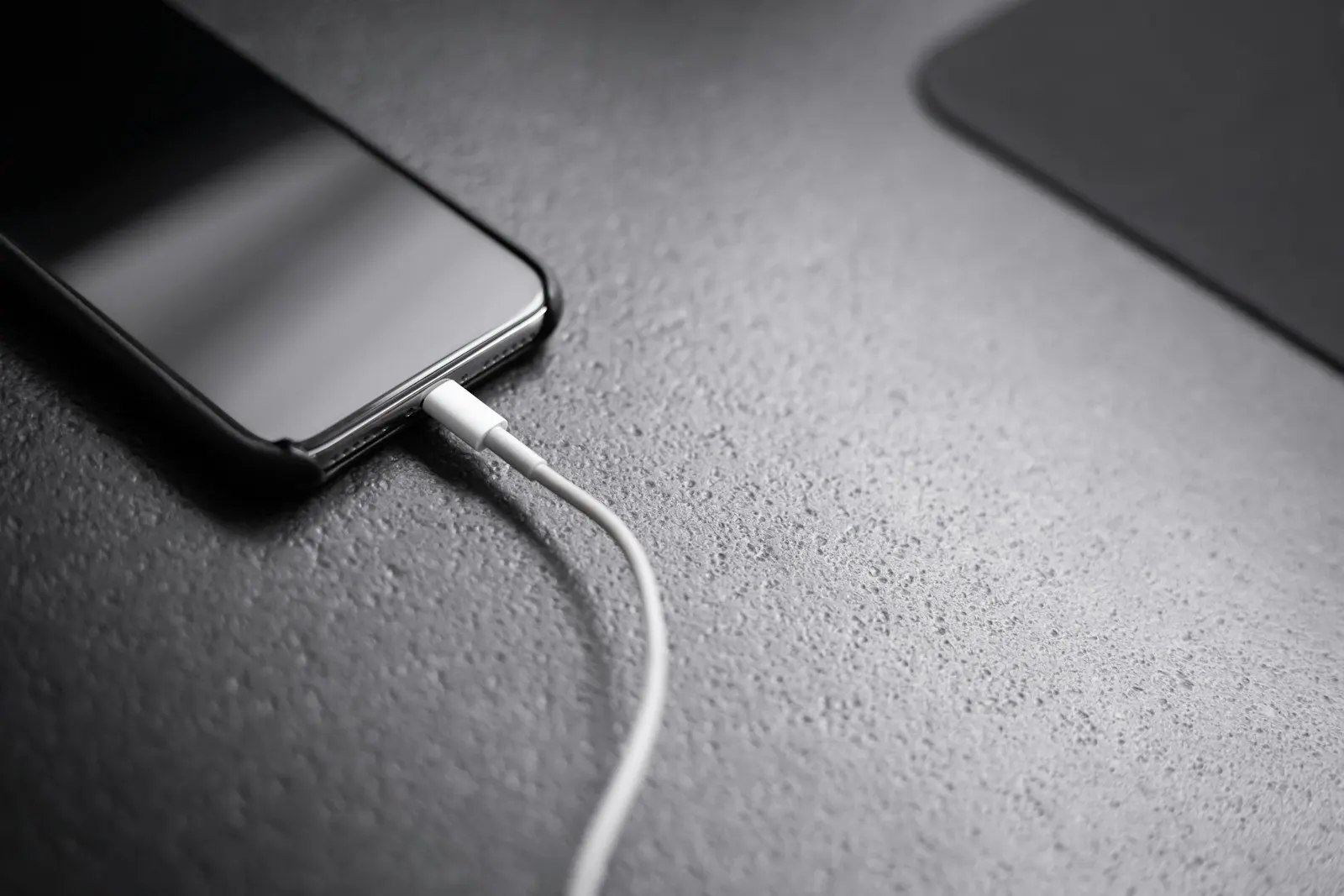
You plug in the cable and nothing happens. You lift it slightly and the charging sound plays. You let go and it stops. So you find the angle, wedge the phone against a book, and hope it stays put overnight. You already know the phone is not charging the way it should. What you may not know is why, and whether it is safe to keep doing it.
The angle itself is the clue. Charging depends on a set of small metal contacts inside the port pressing firmly against matching contacts on the plug. When something stops the plug from seating all the way in, or wears the contacts so they no longer meet squarely, the connection only completes when you push the plug into a position where they happen to touch. Fix whatever is preventing full contact, and the angle problem disappears.
What Makes a Phone Charge Only at an Angle
Lint and debris packed into the port
This is the most common cause by a wide margin. Every time the phone goes into a pocket, a little fluff enters the port, and every time you push the plug in, that fluff is compressed against the back wall. After months it forms a dense pad that stops the plug going all the way in, so only by tilting the plug can you force one edge close enough to connect. A tell tale sign is that the plug no longer clicks fully home and sits slightly proud of the phone.
A worn or loosened port
Ports are rated for thousands of insertions, but they do wear. The spring contacts inside lose tension, the housing loosens on the board, and the plug starts to wobble side to side. A worn port typically charges when the cable is pushed down or held with slight pressure, and disconnects when the phone is moved. Phones that have spent years being used while plugged in, with the cable levering against the port, wear out faster.
Bent or damaged pins
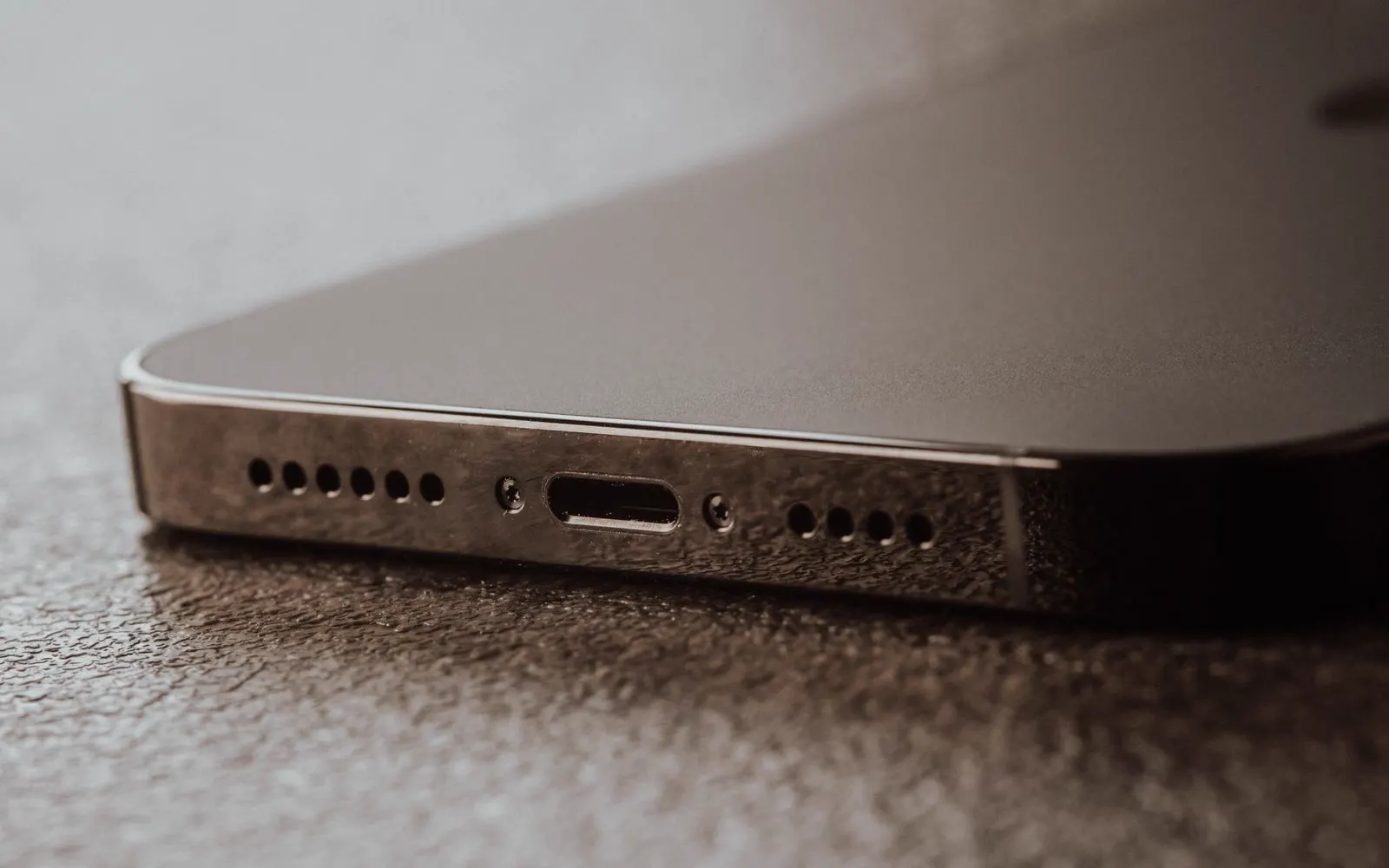
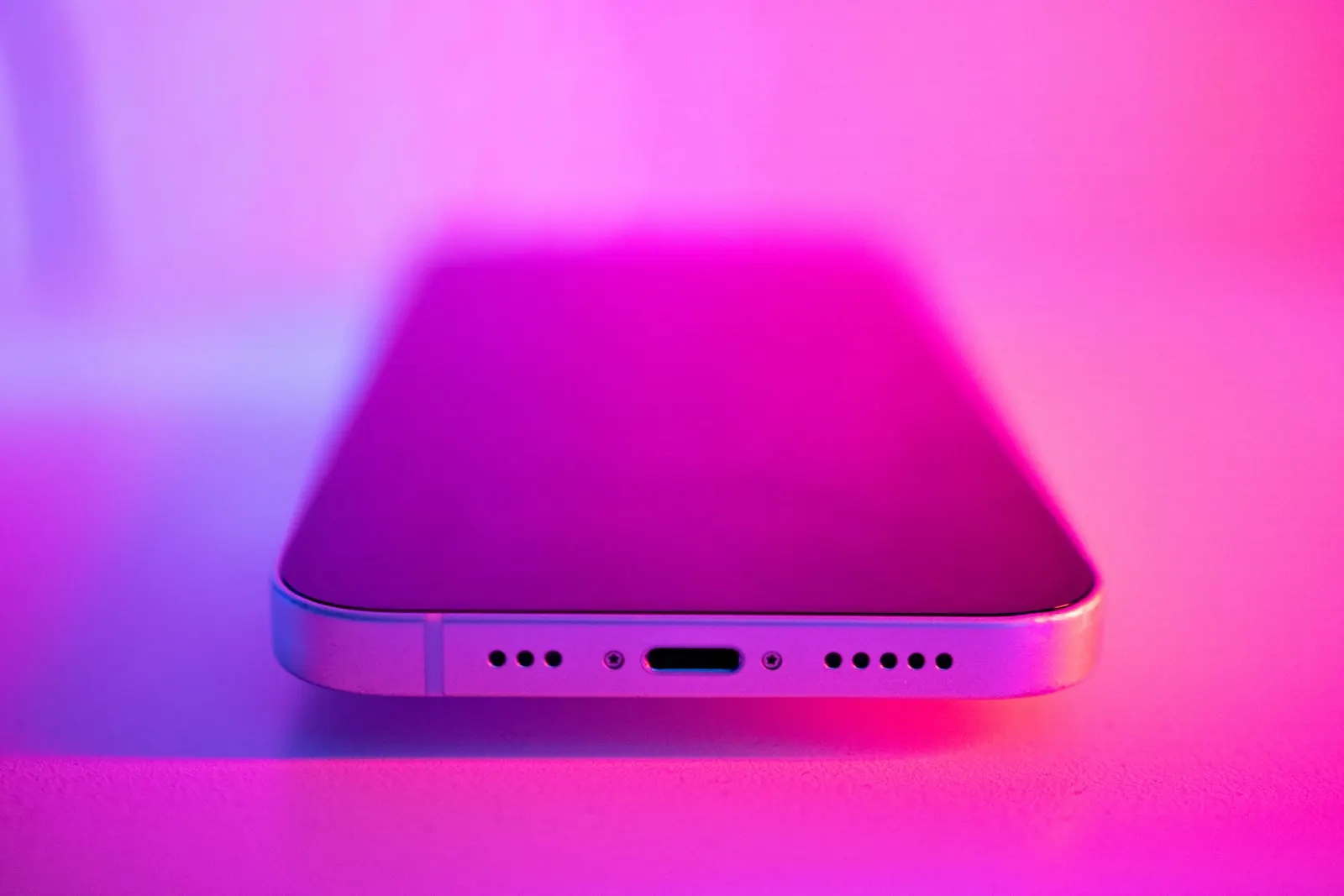
USB-C ports have a central tongue carrying the contacts; Lightning ports have contacts along the walls. A drop while charging, a cable yanked sideways, or a foreign object can bend the tongue or flatten individual contacts. When only some contacts meet, the phone may charge at one angle, charge slowly, show a message about an accessory not being supported, or charge but refuse to transfer data. Bent pins cannot be cleaned away and usually mean port replacement.
A damaged or frayed cable
It is easy to blame the phone when the cable is the problem. The wires inside a cable break near the plug from repeated bending, and a broken wire makes contact only when the cable is held in a particular position. Because the failure point is at the plug end, it feels exactly like a port problem. The difference is that a bad cable behaves the same way in every device, while a bad port behaves the same way with every cable. Cheap cables are a related problem: undersized plugs and thinly plated contacts seat poorly and wear the port faster, so if the angle problem started with a new cable, that cable is the first suspect.
Liquid corrosion
A splash, a sweaty pocket, a humid bathroom or a phone that went into water months ago can leave corrosion on the port contacts. Corroded contacts carry current poorly and unevenly, so the phone charges only where a clean patch of metal happens to touch. You may see green or white residue inside the port, a burnt looking contact, or a warning about liquid detected. Corrosion also spreads into the board below the port, which is why it needs attention sooner rather than later.
Board level damage
Least common, but worth knowing about. The port connects to the board through a flex cable or direct solder joints, and a hard drop can crack those joints. The port then works only when the phone is flexed slightly, which feels like an angle problem but is not in the port at all, and it usually comes with other symptoms such as intermittent charging even with the cable perfectly still.
How to Tell Whether It Is the Port, the Cable or the Charger
Because the symptom is the same, the diagnosis comes from swapping things one at a time. These signs point to the port itself rather than an accessory:
- Every cable and charger you try needs the same angle
- The plug no longer goes all the way in, or sits loosely and wobbles
- You can see lint, residue or a bent centre tongue when you shine a light into the port
- Wireless charging, if your phone supports it, works normally while the cable does not
- The problem began after a drop, a soaking or a cable being pulled out sideways
If a different cable and charger fix the problem completely, the port is fine.
What You Can Safely Try
These steps are safe on any phone and cover the causes you can fix without tools. Stop as soon as charging works normally.
Try a different cable that you know works
Borrow a cable that charges another phone reliably, ideally the one that came with a phone rather than a cheap spare. If the angle problem goes away, replace your cable and you are done.
Try a different charger and a wall socket
Plug the known good cable into a different wall charger, not a laptop or a car adapter. Some weak or faulty chargers cause intermittent charging that looks like a port issue.
Look inside the port with a bright light
Use a torch and look straight into the port. A grey or dark pad at the back is compacted lint, green or white deposits suggest corrosion, and a bent centre tongue is visible on USB-C phones.
Use gentle, dry air only
Hold the phone port side down and blow gently across the opening with your mouth, or use a hand squeezed air blower held a few inches away. This can loosen light dust. It will not remove compacted lint, and that is fine; a technician can.
Test wireless charging
If your phone supports it, place it on a wireless pad. Normal wireless charging confirms the battery and charging circuit are healthy and narrows the fault to the port.
Stop propping the cable
If none of the above fixes it, stop using the angle trick and bring the phone in. Every session of levering the plug wears the port further and can crack its connection to the board.
What Not to Do
- Do not insert pins, needles, SIM tools, paperclips or any metal into the port. Metal bends the contacts, scratches their plating and can short the port to the board, sometimes permanently.
- Do not use toothpicks or wooden picks either. They splinter and leave fibres, and the pressure needed to dislodge compacted lint is enough to bend a USB-C tongue.
- Do not pour or spray alcohol, contact cleaner or any liquid into the port. Liquid runs into the phone and reaches the board and battery.
- Do not blast compressed air at close range. A canned air blast can force lint deeper, drive moisture into the phone, and the freezing propellant can damage components.
- Do not keep charging with the cable wedged at an angle. It works today, but it stresses the port and the solder joints under it.
When the Port Needs Professional Repair
Bring the phone in when a known good cable and charger still need an angle, when you can see compacted debris or corrosion that gentle air does not shift, when the centre tongue or contacts look bent, when the plug wobbles in the port, or when the problem followed a drop or liquid. A failing port usually keeps getting worse.
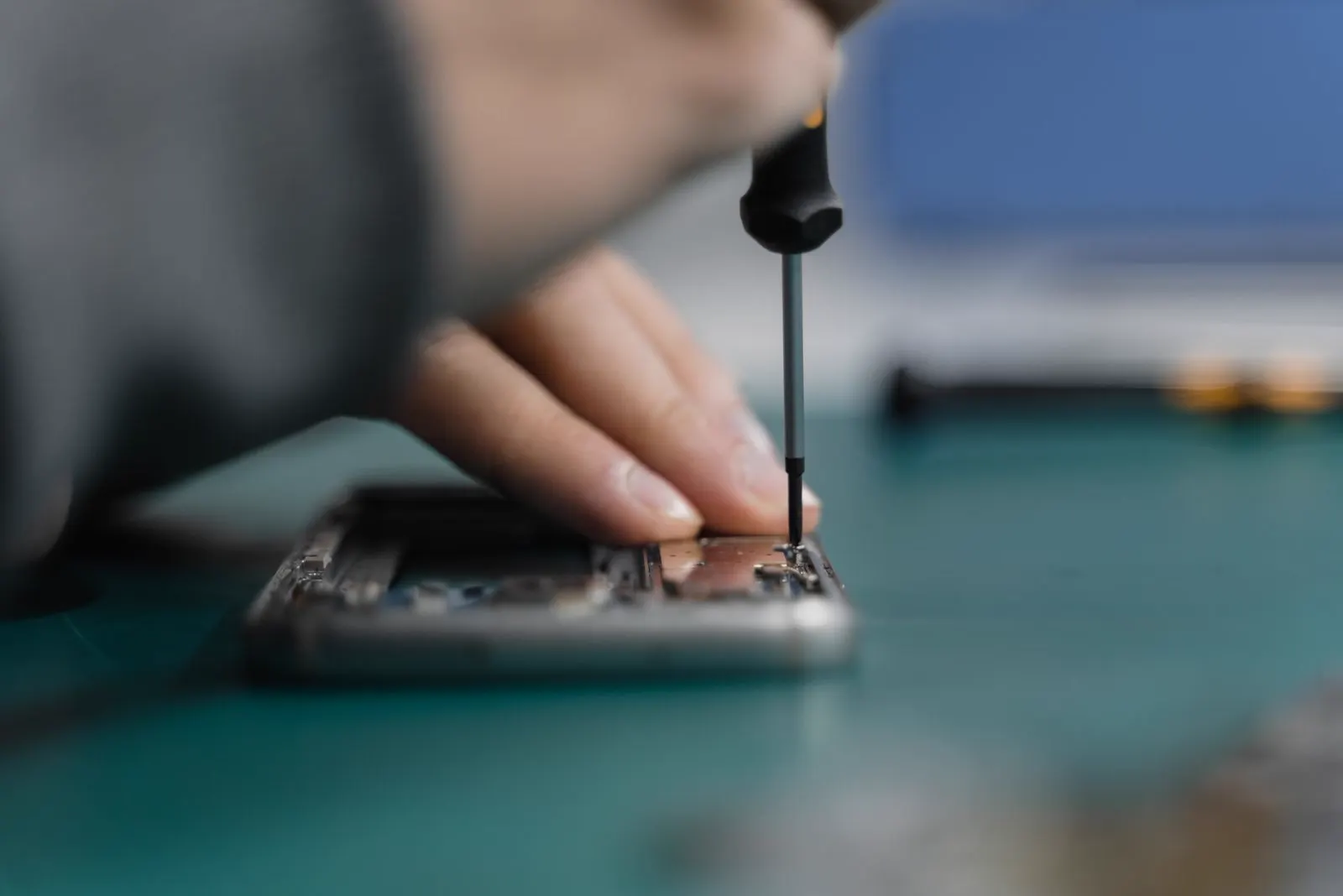
The tools and the approach matter here. A technician cleans a port under magnification with tools that will not bend or scratch the contacts, then tests charging current with several cables to confirm the result. If cleaning does not restore full contact, charging port repair replaces the port or its flex assembly with a new part. Corrosion is treated by cleaning the port and the surrounding board before it spreads.
Is an Angle Charging Problem Repairable?
Almost always. Packed lint is a cleaning job. A worn or bent port is a part replacement on the great majority of phones, since the port is usually mounted on its own flex cable or small board designed to be swapped. Even ports soldered directly to the main board can be replaced by a technician with the right equipment.
The exceptions are heavy corrosion that has reached the board beneath the port, and a drop that has cracked the board itself. In those cases a technician will assess whether board level repair is realistic on your model and be honest with you if a replacement phone makes more sense.
How CELLTECH Fixes Angle Charging Problems
Bring the phone to any CELLTECH store, ideally with the cable you have been using. A technician will inspect the port under magnification, test it with known good cables and chargers, and check for corrosion. The diagnostic is free.
You will receive a price before any work starts. Port cleaning and charging port replacement are among the most common repairs we do, so parts for popular phones are usually in stock and the repair is often completed the same day. Qualifying repairs are covered by a 90 day malfunction warranty. If we find the fault is in the cable rather than the phone, we will tell you that too. Whether it is an iPhone with a Lightning or USB-C port or a Samsung or other Android phone, the process is the same.
Where to Get Your Charging Port Fixed in Texas
CELLTECH has seven walk in stores across Texas, including Galleria Dallas, Stonebriar Centre in Frisco and The Parks Mall at Arlington, plus Cielo Vista Mall in El Paso. No appointment is needed for a port inspection. Use the store locator to find the nearest store and its hours.
Frequently Asked Questions About Phones That Only Charge at an Angle
Pushing the plug up forces its contacts against the port's contacts on one side. That usually means something is stopping the plug from seating fully, most often compacted lint at the back of the port, or the port's contacts have worn or bent so they no longer meet the plug squarely. Try a known good cable first; if the angle is still needed, the port needs cleaning or replacement.
It is not dangerous in the short term, but it is not a good idea. Holding the plug at an angle wears the port faster and can crack its connection to the board, turning a cleaning job into a replacement. If the port or plug becomes warm while charging this way, stop and have it inspected.
Only with gentle, dry air. Do not insert anything into the port, whether metal, wood or plastic, and do not use liquids or close range compressed air. Compacted lint rarely comes out with air alone, and a technician can clear it safely under magnification without damaging the contacts.
Swap the cable and charger for ones you know work with another phone. If the angle problem disappears, the cable was at fault. If every cable needs the same angle, the port is the problem. Wireless charging working normally is a further sign the fault is confined to the port.
Because the problem is inside the port. A new cable cannot seat properly against compacted lint, worn spring contacts or a bent tongue. Some cheap new cables also have undersized plugs that never seat well, so use a good quality cable for the test.
Not reliably. The tongue is thin and the contacts on it are easily damaged further by any attempt to bend it back. Port replacement is the dependable fix, and on most phones it is a routine repair.
Stop Propping the Cable and Get It Fixed
An angle charging problem does not fix itself, and the workaround slowly makes it worse. A free inspection at CELLTECH will tell you whether it is lint, wear, a bad cable or something deeper, and what it will cost to put right.
Book an appointment at a time that suits you, or find your nearest CELLTECH store and walk in.
Related guides: signs your charging port needs professional repair and how to fix a laptop with a broken charging port.