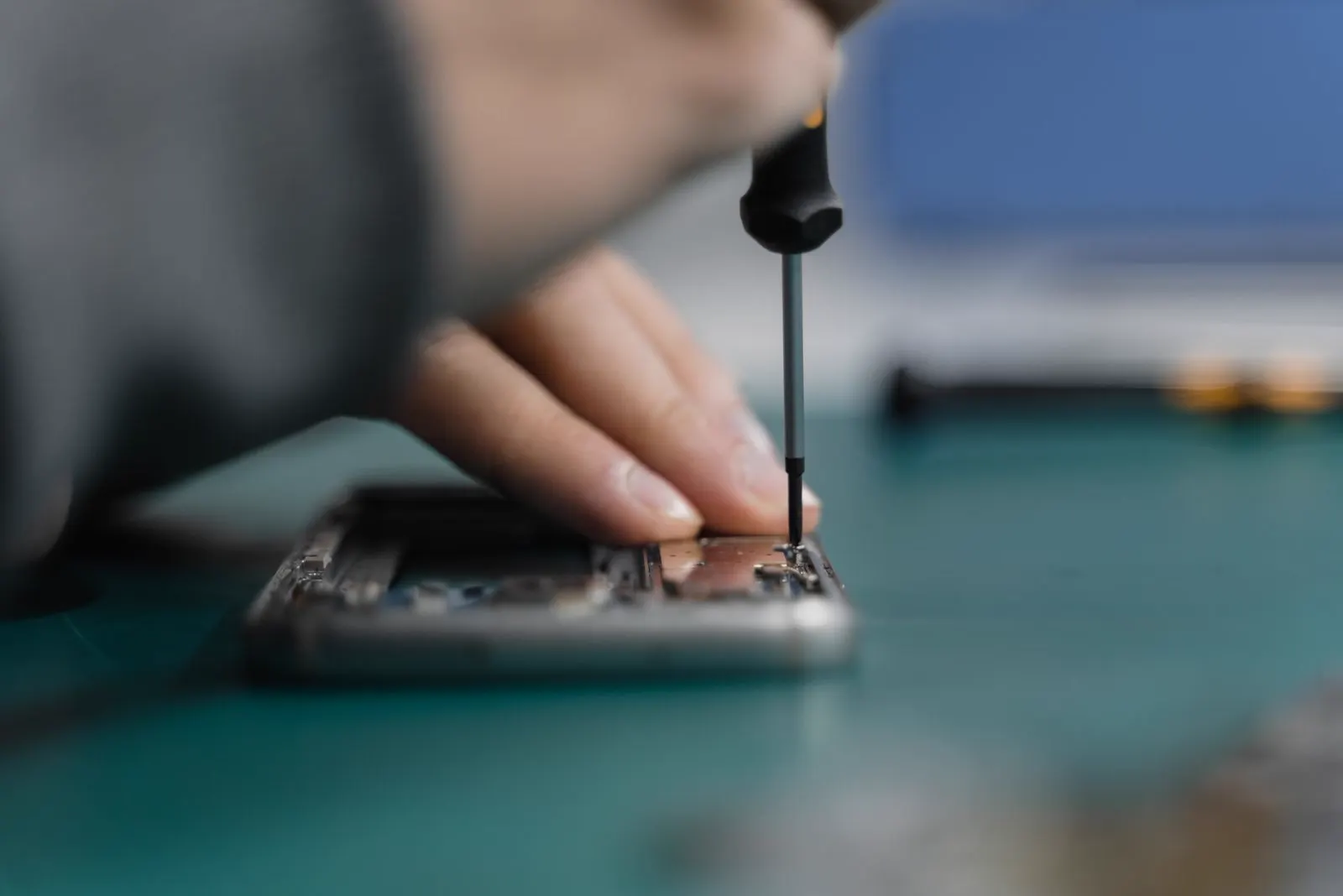
Camera Repair
My Phone Fell and Now the Camera Won't Focus. Is It Repairable?
In most cases, yes. A drop that leaves the camera blurry has usually either cracked the lens glass or knocked the tiny autofocus and stabilisation mechanism inside the camera module out of position. Both are fixed by replacing a part, and neither requires a new phone. The exceptions are rare: damage to the board the camera plugs into, or a phone where the drop has done far more than blur the camera.
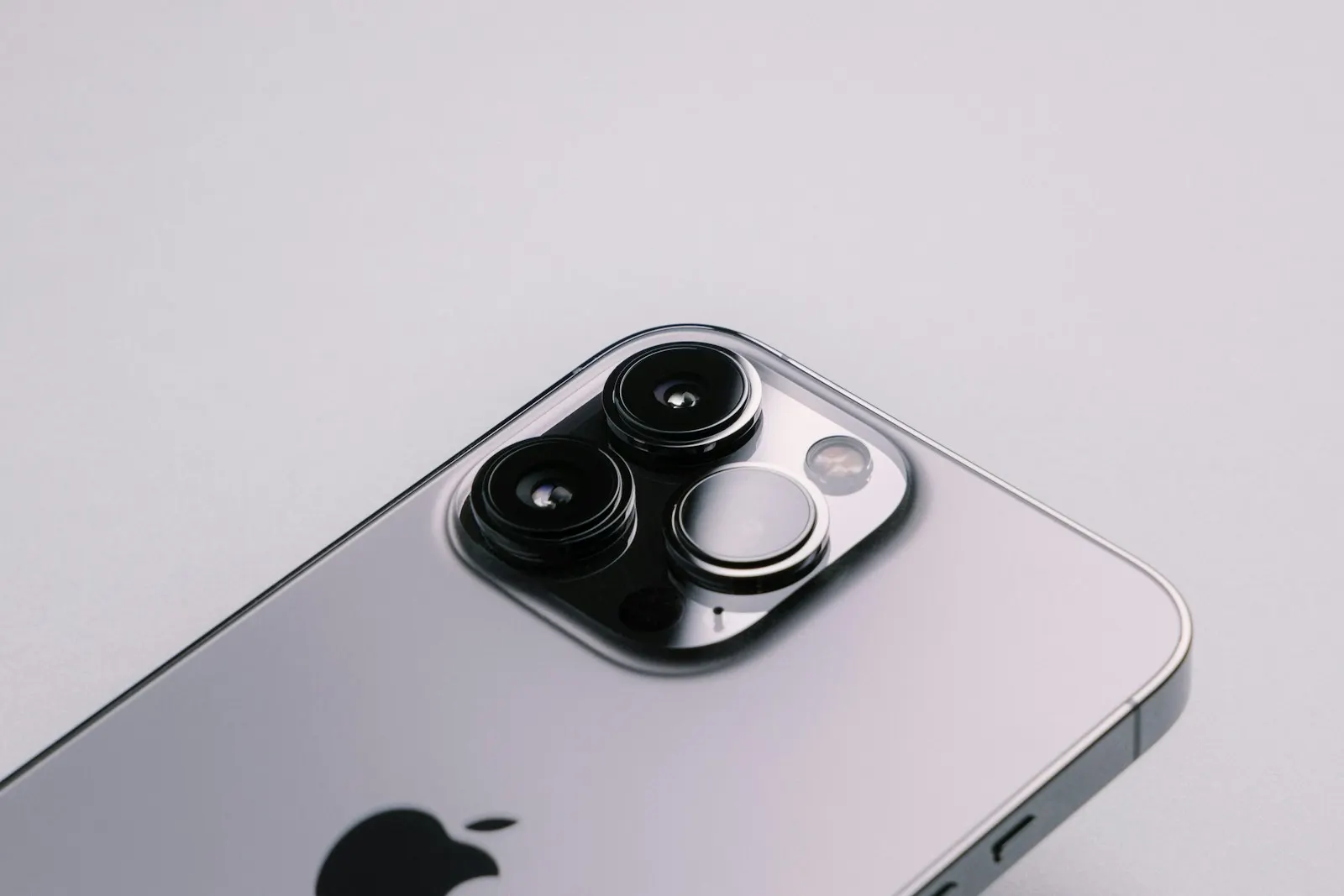
The phone slipped off the table, hit the floor and seemed fine. The screen survived, everything turned on, and then you opened the camera. Everything is blurry. Tapping the screen does nothing, the picture pulses in and out of focus and never settles, or one lens works and the other looks like it is underwater. Perhaps the phone even makes a faint rattle when you shake it gently.
This is one of the most common outcomes of a drop, and the reason is that the camera is the most mechanically delicate part of a modern phone. Inside each rear camera is a lens suspended on tiny springs or wires so that it can move to focus and to counter hand shake. That suspension is built for millimetre movements, not for a shock against a hard floor. The good news is that the camera is a self contained module, and replacing it is a routine repair. Here is how to work out what has happened to yours and what fixing it involves.
Why a Drop Stops a Phone Camera Focusing
The autofocus and stabilisation mechanism
A phone camera focuses by physically moving its lens closer to or further from the sensor, using a small electromagnetic actuator. Most phones also have optical image stabilisation, which floats the lens or the whole sensor on a set of springs or wires and moves it hundreds of times a second to cancel out the shake of your hand. These assemblies are precise and light, and a sharp impact can pop a lens out of its track, break a suspension wire, jam the actuator or leave the lens sitting at an angle. The result is a camera that cannot reach focus, hunts back and forth, or shows a wobbling, jittery image as the broken stabiliser tries to correct movement it can no longer control.
Cracked lens glass versus a damaged module
The glass you see on the back of the phone is a protective cover, not the lens itself. When that cover cracks, light scatters through the cracks and the photo looks hazy, streaked or has bright flares, but the camera can usually still focus. When the module underneath is damaged, the glass may be perfect and the image still blurry. It is possible to have both, and it is common for a cracked cover to let dust and moisture reach the module over time, so a cracked lens cover should be replaced even if the camera still works today.
A loose flex cable
The camera module connects to the board through a short ribbon cable with a press fit connector. A hard drop can partially unseat that connector. The symptoms range from a camera that works intermittently, to one that shows a black screen, to a camera app that opens and immediately closes. Focus may fail because the module is losing power or data mid operation.
Software focus lock
Occasionally the camera hardware is fine and the drop is a coincidence. Focus can be locked by a setting, a third party camera app, a macro mode that has switched on, or a glitch that a restart clears. This is worth ruling out before assuming the worst, and the checks below do that in a couple of minutes.
Signs the Camera Hardware Is Damaged
These point to a physical fault rather than a setting, and they help a technician know what to look for.
- The picture is blurry at every distance, close and far, and tapping to focus makes no difference
- The image pulses in and out of focus continuously and never settles
- You hear or feel a faint rattle from the camera area when you gently move the phone
- The preview shakes, jitters or drifts on its own while the phone is held still
- The image is sharp only when the phone is held at a particular angle or face down
- The camera shows a black screen, or the camera app crashes or freezes on opening
- Only one lens is affected: the main camera is blurry but ultra wide is fine, or the reverse
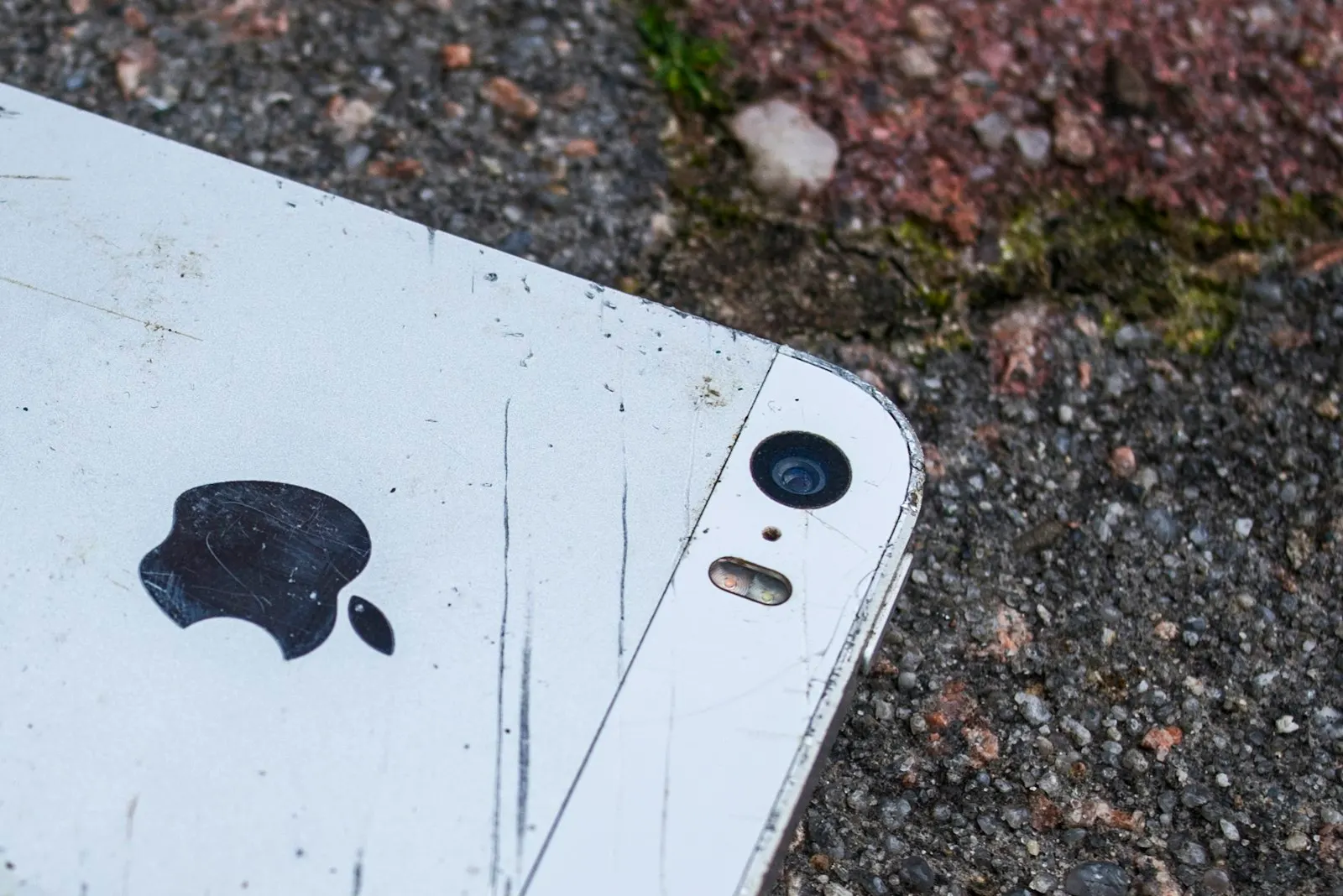
- There is a crack, chip or scratch on the lens cover, or photos have a haze or flare that was not there before the drop
Safe Checks You Can Do Before Booking a Repair
None of these involve opening the phone or touching the lens hard. They rule out the simple explanations and give you a clear description to bring to the counter.
Clean the lens cover gently
Wipe the rear lens area with a clean, dry microfibre cloth. A fingerprint or smear from the drop can look remarkably like a broken camera.
Remove the case and any lens protector
A case knocked out of alignment or a shifted lens protector can block or blur the lens. Test the camera with the phone completely bare.
Restart the phone
A full restart clears a camera app that has hung or a focus setting that has stuck. Test again after the phone starts.
Test each lens in the built in camera app
Switch between main, ultra wide, telephoto and the front camera. Note which ones are blurry, which are sharp and whether any show a black screen. If macro mode has switched on automatically, turn it off.
Try tap to focus and a focus lock
Tap an object at arm's length, then press and hold to lock focus. If focus changes at all, the actuator is moving; if nothing changes, it is likely jammed or disconnected.
Hold the phone still and watch the preview
Rest the phone on a table and open the camera. A preview that shakes or drifts while the phone is stationary indicates a broken stabiliser.
Update the phone and the camera app
Install any pending system or app updates and test again. It is unlikely to fix drop damage, but it removes software from the list of suspects.
What Not to Do
- Do not tap, knock or shake the phone to try and reseat the lens. It can turn a displaced lens into a broken suspension, and it can damage the sensor.
- Do not pick at or pry cracked lens glass. The shards fall onto the lens and sensor beneath, and the cover glass on many phones is bonded to the frame.
- Do not hold a magnet near the camera. Stabilisation and focus use magnets and coils, and a strong external magnet can jam or misalign them.
- Do not use tape, glue or a replacement lens sticker over a cracked cover as a permanent fix. It traps debris and moisture against the lens.
- Do not open the phone to check the camera connector. The camera flex and its connector are among the easiest things to tear on a phone.
When Professional Camera Repair Is the Right Call
If the camera is still blurry after cleaning, removing the case, restarting and updating, the fault is physical and it will not improve on its own. Bring the phone in if any single lens will not focus, if you hear a rattle, if the image shakes on its own, if the camera shows a black screen, or if the lens cover is cracked. Cracked cover glass is worth fixing promptly even when the photos look acceptable, because dust and moisture reaching the module will eventually cause a more expensive repair.
At CELLTECH, phone camera repair starts with a diagnostic that tests each lens, checks the flex connector and inspects the cover glass. Reseating a loose connector, replacing the lens cover, or replacing the camera module are all routine jobs on current phones.
What Is Repairable, and What Is Not
Lens glass replacement
Cracked cover glass over the rear cameras is replaced with a new cover, either as an individual lens cover or as part of a camera bezel, depending on the phone. The module beneath is cleaned of any glass dust during the repair. If the module was not damaged, image quality returns to normal.
Camera module replacement
When autofocus or stabilisation is damaged, the whole rear camera assembly is replaced with a new module. On many phones the rear cameras come as a single unit, so all lenses are replaced together. On some recent iPhones the camera is paired to the phone, and a technician will explain how that affects the repair on your model. Front camera modules are replaced in the same way, though on iPhones with Face ID the front camera is part of a sensor assembly that needs particular care.
When it is not worth it
A camera repair is hard to justify when the drop has also broken the screen, bent the frame and damaged the back glass, and the combined quote approaches the value of a replacement. It is also not possible when the connector on the logic board has been torn off or the board itself is cracked, though board repair is sometimes an option on newer phones. A technician will give you the full picture before you commit, and there is no charge for finding out.
How CELLTECH Repairs a Dropped Phone Camera
Bring your phone to any CELLTECH store for a free diagnostic. A technician will test every lens, check for a loose connector, inspect the cover glass and look for other drop damage. You will get a price for the repair before any work starts. Camera module and lens cover replacements are often completed the same day when the part is in stock, and qualifying repairs are covered by a 90 day malfunction warranty. We handle iPhone camera repair across current and older models, and Samsung Galaxy repair for every series, as well as other Android phones.
Where to Get a Phone Camera Fixed in Texas
CELLTECH has seven walk in stores across Texas, including The Parks Mall at Arlington, Grand Prairie Premium Outlets and Stonebriar Centre in Frisco, plus Cielo Vista Mall in El Paso. No appointment is needed for a diagnostic. Check the store locator for the nearest store and its hours.
Frequently Asked Questions About a Phone Camera That Won't Focus After a Drop
The autofocus and stabilisation mechanism inside a phone camera is the most fragile part of the phone. It suspends the lens on tiny springs and wires so it can move, and a sharp impact can knock it out of alignment or jam it while leaving the screen, battery and everything else untouched.
A very faint tick from the camera area can be normal on phones with optical stabilisation, because the lens floats when the phone is off. A clear rattle that appeared after a drop, together with blurry photos, indicates the lens or its suspension has broken loose and the module needs replacing.
Yes. The cover glass is a separate part from the camera module, and it can be replaced on its own if the module still focuses correctly. A technician will test the camera after fitting the new cover to confirm no glass dust or damage reached the lens underneath.
The main camera usually has the most complex focus and stabilisation mechanism, so it is the most likely to be damaged in a drop. On many phones the rear cameras are one assembly, so the repair replaces the whole unit; on others the main camera can be replaced individually.
Only if the problem was a coincidence. It is worth restarting and updating to rule out a stuck setting, but if the blur began at the moment of the drop and affects every distance, the cause is physical and needs a repair.
Replacing a rear camera does not affect Face ID. The front camera on an iPhone sits alongside the Face ID sensors, and a technician handles that assembly carefully so that Face ID continues to work after a front camera repair.
Get Your Camera Focusing Again
A blurry camera after a drop is almost always a part replacement, not a new phone. Bring it to CELLTECH, let a technician confirm whether it is the glass, the module or a connector, and get a quote before any work starts.
Book an appointment or walk in to your nearest CELLTECH store whenever suits you.
Related guides: does a cracked iPhone back affect performance and should you repair or replace a damaged phone.