Laptop Screen
Laptop Screen Cracked: Can It Be Repaired or Should You Replace It?
A cracked laptop screen can be repaired on the large majority of laptops, and the repair replaces only the display, not the machine. Whether you should repair rather than replace comes down to two things: is the rest of the laptop still good, and what does the screen cost against a new laptop of the same standard. An external monitor test answers the first in a minute. A quote answers the second.
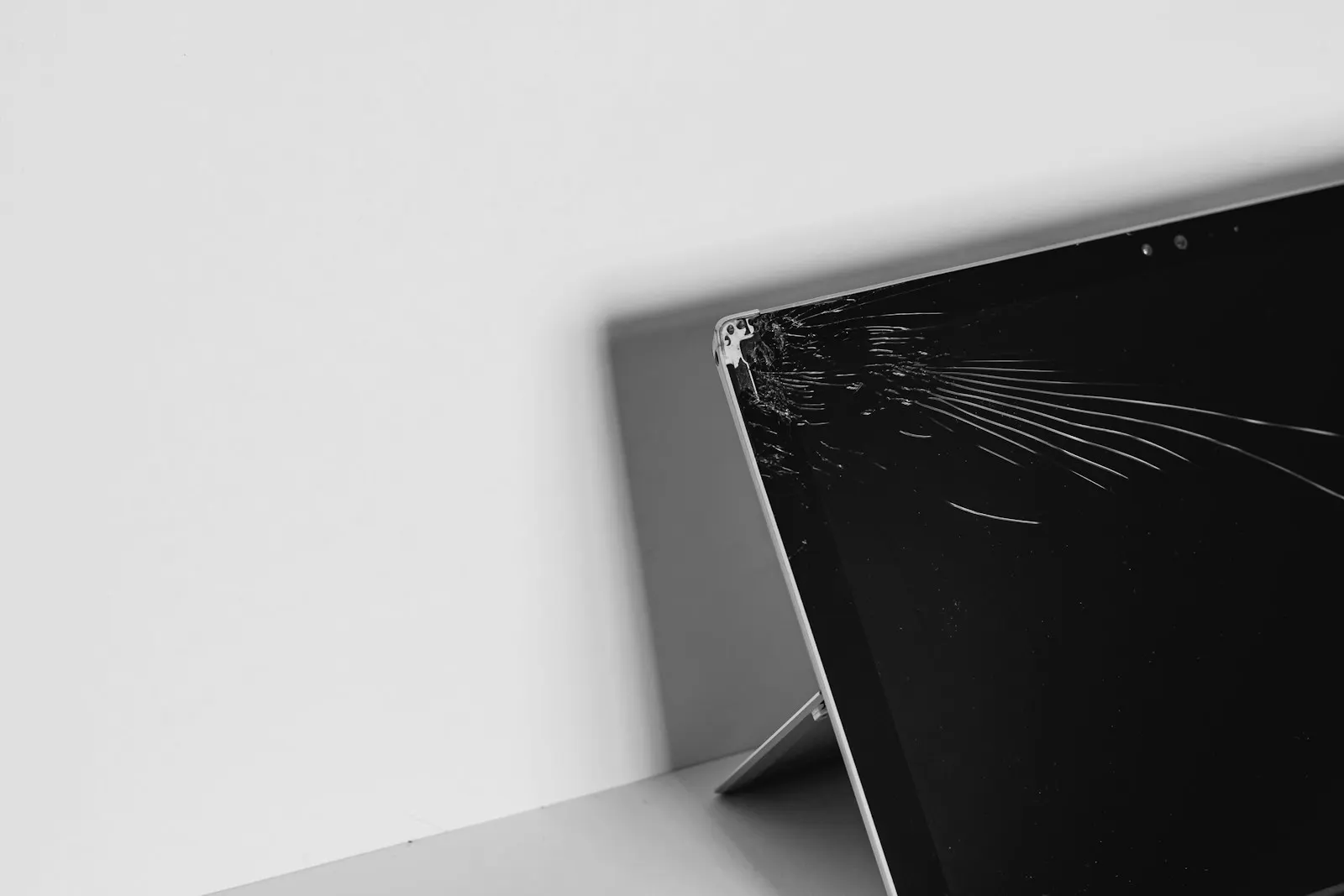
The lid was closed on a pen. The bag went down hard on the bus. The cat, the toddler, the corner of the desk. However it happened, there is now a crack across the screen, a black patch spreading from one corner, and you are looking at it wondering whether this laptop is finished.
Usually it is not. A cracked screen is a damaged part on an otherwise working computer, and on most laptops that part comes out and a new one goes in. The questions that actually decide repair or replace are about the rest of the machine and the numbers, and this guide takes you through both, along with how to keep your data safe in the meantime.
What Is Actually Broken: Glass, Panel or Both
Cracked outer glass on a touchscreen
Touchscreen laptops and two in one machines have a layer of glass over the display. That glass can crack while the picture underneath stays perfect. Touch may still work, work in patches, or stop entirely. On some models the glass and the display are separate parts; on many the two are bonded together and are replaced as one assembly. Either way it is repairable, but the model decides the part.
A damaged LCD panel
Most laptops without touch have no outer glass at all, so a crack goes straight into the panel. The signs are unmistakable: black blotches that look like spilled ink, vertical or horizontal lines running from the point of impact, a rainbow or bleeding effect around the damage, and areas that no longer show anything. A cracked panel cannot be repaired; it is replaced, and the black area tends to spread over days as the liquid crystal layer leaks.
A hinge that cracked the screen
A common and easily missed cause. A hinge that has seized or pulled loose from the lid puts stress on the corner of the display every time the lid is opened, until the panel cracks at the hinge without any drop at all. If the crack starts at a bottom corner and the hinge feels stiff, loose or the lid casing has separated, the hinge has to be fixed as well or the new screen will crack the same way.
Touch versus non touch
The distinction matters for the repair. A non touch panel is generally the simpler and less expensive part. A touchscreen assembly includes the digitizer and, on many models, the glass and bezel, and costs more. Screen size, resolution, refresh rate and the connector type all have to match the original, which is why the exact model is confirmed before a price is quoted.
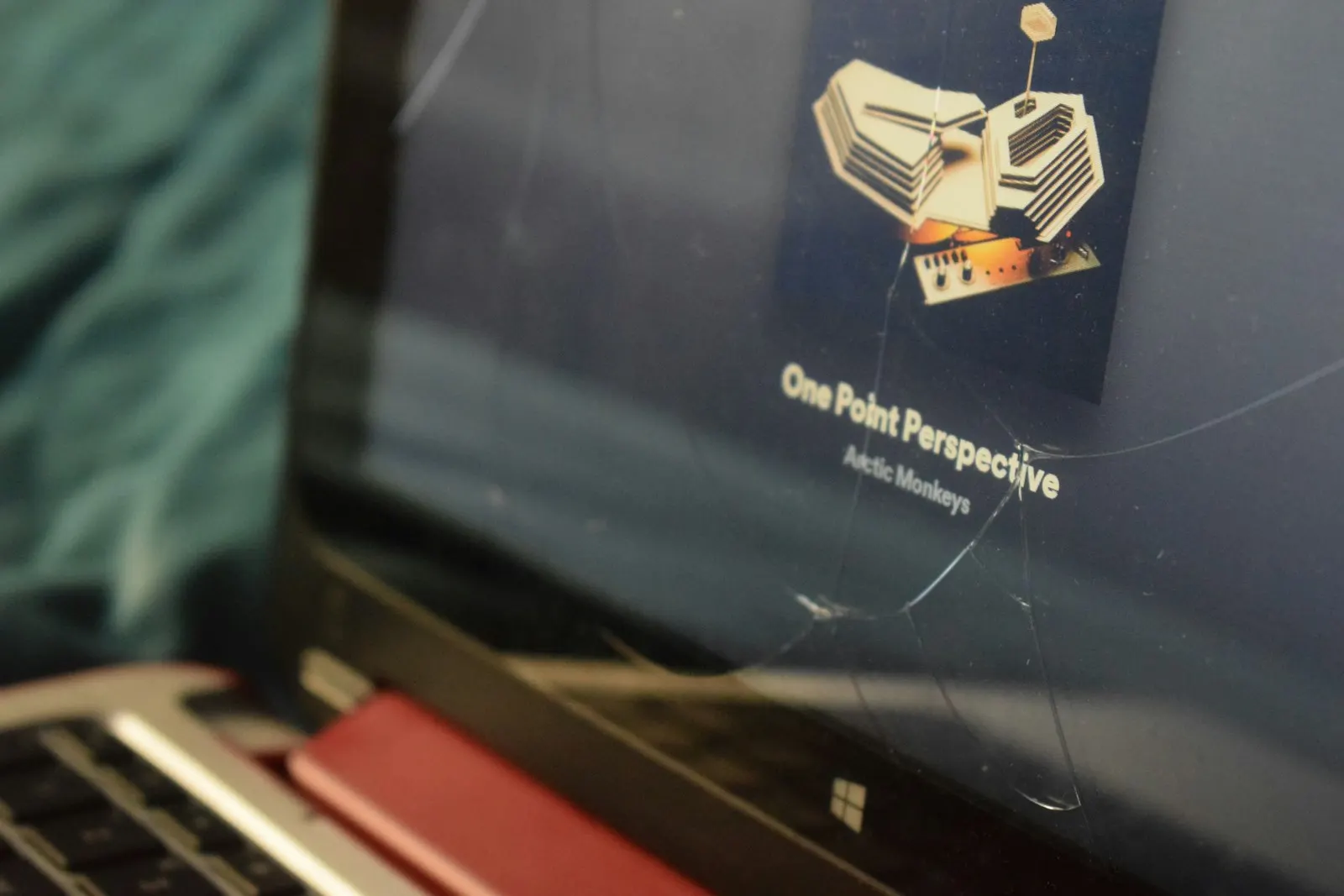
The External Monitor Test: Is the Rest of the Laptop Fine?
This is the single most useful thing you can do, and it takes a minute. Connect the laptop to a television or monitor with an HDMI or USB-C cable. If the desktop appears on the external screen, the processor, memory, storage, graphics and keyboard have survived. Only the display is damaged, and the repair is worth pricing.
If nothing appears on the external screen either, the impact may have reached more than the panel, or the laptop may not be powering on properly. That does not mean it is finished, but it does mean the diagnostic needs to look further than the screen before anyone quotes anything.
Your Data Is Almost Certainly Safe
A cracked screen does not touch the storage drive. Your files, photos and documents are where they were, and a screen replacement does not involve wiping or reinstalling anything. The one risk is the time between now and the repair: a laptop you cannot see is a laptop you cannot back up easily, and if the drop also loosened something inside, a second knock could make things worse. Back up using the external monitor while you can.
Safe Steps to Take Now
Connect an external display
Use HDMI, USB-C or whatever the laptop offers. If the picture appears, you know the rest of the machine works and you have a way to use it until the screen is replaced. On Windows, pressing the Windows key and P lets you choose to show the desktop on the external screen only.
Back up your files
With the external display working, copy your documents, photos and anything else you would miss to an external drive or a cloud service. Do this before anything else.
Check the lid and keyboard for debris
Look for whatever caused the crack. A pen, an earbud or a charger tip left on the keyboard will crack the new screen the first time the lid closes on it. Clear the keyboard area and make a habit of checking before you close the lid.
Test the hinges
Open and close the lid slowly. If a hinge is stiff, grinds, or the lid casing lifts at a corner, note it. The hinge needs attention alongside the screen.
Handle it gently
Keep the laptop flat, avoid pressing on the lid, and carry it in a padded sleeve if it has to travel. A cracked panel spreads under pressure.
Note the model
The model number is usually on a label underneath the laptop. Having it ready means the correct screen can be checked for stock while you are at the counter.
What Not to Do
- Do not tape over the crack. Tape does not stop it spreading, it leaves adhesive on the panel and bezel, and it makes the technician's job harder.
- Do not press on the screen to see whether the black area moves. Pressure on a cracked LCD spreads the damage.
- Do not use glue, resin or a screen repair kit meant for phones. Laptop panels are not built the way phone glass is, and glue seeps into the panel layers.
- Do not keep closing the lid on the damaged screen if the crack runs to the edge; the pressure of the lid meeting the base can extend it.
- Do not remove the bezel or try to lift the panel out. Bezels are clipped and glued, the panel cable is fragile, and on many models the webcam and Wi-Fi antennas run through the lid.
- Do not buy a panel online by size alone. Laptops of the same size take different resolutions, connectors and thicknesses, and the wrong one will not work.
When Professional Repair Is the Right Call
If the external monitor shows a working desktop, the laptop is a good candidate for a screen replacement and it is worth getting a quote. If the crack came from a hinge, or the lid is damaged, or the external monitor shows nothing, the machine needs a diagnostic to see how far the damage went before a price can be given. Either way there is nothing further to try at home; a cracked panel does not improve, and the part has to be replaced.
Repair or Replace: How to Decide
On most Windows laptops and Chromebooks the display panel is a separate part behind the bezel, and replacing it is a routine repair. On some thin ultrabooks, most Microsoft Surface devices, and MacBooks, the panel comes as a complete lid assembly including the casing, and the part costs more. Neither is a reason not to repair on its own; it is a reason to get the number before deciding.
| Repair usually makes sense when | Replacing the laptop may make more sense when |
|---|---|
| The external monitor test shows everything else works | The impact also damaged the motherboard, keyboard or hinge assembly badly |
| The laptop is otherwise fast enough for what you use it for | It was already too slow, out of storage or unable to run current software |
| The screen quote is well below the cost of an equivalent new laptop | The lid assembly costs a large fraction of a comparable new machine |
| You want to avoid setting up a new machine and moving everything across | The battery, keyboard and screen are all worn at once |
| The laptop is a MacBook or a business model that holds its value | It is a very old budget model with a part that is hard to source |
The honest answer for most cracked screens on laptops less than five or six years old is repair. The honest answer for an old, slow budget laptop with a full lid assembly is often replacement, and a technician will tell you that rather than sell you a screen. Our guide to repairing or replacing a damaged device goes through the same reasoning in more depth.
How CELLTECH Handles Cracked Laptop and MacBook Screens
Bring the laptop to any CELLTECH counter. Our laptop repair service covers Windows machines from Dell, HP, Lenovo, Asus, Acer and Microsoft Surface, plus Chromebooks, and begins with a free diagnostic. The exact model, screen size, resolution and touch configuration are identified, the hinges and lid are checked so a new panel is not fitted to a lid that will crack it again, and the external display test confirms the rest of the machine. You get the price and the expected turnaround before you decide.
Our screen repair service handles the panel or assembly replacement, and for Apple laptops our MacBook repair counter sources the correct lid assembly for the model and year. Many laptop screens are replaced the same day when the panel is in stock; full lid assemblies and less common models can take longer, and you are told which applies. Qualifying repairs carry a 90 day malfunction warranty.
Where to Get a Laptop Screen Replaced
CELLTECH has seven walk in stores in Texas. Grand Prairie Premium Outlets and Town East Mall in Mesquite both take laptops and MacBooks without an appointment, as do the rest of our Dallas and Fort Worth stores and our El Paso store at Cielo Vista Mall. The store locator has hours and directions for each.
Frequently Asked Questions About Cracked Laptop Screens
Yes, on the large majority of laptops. The display panel is a separate part that is removed and replaced, and the rest of the machine, including your files, is untouched. On some ultrabooks, Surface devices and MacBooks the panel comes as a complete lid assembly, which costs more but is still a repair rather than a replacement of the laptop.
On a touchscreen laptop, cracked glass over a working display can be used for a while, but the crack will spread, touch will get worse, and moisture and dust get in. Whether the glass can be replaced on its own or comes bonded to the panel depends on the model. It is worth having it quoted before the panel underneath is damaged too.
The black area is liquid crystal leaking from the crack in the panel, and it spreads with pressure, heat and time. There is no way to stop it or reverse it. The panel has to be replaced, and the spreading is a reason not to wait too long, particularly not to keep closing the lid on it.
Connect it to an external monitor or television. If the desktop appears and the keyboard and trackpad respond, the processor, memory, storage and graphics are fine and only the display is damaged. If nothing appears, the laptop needs a diagnostic before anyone can say how far the damage went.
No. The screen and the storage drive are separate, and a screen replacement involves no reinstalling or resetting. A backup is still recommended before any laptop is opened, and with an external monitor connected you can make one yourself before the repair.
A hinge that has seized or pulled loose from the lid stresses the corner of the panel every time the lid moves, and eventually the panel cracks. Replacing the screen alone will not last; the hinge or lid casing has to be repaired at the same time. Mention the stiff hinge when you bring it in so both are quoted together.
Often, because on most MacBook generations the display is supplied as a complete lid assembly rather than a bare panel. That said, a MacBook holds its value longer, so the repair is frequently still the sensible choice. The exact model and year decide the part and the price, and you are given both before deciding.
It depends on the panel cost against a comparable new machine and on whether the laptop was already keeping up with what you need. A simple non touch panel on a laptop that otherwise works well is usually worth it. A full lid assembly on an old, slow budget model often is not, and a quote is the honest way to find out.
Get a Straight Answer on Your Cracked Screen
Run the external monitor test, back up, and stop closing the lid on the crack. Then get a price. A cracked laptop screen is almost always repairable; whether it is worth repairing is a question a quote answers in a few minutes.
The diagnostic is free and the price comes before the work. Book a screen repair appointment or walk into your nearest CELLTECH store with the laptop.
Related guides: is it better to repair or replace a damaged device, laptop charging port broken and OEM versus aftermarket parts.