Phone Screen
Why Is My Phone Screen Flickering? Causes, Fixes and When to Get It Repaired
A flickering phone screen can come from something simple such as a software glitch, a brightness setting, outdated software or an app conflict. Persistent flickering can also point to display damage, a damaged display connector, overheating, liquid exposure, a power problem or another hardware fault. If it started after a drop, a spill or a screen replacement, treat it as a possible hardware issue and have the display inspected before assuming it needs replacing.
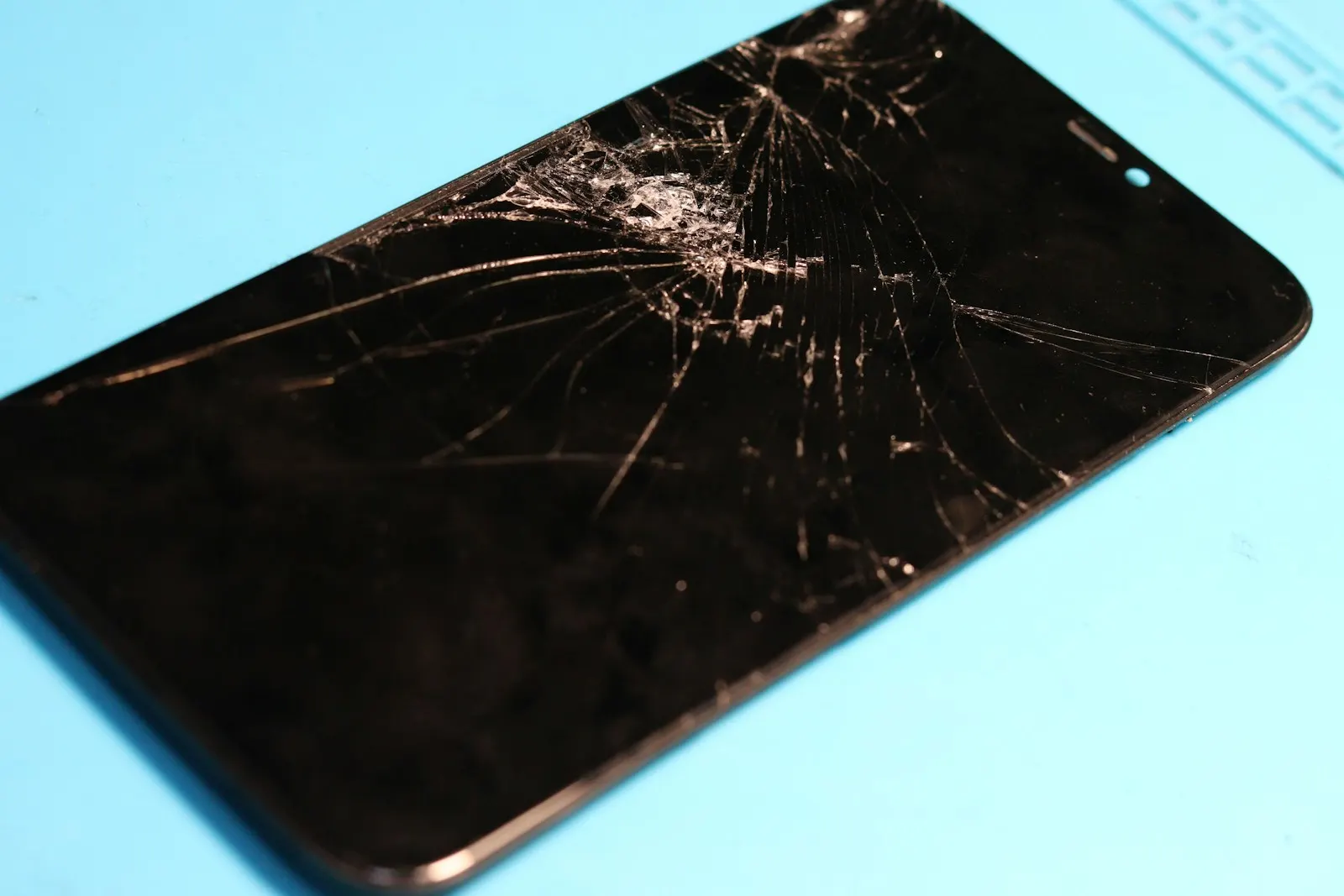
If your phone screen is flickering, the cause can be something relatively simple, such as a software glitch, display setting, outdated software, or an app conflict. However, persistent flickering can also indicate display damage, a damaged display connector, overheating, liquid exposure, power related problems, or another hardware fault. Samsung's current troubleshooting guidance recommends checking software, display settings and physical damage, while repair focused sources also distinguish software flickering from display or connector problems.
If the flickering started after dropping your phone, getting it wet, replacing the screen, or developing another physical problem, don't assume it is only a software issue. A professional inspection can determine whether the display itself, its connection, the battery, charging system, or another component is responsible.
Why Is My Phone Screen Flickering?
A phone screen can flicker because of:
- Software glitches or bugs
- An incompatible or malfunctioning app
- Adaptive or automatic brightness settings
- An outdated operating system
- Refresh rate or display setting problems
- Overheating
- A damaged display panel
- A loose or damaged display connection
- Physical impact or pressure
- Liquid damage
- Battery or charging related problems
- Another internal hardware fault
The most important distinction is whether the flickering is temporary and connected to a particular app or setting or whether it happens consistently across the phone.
If the flickering continues after restarting the device, updating software and checking display settings, or if it began immediately after physical damage, the screen should be professionally inspected. Samsung similarly advises checking for physical damage and using software troubleshooting to help distinguish software from hardware related flickering.
What Does a Flickering Phone Screen Look Like?
Screen flickering can appear in several different ways. You might notice:
- The display repeatedly flashing brighter and darker
- The entire screen blinking
- A section of the screen flickering
- Horizontal or vertical lines appearing
- Brightness rapidly changing
- The image disappearing and returning
- Colored lines or distortion
- Flickering that becomes worse at low brightness
- Flickering after the phone heats up
- Flickering only when using a particular app
The exact pattern can provide useful information. For example:
- Only one app flickers: possible app or software problem
- Flickers after a drop: possible display or internal hardware damage
- Flickers when the phone is hot: heat or hardware may be involved
- Flickers while charging: a power, charging, battery, or display related issue may need investigation
- Flickers constantly across different apps: hardware becomes more concerning
Samsung's current troubleshooting guidance similarly separates app and software causes from physical damage and recommends testing the device under different conditions.
Why Is My Phone Screen Flickering After a Software Update?
A software update can sometimes be associated with temporary display problems, particularly when an app, display driver or system component isn't behaving correctly. This doesn't automatically mean the screen is damaged.
Try:
- Restarting the phone.
- Installing any additional pending software updates.
- Updating your apps.
- Checking display and brightness settings.
- Testing whether the flickering happens everywhere or only in one app.
Samsung recommends keeping the device software and security updates current when troubleshooting screen flickering. If the flickering remains after software troubleshooting, the problem may require further diagnosis.
Can an App Cause My Phone Screen to Flicker?
Yes. If the flickering appears only while using one application, that app may be contributing to the problem.
For example, you may notice that the home screen is normal, Settings is normal, but one game flickers. That pattern is different from a screen that flickers everywhere.
How Can You Test Whether an App Is Causing Flickering?
Try the following:
- Close the affected application.
- Restart the phone.
- Update the application.
- Check whether another application produces the same problem.
- On supported Android devices, test the phone in Safe Mode.
Samsung recommends Safe Mode as a way to determine whether third party applications are contributing to screen flickering. If the flickering stops in Safe Mode, an installed application may be responsible.
Can Brightness Settings Cause Screen Flickering?
They can contribute to flickering on some devices. Adaptive or automatic brightness changes the screen brightness based on surrounding conditions. If the problem appears primarily at certain brightness levels or when moving between different lighting conditions, display settings are worth checking before assuming hardware failure.
What Should You Try?
Temporarily turn off:
- Adaptive brightness
- Automatic brightness
- Certain display enhancement features
Then adjust the brightness manually and observe whether the problem changes. Samsung specifically recommends disabling Adaptive brightness as part of its screen flickering troubleshooting process.
If the flickering disappears after the setting change, you may not need screen repair. If it continues at different brightness levels, investigate further.
Why Is My Phone Screen Flickering at Low Brightness?
Some display technologies can behave differently at very low brightness levels. If flickering appears only when the brightness is extremely low and disappears when brightness is increased, the display behavior may be related to how the screen controls brightness.
However, persistent or severe flickering should not automatically be dismissed as normal. A useful test is to compare the display at:
- Low brightness
- Medium brightness
- High brightness
- Different apps
- A plain screen
- Video playback
If the problem occurs at every brightness level and across the entire phone, hardware becomes a stronger possibility.
Could Overheating Cause My Phone Screen to Flicker?
Yes, heat can be associated with display problems. A demanding game, video recording, navigation, hotspot use, charging, or another intensive activity can make a phone warm. Apple and Google both note that smartphones can become warm during demanding activities and use thermal protections when temperatures become too high.
The important clue is when the flickering happens. For example, the phone is cool and the display is normal, then after 30 minutes of heavy gaming the screen starts flickering, and once the phone cools the flickering disappears. That pattern deserves attention, especially if it repeatedly happens.
Related service: CELLTECH battery replacement
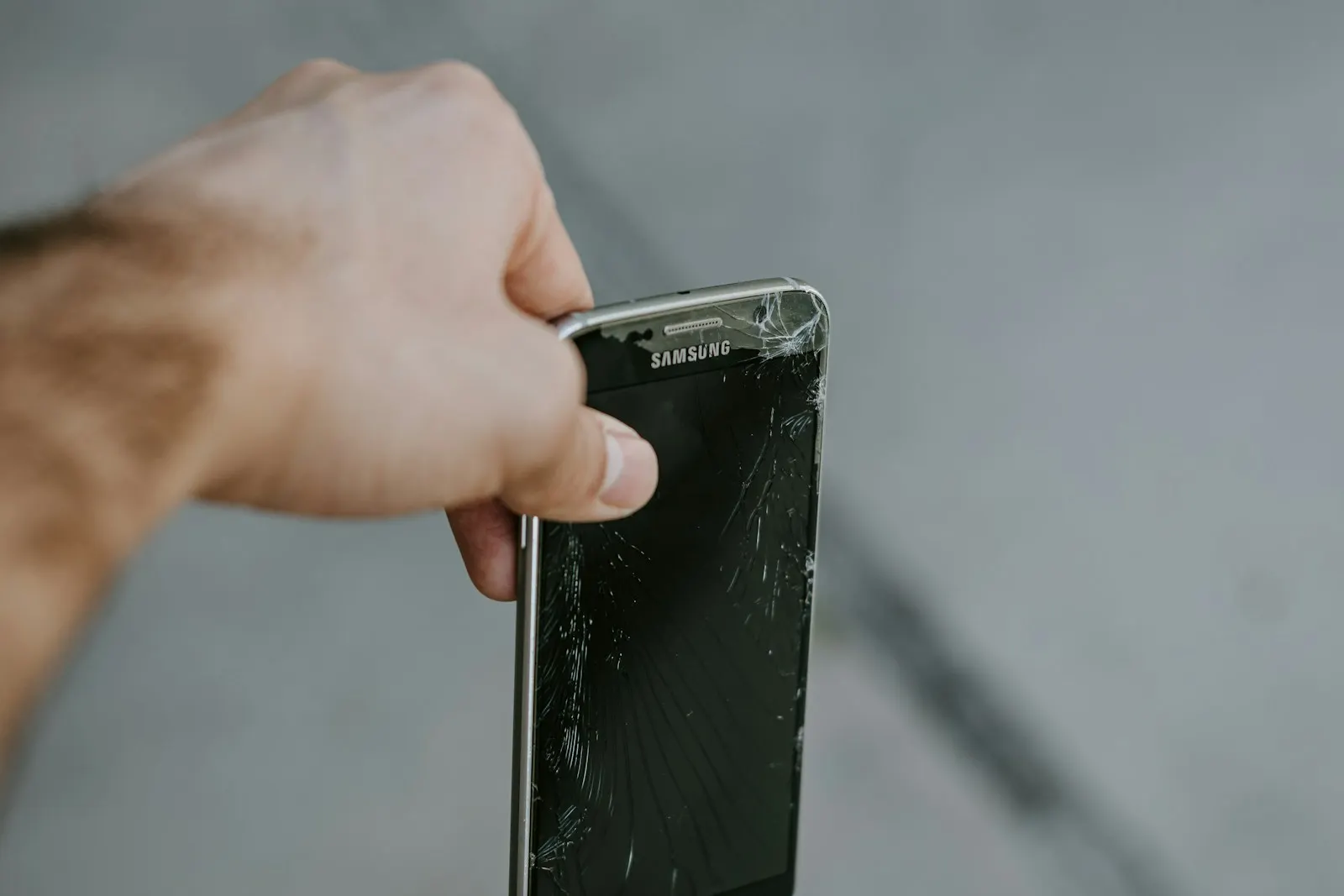
Why Is My Phone Screen Flickering After a Drop?
A drop can cause display flickering even when the glass isn't completely shattered. Physical impact can affect:
- Display panel
- Display connector
- Flex cable
- Frame
- Internal components
- Other components connected to the display
A phone can look relatively normal from the outside while the display underneath has been damaged. CELLTECH's screen repair guidance specifically explains that internal display damage can occur without obvious outer glass damage and lists flickering among the possible symptoms. It also notes that a hard drop can affect the display, frame, charging components and other internal connections.
What If the Flickering Started Immediately After the Drop?
That is a strong reason to stop assuming the problem is software related. Restart the device if it is safe to do so and look for other signs of physical damage.
Do not press, twist or flex the phone to see whether the display connection changes. That can turn an existing problem into additional damage.
If flickering remains after the impact, professional screen inspection is appropriate. Get CELLTECH screen repair and let the team check the display and its connection together.
Can a Cracked Screen Cause Flickering?
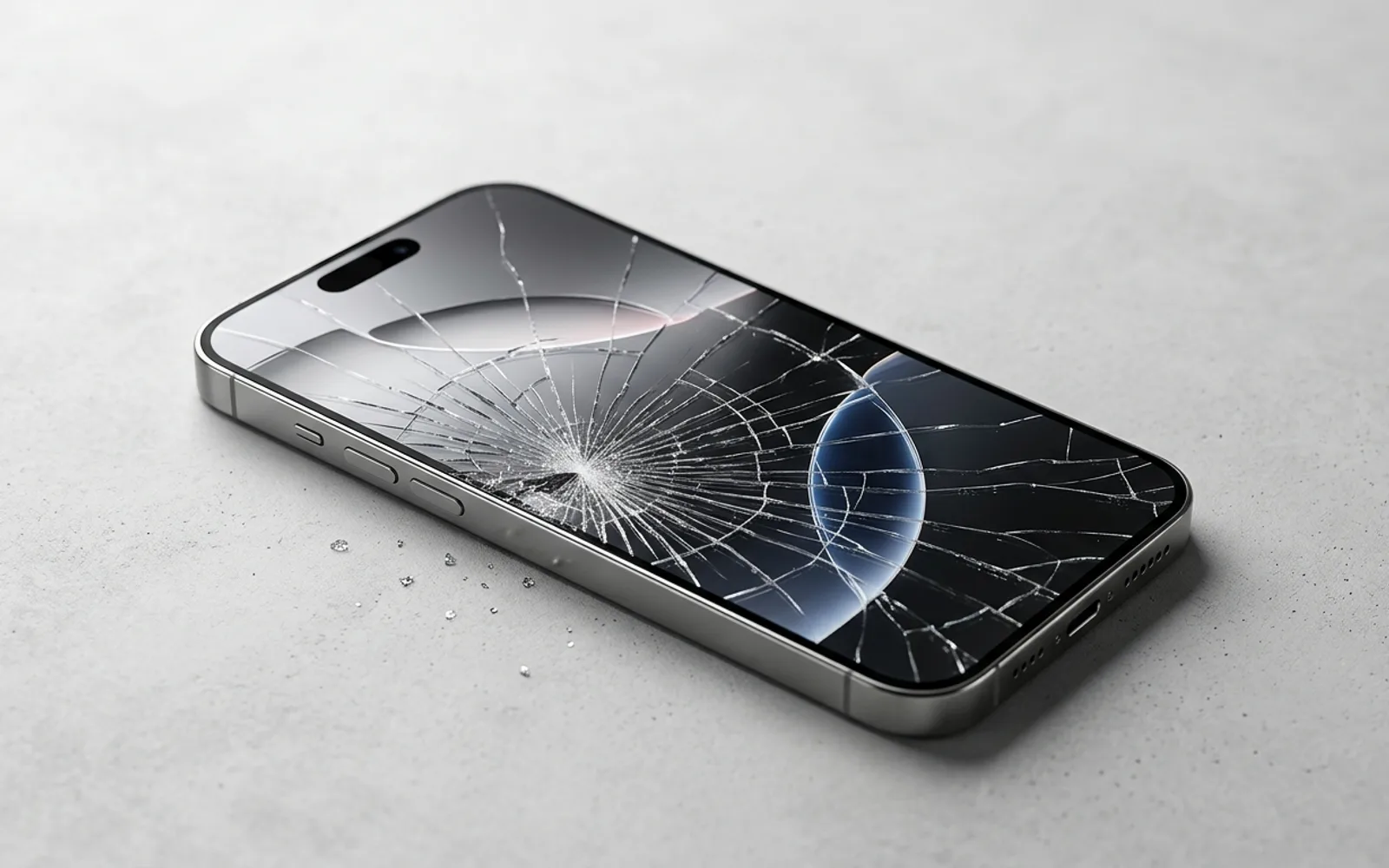
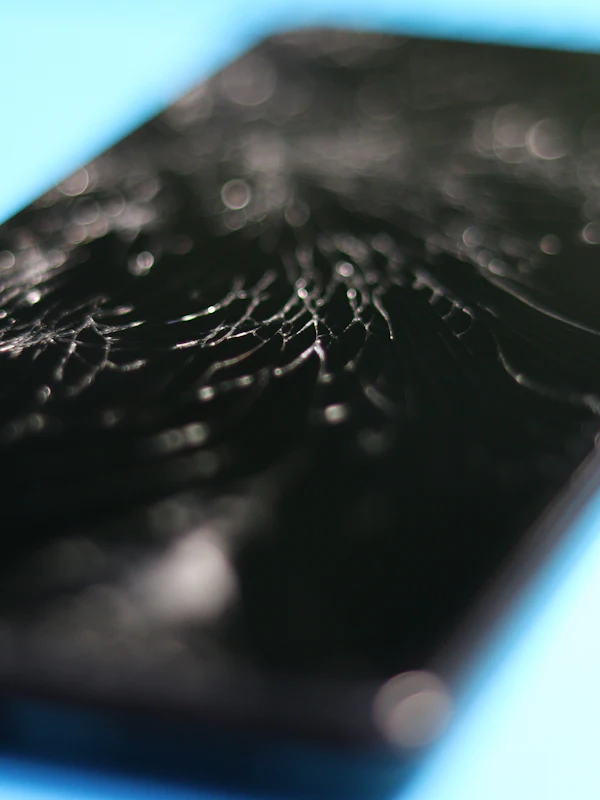
Yes. A cracked screen can damage more than the outer glass. The impact may also affect the underlying display panel.
You may see:
- Flickering
- Black patches
- Colored lines
- Dead areas
- Touch problems
- Distorted images
CELLTECH's screen repair information specifically identifies flickering, colored lines, black sections and touch problems as possible symptoms of internal display damage, even when the outer glass does not appear severely damaged. That is why replacing only a screen protector or cleaning the surface won't resolve hardware damage underneath the glass.
Can a Phone Screen Flicker Without Any Visible Damage?
Yes. A display does not have to be cracked for the screen to malfunction. Possible causes include:
- Internal display damage
- Display connector problems
- Software issues
- Display settings
- Heat
- Power related problems
- Liquid exposure
- Internal component failure
CELLTECH specifically notes that a screen can have internal damage while the outer glass remains intact. So: no crack does not mean no screen damage.
If the flickering is persistent, don't wait for the glass to break before getting it checked. If your display has gone dark rather than flickering, our guide on an iPhone screen that is black but still on walks through that separate symptom.
Why Is My Phone Screen Flickering After a Screen Replacement?
If flickering started after a recent screen repair or replacement, the device should be inspected again. Possible explanations can include:
- A problem with the replacement display
- A connection issue
- A damaged connector
- Another internal component affected during the original incident
- A software related problem
- An unrelated fault that appeared around the same time
Do not assume that the screen replacement itself is automatically responsible. The device needs to be tested to identify whether the flickering follows the display assembly, the connection, or another component. CELLTECH's screen repair process includes inspecting display behavior and touch response before recommending the repair.
Can Water Damage Cause a Phone Screen to Flicker?
Yes. Liquid exposure can affect the display, connectors and other internal components. After water or another liquid reaches the phone, you might notice:
- Flickering
- Colored lines
- Black areas
- Touch problems
- Screen failure
- Charging problems
- Speaker or microphone problems
- Unexpected restarts
CELLTECH's screen repair guidance specifically warns that a flickering or distorted screen after liquid exposure may involve more than the display itself and recommends liquid damage inspection before assuming that screen replacement alone is the solution.
If the flickering started after water, soda, coffee, pool water or another liquid exposure, don't continue repeatedly testing the phone. Bring it in for CELLTECH water damage repair so the whole device can be checked, not just the screen.
Can a Bad Battery Cause Screen Flickering?
It can contribute to display problems, but flickering does not automatically mean your battery is failing. Battery related problems become more relevant when the flickering occurs alongside:
- Rapid battery drain
- Unexpected shutdowns
- Excessive heat
- Problems while charging
- A swollen battery
- Screen lifting
If your screen is physically lifting from the frame, don't assume the screen itself is the problem. CELLTECH notes that a swollen or damaged battery can push against the display and cause the screen to separate from the frame. In that situation, battery inspection should happen before simply ordering a screen replacement.
A lifting screen with heat or swelling is a safety issue: stop using and charging the phone and have the battery inspected and replaced if needed.
How Do I Fix a Flickering Phone Screen?
Start with the safest troubleshooting steps before considering hardware repair.
Restart the phone
A restart can clear temporary software problems.
Update the operating system
Install available system updates.
Update your apps
Especially if the flickering happens in only one application.
Check brightness settings
Temporarily disable automatic or adaptive brightness and test manually.
Test different apps
Determine whether the flickering happens everywhere or only in one application.
Check for physical damage
Look for cracked glass, colored lines, black areas, screen separation, a bent frame, or signs of liquid exposure.
Consider when the problem started
Ask: Did it start after a drop? Did it start after water exposure? Did it begin after a screen replacement? Does it happen only while charging? Does it happen only at low brightness? Does the phone overheat before the flickering begins? These details can help distinguish a software symptom from a hardware problem.
What Should You NOT Do When Your Phone Screen Is Flickering?
Avoid DIY methods that can make the problem worse.
Don't Press or Twist the Phone
Don't press around the display or bend the device to see whether the flickering changes.
Don't Open the Phone Without Proper Equipment
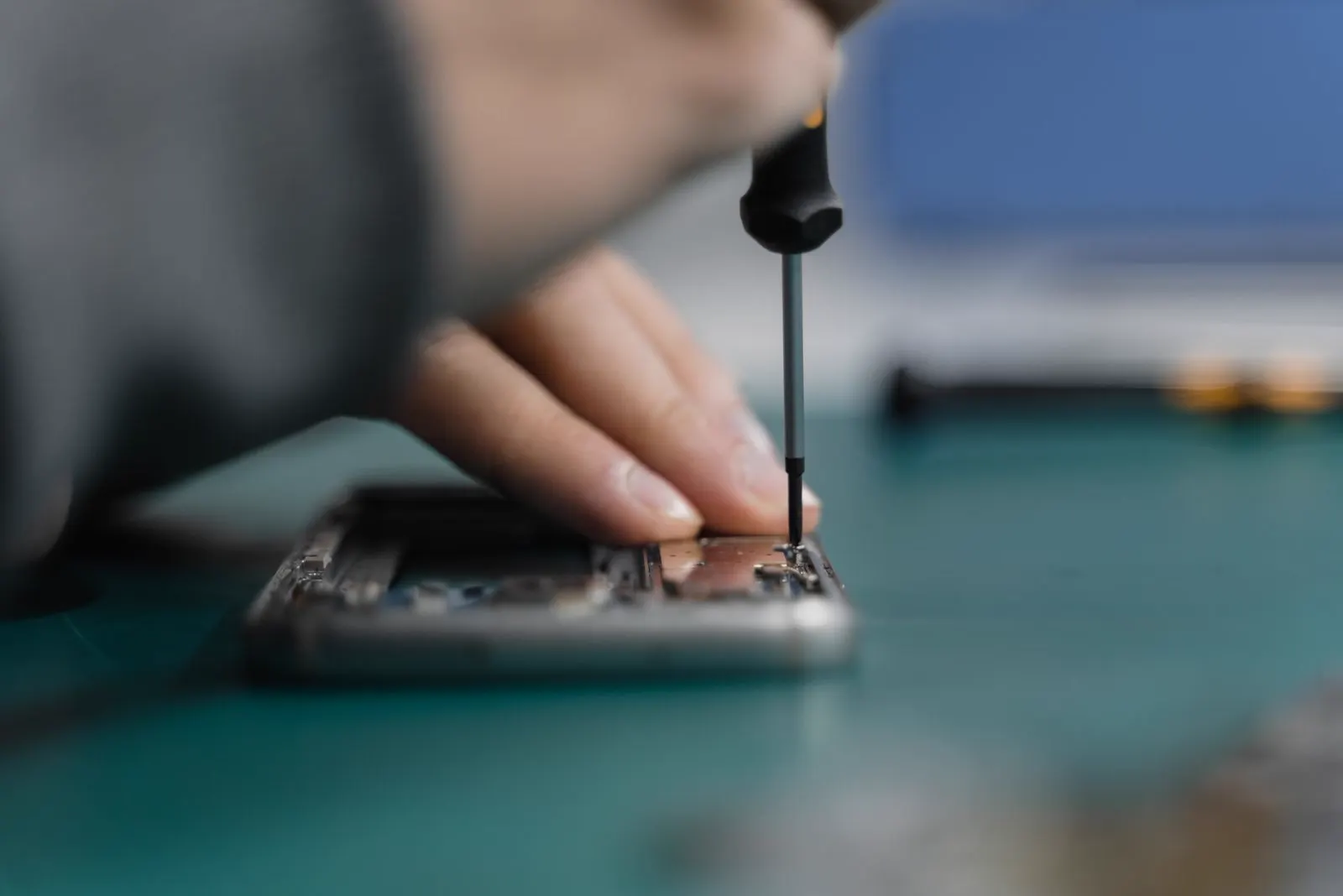
Opening a smartphone can expose delicate display cables, batteries and other internal components.
Don't Replace the Screen Based Only on the Symptom
Flickering does not automatically mean the display panel is the failed component.
Don't Ignore Flickering After Liquid Damage
A flickering display following liquid exposure may indicate more extensive internal damage.
Don't Keep Using an Extremely Hot Phone
If overheating accompanies the flickering, stop demanding activity and allow the device to cool.
How Can You Tell If the Flickering Is a Software or Hardware Problem?
There is no single test that can identify every cause, but the pattern can provide useful clues.
Signs That Point More Toward Software
- Flickering occurs only in one application.
- The issue started after an app or software change.
- Changing display settings affects the symptom.
- Flickering disappears after restarting.
- The problem disappears in Safe Mode on supported Android devices.
Samsung specifically recommends Safe Mode to help determine whether a third party app is responsible.
Signs That Point More Toward Hardware
- Flickering occurs across multiple apps.
- It started immediately after a drop.
- The screen is cracked.
- Colored lines or black areas appear.
- Touch is also failing.
- Flickering remains after software troubleshooting.
- The phone was exposed to liquid.
- The display is separating from the frame.
- The problem becomes worse over time.
CELLTECH's current screen repair guidance similarly connects persistent flickering with possible display hardware problems while recommending inspection rather than assuming screen replacement from the symptom alone.
When Should You Get Professional Screen Repair?
Not every flickering phone needs a new screen. Professional diagnosis makes more sense when:
The Flickering Won't Stop
If the problem remains across different apps and brightness levels after basic troubleshooting, have the display checked.
The Phone Was Dropped
Impact can damage the display or its internal connection.
The Phone Got Wet
Liquid can affect the screen as well as other internal components.
Colored Lines or Black Areas Appear
These symptoms may indicate damage to the display panel.
Touch Stops Working Too
Flickering combined with dead touch areas can indicate a display assembly problem.
The Screen Is Lifting
This can sometimes be related to battery swelling rather than a screen defect, so the device should be inspected before ordering a display.
The Phone Overheats at the Same Time
Excessive heat plus display problems deserves more than a settings adjustment.
Basic Troubleshooting Doesn't Help
If restarting, updating software, checking settings and testing different apps don't solve the issue, professional diagnosis can determine whether hardware repair is needed.
Does a Flickering Phone Screen Need to Be Replaced?
Not necessarily. Screen replacement should be based on diagnosis. A technician may determine that the underlying problem is:
- Software issue: no screen replacement
- Display setting: no hardware repair
- App conflict: app or software solution
- Damaged display: screen repair or replacement
- Display connection problem: internal repair may be required
- Liquid damage: broader liquid damage diagnosis
- Battery issue: battery service rather than screen replacement
CELLTECH specifically states that the visible symptom does not always identify the damaged component and that the screen should be inspected before a repair is recommended.
Is It Worth Repairing a Phone With a Flickering Screen?
That depends on the phone's model, overall condition, repair cost and whether other components are damaged.
Repair May Make Sense When
- The phone otherwise works well.
- The display is the primary problem.
- The device is relatively valuable.
- The repair cost is reasonable compared with replacement.
- You want to keep your current device.
Replacement May Make More Sense When
- Multiple major components are damaged.
- The frame is severely distorted.
- Liquid damage is extensive.
- The repair cost approaches replacement cost.
- The device no longer meets your needs.
A quote after inspection gives you a more realistic basis for making that decision.
How CELLTECH Can Help With a Flickering Phone Screen
You don't need to determine whether the display, connector, battery, software, or another component is responsible before contacting CELLTECH. Tell the repair team what happened. For example:
- "My screen started flickering after I dropped the phone."
- "The screen flickers whenever I charge it."
- "My phone got wet and now the screen is flashing."
- "The display flickers but there isn't a crack."
- "The screen started flickering after a screen replacement."
These details help the technician understand the symptom and investigate the likely cause.
The Device Is Inspected
CELLTECH's screen repair process includes checking the visible damage, display behavior and touch response rather than assuming the visible symptom tells the entire story. The diagnostic is free and inspection always comes first.
The Display and Related Components Are Considered
Depending on the symptoms, the inspection can help determine whether the issue is related to the display, connection, physical damage, liquid exposure or another component.
Repair Options Are Explained
CELLTECH states that the exact device model, screen construction, available replacement component and extent of damage are considered before the repair is recommended. Most screen repairs are completed the same day when the part is in stock, and qualifying repairs are covered by a 90 day malfunction warranty.
You Get a Quote Before Deciding
CELLTECH states that repair options and pricing are explained before work begins, allowing you to decide whether the repair makes sense for your device. See the phone screen repair service page for what the repair covers, or get a repair quote online.
Where Can You Get Phone Screen Repair From CELLTECH?
CELLTECH provides phone, tablet and laptop screen repair across the Dallas and Fort Worth area and El Paso, with seven Texas walk in stores including Stonebriar Centre in Frisco and Town East Mall in Mesquite. Use the store finder to choose the nearest location and confirm current contact details and availability.
You don't need to identify the exact failed display component before visiting. Simply explain what the phone is doing and when the flickering started.
Frequently Asked Questions About Phone Screen Flickering
Phone screen flickering can be caused by software problems, app conflicts, brightness settings, overheating, physical damage, liquid exposure, display problems or other hardware faults. Persistent flickering should be investigated rather than automatically assuming the screen needs replacement.
Yes. A drop or impact can damage the display panel underneath the outer glass, producing flickering, black patches, colored lines or touch problems.
A phone screen can flicker without visible cracks because internal display damage, connection problems, software issues, overheating or liquid damage can affect the display.
Display brightness behavior can sometimes contribute to flickering, particularly at low brightness. Try increasing brightness and disabling automatic or adaptive brightness to see whether the symptom changes. Samsung recommends adjusting brightness settings as part of its troubleshooting process.
Yes. Liquid exposure can affect the display, connectors and other internal components. Flickering after liquid exposure should be treated as a possible hardware problem rather than just a display setting issue.
A battery problem can contribute to abnormal device behavior, particularly when flickering occurs with heat, rapid battery drain or charging problems. However, flickering alone does not prove the battery is faulty.
The impact may have damaged the display panel, display connection, flex cable, frame or another internal component. If the flickering began immediately after the drop, professional inspection is recommended rather than repeatedly pressing or flexing the device.
Restart the phone, update its software and apps, test display brightness settings, check whether one app triggers the problem, and inspect the phone for physical or liquid damage. If the flickering continues, professional diagnosis may be necessary.
No. The cause may be software, settings, an app, overheating, a connection issue, battery related problems or display hardware. Screen replacement should be recommended only after the device has been properly assessed.
CELLTECH provides screen repair for supported phones, tablets and laptops and inspects the device before recommending the appropriate repair. If the flickering is caused by liquid damage, battery problems or another component, a different repair may be more appropriate.
Is Your Phone Screen Still Flickering? Get It Checked
A flickering screen doesn't automatically mean you need a new display. Start with the simple checks: restart the phone, update the software and apps, test different brightness levels, and determine whether one application causes the problem.
But if the flickering continues across the phone, or it started after a drop, liquid exposure, screen replacement, overheating, or another physical problem, it's time to move beyond trial and error troubleshooting. The important thing is to identify what is actually causing the flickering.
CELLTECH can inspect the device, explain the available repair options and provide a quote before you decide whether repair makes sense. Book a screen inspection or contact your nearest CELLTECH store and walk in whenever suits you.
Related guides: restoring iPhone True Tone without the original screen, Samsung screen repair cost guide and is it safe to use a bent phone.