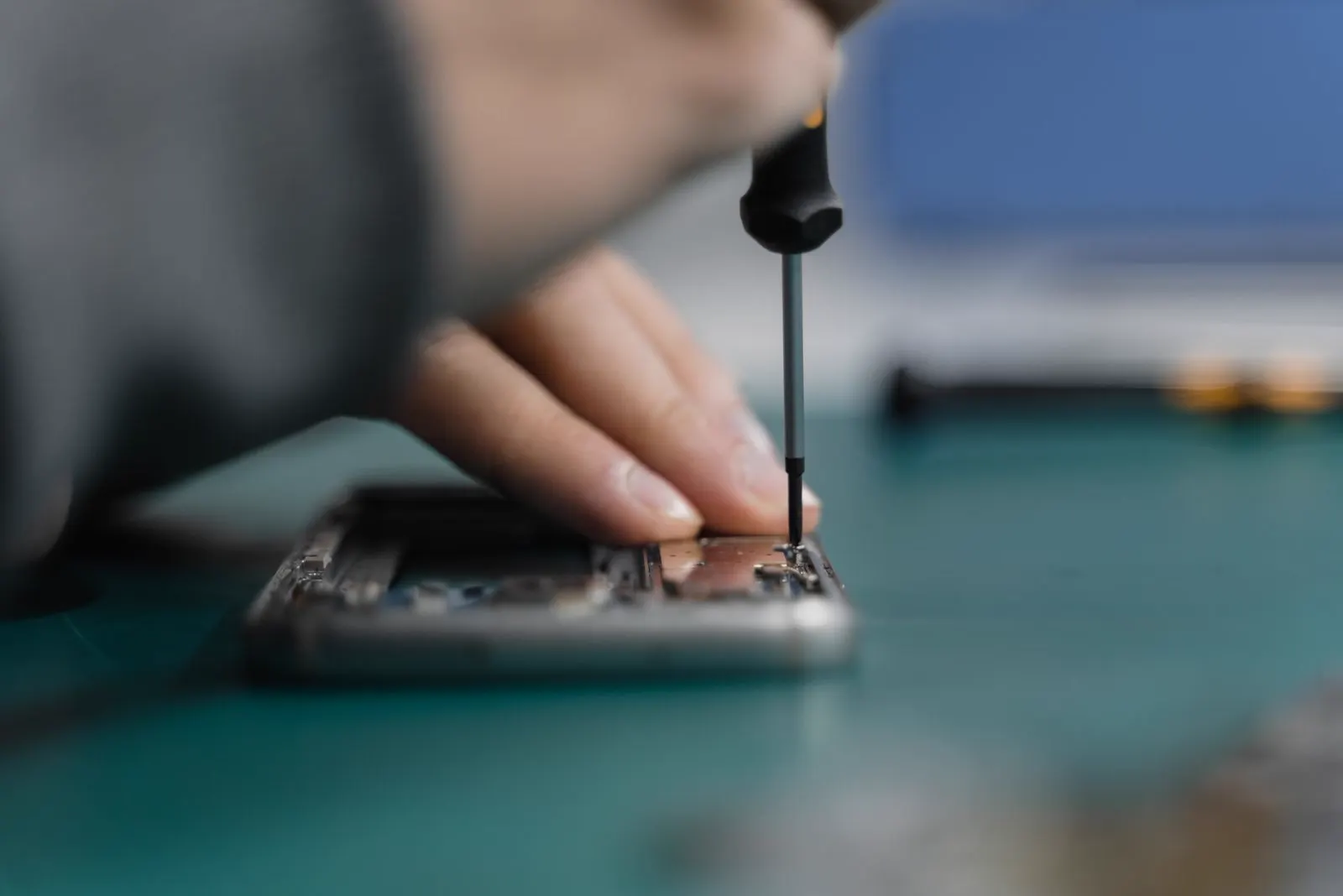
Bent Phone
Is It Safe to Use a Bent Phone?
Not until it has been inspected. A phone frame that bends transfers that force to the battery inside, and a lithium ion cell that has been compressed or punctured can heat up, swell and in rare cases catch fire, sometimes days after the bend. If the phone is warm, the screen is lifting, or you notice any smell or hissing, stop using it now. If it looks fine apart from the bend, stop charging it and get it checked before you rely on it again.
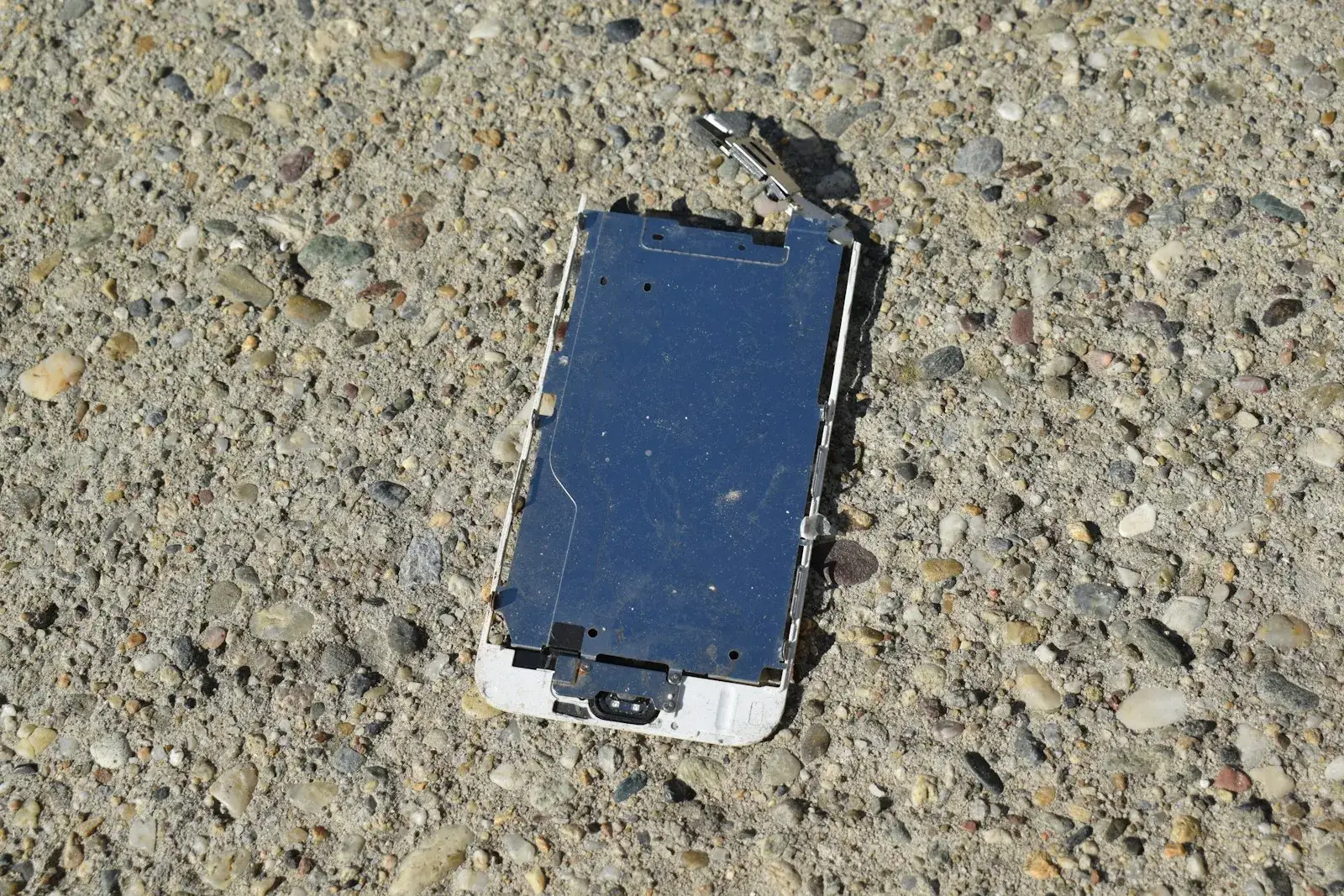
You sat on it, it went through the wash in a back pocket, it was in a bag that got crushed, or it took a fall onto a corner. Now the phone has a curve to it. It might still work perfectly. The screen is on, the touch responds, and it feels like it would be a shame to stop using a phone that is technically fine. That instinct is understandable, and it is exactly why bent phones deserve a clear answer.
A bent phone is not like a scratched phone. The bend is a record of a force that passed through the whole device, and the part that copes worst with that force is the battery. Everything else in this guide follows from that one fact. Some bent phones are safe to keep using after a check. Some need a battery replaced before they are safe. A few should be switched off and set down before you finish reading. This guide helps you work out which one you are holding.
What Actually Bends Inside a Phone
The frame
The aluminium, steel or titanium frame is what you see curving. Modern frames are strong, so a visible bend means the force was substantial. Once bent, the frame holds the screen and back glass under tension, which is why cracks sometimes appear hours after the bend, and it stops the screen and back from sealing, so the phone is no longer water resistant.
The screen
The display is a thin glass sandwich glued to the frame. When the frame bends, the display either follows it, which can crack the glass or damage the panel underneath, or resists it, which lifts the edge of the screen away from the frame. Lines, flicker, dead patches and ghost touches after a bend are all signs the panel or its connector has been stressed.
The battery
The battery is a flat pouch that fills most of the space behind the screen. It is not rigid, so when the frame bends, the battery bends with it. Inside the pouch are layered sheets separated by a very thin membrane. Bending or compressing those layers can tear the membrane and let the positive and negative layers touch. That creates an internal short, which generates heat, which damages more of the membrane, which creates more heat. This is why a bent battery can be quiet for a while and then swell or overheat later.
The logic board
The board is stiff and small, and it usually survives a bend better than the battery. What it does not survive well is the flexing of the solder joints that attach chips and connectors to it. Faults such as loss of touch, a dead camera, no charging or random restarts after a bend can come from cracked joints. Some are repairable; some are not.
Why a Bent Phone Is a Battery Hazard
Lithium ion batteries are safe when their internal structure is intact and they are kept within their temperature limits. A bend threatens both. A compressed or punctured cell can short internally, and the heat from that short can trigger a chain reaction that vents gas, swells the pouch and, in the worst case, produces flames. Manufacturers, including Apple in its published battery safety guidance, advise against using or charging a device with a damaged, bent or swollen battery for this reason.
Charging is the risky moment. Charging pushes energy into a cell whose separator may already be damaged, and it raises the cell's temperature. A bent phone that seems fine while running on battery can become dangerous on the charger. That is why the first instruction for any bent phone is to stop charging it until it has been inspected.
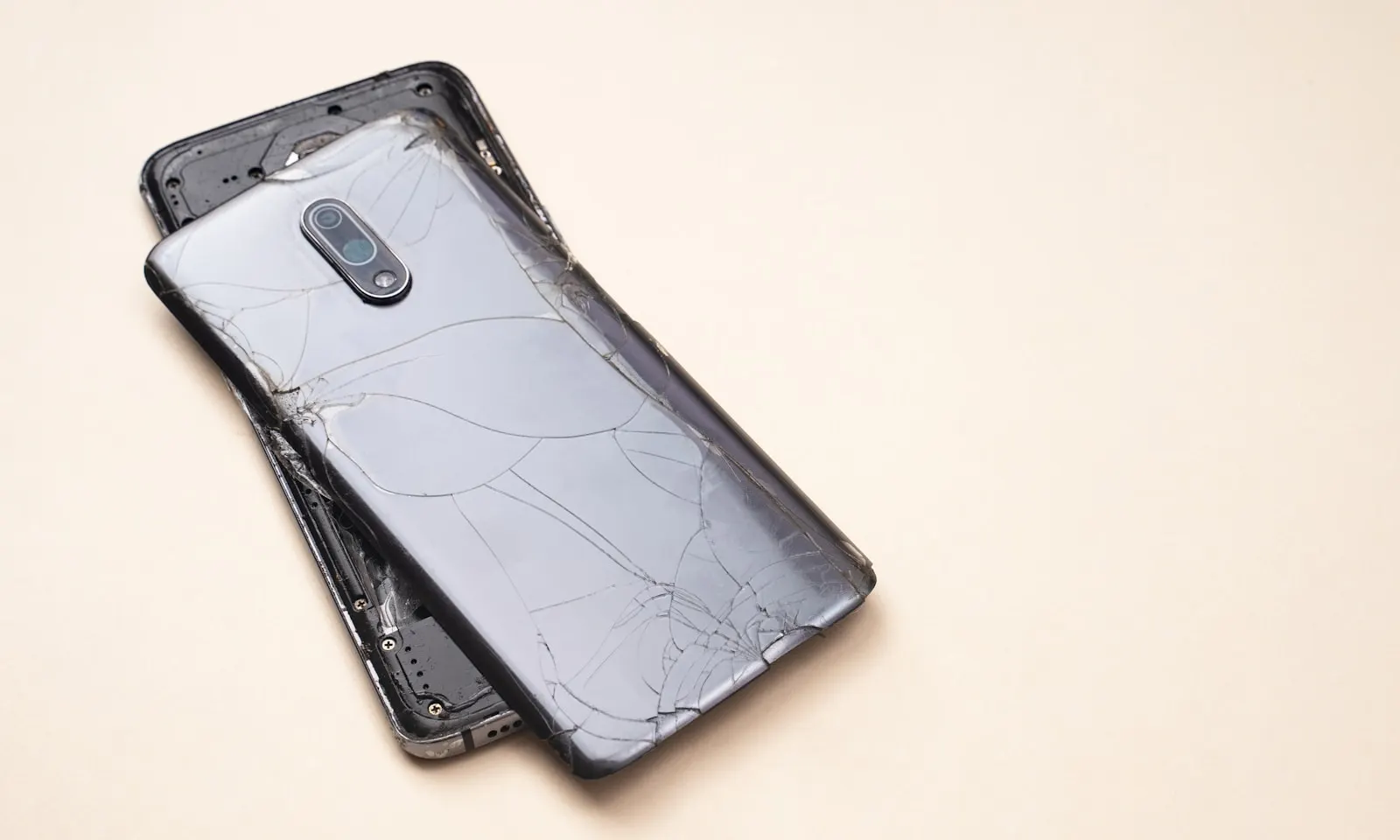
Signs a Bent Phone Should Stop Being Used Right Now
Any one of the following means the battery is, or may be, in trouble. Switch the phone off, do not charge it, and follow the storage advice further down.
- The phone is warm or hot while idle, or gets hot quickly on charge
- The screen or back glass is lifting away from the frame, or the gap is growing
- The phone no longer sits flat, or the case has suddenly become tight
- You hear a hiss, pop or crackle, or notice a sweet, chemical or burning smell
- The screen shows discolouration, dark blotches or pressure marks that spread
- The display flickers, shows lines, or touch behaves on its own or misses taps
- The phone restarts, shuts down with charge remaining or refuses to charge
Safe Steps to Take With a Bent Phone
These steps assume the phone shows none of the emergency signs above. They are about assessing the situation and protecting your data, not about fixing the bend.
Take the phone off charge and out of the case
Unplug it if it is charging and remove the case so you can see the frame, screen edge and back glass properly, and so heat can escape.
Look along the edges
Sight down each edge against a flat surface. Note where the bend is and whether the screen or back has lifted anywhere. Feel gently for warmth, without pressing.
Check for heat over a few minutes
Set the phone screen up on a hard surface and leave it. If it becomes warm while doing nothing, switch it off and treat it as a battery risk.
Back up your data immediately
If the phone is cool and working, run an iCloud or Google backup over Wi-Fi now, on battery power, then switch the phone off. A bent phone can fail without warning, and the backup is your insurance.
Store it safely until it is inspected
Keep it on a hard, non flammable surface such as a tile floor, a ceramic dish or a metal tray, away from bedding, paper, curtains, fuel and other batteries, and out of direct sun and hot cars. Do not put it in a sealed bag or drawer.
Bring it in as soon as possible
Carry it flat, not in a pocket against your body. If it is warm or swollen, tell the technician as you hand it over so it can be isolated straight away.
What Not to Do With a Bent Phone
- Never try to bend it back. Straightening the frame compresses the battery a second time, and it is the most common way a survivable bend becomes a damaged cell.
- Never press the screen or back glass down to close a gap. The gap is there because something underneath is holding it up, often a swelling battery.
- Never charge a bent phone that is warm, swollen or has any of the warning signs above. Charging is the moment a damaged cell is most likely to fail.
- Never open it yourself to look at the battery. A bent battery is exactly the kind that punctures during removal.
- Never put it in the freezer, an oven, or on a heater. Temperature extremes push a damaged cell towards failure.
- Never keep it in a pocket or in bed with you while you wait for a repair.
When Professional Inspection Is the Right Call
Every bent phone should be inspected, even one that seems fine. That is not caution for its own sake: the battery damage that matters is invisible from outside, and the only way to know whether a cell has been compressed is to look at it. Come in immediately if there is any warmth, swelling, lifting, smell or noise. Come in soon if the phone is cool and working but visibly bent. It is far better to be told the battery is fine and the frame is cosmetic than to find out the other way.
What Is Repairable on a Bent Phone, and What Is Not
Usually repairable
A battery replacement removes the hazard when the cell has been compressed but the frame is only mildly bent. A new battery restores safe charging and full capacity. Screen repair fixes a cracked, lifting or flickering display, and back glass repair replaces a cracked rear panel. On some models the frame itself can be replaced, which means transferring the board, cameras and other parts into a new housing. This is more involved but it fully restores the phone's shape, fit and seals.
Usually not worth repairing
A severe bend that has cracked the frame, snapped the board, or damaged the screen, back, battery and frame together usually costs more to put right than the phone is worth. In that case the useful service is data recovery: getting your photos, contacts and messages off safely before the phone is retired. A technician will tell you plainly which side of that line your phone is on.
How CELLTECH Inspects and Repairs Bent Phones
Bring the phone to any CELLTECH store and tell the team it is bent. A technician will inspect it straight away, isolate it if the battery looks compromised, and carry out a free diagnostic covering the battery, frame, screen, back and board. You will get a price for any recommended repair before work begins.
Battery and screen replacements are usually completed the same day when the part is in stock, and qualifying repairs are covered by a 90 day malfunction warranty. Damaged batteries removed from bent phones are disposed of through a proper battery recycling route. If the phone is beyond economic repair, we will say so and help you recover your data first.
Where to Bring a Bent Phone in Texas
CELLTECH has seven walk in stores across Texas, including Galleria Dallas, Town East Mall in Mesquite and North East Mall in Hurst, plus Cielo Vista Mall in El Paso. No appointment is needed, and a bent phone should not wait for one. Use the store finder to get to the nearest store.
Frequently Asked Questions About Using a Bent Phone
You need to stop charging it and have it inspected, because battery damage is not visible from outside and a compressed cell can be fine for days before it heats or swells. If the inspection finds the battery intact and the frame only mildly bent, the phone may well be safe to keep using.
No. Straightening the frame compresses the battery a second time and is the most common way a survivable bend becomes a damaged cell. It can also crack the screen and back glass. If the shape matters to you, the safe fix is a frame or housing replacement done by a technician.
Either the bent frame is holding the screen under tension so the adhesive has let go at the edge, or the battery underneath is swelling and pushing the screen up. The second is a safety issue. Do not press the screen down; have the phone inspected to find out which it is.
Switch it off, take it off charge, remove the case, and place it on a hard, non flammable surface such as tile, ceramic or metal, away from bedding, paper, fuel and other batteries, and out of the sun. Do not seal it in a bag or drawer, and bring it in as soon as you can.
Not until it has been inspected. Charging is the moment a damaged lithium ion cell is most likely to overheat, and a bent phone can charge normally several times before it fails. If you must keep it running before the inspection, use battery power only and stop if it becomes warm.
Treat it as a battery emergency. Switch it off if you can do so without pressing on the phone, place it on a hard non flammable surface away from anything that can burn, do not charge it, and bring it in immediately. If it smokes or flames, keep away, move it outdoors with a non flammable object if safe, and use sand or a dry powder extinguisher rather than water indoors.
Get a Bent Phone Checked Today
A bent phone is one of the few faults where waiting can make things dangerous rather than just inconvenient. Bring it to CELLTECH, let a technician look at the battery and frame, and find out in minutes whether it is safe, repairable or time to recover your data and move on.
Find your nearest CELLTECH store and walk in, or book an appointment if you would rather choose a time.
Related guides: is it safe to use a phone with a swollen battery, why your phone screen is flickering and how to recover data from a broken phone.