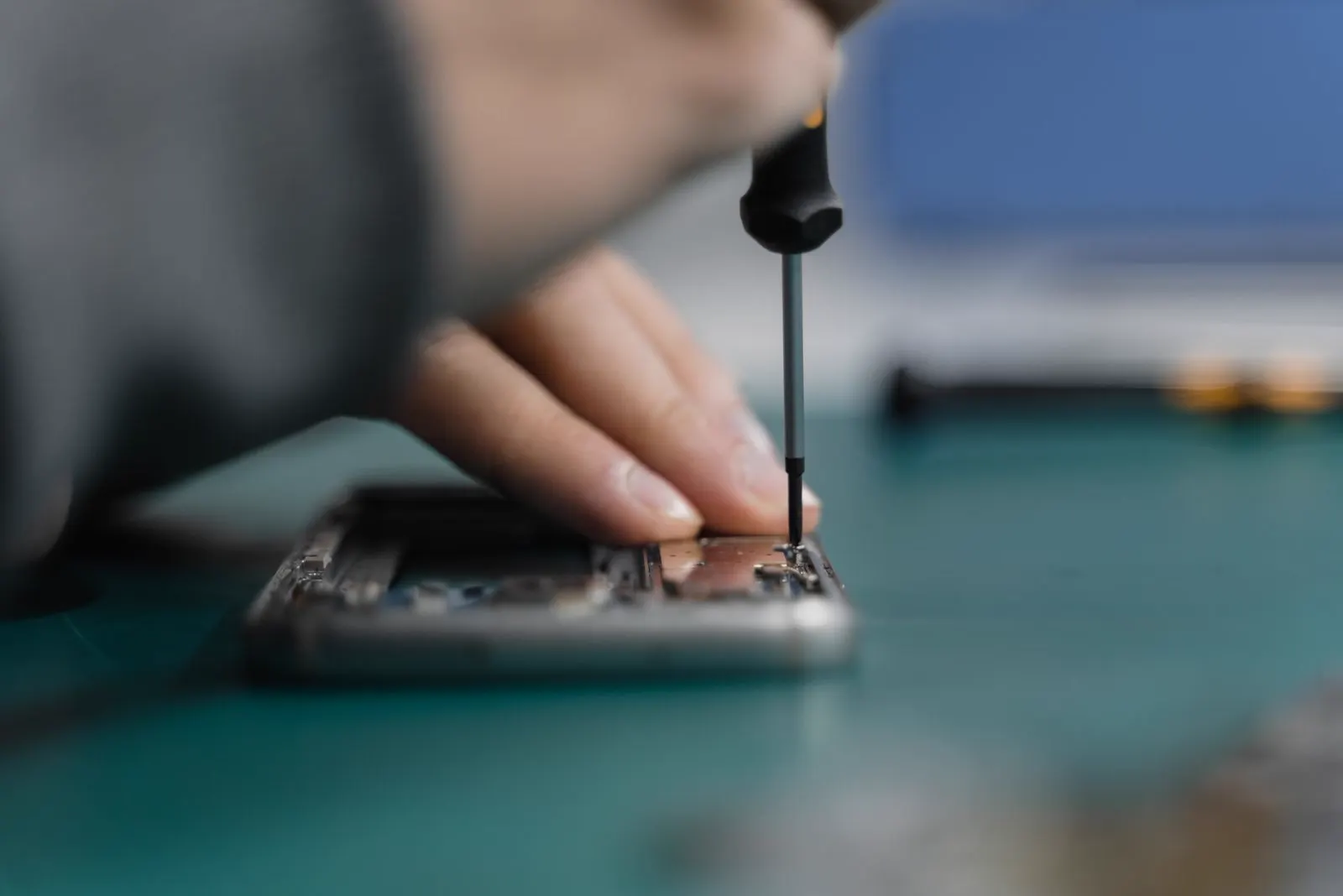
Water Damage
Can a Water Damaged Phone Be Repaired? What to Do and When to Get Help
Yes, a water damaged phone can sometimes be repaired, but there is no way to know whether a specific device is repairable without checking the extent of the liquid damage and which internal components were affected. A phone may continue working after getting wet and still develop charging problems, audio issues, screen problems, corrosion, or complete failure later.
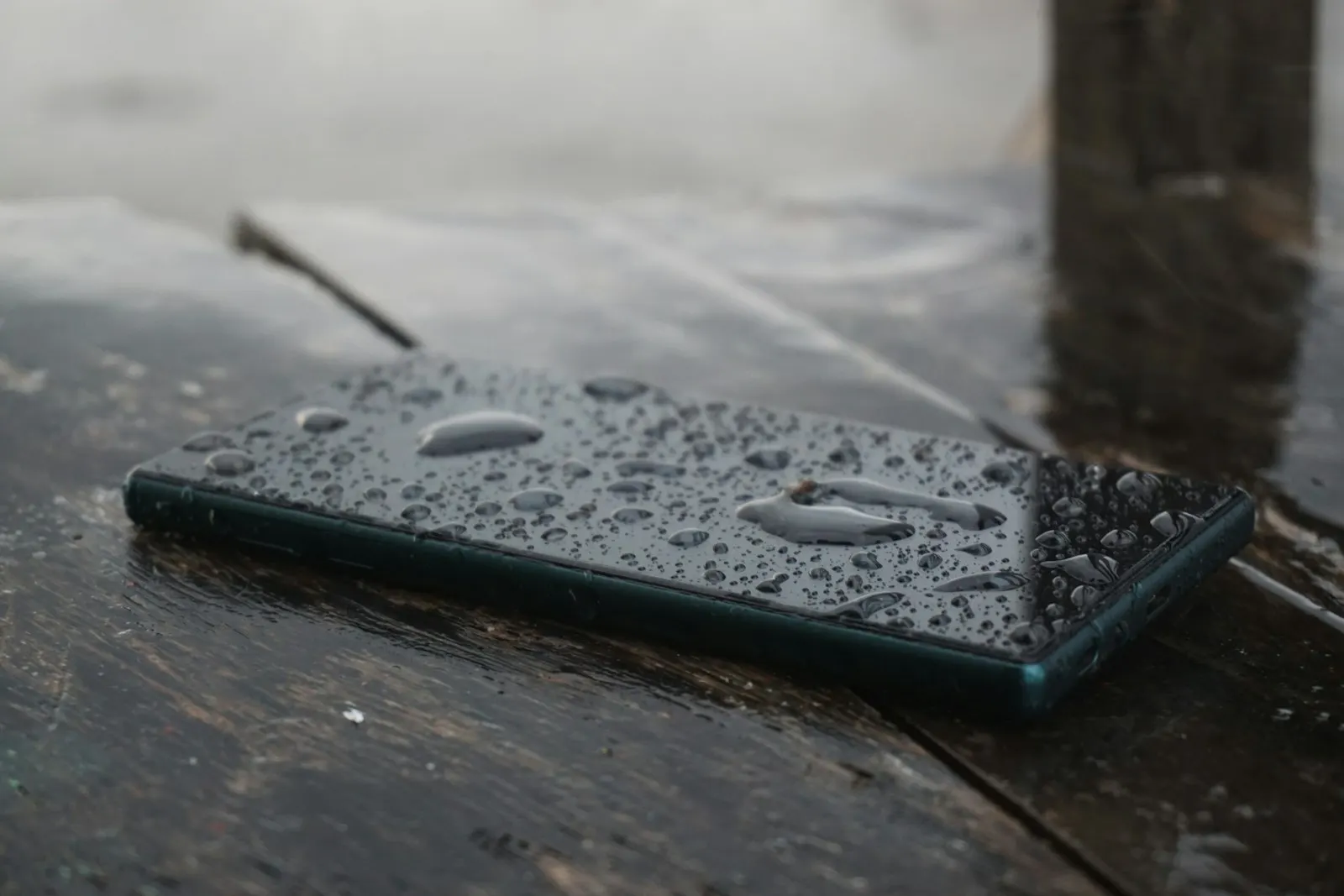
If your phone has recently been exposed to water or another liquid, don't keep testing it, don't charge it while the device or charging connection is wet, and don't rely on rice or external heat to fix the problem. The safest approach is to minimize further damage and arrange a professional inspection, especially if the phone is behaving differently after the exposure.
Can a Water Damaged Phone Be Repaired?
Sometimes, yes. A water damaged phone may be repairable when the affected components can be cleaned, repaired, or replaced and the overall condition of the device makes repair practical.
However, water damage is different from something like a cracked screen because liquid can reach several components at the same time.
A water damaged phone may have problems involving the:
- Charging port
- Battery
- Display
- Speakers
- Microphone
- Cameras
- Connectors
- Internal circuits
- Logic board or motherboard
CELLTECH explains that the repair outcome depends on the extent of liquid exposure, affected components, device condition, parts availability, and repair cost. The device is inspected before a repair outcome is promised.
So the better question is not simply "Can a wet phone be fixed?"
It is:
What was damaged, and is that damage repairable?
What Happens Inside a Phone When It Gets Wet?
Water doesn't have to destroy a phone instantly.
Liquid can enter through openings such as the charging port, speaker openings, microphone areas, buttons, SIM tray or damaged seals. Once inside, it can come into contact with electrical connections and internal components.
As moisture remains inside the device, the problem can move from a temporary symptom to a hardware problem.
Depending on the liquid and the components affected, you may eventually see:
- Charging failure
- Screen problems
- Camera problems
- Poor speaker or microphone performance
- Random shutdowns
- Battery problems
- Corrosion
- Failure to turn on
CELLTECH notes that a device can appear to work normally immediately after exposure and later develop symptoms as liquid related damage affects internal components.
What Are the Signs of Water Damage in a Phone?
A phone does not need to be completely dead to have water damage.
The Phone Won't Turn On
Complete power failure after liquid exposure can indicate damage involving the battery, power system, internal connections, or board level components.
Don't repeatedly press the power button to see whether the phone comes back.
The Phone Won't Charge
Charging problems after liquid exposure are common warning signs.
The issue could involve:
- Moisture around the charging connection
- Corrosion
- Charging port damage
- Battery problems
- Internal circuit damage
Don't assume that replacing the cable will solve a problem caused by liquid exposure.
The Screen Flickers or Goes Black
Liquid exposure can affect the display or its connections.
You may notice:
- Flickering
- Lines
- A black screen
- Unresponsive touch
- Brightness abnormalities
Replacing the screen without considering the liquid exposure may not solve the entire problem.
The Speaker Sounds Muffled
Water around the speaker can affect sound quality.
You may notice that:
- Calls sound unclear
- Media audio is muffled
- The speaker sounds distorted
- Volume seems unusually low
If the problem remains after the device has dried, professional inspection can determine whether the speaker or another component has been affected.
The Microphone Stops Working
A liquid damaged phone may have microphone problems even when other functions continue working.
People may suddenly have difficulty hearing you during calls, or voice recordings may sound quiet or distorted.
The Camera Becomes Foggy or Stops Working
Condensation or moisture around the camera can indicate liquid exposure.
You may notice:
- Fog behind the lens
- Blurry images
- Camera failure
- Focus problems
The Phone Keeps Restarting
Unexpected shutdowns and restart loops can indicate that liquid has affected internal electrical components.
CELLTECH lists unexpected shutdowns, charging problems, camera issues, poor audio and complete power loss among possible symptoms after liquid exposure.
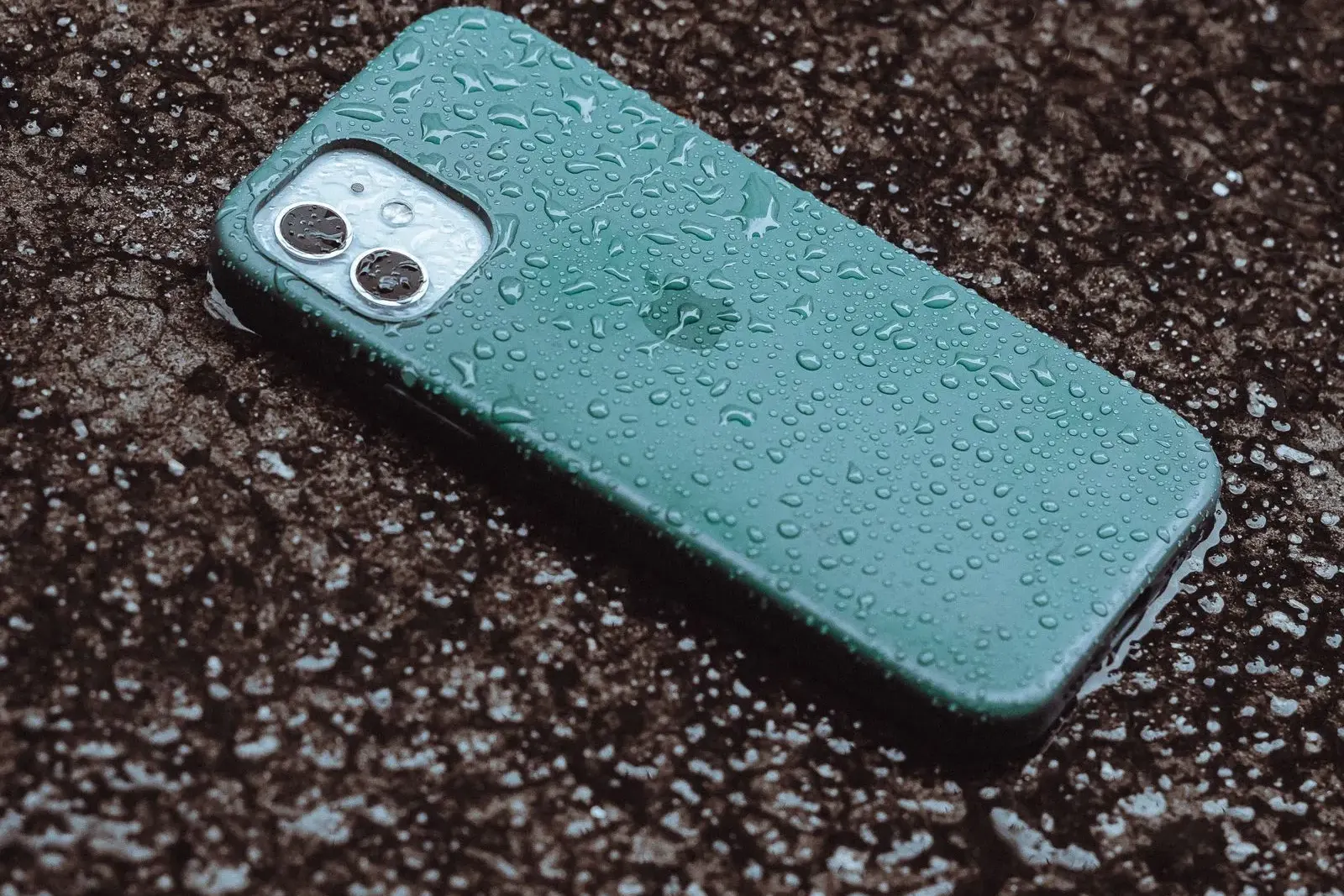
What Should You Do Immediately After Your Phone Gets Wet?
What you do immediately can affect what happens next.
Disconnect wired charging
If the phone or charging connection is wet, unplug the cable. Do not continue wired charging while moisture may still be present. Apple warns that charging an iPhone while the connector is wet can corrode the connector pins and cause permanent connectivity problems.
Stop using the phone
Avoid repeatedly turning the device on just to check whether it still works. If it is already functioning, constant use can expose internal components to additional electrical activity while moisture may remain inside.
Remove the case and external accessories
Remove the phone case and disconnect external accessories. This can help expose the exterior of the device and prevent moisture from being trapped around accessories or openings.
Keep the device away from external heat
Don't use a hair dryer, heat gun, oven, radiator, or another strong external heat source. Apple specifically advises against using external heat when drying an iPhone after liquid exposure.
Arrange professional inspection if problems continue
If the phone does not behave normally after exposure, don't wait for the problem to become worse before getting it checked. CELLTECH recommends inspection when liquid related symptoms continue because damage may involve more than one component.
Does Putting a Wet Phone in Rice Actually Work?
No. Rice is not a repair method for water damaged electronics.
Putting your phone in a container of rice does not remove internal corrosion or repair damaged components.
Apple explicitly advises against putting an iPhone in a bag of rice because small particles can enter the device and cause additional damage.
CELLTECH also advises customers not to use rice as a solution for liquid damage.
Instead, focus on safe handling and professional diagnosis when the phone continues to show symptoms.
Can You Use a Water Damaged Phone if It Still Turns On?
You should not assume that a phone is safe or fully recovered just because it turns on.
A phone can continue operating while internal liquid related damage is developing.
For example, after a spill you might initially have:
- The phone turns on, the screen works, and calls work.
Then later:
- Charging stops, then the speaker becomes muffled, then the phone restarts, then the device stops turning on.
This is one reason liquid damage should not be treated the same way as a simple software glitch.
CELLTECH notes that liquid damage can continue affecting internal components after the initial exposure and that a device that appears functional may still require inspection.
Does the Type of Liquid Matter?
Yes.
Not all liquid exposures are the same.
A phone can be exposed to:
- Fresh water
- Pool water
- Salt water
- Soda
- Coffee
- Juice
- Soapy water
- Other beverages or liquids
Different liquids can leave different residues inside or around the device.
CELLTECH specifically asks customers to identify what type of liquid the device encountered because the exposure details can be useful during diagnosis.
What If My Phone Fell in Salt Water?
Salt water deserves particular caution because of the residues it can leave behind.
Don't assume that allowing the phone to dry will resolve the problem.
Professional inspection is especially important when the phone has been exposed to salt water or another liquid that can leave residue.
What If I Spilled Soda or Coffee on My Phone?
Sticky or sugary liquids can introduce residues that are different from plain water.
If the device continues to have charging, audio, button, screen, or power problems after a spill, professional inspection is more appropriate than simply waiting for it to dry.
Can a Water Damaged iPhone Be Repaired?
Yes, some iPhones with liquid damage can be repaired, but the outcome depends on what was affected.
Possible symptoms after iPhone liquid exposure include:
- Liquid detection alerts
- Charging problems
- Face ID problems
- Camera condensation
- Muffled speakers
- Complete power failure
CELLTECH provides liquid damage inspection and repair options for supported iPhone models.
For an iPhone displaying a liquid detection warning, Apple recommends disconnecting the cable and allowing the connector to dry rather than forcing wired charging while moisture is present.
For broader damage, the important step is determining which internal components have actually been affected.
See our iPhone repair service for the models and repairs we support.
Can a Water Damaged Samsung or Android Phone Be Repaired?
Yes, some Samsung and Android devices can also be repaired after liquid exposure.
The exact repair depends on:
- Phone model
- Type of liquid
- Extent of exposure
- Affected components
- Device condition
- Parts availability
A charging problem after water exposure, for example, does not automatically mean the charging port is the only damaged component.
The battery, internal circuits, connectors, display, cameras, speaker or other components may also need to be assessed.
Learn more about Samsung repair and Android repair at CELLTECH.
What Parts of a Water Damaged Phone Can Be Repaired?
The exact repair depends on what the liquid affected.
Charging Port
If charging stops after liquid exposure, the charging connection may need inspection.
Possible causes include moisture, corrosion, port damage, or a deeper charging system problem. A charging port repair addresses the connector itself once the cause is confirmed.
Battery
Liquid exposure can affect battery performance or other parts of the power system.
If the battery is damaged, battery replacement may be considered after inspection.
Screen
Liquid can contribute to display problems such as flickering, lines, touch issues, or a completely black display.
However, screen replacement should not automatically be assumed to be the only repair.
Camera
A damaged camera assembly, lens area, or associated connection can cause blurry images, condensation, focus problems, or camera failure. Camera repair covers both the module and the lens area.
Audio Components
Speakers and microphones can develop problems after liquid exposure.
Muffled audio or poor voice pickup may indicate that the affected component needs to be inspected.
How Does Professional Water Damage Repair Work?
Water damage requires a different approach from many straightforward repairs.
Explain what happened
Tell the repair team what liquid contacted the phone, how long the exposure lasted, whether the phone was submerged, whether it was connected to a charger, whether you turned it on afterward, and which functions stopped working. CELLTECH specifically asks customers to provide information about the liquid exposure and resulting symptoms because those details help guide the inspection.
Inspect the device
The device is examined to determine which symptoms are present and which components may have been affected. CELLTECH states that it considers the charging system, display, cameras, speakers, battery and related components before proposing a repair.
Determine the repair options
Once the affected components and repairability are better understood, the available repair options can be explained.
Review the quote
CELLTECH states that repair options, pricing and expected turnaround are explained before work is approved.
Decide whether to repair
You can then compare the repair with the value and condition of the device.
Get a water damage repair quote or read about our water damage repair service.
Can a Phone Be Repaired if It Won't Turn On After Water Damage?
Sometimes, but a phone that won't turn on after liquid exposure needs diagnosis before anyone can determine whether it is repairable.
No power can result from several different problems, including damage to the battery, charging system, internal connections, or board level components.
Replacing one visible part without diagnosing the device can lead to an incomplete repair.
CELLTECH specifically advises that a device with no power after liquid exposure should be diagnosed before a component replacement is recommended.
Can Water Damage Cause Corrosion Inside a Phone?
Yes.
One of the concerns with liquid damage is that the problem may not be limited to the moment the phone gets wet.
Residue and moisture can affect internal connections and components over time.
This means a sequence like the following is possible: the phone dries, the phone seems fine, and then symptoms appear later.
That is why waiting to see whether the problem disappears is not always the best approach when your device continues behaving abnormally after liquid exposure.
CELLTECH notes that liquid related damage can continue affecting internal components and recommends inspection rather than relying on the device appearing normal on the outside.
Should You Repair or Replace a Water Damaged Phone?
It depends on the actual extent of the damage.
Repair May Make Sense When
Repair may be worth considering when:
- Damage is limited.
- The phone is otherwise in good condition.
- Affected components can be repaired or replaced.
- Parts are available.
- The repair cost is reasonable.
- The device still meets your needs.
Replacement May Make More Sense When
Replacing the phone may be worth considering when:
- Several major components are damaged.
- Internal damage is extensive.
- Parts are difficult to obtain.
- Repair costs approach the value of the device.
- The device already has significant damage from before the liquid exposure.
- You were already considering replacing the phone.
CELLTECH recommends comparing the actual repair quote with the condition and overall value of the device rather than assuming that every water damaged phone should automatically be repaired.
Is Water Damage Repair Expensive?
There is no single water damage repair price that applies to every phone.
The cost can depend on:
- Phone model
- Type of liquid
- Extent of exposure
- Number of affected components
- Required diagnostic work
- Parts availability
- Additional repairs
CELLTECH explains that a repair quote is provided after the device and available repair options have been identified.
That is why an online price estimate without seeing the device can be misleading.
How Long Does Water Damaged Phone Repair Take?
There isn't one fixed turnaround for every liquid damaged phone.
CELLTECH states that water damage repair time depends on the device model, type of liquid, extent of damage, affected components, diagnostic work, additional repairs and parts availability. Many water damage repairs can be completed the same day, while more complex cases can take longer.
The exact timeframe is easier to determine after inspection.
What Should You NOT Do After Water Damage?
Avoid the common DIY mistakes that can make diagnosis or repair more difficult.
Don't Keep Turning the Phone On and Off
Repeatedly testing a damaged device does not repair the underlying problem.
Don't Charge It While It's Wet
Apple warns against charging a wet iPhone through a wired connection because moisture can cause corrosion and permanent connector damage.
Don't Use a Hair Dryer or Strong External Heat
Heat can create additional problems for electronics and batteries. Apple specifically advises against external heat when drying a wet iPhone.
Don't Put the Phone in Rice
Rice does not repair internal liquid damage and can introduce particles into device openings.
Don't Insert Objects Into the Charging Port
Don't use cotton swabs, paper, metal objects, or other items to force moisture out of the connector. Apple advises against inserting foreign objects into the charging connection.
Don't Open the Phone Without the Right Equipment
Opening a modern phone can expose you to fragile cables, batteries, adhesives and other components.
If the device requires internal liquid damage diagnosis, professional inspection is safer than guessing which component needs replacement.
When Should You Get Professional Water Damage Repair?
You should consider professional inspection when the phone continues to behave abnormally after liquid exposure.
Your Phone Won't Turn On
A completely dead device needs diagnosis before a repair decision can be made.
Your Phone Won't Charge
Charging problems can involve more than the charging port.
Your Screen Is Flickering or Black
Display symptoms after liquid exposure may involve the screen, connectors, or additional internal components.
The Camera Is Foggy or Not Working
Condensation or camera failure after liquid exposure should not be ignored.
The Speaker or Microphone Sounds Different
Muffled or distorted audio can indicate that liquid has affected an audio component.
The Phone Keeps Restarting
Repeated restarts after liquid exposure can be a sign of an internal hardware problem.
The Phone Works but Keeps Developing New Problems
A device that initially seems fine but later develops charging, audio, camera, screen, or power issues should be inspected rather than repeatedly tested at home.
How CELLTECH Can Help With a Water Damaged Phone
You don't need to determine the exact failed component before contacting CELLTECH.
Just explain what happened.
For example:
- "My iPhone fell in water and now it won't charge."
- "My Samsung got wet and the screen is flickering."
- "My phone still turns on, but the speaker sounds muffled after a spill."
- "My phone got wet and now it keeps restarting."
CELLTECH's water damage repair process is designed around inspection first, because liquid exposure can affect multiple components at the same time.
Your Device Is Inspected
The symptoms and condition of the device are evaluated before a repair is recommended. The diagnostic is free.
Affected Components Are Considered
The charging system, display, battery, cameras, speakers and other related components may need to be considered depending on the symptoms.
Repair Options and Pricing Are Explained
CELLTECH states that customers receive the available repair options, pricing and expected turnaround before approving the work. Qualifying repairs are covered by a 90 day malfunction warranty.
You Decide Whether Repair Makes Sense
You can compare the quote with the phone's condition and decide whether repair or replacement makes more sense.
Where Can You Get Water Damage Phone Repair From CELLTECH?
CELLTECH provides water and liquid damage repair services across Dallas and El Paso, Texas, with seven walk in stores across the Dallas and Fort Worth area and El Paso, including Galleria Dallas and Cielo Vista Mall in El Paso.
Because the correct repair depends on the device model and damage, use the store finder to locate the most convenient CELLTECH location and check the available repair option before visiting.
Frequently Asked Questions About Water Damaged Phones
Sometimes. Repairability depends on the type of liquid, extent of exposure, components affected, device condition, parts availability and repair cost. A professional inspection is needed before the repair outcome can be determined.
It may be possible, but a phone that won't power on after liquid exposure needs diagnosis first. Battery, power, charging, internal connections or board level components may be involved.
No. Rice does not repair internal liquid damage, and Apple specifically warns that rice particles can enter device openings.
Do not use wired charging while the phone or charging connection is wet. Apple warns that charging a wet connector can cause corrosion and permanent damage.
It can, depending on the damage. However, drying the outside does not guarantee that internal components are unaffected. If the phone continues showing problems after liquid exposure, professional inspection is recommended.
It can be when the damage is limited, the phone is otherwise in good condition, and the repair cost is reasonable. A professional quote gives you a better basis for comparing repair with replacement.
There is no universal price. Cost depends on the phone model, liquid exposure, affected components, diagnosis, parts availability and additional repairs. CELLTECH provides a quote after assessing the device.
CELLTECH provides water and liquid damage repair options for supported devices, including iPhones and Samsung phones. The available repair depends on the device and the extent of damage identified during inspection.
Water Damaged Phone? Get It Inspected Before the Problem Gets Worse
A phone getting wet does not automatically mean it is beyond repair.
Some devices have limited damage that can be addressed through professional repair. Others may have multiple affected components, making repair more complex or making replacement a better financial decision.
What matters is finding out what the liquid actually affected.
If your phone won't charge, won't turn on, has a black or flickering screen, sounds muffled, has camera problems, keeps restarting, or simply isn't behaving normally after liquid exposure, don't rely on rice, heat, or repeated testing. Book an inspection or find your nearest CELLTECH store and bring it in.
Related guides: how to recover data from a broken phone, signs your charging port needs professional repair and is it better to repair or replace a damaged phone.