MacBook Charging
MacBook Charging Port Not Working: What to Check and When to Repair
When a MacBook stops charging, the port is only one of five things that could have failed. The adapter, the cable, the port, the board behind it and the battery all produce the same symptom. Most of the time the fault is in the adapter or cable and costs nothing to find. When it is the port or the board, it is a repair a technician should confirm before you buy anything.
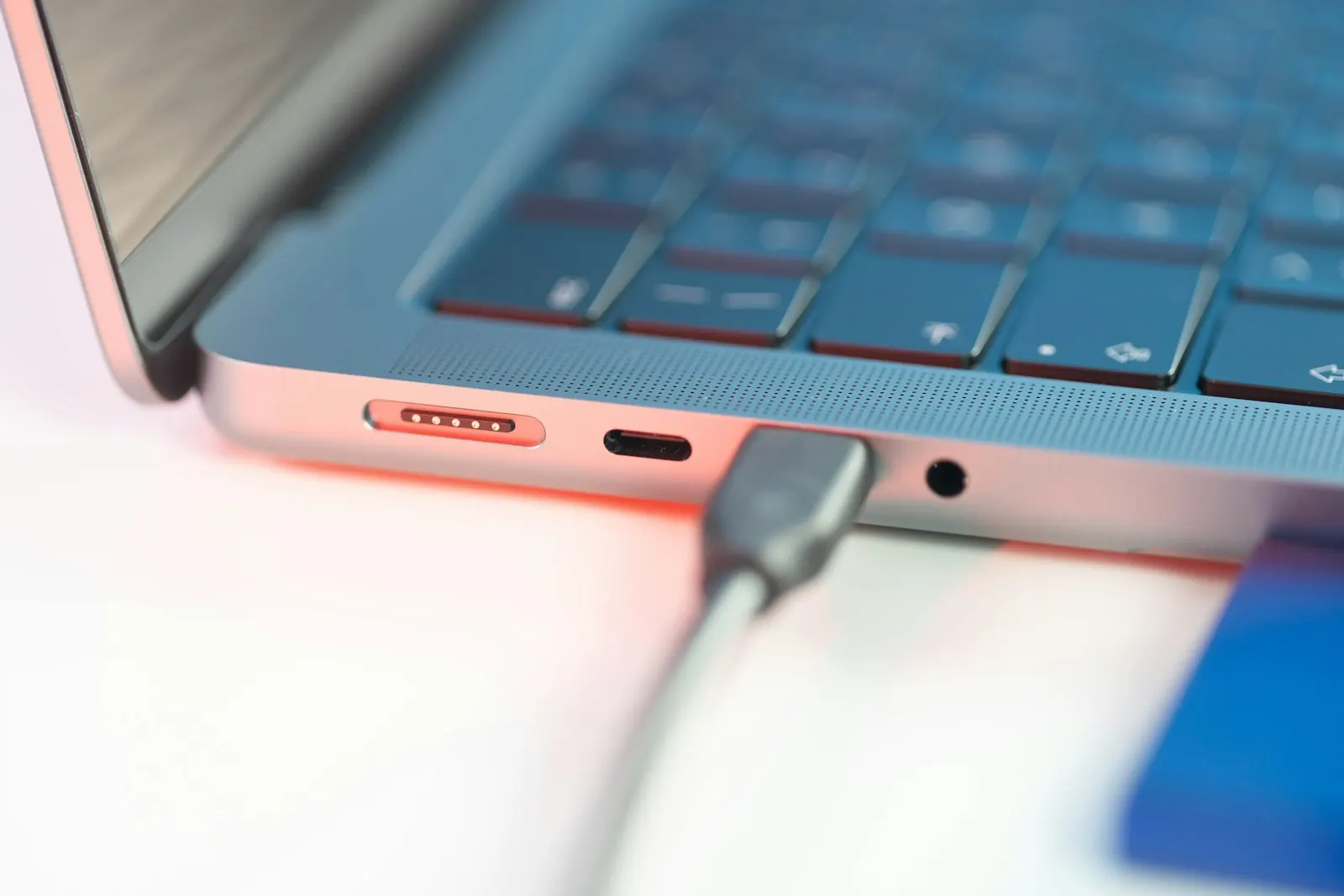
You plug in, and nothing. No chime, no light on the connector, no lightning bolt on the battery icon. Or the Mac says it is connected but reports Not Charging. Or it charges only when the cable sits at a certain angle, and you have started propping it up with a book.
Before you assume the port has failed, it helps to know that charging on a MacBook runs through a chain, and every link in it can fail in a way that looks identical from the outside. This guide takes the chain one link at a time, tells you what you can check yourself, and explains what a port repair actually involves when the tests point that way.
MagSafe or USB-C: Which Port Does Your MacBook Use?
Apple has changed the charging connector several times, and the design changes what can go wrong. MacBooks from before 2016 use the original MagSafe, a magnetic connector on a dedicated port with a small green or amber light. Models from 2016 to around 2020 charge only through USB-C, usually with two or four ports that all accept the charger. Recent MacBook Air and MacBook Pro models have MagSafe 3, a magnetic connector again, and also charge through their USB-C ports.
That matters for troubleshooting. A USB-C or MagSafe 3 machine gives you a second charging path to test with. An older MagSafe machine has one port, so the adapter and cable have to be ruled out another way. Check About This Mac for the model and year if you are not sure.
Why a MacBook Stops Charging
The adapter or cable has failed
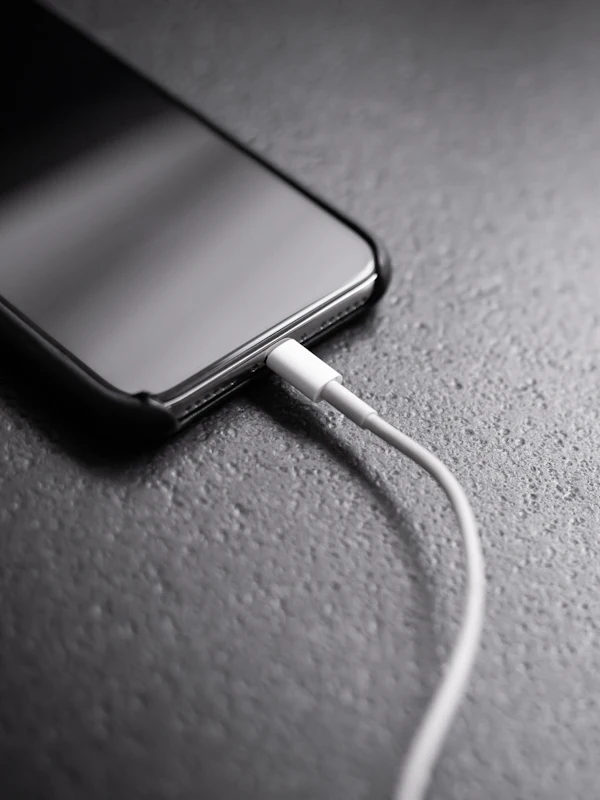
This is the most common cause by a wide margin, and the cheapest to fix. USB-C cables fray at the ends, MagSafe cables split near the connector, and adapters fail quietly after years of heat. A USB-C adapter also has to supply enough power: a phone charger will connect but may charge a MacBook so slowly that the battery still drains under load, and macOS reports Not Charging. Using the adapter that came with the Mac, or one rated for it, removes that variable.
Debris in the port
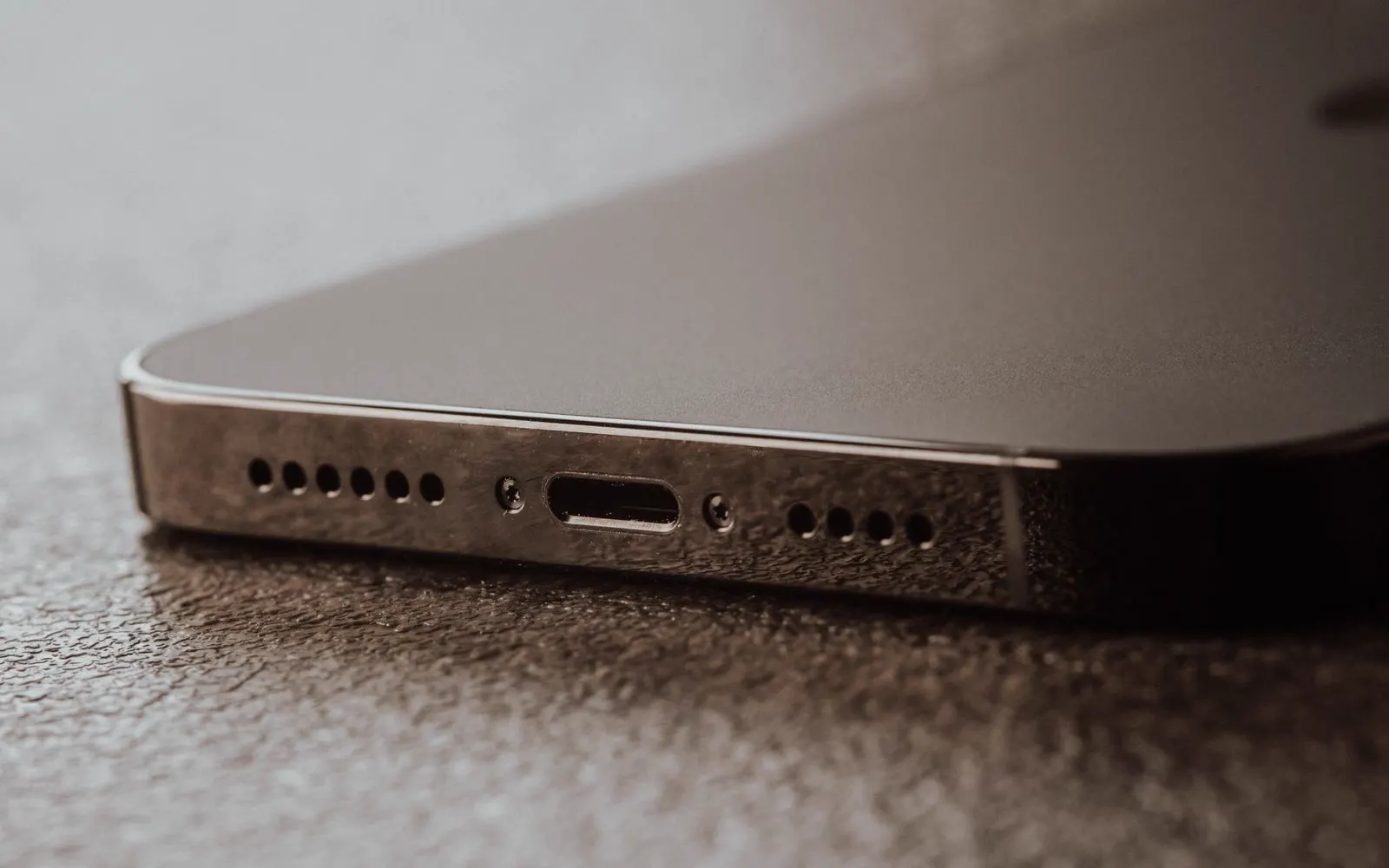
USB-C ports collect lint from bags and pockets. Enough of it packs down at the bottom and stops the cable seating fully, so the connection is loose, intermittent, or angle dependent. MagSafe ports collect metal filings and grit on the magnet, which stops the pins making contact. Debris is a genuine cause and one of the few you can look for yourself, but not one you should clear with a pin.
One USB-C port is dead while another works
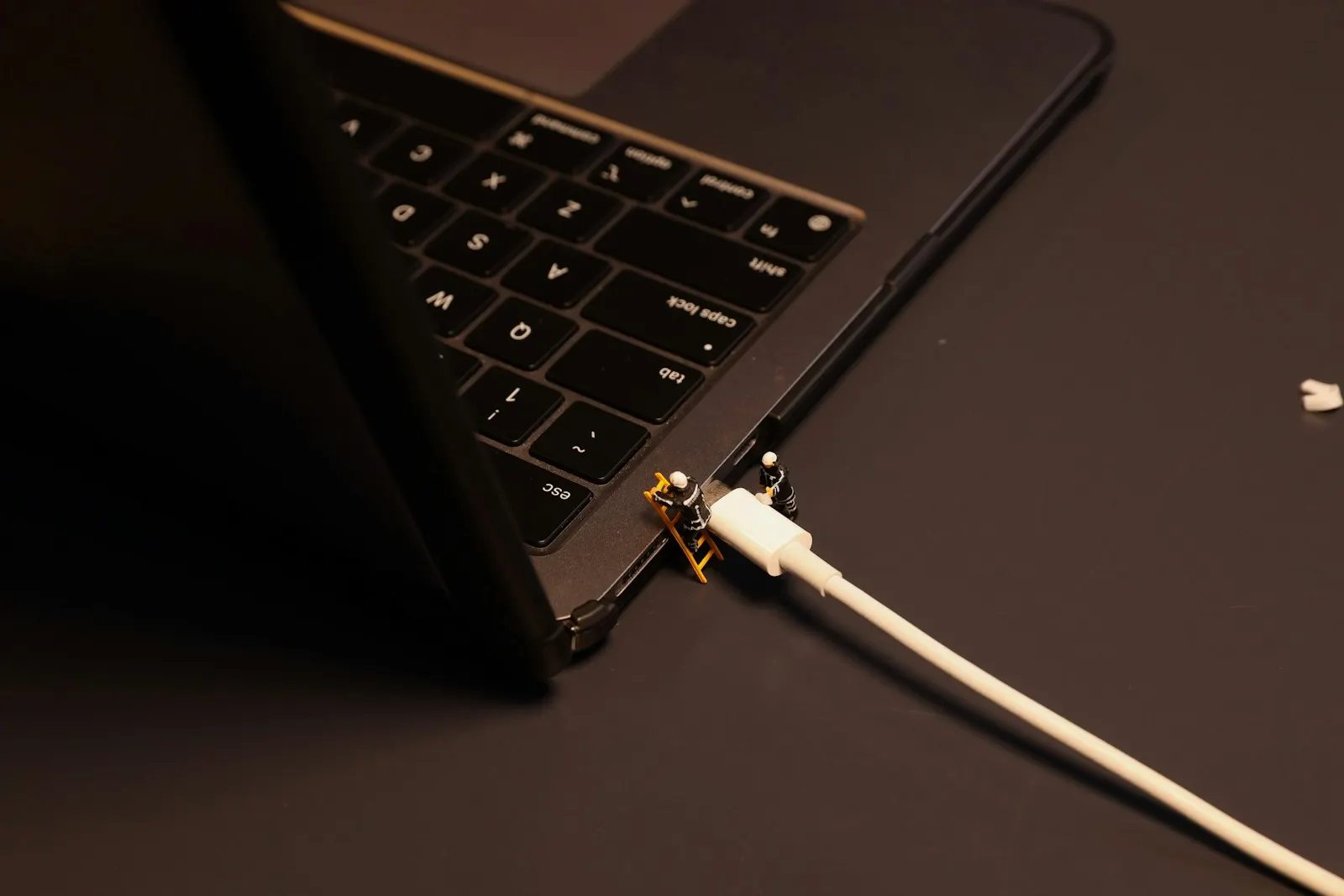
On USB-C MacBooks, this is the clearest sign of a port fault rather than an adapter fault. Each port has its own connector and, on most models, its own controller on a small board. A port that has been strained by a cable under tension, or had liquid reach it, can fail on its own while its neighbor keeps working. If your Mac charges happily on the left side and not at all on the right, the charger is fine and the right port needs attention.
A damaged port board or I/O board
On many MacBook generations the USB-C or MagSafe ports sit on a separate small board that connects to the logic board by a cable. A yank on the charger, a drop on the port side, or repeated stress from a heavy adapter can crack solder joints or damage that board. On other generations the ports are soldered directly to the logic board, which makes the same fault a larger repair. The diagnostic confirms which layout your machine has.
Liquid corrosion
The ports are the openings in the case, so liquid finds them first. Corrosion on the port pins produces a connection that worked yesterday and does not today, sometimes with a slightly green or white deposit visible inside. Liquid that went further can damage the charging circuitry on the logic board, which is why a charging fault after a spill is treated as liquid damage first and a port fault second.
The battery, not the port
A worn or failed battery can refuse charge, report Not Charging, or hold the percentage at one figure for hours. On a MacBook that runs fine on the adapter but dies the moment you unplug it, the port is doing its job and the battery is not. Battery condition in System Settings, and a Service Recommended message, are the quickest way to tell.
Not Charging, Not Powering On, and Not Charging Status
Three situations that get confused with each other and point in different directions:
| What you see | What it usually means | Where to look |
|---|---|---|
| Mac runs on the adapter, battery percentage never rises | Power is reaching the Mac; the battery is not accepting it | Battery condition, then the charging circuit |
| Mac shows nothing at all, no light, no chime, no fan | Power may not be reaching the Mac, or the battery is fully flat | Adapter, cable, port, then leave it on charge before assuming worse |
| Battery icon says Not Charging while plugged in | The Mac sees the adapter but it is delivering too little, or macOS is holding charge on purpose | Adapter wattage, Optimized Battery Charging, then the port |
The Not Charging status deserves a note. On recent macOS versions it can be deliberate: Optimized Battery Charging holds the battery below full to slow ageing, and a Mac under heavy load on a low wattage adapter may run on the adapter without gaining charge. Both are normal. Not Charging on the correct adapter, at idle, for hours, is not.
What You Can Safely Check Yourself
Start at the wall
Plug the adapter into a different outlet, or plug a lamp into the one you are using. Power strips and switched outlets fail more often than people expect. Check the adapter is firmly assembled if it uses a removable plug.
Try a known good adapter and cable
Borrow the adapter and cable from another MacBook, or use a spare that you know works. If the Mac charges, you have found the fault and it is not the port. If it does not, keep going.
Try a different port
On USB-C and MagSafe 3 machines, move the charger to each port in turn. Charging on one port and not another isolates the fault to that port. On a MagSafe 3 Mac, try both the MagSafe port and a USB-C port.
Look into the port with a light
Shine a torch into the USB-C port or at the MagSafe pins. Lint packed at the bottom, a bent pin, or a greenish deposit are all worth noting for the technician. Looking is safe. Poking is not.
Check the battery and adapter in System Settings
Open System Settings, then Battery, and check the condition. Under System Information, the Power section shows whether an adapter is detected and its wattage. An adapter that shows as connected at the wrong wattage explains a Not Charging message.
Leave it on charge, then restart
A completely flat battery can take several minutes on the adapter before the Mac shows any sign of life. Leave it plugged in for half an hour, then hold the power button for ten seconds and release it. On Intel Macs an SMC reset, which Apple documents, is a safe extra step for charging faults.
What Not to Do
- Do not put a pin, paperclip, toothpick or anything metal into the port. USB-C pins are tiny and easy to bend, and a short across them can damage the port controller.
- Do not wiggle or lean on the cable to make it charge. Every angle you find is stressing the connector and the board behind it further.
- Do not keep using a cable with exposed wire or an adapter that gets unusually hot, smells, or crackles.
- Do not charge a Mac that has been spilled on. Power through wet components does far more damage than the liquid did.
- Do not open the Mac to look at the port board. On most models the battery has to be disconnected first and the port cables are fragile.
- Do not buy the cheapest USB-C adapter online as a fix. Underpowered or poorly made adapters are a common cause of the exact symptom you are chasing.
When Professional Repair Is the Right Call
If a known good adapter and cable do not charge the Mac on any port, or one port is dead while another works, the fault is inside the machine and the checks at home have done their job. The same goes for any port that is loose, has visible damage or deposits, or stopped working after a spill or a drop.
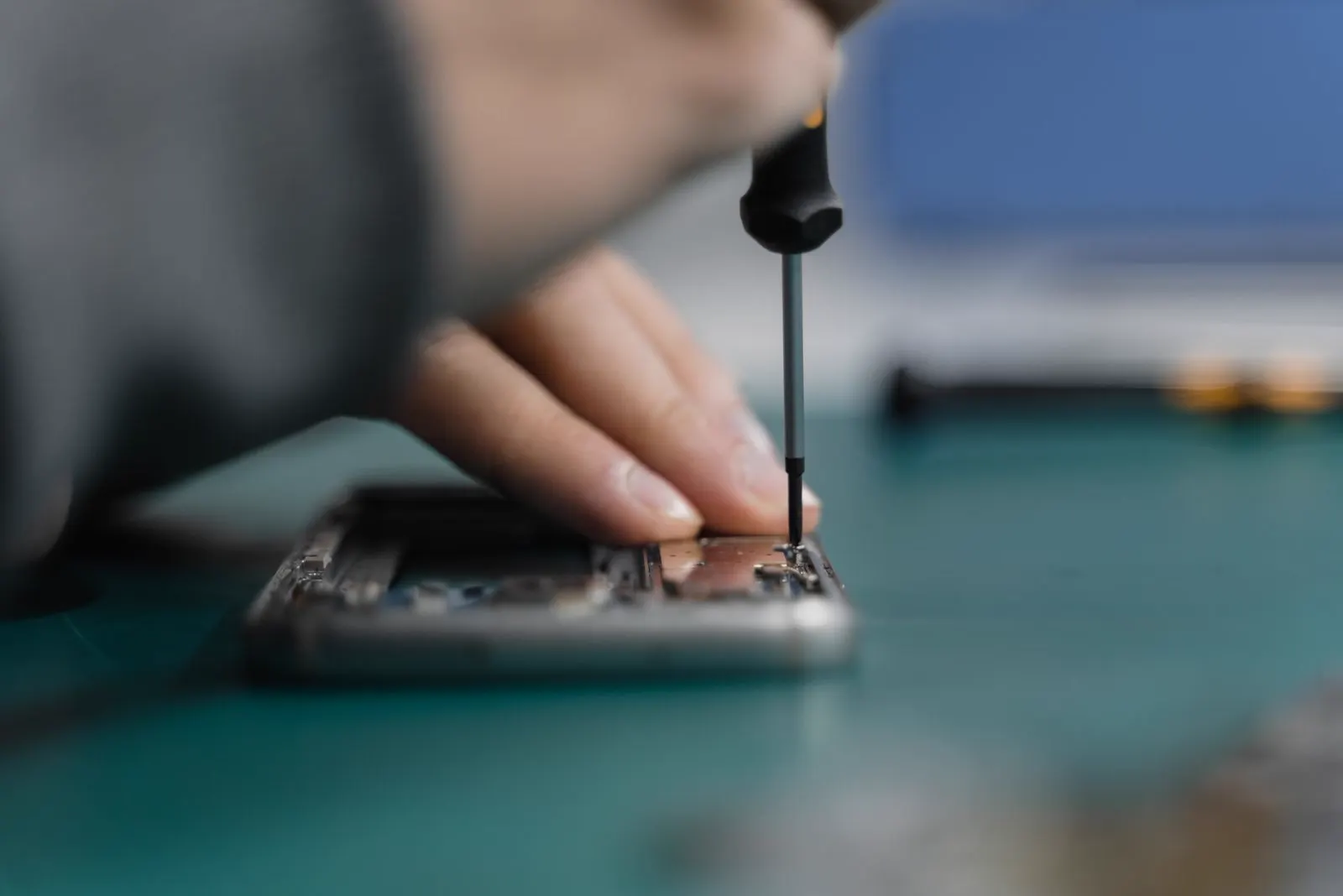
A technician can measure what the port is actually receiving, test the port board and its cable, check the battery under load and inspect for liquid. That takes a few minutes and tells you which single part has failed, which matters because a port, a port board, a battery and a logic board fault are all different prices.
Is a MacBook Charging Port Repairable?
Usually, yes. Where the ports live on a separate board, replacing that board restores charging and is a contained job. Where the ports are soldered to the logic board, a port replacement is board level work and depends on the model and the extent of the damage. A failed adapter or cable is simply replaced. A battery that will not accept charge is a battery replacement, and a good one, because it returns runtime as well as charging.
Replacement of the whole Mac only makes sense when the charging fault turns out to be one symptom of wider logic board damage, most often after liquid, on a machine that was already old. On a Mac that otherwise runs well, a port board or battery repair is almost always the better value. You will know which situation you are in from the diagnostic, before you have spent anything.
How CELLTECH Handles MacBook Charging Faults
Bring the Mac, and bring your adapter and cable with it. Our MacBook repair service begins with a free diagnostic where the adapter, cable, each port and the battery are tested against one another, so the part that actually failed is the one that gets replaced. The exact model, year and chip are confirmed, and you get the price and expected turnaround before any work is approved.
Where the port or port board is at fault, our charging port repair covers both MagSafe and USB-C machines, subject to parts for the exact model. Where the battery is the problem, a battery replacement for your MacBook is quoted instead. Many charging repairs are completed the same day when the part is in stock, and qualifying repairs carry a 90 day malfunction warranty.
Where to Get a MacBook Charging Port Repaired
CELLTECH has seven walk in stores across Texas. Galleria Dallas and North East Mall in Hurst both take MacBooks without an appointment, and the other Dallas and Fort Worth stores and our El Paso store offer the same service. Use the store locator to find the nearest counter and its hours.
Frequently Asked Questions About MacBook Charging Port Problems
No. If the same adapter and cable charge the Mac on one port, they are working. The dead port has a fault of its own, usually from cable strain, debris or liquid, and on most USB-C MacBooks it sits on a small port board that can be replaced. You can keep charging on the working port in the meantime, but the dead one is worth having checked before it spreads to the board behind it.
Three common reasons. The adapter is too weak for the Mac, so it runs the machine but cannot fill the battery. Optimized Battery Charging is holding the charge below full on purpose. Or the port, cable or battery is delivering or accepting less than it should. Check the adapter wattage in System Information first; if it is correct and the Mac is idle, the fault is in the charging path and should be tested.
Yes. The USB-C connector needs to seat fully for its power pins to make contact, and a small plug of packed lint at the bottom of the port stops that. The symptom is a cable that feels like it is not quite in, and charging that works only at an angle. Have it cleaned properly rather than using a pin; the pins inside a USB-C port are easily bent.
Possibly, but not necessarily. A Mac that shows no sign of life could have a flat battery, a failed adapter, a port fault, or a logic board fault. Leave it on a known good charger for half an hour, then try the power button. If there is still nothing, bring it in. A Mac that will not start often turns out to have a working drive behind a single failed power component.
It depends on the generation. Original MagSafe ports on older MacBooks sit on a small board that is straightforward to replace. MagSafe 3 on recent models is also on a separate board on most machines. USB-C ports vary: some generations have them on a replaceable board and some have them soldered to the logic board. The diagnostic confirms which applies to yours before a price is given.
A poorly made or damaged adapter can. Cheap USB-C adapters that do not negotiate power correctly, or cables with damaged pins, can stress the port controller. An adapter that runs very hot, crackles or smells should be retired regardless of whether the Mac still charges on it. Using the adapter supplied with the Mac, or one rated for it, is the simplest protection.
No. The port and port board are separate from the storage, and a battery replacement does not touch it either. A current backup is still the sensible step before any laptop is opened. If the Mac will not turn on to make one, say so at the counter; the data is usually still intact and can be reached once power is restored.
Get Your MacBook Charging Again
A MacBook that will not charge is stressful, but the fault is nearly always a single part, and the checks above narrow it down quickly. If a good adapter and cable have not solved it, let a technician test the rest of the chain before you order anything.
The diagnostic is free and the price is quoted before work begins. Book a charging diagnostic, or walk into your nearest CELLTECH store with the Mac and its charger.
Related guides: laptop charging port broken for Windows machines and Chromebooks, MacBook shutting down randomly and signs a charging port needs professional repair.