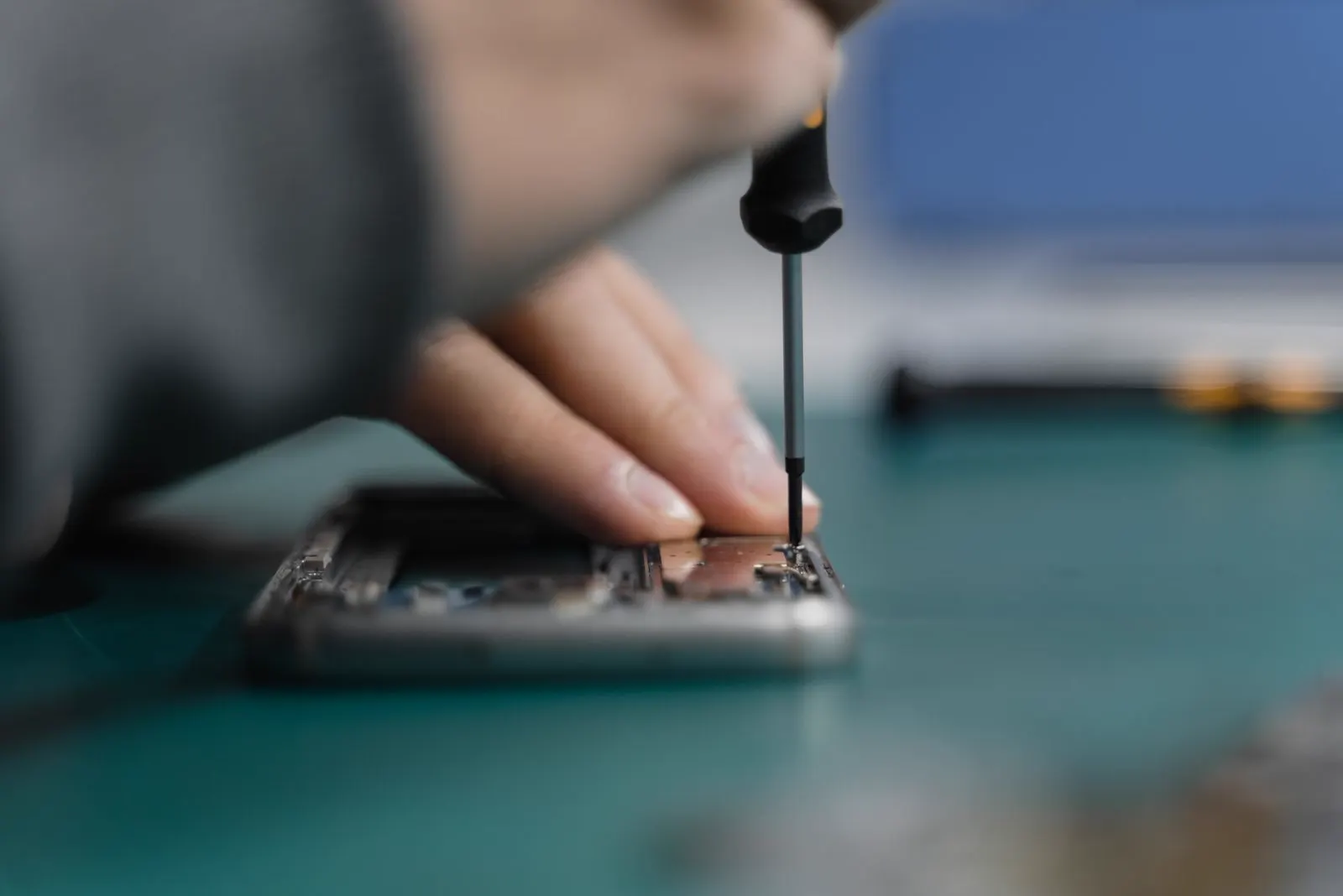
Phone Overheating
Why Is My Phone Getting Hot When It Is Not Being Used?
A phone that warms up while it sits idle is doing work you cannot see, or it has a hardware fault. The most common reasons are apps syncing or updating in the background, a weak signal that keeps the radio searching, and location services running constantly. If the phone is hot rather than warm, hot in the same spot every time, or hot while showing signs of swelling, the battery or charging circuit is the more likely cause and it needs to be checked.
You pick your phone up from the desk and it is warm. Not warm from your pocket, not warm from a game, just warm for no reason you can see. The screen has been off for an hour. Maybe the battery has dropped more than it should have, too. It is an unsettling feeling, because a phone that heats up while doing nothing seems like a phone that is about to go wrong.
Sometimes it is, but more often it is not. A phone with the screen off is rarely idle: it is checking mail, syncing photos, downloading updates and talking to cell towers, and all of that generates heat. The trick is separating that ordinary background warmth from heat that points to a failing battery, a charging fault or damage inside the phone. This guide is specifically about heat while the phone is idle; if it gets hot while you are using it, our general guide to phone overheating is a better fit.
Why an Idle Phone Gets Warm
Background app activity and sync
Photo libraries upload to the cloud, mail apps fetch messages and social apps refresh their feeds, all while the screen is dark. Together, right after you have taken a lot of photos or installed a new app, they can keep the processor busy for a long time. This kind of warmth is mild, spread across the back of the phone, and stops on its own once the work is done.
A stuck update or indexing job
After a system update the phone rebuilds its search index, scans the photo library again and optimises apps, which can take a day or more with the phone warm throughout. Occasionally an update gets stuck in a loop and never finishes, and the phone stays warm for days. A restart usually clears it.
Weak signal
When cellular or Wi-Fi signal is poor, the radio raises its power and keeps searching for a better connection. If the phone only gets warm in one part of the house or on a particular commute, and cools down in airplane mode, the signal is the likely explanation.
Location services
Apps with permission to use your location all the time, such as weather widgets, family tracking apps and some fitness or shopping apps, poll GPS and network location regularly. Each check is small, but a handful of apps polling every few minutes keeps the phone from ever fully sleeping.
A misbehaving app or malware
A buggy app can get stuck in a loop and use the processor flat out in the background. On Android in particular, apps installed from outside the official store can run hidden processes, including mining or advertising fraud, that keep the phone hot and drain the battery. If the heat began right after installing something, that something is the first suspect.
An ageing or failing battery
A worn lithium ion battery has higher internal resistance, which means it produces more heat for the same amount of work. As a battery reaches the end of its life the heat becomes noticeable even at light loads, and the phone may also shut down unexpectedly or show a battery health warning. A battery that has started to fail chemically can heat up on its own, with no load at all, and that is a safety concern rather than a nuisance.
A charging fault
If the phone is warm while sitting on charge, look at the charger, the cable and the port. A cheap or faulty charger can push unstable power, a damaged cable can generate heat at the plug, and a corroded or damaged port creates resistance that warms the bottom of the phone. Wireless charging produces some warmth by design.
Liquid damage
A phone that got wet, even weeks ago, can develop corrosion that creates small electrical leaks across the board. Those leaks draw current constantly, which shows up as heat in one spot and a battery that drains overnight. The phone may otherwise seem fine.
A short after a drop
A hard drop can crack a component or a solder joint and create a partial short. Like liquid damage, this produces steady heat in one place, often near the top or bottom of the phone, and it does not go away with a restart or a reset.
Normal Warmth or a Real Problem? How to Tell
Ordinary background warmth is mild, comes and goes, spreads across the back of the phone and has an obvious explanation such as a recent update or a big photo upload. The signs below suggest something is wrong with the hardware rather than the software:
- The phone is hot rather than warm, uncomfortable to hold, or too hot to keep in a pocket
- It heats up in the same spot every time, especially near the bottom or beside the camera
- It is warm with the screen off, in airplane mode, and it stays that way
- The battery drops sharply overnight or the battery health screen shows a warning
- The heat began after a drop or a soaking
- The screen or back has started to lift, the phone no longer sits flat, or the case has become tight
- The phone restarts or shuts down with charge remaining when it is warm
Safe Checks You Can Do Yourself
These steps rule out the software causes and tell you whether the heat is coming from a part that needs attention. None of them require opening the phone.
Open the battery usage screen
In Settings, look at Battery (iPhone) or Battery and device care (Samsung and most Android). Look at the last 24 hours and find any app using a large share of power in the background. That app is your first suspect.
Close or remove the suspect app
Force close it, and if the heat returns, uninstall it. If you installed it recently from outside the official app store, remove it regardless.
Turn off background refresh and always on location
Disable background app refresh (iPhone) or restrict background activity for heavy apps (Android). Change location permission for non essential apps from Always to While Using.
Install pending updates
Update the operating system and all apps. Stuck or outdated software is a common cause of idle heat, and updates often contain fixes for exactly that.
Restart the phone
A full restart clears stuck processes and indexing loops. Let the phone sit idle for an hour afterwards and check whether it is still warm.
Remove the case and keep it out of the sun
A thick case traps heat, and a phone left on a sunny windowsill or dashboard will get hot regardless of what it is doing. Test the phone bare on a cool surface indoors.
Check the charger, cable and port
If the heat only appears on charge, try a different charger and cable from a reputable brand, and look into the port for debris or residue. A warm plug or port is a sign the port needs inspection.
Check battery health
Look at maximum capacity in Battery Health (iPhone) or the battery status in device care (Android). Below 80 percent, or a service warning, means the battery is due for replacement and is likely the source of the heat.
What Not to Do With a Hot Phone
- Do not put it in the fridge or freezer. Sudden cooling causes condensation inside the phone, and the moisture can damage the board and battery.
- Do not keep charging a phone that is hot. Charging adds heat, and a battery that is failing becomes more dangerous the warmer it gets.
- Do not leave a hot phone under a pillow or in a bag where heat cannot escape.
- Do not press on a phone that looks swollen or whose screen or back has lifted.
- Do not open the phone to check the battery yourself. A punctured lithium ion cell can vent or catch fire.
When to Bring It In
Get the phone inspected when it stays warm after you have closed background apps, updated and restarted; when it is warm in airplane mode with the screen off; when the heat is concentrated in one spot; when battery health is low or the phone shuts down with charge remaining; when the heat started after a drop or liquid; or when there is any sign of swelling at all. Idle heat shortens battery life, and finding the cause costs nothing.
Is It Repairable?
Nearly always. The most common hardware cause, a worn or failing battery, is fixed with a battery replacement, which is a routine repair on almost every phone and usually completed the same day when the part is in stock. A charging port that is generating heat is replaced in the same way.
Heat from liquid damage depends on how far the corrosion has spread. Caught early, cleaning the board can stop the leak and the heat. If you know the phone got wet, water damage repair begins with an inspection to see what has been affected. A short caused by a drop can often be traced and repaired at board level, though on an older phone the cost may be weighed against a replacement.
How CELLTECH Helps
Bring the phone to any CELLTECH store and a technician will run a free diagnostic. That includes a battery health and condition check, a look at the charging port, a check for signs of liquid or drop damage, and a review of what the phone is doing in the background. You will get a straight answer about whether the heat is software, battery or something deeper.
You receive a price for any repair before we begin. Battery replacements and port repairs are usually completed the same day when the part is in stock, and qualifying repairs are covered by a 90 day malfunction warranty. If the cause turns out to be an app or a setting, there is no charge.
Where to Get a Hot Phone Checked in Texas
CELLTECH has seven walk in stores across Texas, including Town East Mall in Mesquite, North East Mall in Hurst and Galleria Dallas, plus Cielo Vista Mall in El Paso. Walk in any time; no appointment is needed for a diagnostic. The store finder shows the nearest location and opening hours.
Frequently Asked Questions About a Phone That Gets Hot While Idle
Mild warmth is normal, especially after a system update, a large photo upload or a new app install, because the phone is working in the background. It should be slight, spread across the phone and go away within a day. Heat that is uncomfortable to hold, concentrated in one spot or present every day is not normal.
Heat and drain together usually mean something is running constantly: a background app, weak signal keeping the radio busy, or always on location. Check the battery usage screen for the app responsible. If nothing stands out and the phone is warm even in airplane mode, the battery or board is the likely cause.
Yes. A worn battery has higher internal resistance and produces more heat for the same work, and a battery that is failing chemically can heat up on its own. Check battery health in settings; a reading under 80 percent or a service warning points to the battery.
Look at the charger, cable and port first. A cheap or faulty charger, a damaged cable or a corroded port can all generate heat at the bottom of the phone. Some warmth on a wireless charger is normal. If a good quality wired charger still makes the phone hot, have the port and battery checked.
No. Rapid cooling causes condensation inside the phone that can damage the board and battery. Take off the case, move the phone out of the sun to a cool room, and let it cool naturally. If it is hot and swollen, put it on a hard surface away from anything flammable and bring it in.
Mild warmth from background activity is not. Heat combined with swelling, a lifting screen or back, a smell, or hissing is a sign of a failing lithium ion battery and should be treated as a safety issue: stop using it, stop charging it, and have it inspected as soon as possible.
Find Out What Is Heating Your Phone
If the safe checks above have not cooled things down, let a technician look at it. A free diagnostic at CELLTECH takes minutes, and you will leave knowing whether it is an app, the battery or something that needs a repair, with a price quoted before anything is done.
Book an appointment or walk in to a CELLTECH store near you today.
Related guides: why your phone is overheating, protecting your phone during the Texas summer and why your phone battery drains faster than before.